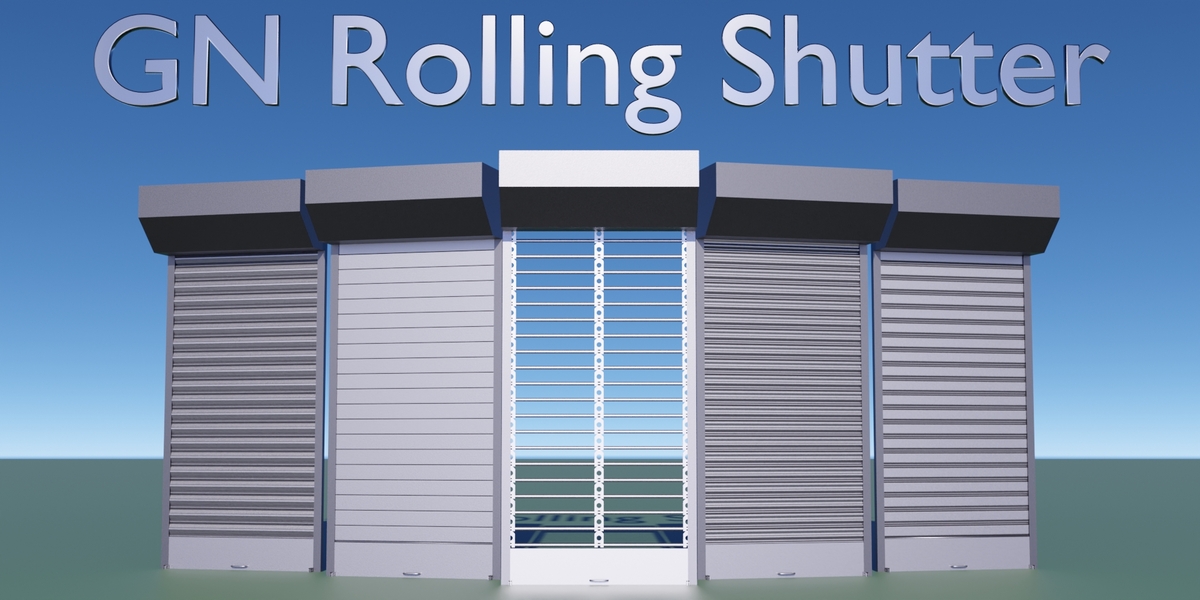
Gn Rolling Shutter is a Blender add-on for creating procedural metal curtains, also called roller shutters, in a scene. The developer says the idea came from an architectural render that needed metal curtains without a procedural option. It may suit Blender users building architectural scenes who want to adjust a shutter’s shape and appearance.
How to use the add-on
Install the add-on from disk through Blender’s Edit > Preferences menu, then enable its checkbox. It appears in the N panel of the 3D viewport. Select a mesh object and click the Gn Rolling Shutter button to create the shutter and open its settings. The add-on works only with mesh objects.
Shutter settings and render engines
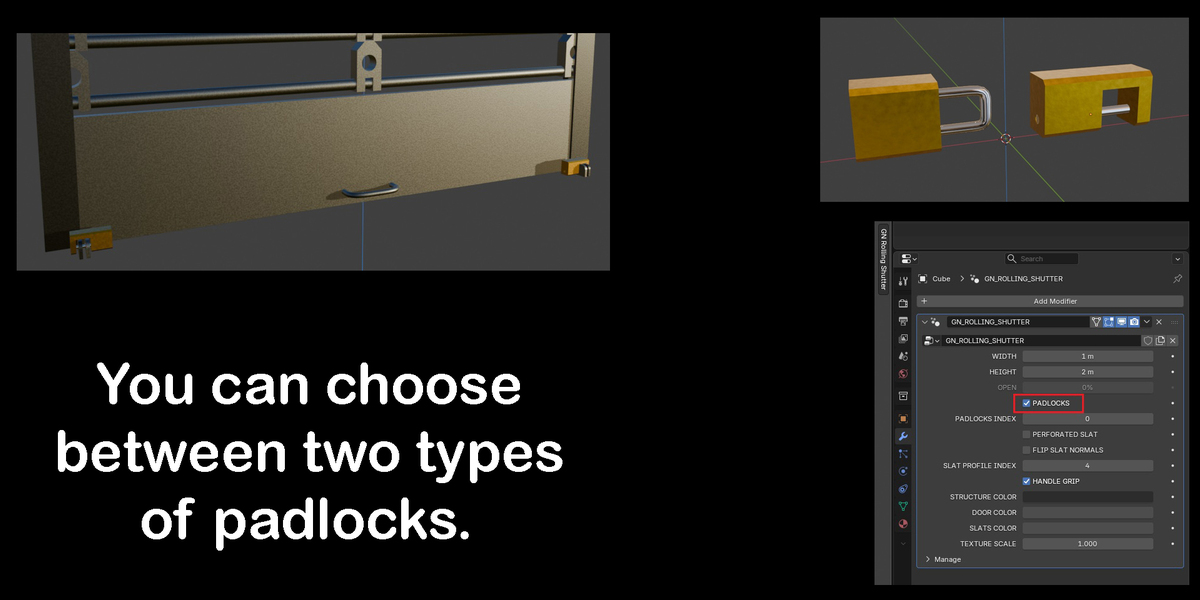
Adjust the shutter’s width and height, set the door opening, choose a slat type and color, and enable padlocks if needed.
The product listing says the result is ready to render in Eevee or Cycles. It identifies version 1.1, lists Blender 4.3 through 5.0, marks the add-on as Blender Extension Compatible, and gives its license as GPL. Check the creator’s Superhive listing and its documentation for current details.