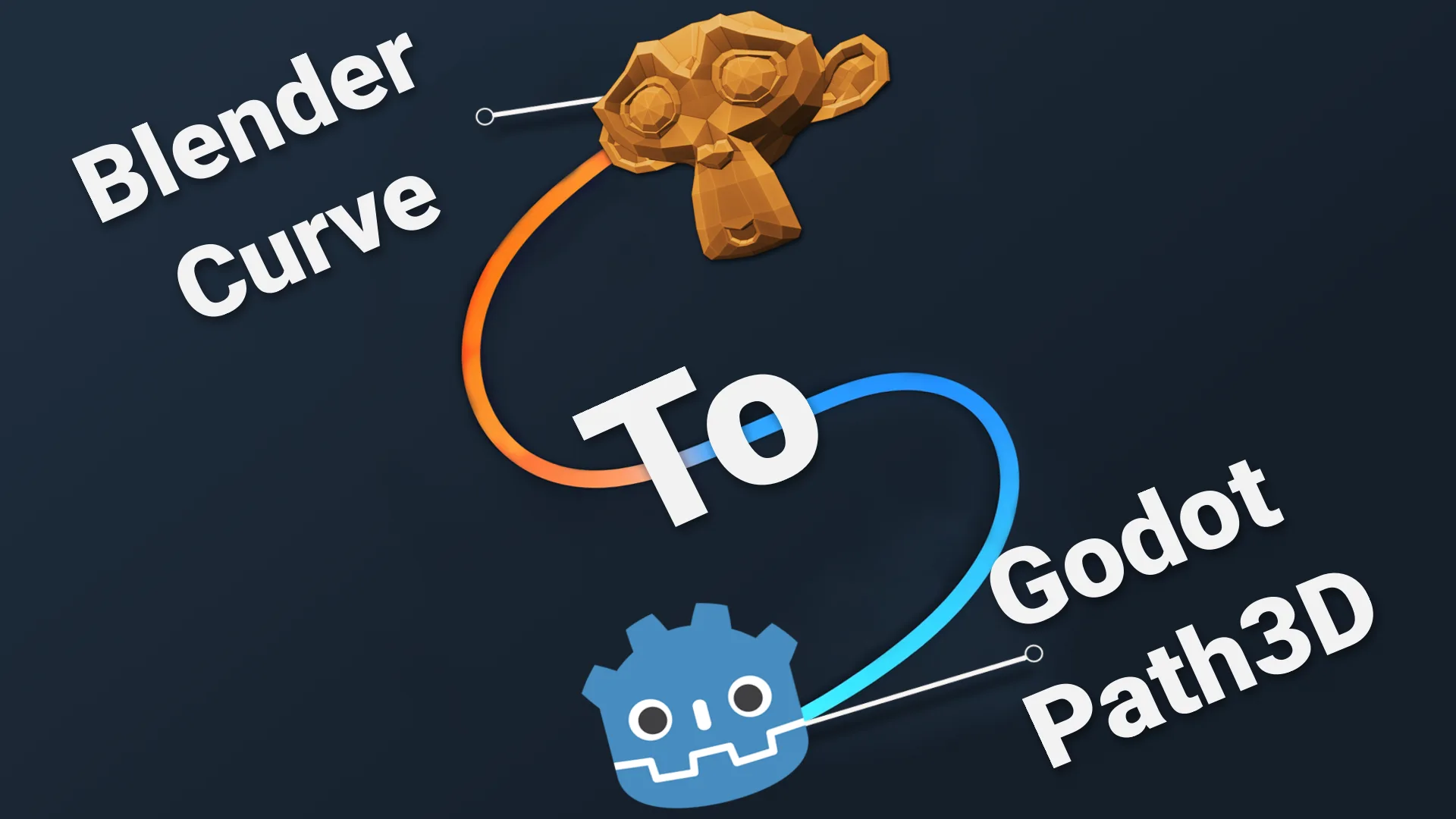
Blender’s glTF export does not include a native curve type. glTF: Bezier Curves to Godot Path3D writes Bezier curve data into the exported glTF or GLB file, and a companion Godot add-on imports it as Path3D nodes.
What transfers to Godot
- Bezier splines keep their control points and handles.
- Cyclic splines import as closed curves.
- Poly splines import as straight segments.
- Each spline in a curve object becomes its own
Path3D. - For curves with bevel or extrude, the mesh remains and the
Path3Dis added as its child.
The export’s Z-up and Y-up settings are respected. NURBS splines are skipped with a console warning; tilt and radius are not transferred.
Export and import workflow
- Enable the Blender add-on. It has no configuration settings.
- Export the scene using
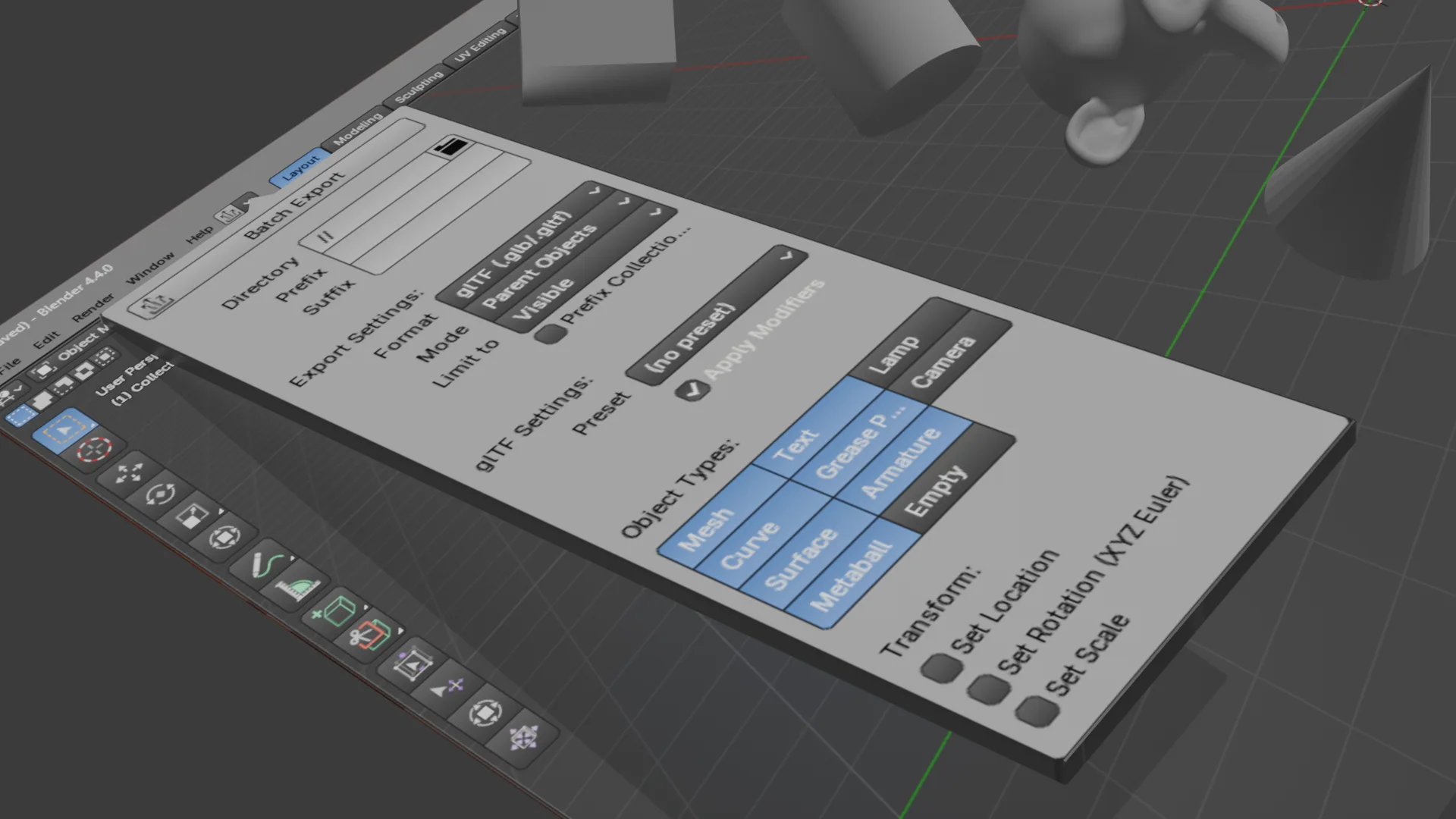
File > Export > glTF 2.0. Curves included in the export carry their Bezier data. The Godot Path3D option in the export dialog can turn this data off. - In Godot, import the scene with the companion add-on enabled. The imported scene gets a
Path3Dfor each spline, using the Blender object’s name and transform.
The companion importer is required for the Path3D nodes. Without it, the file remains standard glTF and imports normally, but the curve data does not appear as those nodes.
Compatibility and companion add-on
The Blender add-on requires Blender 4.2 or later. Its listing reports testing with Godot 4.7.2. The extension is version 1.0.0. See the Blender Extensions listing and the Godot Path3D companion importer for the two parts of the workflow.