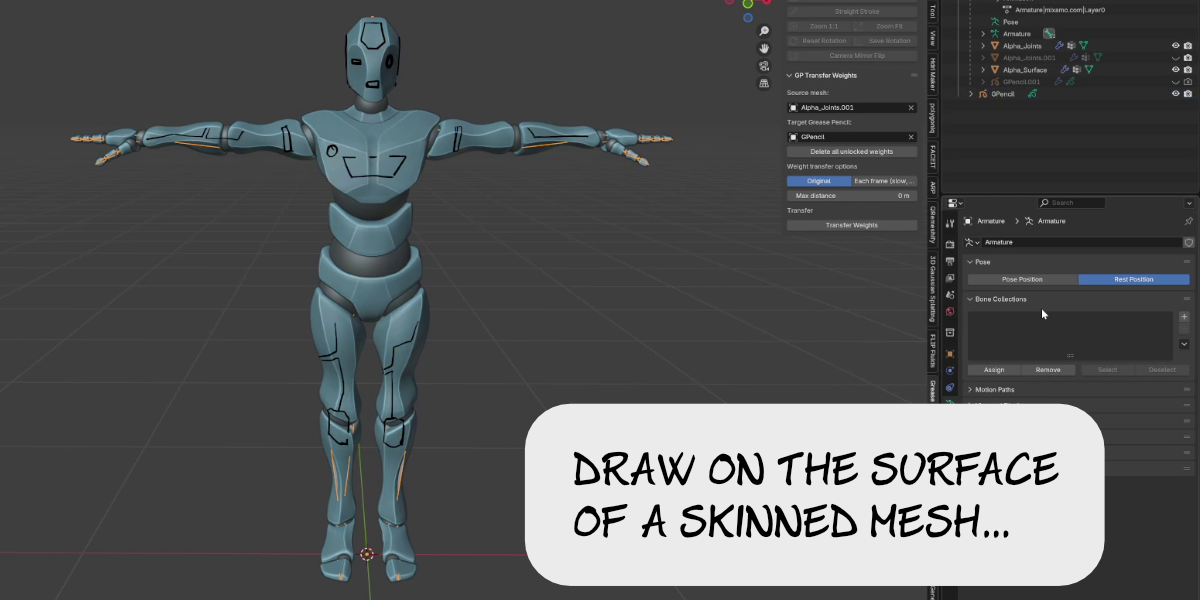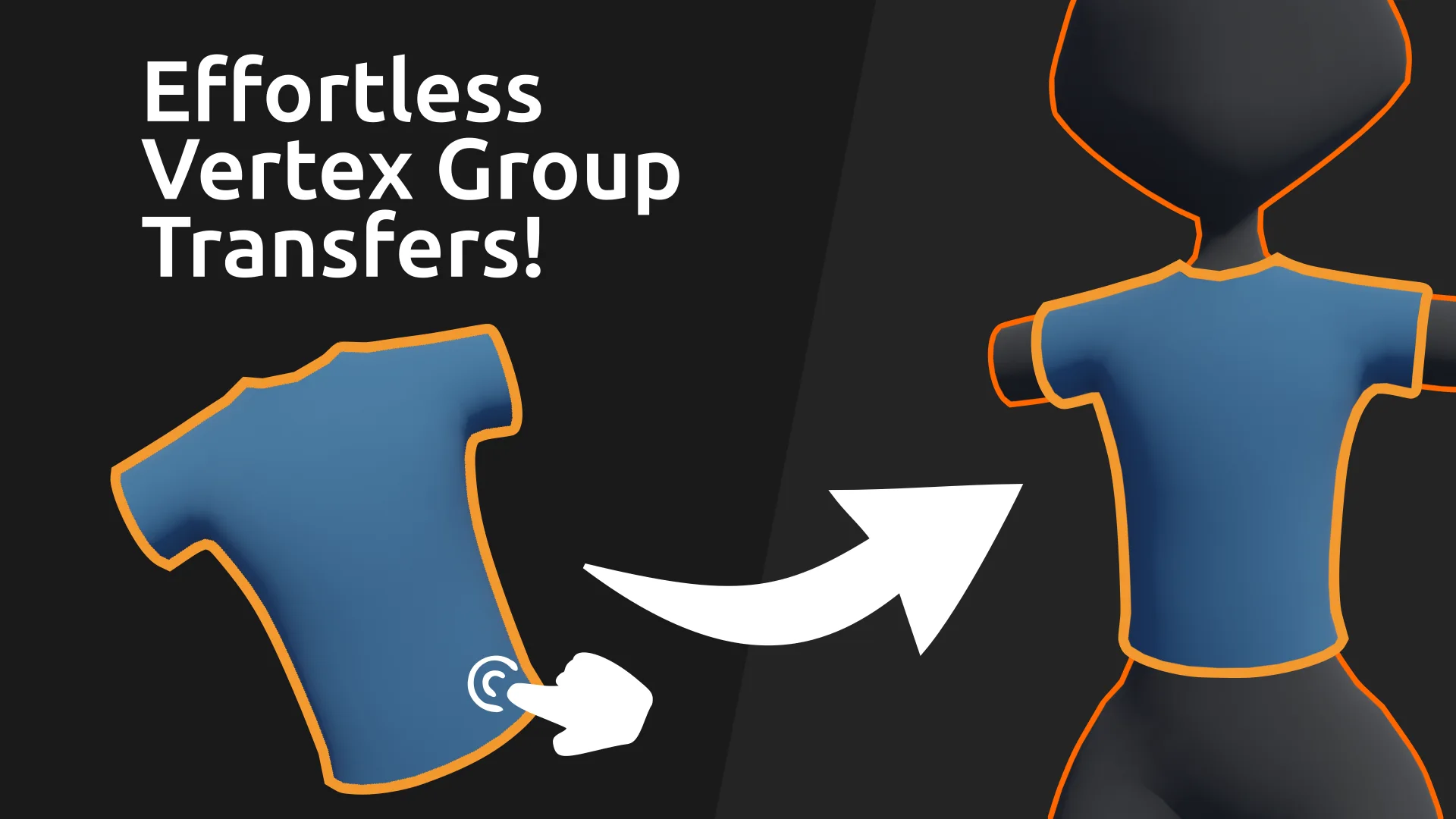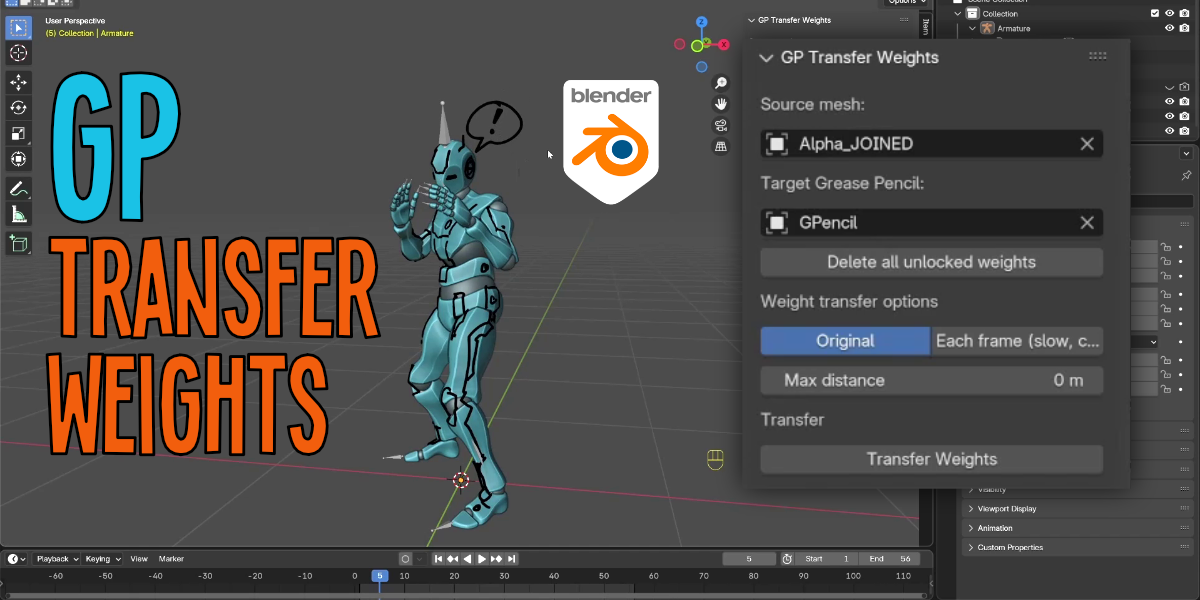
GP Transfer Weights is a Blender add-on by Malisan Luca that transfers vertex-group weights from a mesh to a Grease Pencil object. The weights let strokes follow a rigged mesh as it moves. The add-on provides two modes for different drawing workflows, described in its documentation.
Choose a transfer mode
In Original mode, the source mesh is evaluated in its original position. Draw over the mesh in its rest pose; the documentation suggests setting the armature to Rest Pose while drawing.
Each Frame evaluates the mesh in its animated position, so you can draw on top of it at different frames. The add-on moves drawing points back to account for the nearest mesh vertex, allowing the armature to drive the strokes afterward. This mode changes drawings and can be slow, particularly on dense source meshes and Grease Pencil objects with many frames or strokes.
Set up and transfer weights
Open the N panel's Grease Pencil section and set the source mesh and target Grease Pencil object in their respective fields. Click Transfer Weights to start; viewport selection is not required.
The add-on assigns each Grease Pencil point the weights of its closest mesh vertex. Sparse meshes can produce results that differ slightly from the mesh surface, particularly in Each Frame mode. The documentation suggests using ShrinkWrap or Smooth modifiers after transfer if needed. You can set Max distance to limit which drawing points are affected; at 0, points receive weights even when they are far from the mesh.
Locked Grease Pencil layers and locked vertex groups are left unchanged during transfer. The separate Delete all unlocked weights button erases vertex groups on the target object, so check the target before using it.
Compatibility and license
The Superhive product listing identifies the add-on as Blender Extension compatible, lists Blender 4.2–5.2, and gives its license as GPL. The AnyPlugins record lists Blender 4.2–4.5, so the supplied records disagree on the version range. Check the product listing and documentation for the release you plan to use.