GPUDog is a collection of GPU-rendered effects, called gpuppies in its panel, for After Effects and DaVinci Resolve. In Resolve, it runs as an OpenFX effect. The pack covers glitch, distortion, color and tone, typography, procedural imagery, stylization, and matte utilities.
Effects for footage and motion graphics
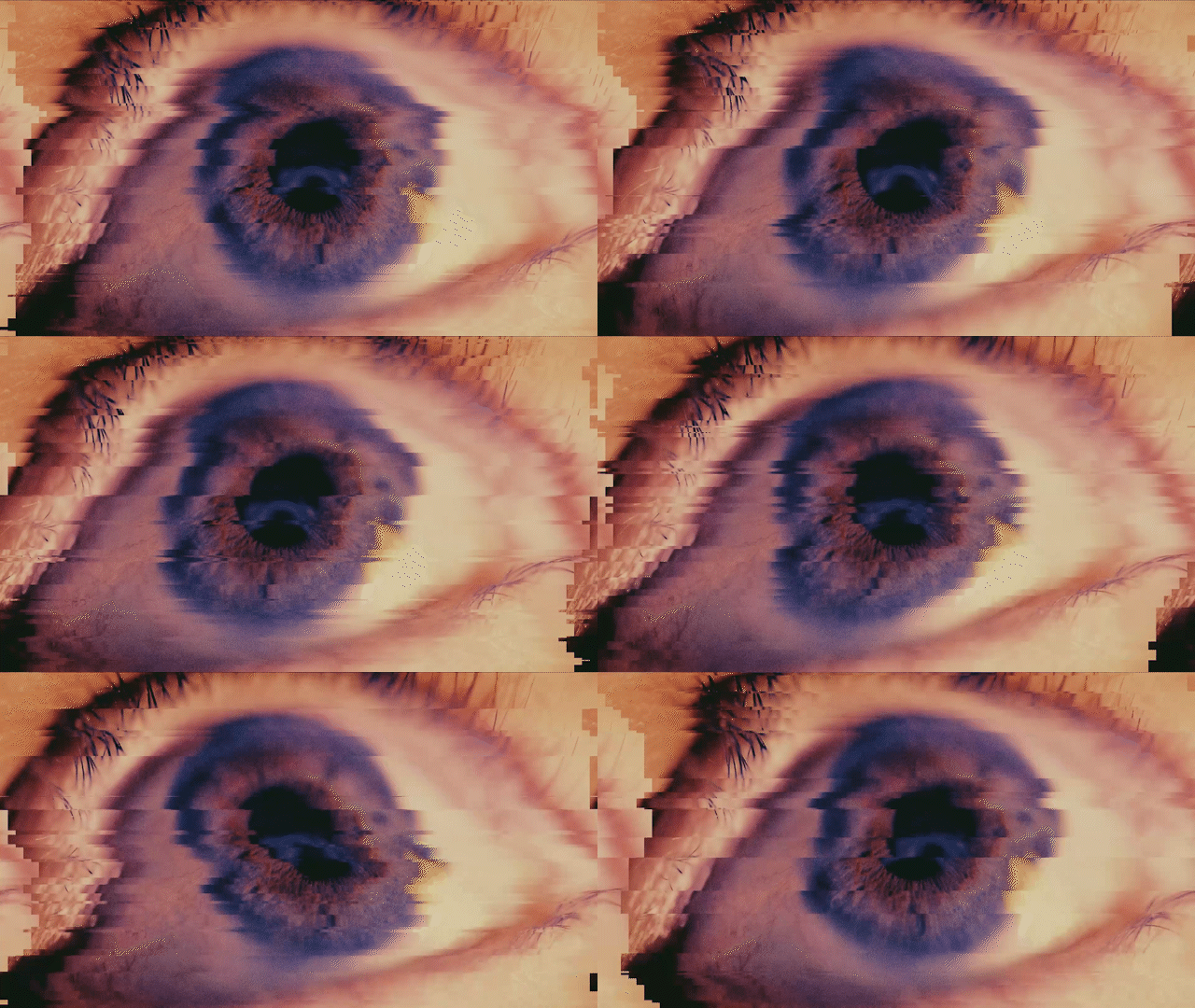
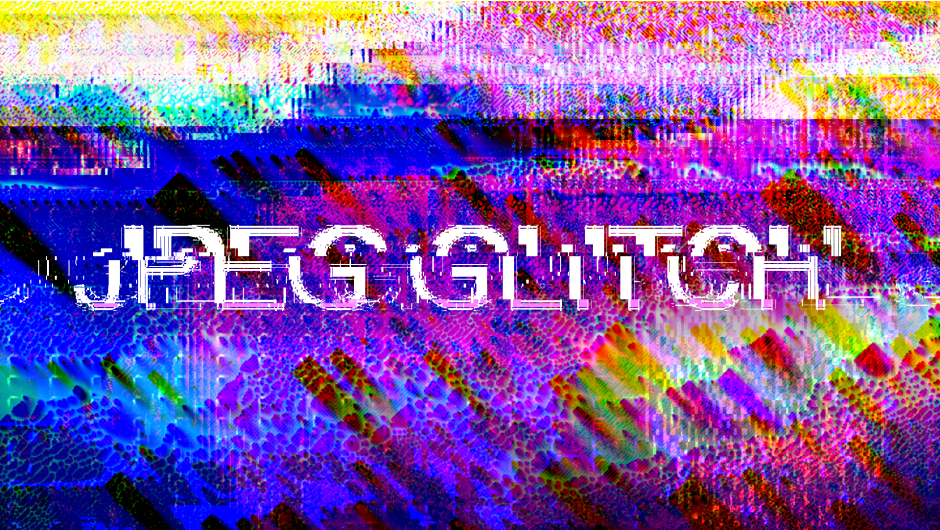
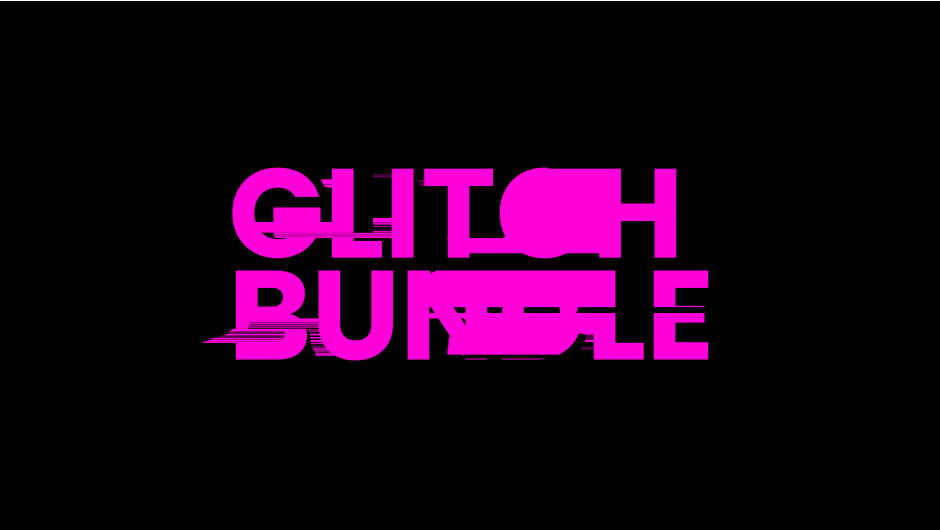
The gallery groups effects by task. Glitch options include Decoder Glitch, Tape Noise, VHS, and compression effects. The Distort group includes Chromabba, Swirl Bokeh, and Wide Me. Color Temperature and Color Grader sit in the filter group, while the other groups include effects such as Typewriter, Matrix Rain, KIFS Fractal, Dither, Long Shadow, Bevel, and Stroke. The current gallery lists 47 effects: 13 free and 34 Pro.
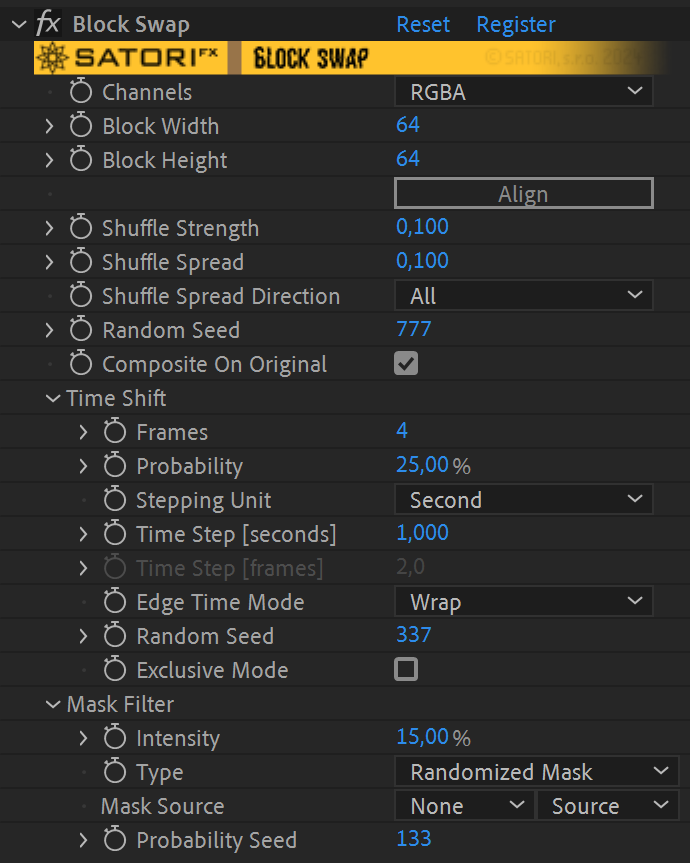
Select an effect and adjust its parameters in the panel; the composition or clip updates live as you change values. Some effects generate looks, while others distort layers or provide debug overlays.
Rendering and host support
GPUDog uses Metal on macOS and Vulkan or D3D12 on Windows. It supports 8-, 16-, and 32-bit color and After Effects Multi-Frame Rendering. Requirements include macOS on Apple Silicon, Windows 10 or later, and After Effects 2023 or later. The Resolve requirement is inconsistent: the product-page summary says 19 or later, while its compatibility list includes versions 17 through 21. The same download and license cover both host applications on macOS and Windows.
In a supported Resolve version, add GPUDog from the OpenFX effects to a clip and open the Kennel from the Inspector. The Kennel opens in a separate window; effect controls and exposed parameters appear in the Inspector. It works on Resolve's Edit page or as a tool on the Fusion page.
Custom shader workflow
Pro includes a live WGSL editor. You can fork a built-in effect, edit its shader, expose values as parameters, and save your version to the gallery. The Import GLSL tool accepts Shadertoy, ISF, and plain GLSL fragments. It detects the dialect, converts syntax and types for WGSL, keeps variable names, and validates the result with the compiler GPUDog uses to render. Add parameters to make an imported shader available as a new effect. The import workflow also presents source attribution and license information for the shader.
Free, Pro, and Deep
The Free tier runs as a working plugin: its 13 effects are full quality, Pro effects can be previewed with a watermark, and the custom shader editor is locked. Pro unlocks the 34 Pro effects without watermarks and includes the WGSL editor, new Pro effects as they ship, and one seat. Pro is available as a monthly or one-time license.
Deep is the tier above Pro. It adds the Den, a web app for building effects with nodes and syncing changes to a composition or clip. Deep also includes a pack for publishing, fetching, and remixing effects, plus cloud sync across machines; its license is perpetual.
The EULA limits a license to one copy and does not allow use by multiple users or on more than one computer at a time. Additional users or copies require appropriate licenses.