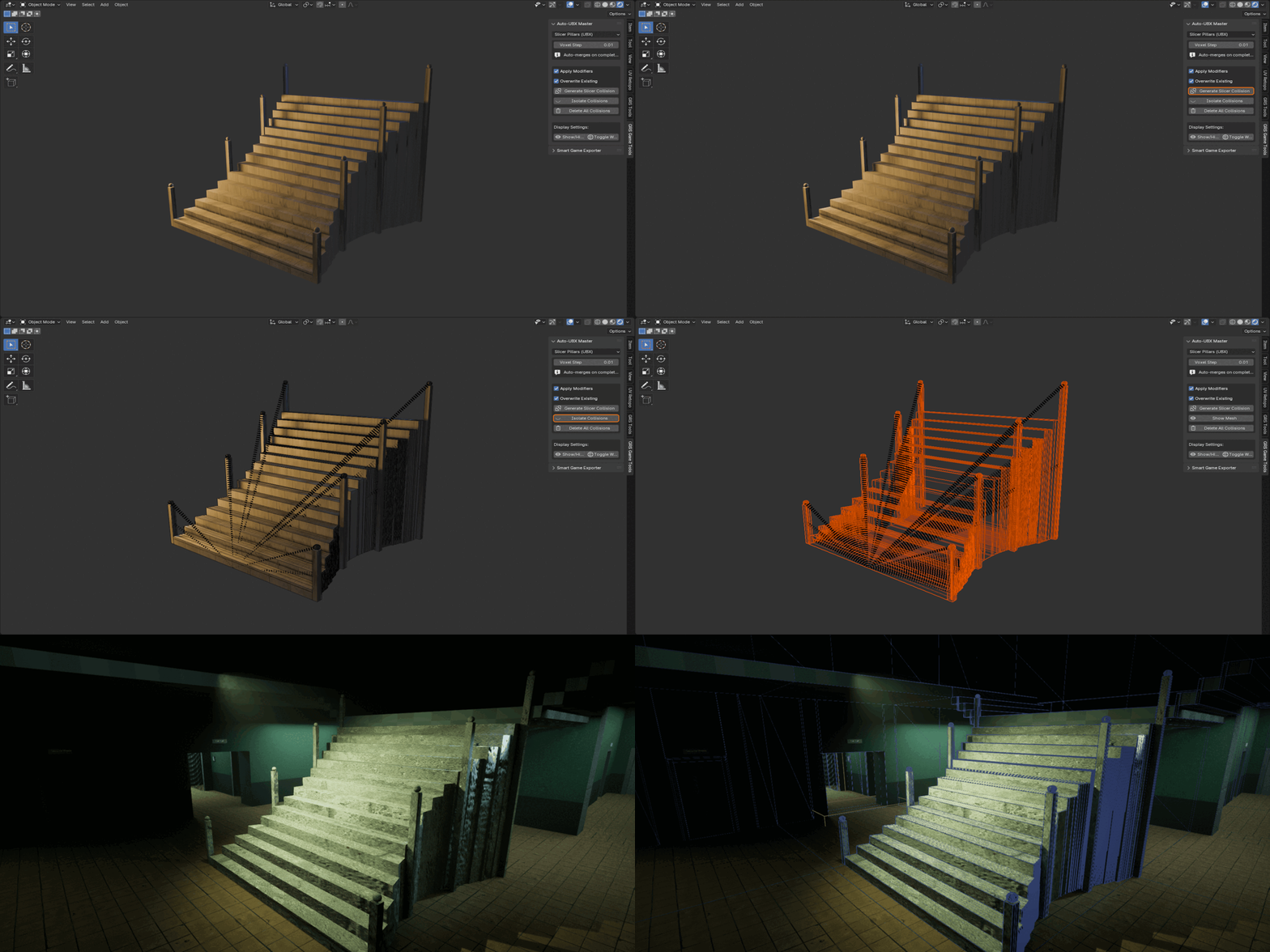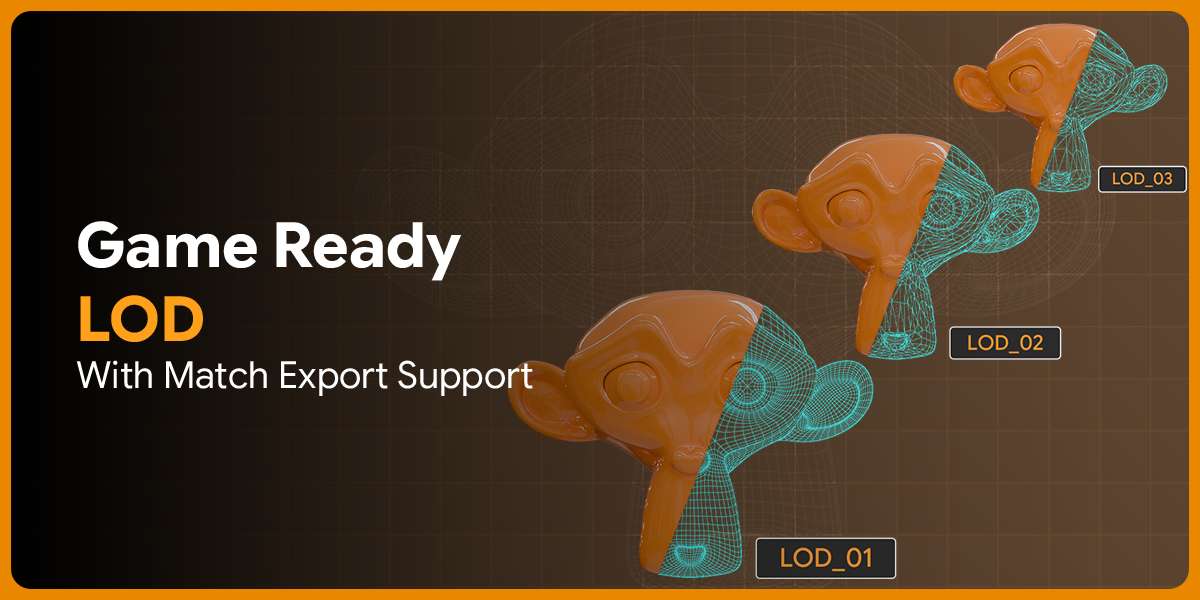
GRS Game Tools combines collision generation and asset export in Blender’s N-Panel for artists preparing game assets for Unreal Engine. Its Auto-UBX Master and Smart Game Exporter cover collision meshes, static and skeletal mesh exports, Groom hair, and textures.
Generate and tune collision meshes
Auto-UBX Master offers Cube, Sphere, Capsule, Convex Hull, Slicer, and Auto-Detect methods. Slicer scans a mesh on a voxel grid and merges adjacent blocks. A smaller Voxel Step gives a more precise result; a larger step produces blockier collisions. The product listing describes it for complex shapes such as stairs, walls, and caves.
Auto-Detect analyzes a selected prop’s volume and assigns a UBX, USP, UCP, or UCX collision type using fill-ratio tolerances. Lower Box Tolerance values allow more gaps, while higher values favor a closer fit. You can include active modifiers such as Mirror or Subdivision in the calculation without applying them to the mesh. Overwrite Existing removes custom collisions already attached to the mesh before generating replacements.
Set up batch exports
Smart Game Exporter saves files to a configured Master Path. Transform Overrides let you reset or apply location, rotation, and scale; Apply bakes the transforms into mesh vertices. A sanity check scans for missing materials, UV layers, and bone weights before export.
- For static meshes, choose how to handle child meshes: ignore them, merge them into one FBX, export separate FBX files, or keep them as separate objects in one FBX. A fallback option can generate a UBX box when no custom collision exists.
- For skeletal meshes, UE5 Root Fix temporarily renames the armature to root to prevent duplicate root bones in Unreal Engine 5. Only Deform Bones exports bones that affect the mesh and skips rig controllers.
- For Groom and hair, the exporter writes curves as Alembic files with adjustable resolution and bakes vertex color and radius attributes for UE5 Groom materials.
- Texture export automates format handling and adds standard UE5 T_ prefixes.
Auto Unwrap generates UV maps during export. Material Unwrap handles each material slot separately to give its polygons their own UV space and help preserve texel density.
Who may find it useful
The add-on suits Blender artists who prepare Unreal Engine assets and want collision setup and batch export in one panel. Its documented controls cover collision primitives, child-mesh handling, UV generation, skeletal meshes, Groom hair, and textures. The supplied documentation calls out UE5-specific options but does not provide a full Unreal Engine compatibility matrix.
The Superhive listing identifies GRS Studio as the creator. The interface is localized in English, Spanish, Chinese, Japanese, and Russian. See the English product documentation for settings and the Superhive product listing for product details.