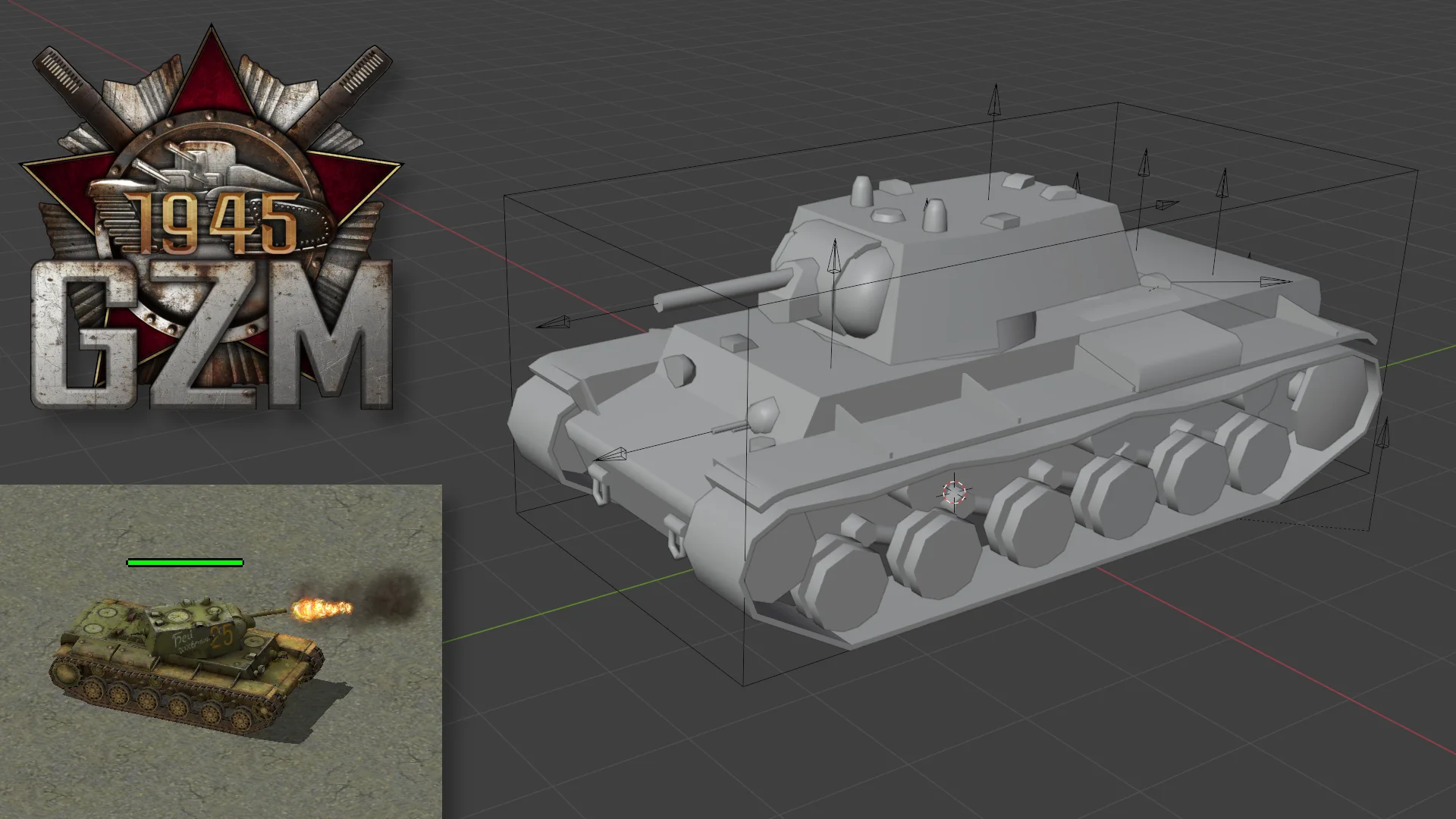
GZM 3D model format is a Blender add-on for working with 3D models for the GZM game. It imports the game’s .mod files into Blender and exports Blender scenes as .mod files. The Blender Extensions listing identifies the add-on, and the project README describes its import and export tools.
Move GZM models between Blender and .mod
Use the add-on when a GZM model needs to be brought into Blender for editing or when a Blender scene needs to be exported in the game’s model format.
The available feature descriptions do not specify which mesh, material, rig, or animation data the conversion preserves. If your project depends on a particular kind of data surviving a round trip, test a representative model and inspect the exported result in the target workflow before relying on it.
Blender tools for GZM assets
The add-on also provides menu items for adding blueprints and animation containers, along with a simplified limits panel in Object Properties. These tools support GZM-related asset work inside Blender; the published feature list does not describe their settings or the format rules they apply.
Check UV maps before exporting
The extension listing’s troubleshooting note says that an export with a mesh lacking a UV map produces a warning, following a fix in version 1.0.1. Check the UV maps on the meshes you plan to export, and review Blender’s warning if one appears.
Install in a compatible Blender version
The catalog lists Blender 4.2.0 as the minimum version. You can install the extension through Blender’s extension workflow or use Blender’s Install from Disk instructions for a downloaded package.