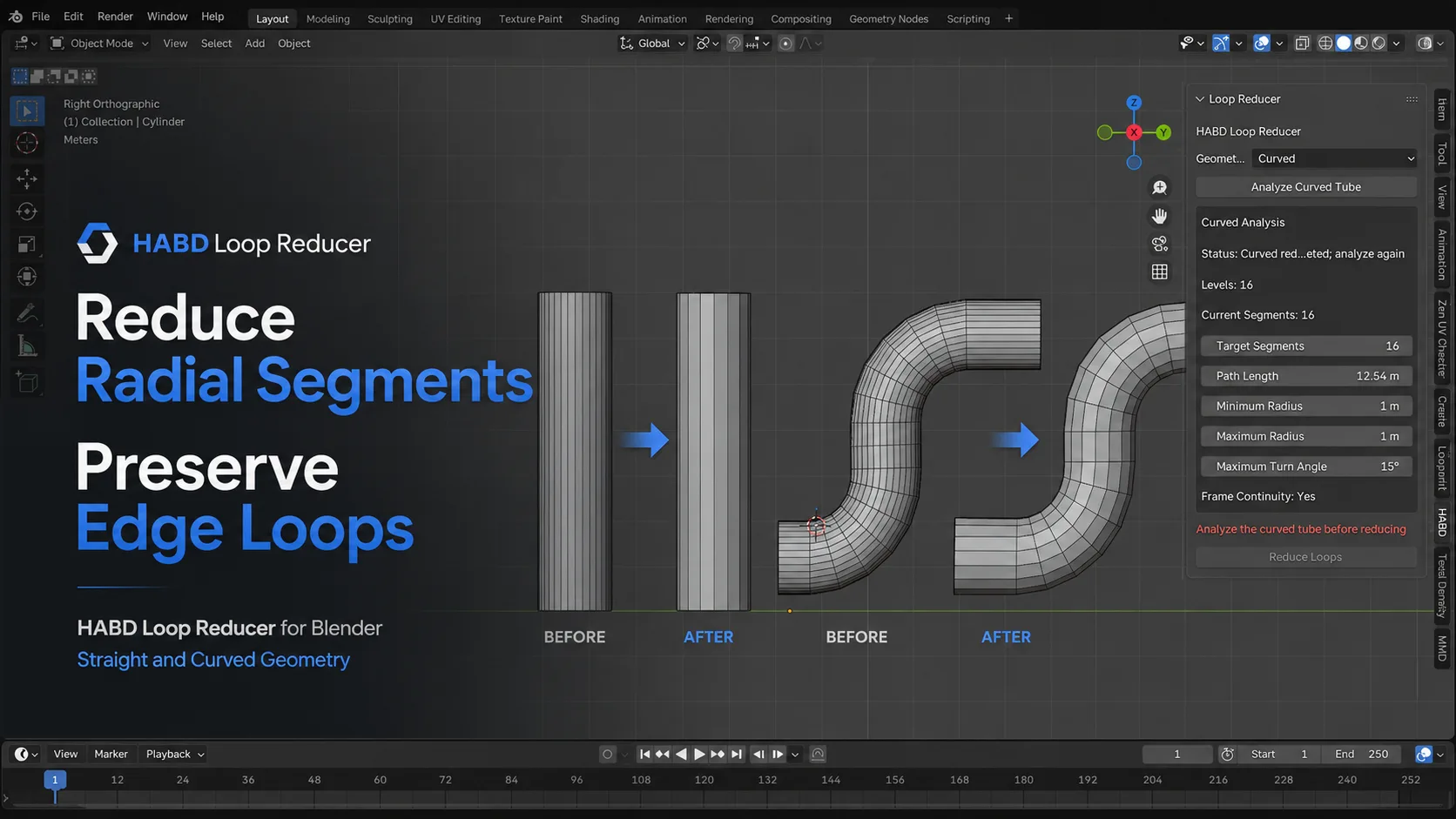
HABD Loop Reducer is a Blender add-on for setting a final sample count on compatible tube, profile, and path meshes. Its radial modes resample around a tube or profile; its longitudinal mode changes the number of cross-sections along an open or closed path. Version 0.4.0 requires Blender 5.2.0 or later. The developer’s README documents its modes and topology limits, and the Blender Extensions listing identifies the published add-on.
Choose a resampling mode
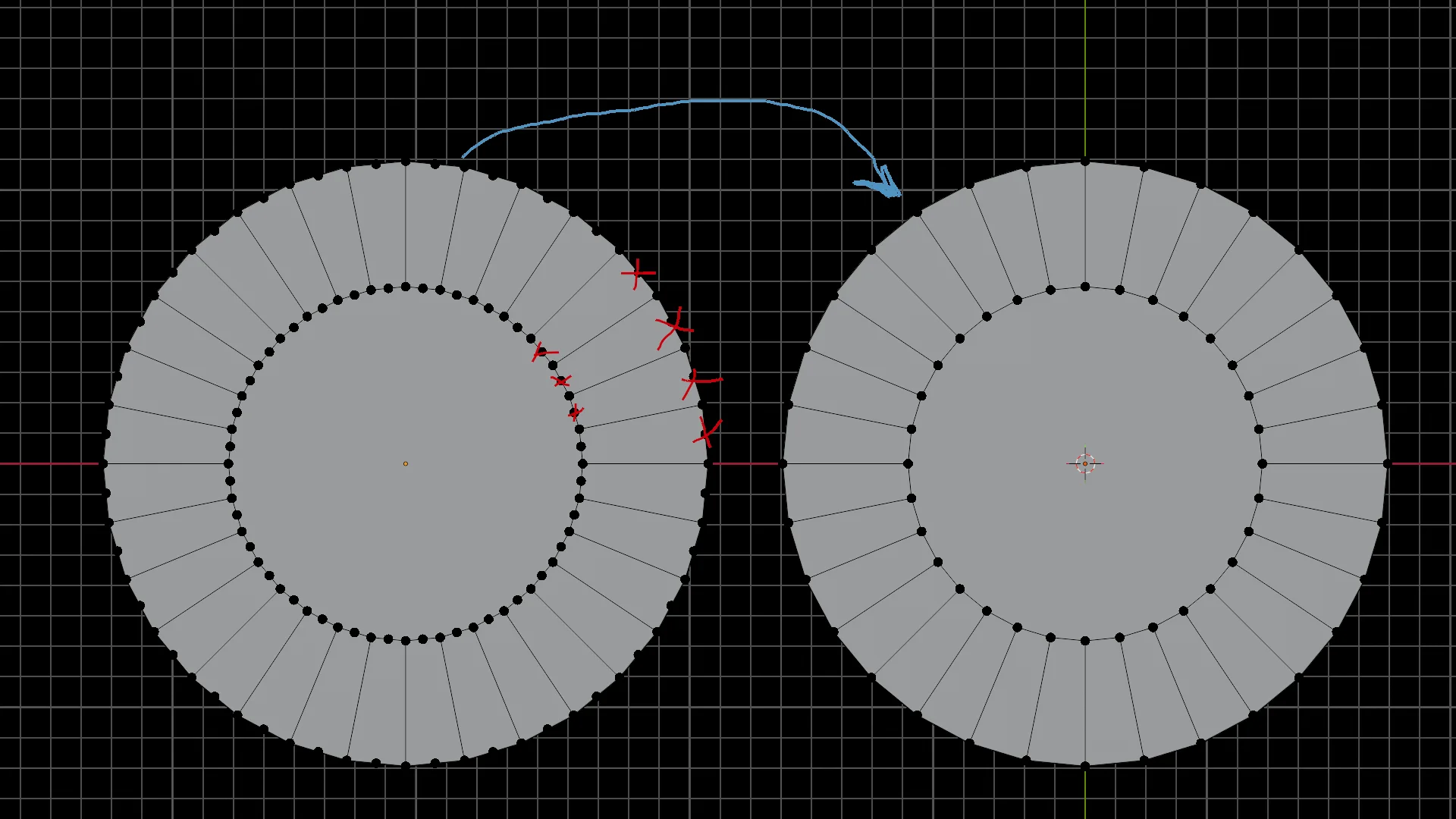
For radial resampling, the target is the final number of segments or profile samples. A lower target reduces them, a higher target adds them, and matching the current count leaves the mesh unchanged.
Straight
Use Straight mode for straight cylinders and tubes with circular sections. It redistributes the samples around the axis and supports rotated objects and displaced origins.
Curved
Use Curved mode for bent pipes, hoses, and tubes with multiple bends, including S-shaped paths, curves across different planes, and gradual radius changes. The add-on derives local ring frames from the mesh and aims to preserve each level’s center and average radius during redistribution.
Profile
Use Profile mode for regular quad bands whose cross-section is an open or closed profile. It places samples by accumulated length. Compatible bevel regions integrated into solids are supported when they can be separated from preserved flat sections and boundaries.
Longitudinal resampling
Longitudinal mode changes cross-sections along a regular quad band. Preserve mode samples the existing path by accumulated length and interpolates its sections; Smooth mode reshapes the centerline, then samples it by arc length. For an open path, Target Cuts counts interior levels between the two retained ends. For a closed path, Target Levels counts all levels around the path, including its retained anchor, with a minimum of three.
Workflow and topology limits
In Edit Mode, select all complete longitudinal edge chains for radial work, or complete Rails or consecutive complete Cross Loops for longitudinal work. Choose Direction: Radial with a geometry mode, or Direction: Longitudinal with a path shape; run the corresponding analysis action, set the target, then apply the resampling. Review the result; the developer advises testing destructive topology operations on a copy of important meshes.
The add-on is intended for structured, predominantly quad-based mesh bands. Branched tubes, intersections, partial longitudinal selections, and several complex or triangulated cap arrangements are unsupported or may be rejected. Straight and Curved modes expect approximately circular cross-sections; strongly oval or non-planar sections may be rejected. Shape keys prevent destructive resampling. Compatible custom data is copied where topology permits, but exact UV preservation is not guaranteed, so inspect texture distortion after editing.