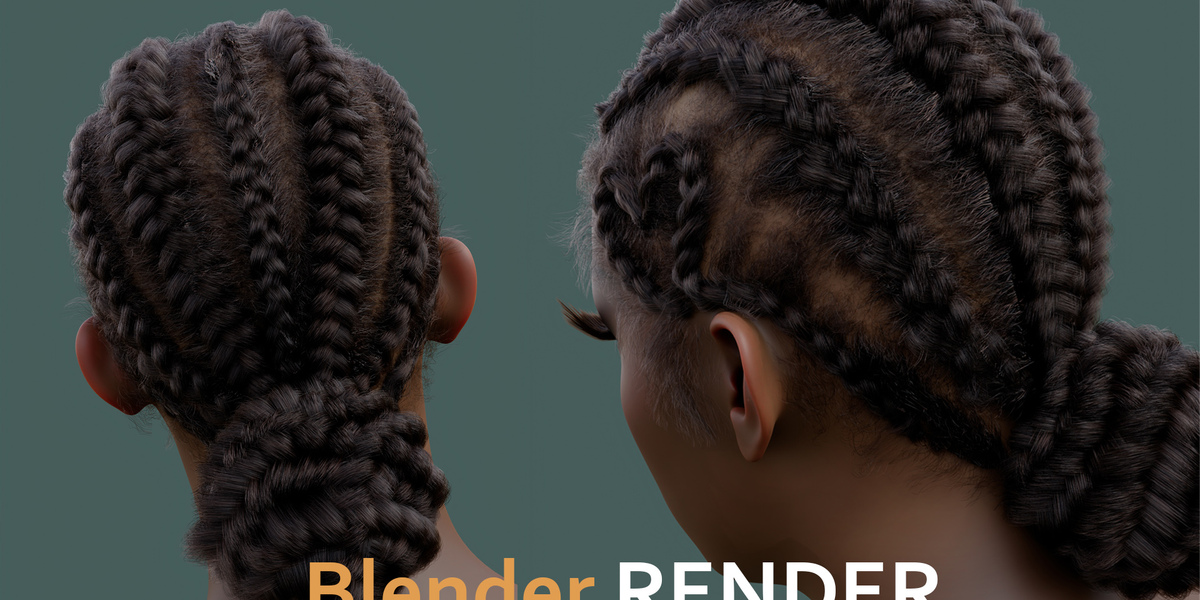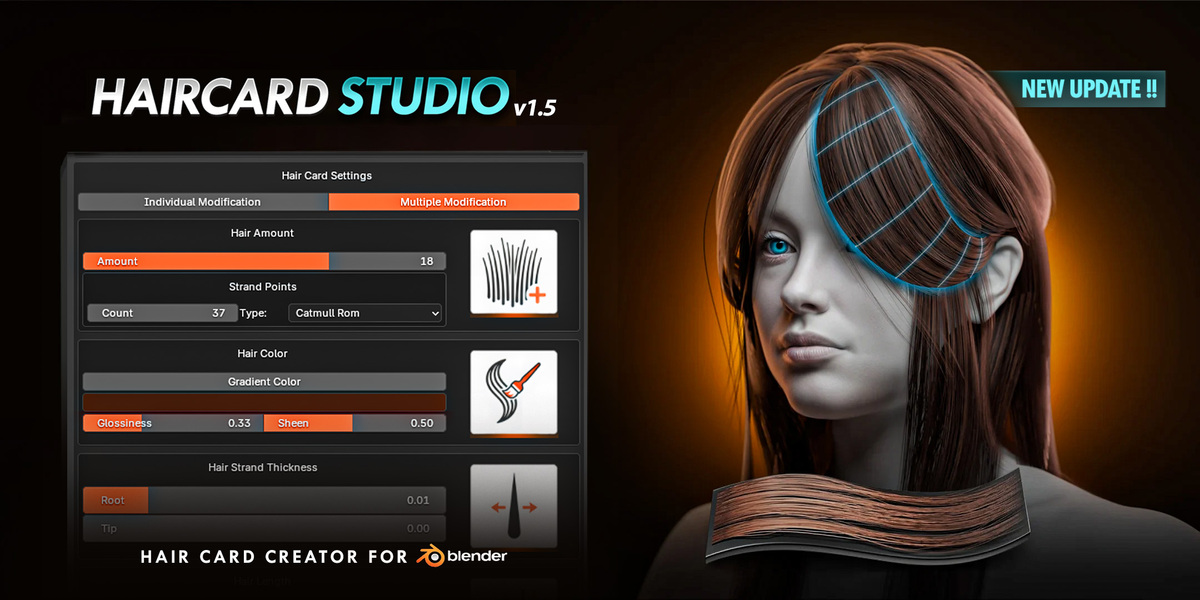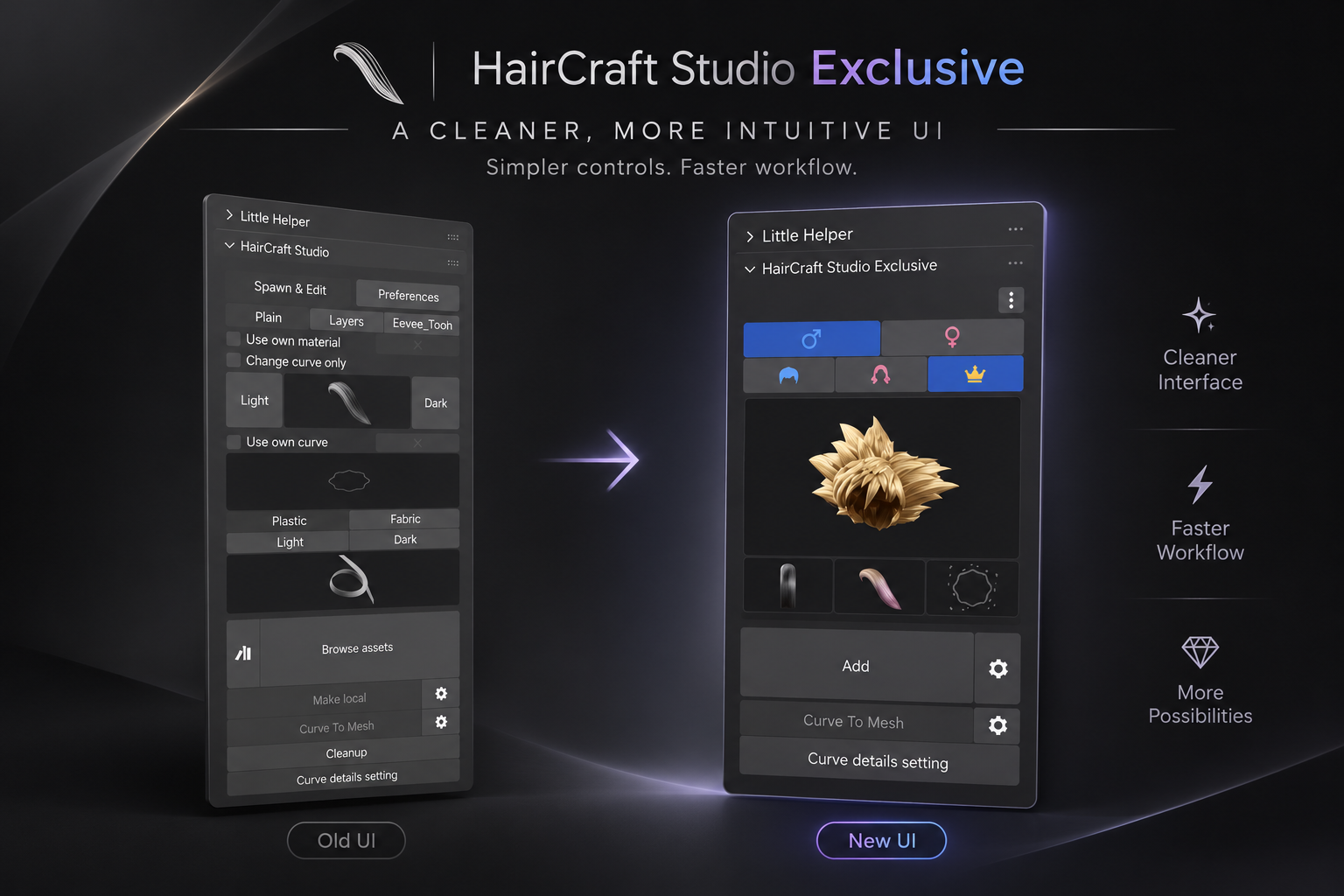
Haircraft Studio 1.0.1 is a Blender add-on for adding and editing curve-based 3D hairstyles. The developer listing identifies the product as v1.1, so confirm which build is available before downloading.
Start with a library hairstyle
The add-on includes a hair library and a Summon Hair operation for adding a style to a Blender scene. You can use a library hairstyle as a starting point, then adjust its look and curve structure instead of building every hairstyle from scratch. The documentation page asks readers with questions to log in before messaging the developer.
Adjust the shape and appearance
Haircraft Studio provides controls for changing color, pattern, curve and shader. The product listing also names curve quality, scale, smoothing and twisting controls. You can apply a custom material or set a custom curve when the built-in options do not fit the hairstyle you want.
Convert curves to mesh
The hairstyles are curve-based and editable. When you need standard mesh geometry for later work, export or final rendering, the add-on can convert the curves to meshes. The v1.1 developer FAQ says the converted mesh can use a chosen resolution.
Check compatibility before installing
AnyPlugins lists Haircraft Studio v1.0.1 for Blender 4.0 to 4.5, while Superhive's v1.0.1 documentation lists Blender 4.0 to 5.2. Superhive's v1.1 product details list Blender 4.0 to 5.2, while its v1.1 FAQ says the add-on supports Blender 4.x and native Blender 5.x support is in development. The compatibility records conflict on Blender 5.x; confirm v1.0.1 support with the developer before installing it in a Blender 5.x project. The Superhive listing identifies the add-on's license as GPL.