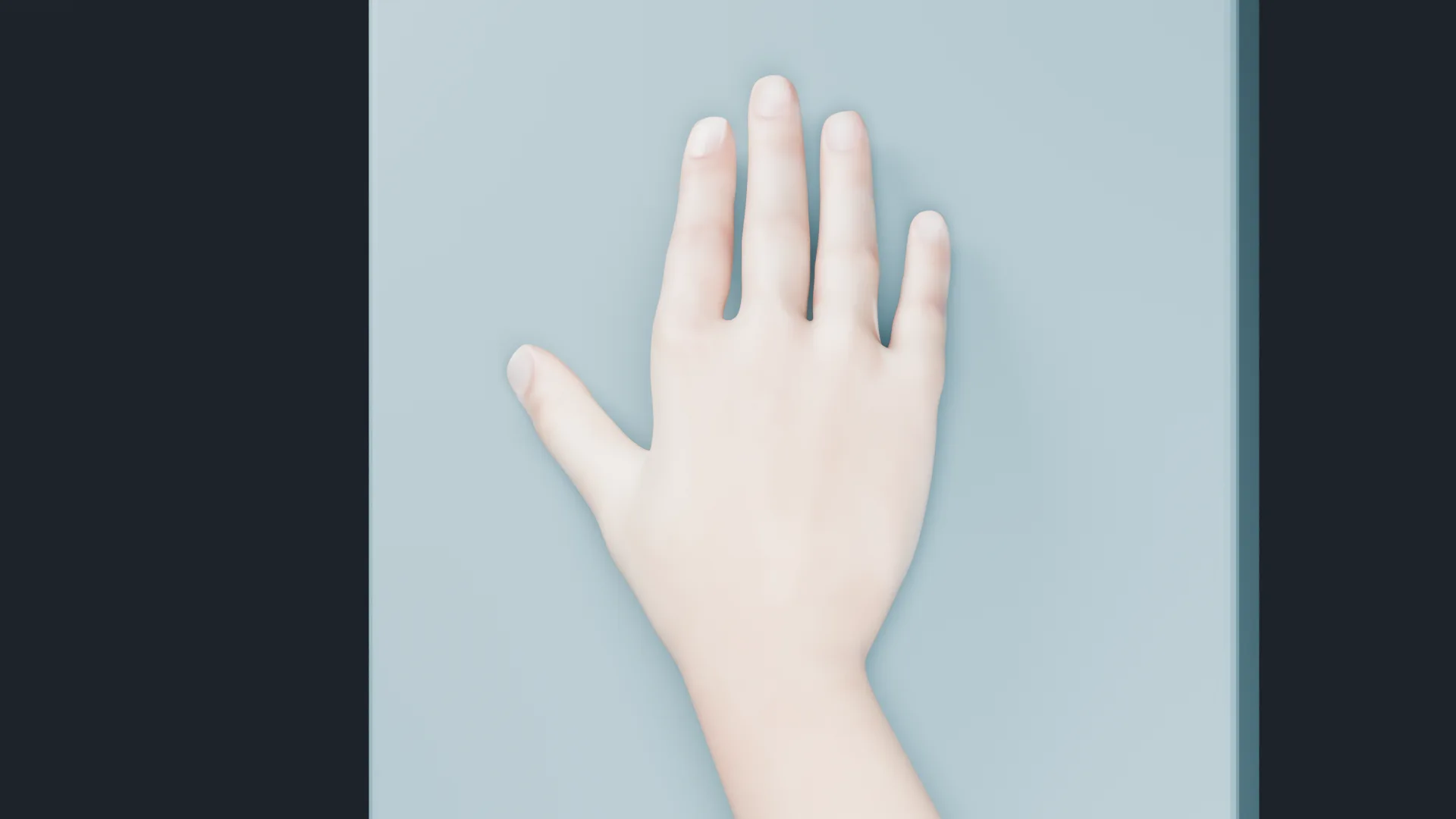
Hand Posing is a Blender add-on for fitting an existing Rigify hand to a nearby mesh surface. It calibrates the palm and fingers from the character’s skinned mesh, then adjusts the hand toward a target while leaving the rig’s controls editable for further posing.
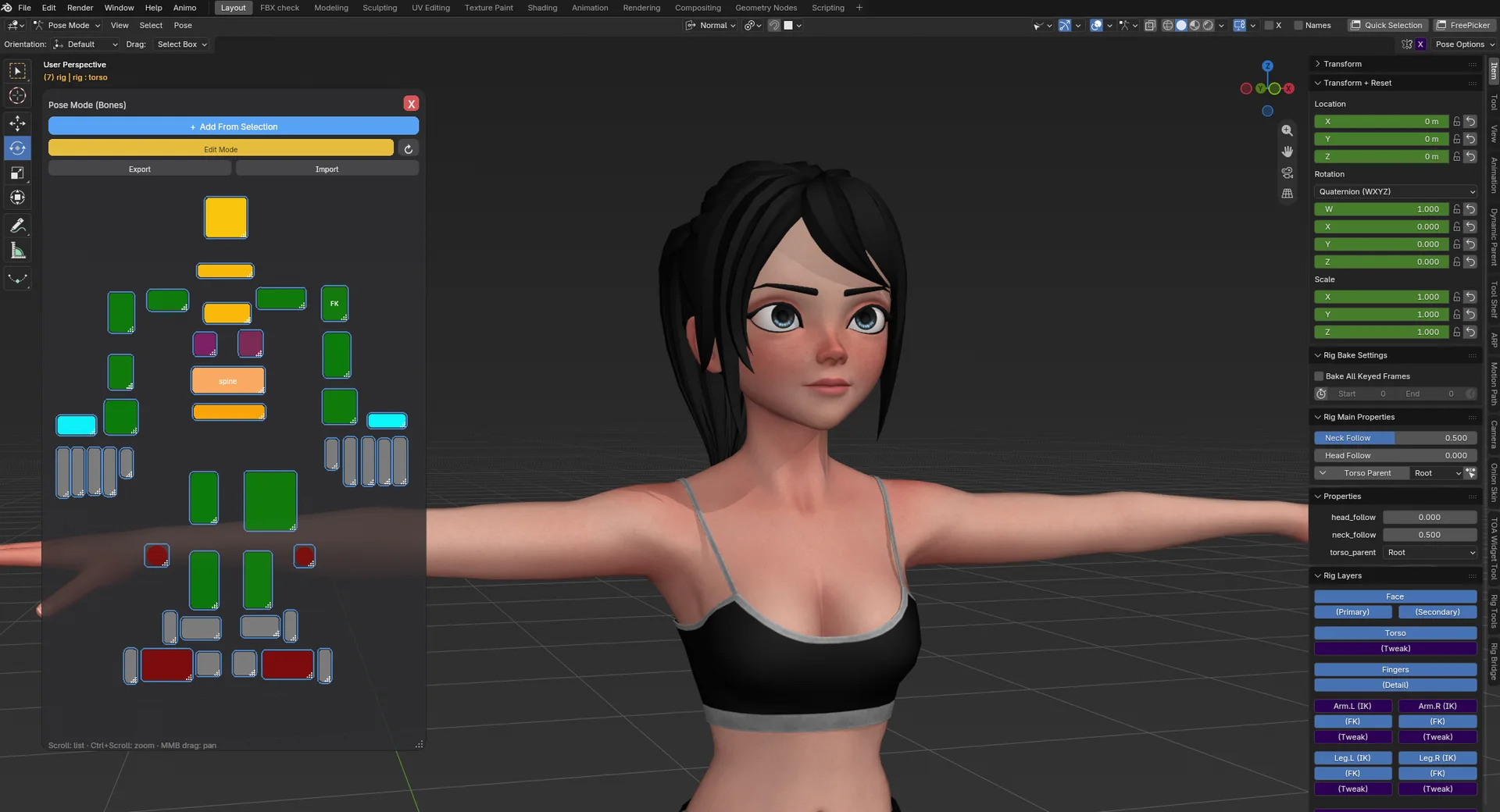
Calibrate each hand independently. The add-on saves calibration data inside the Blender file and works offline without external Python packages or services. You can open its panel in the 3D Viewport sidebar or search for Snap Hand with F3.
Calibrate and snap a hand
- In Pose Mode, select a hand IK or finger control.
- Open the 3D Viewport sidebar with N, then go to Item > Hand Posing. Choose the character’s skinned mesh in
Hand skin. - Click
Calibrate Handand confirm. Repeat for the other hand if needed. - Move and rotate the hand IK control near the intended contact. Choose the target mesh in
Surface, then clickSnap Hand. - Review the result and refine it with the rig controls.
With Blender’s Auto Keying enabled, snapping records the resulting pose. Otherwise, insert keys manually afterward. Save the Blender file to keep the calibration. Recalibrate if the hand proportions or skin geometry change. Calibration measures the rest geometry and restores the current pose.
Requirements and working limits
Hand Posing requires Blender 5.2 or newer and a skinned character with standard Rigify hand controls named .L and .R. It works with existing generated rigs; it does not enable or operate the Rigify add-on. The included adapter does not support custom rig layouts.
Use human-scale geometry, treating Blender units as meters. Target surfaces should be locally convex and within the arm’s reach. If the target is too far away, move the arm or target closer. Native joint limits can leave visible gaps at finger joints, so inspect and refine the result. Dense skin or target geometry increases solve time. Blender’s Undo restores a prior pose.
Documentation
See the Hand Posing documentation for full instructions. Blender’s Install from Disk guide explains extension installation. The MPFB character shown in the listing is a demonstration model; MPFB is not required to use the add-on with an existing rig.