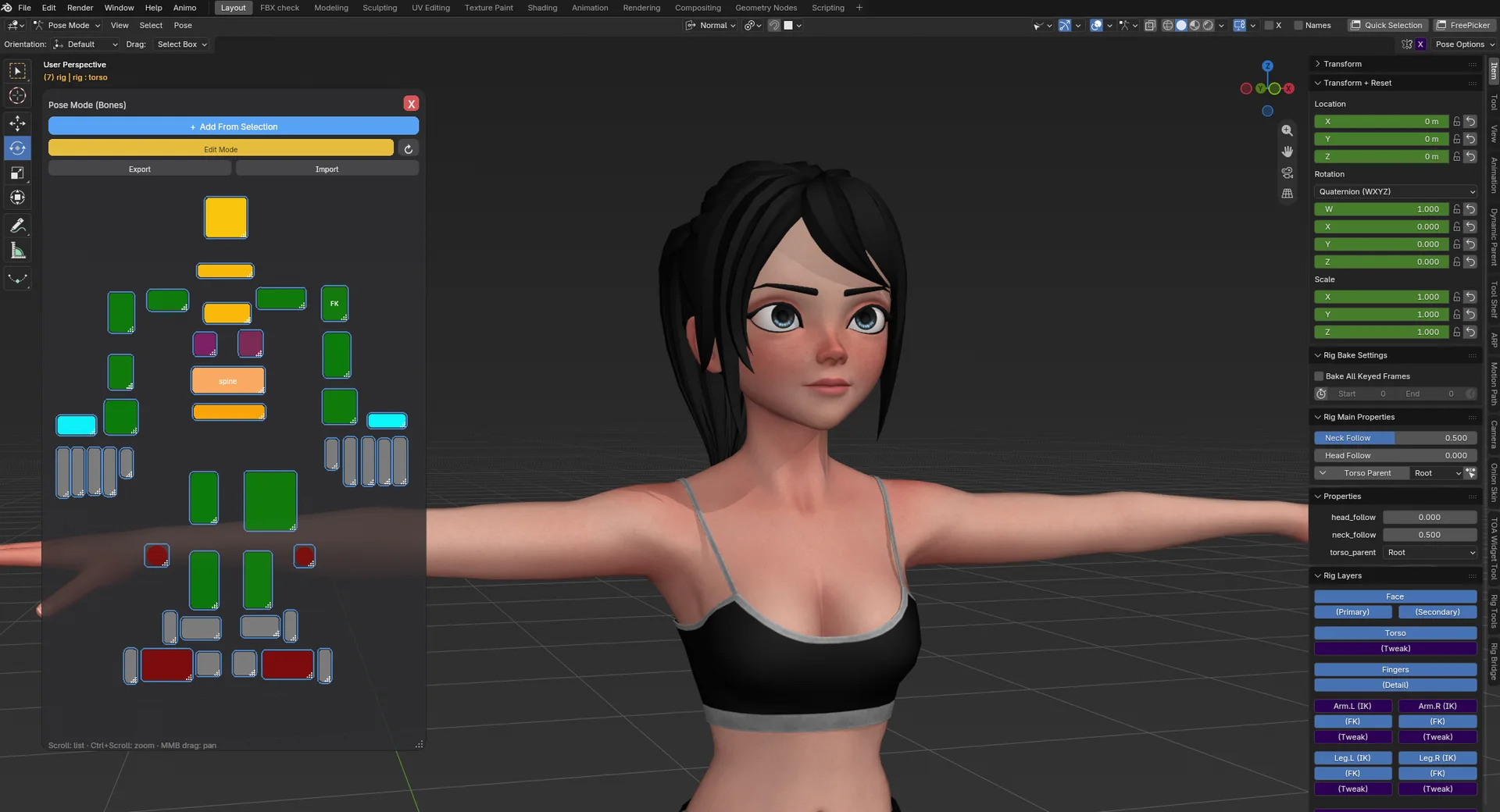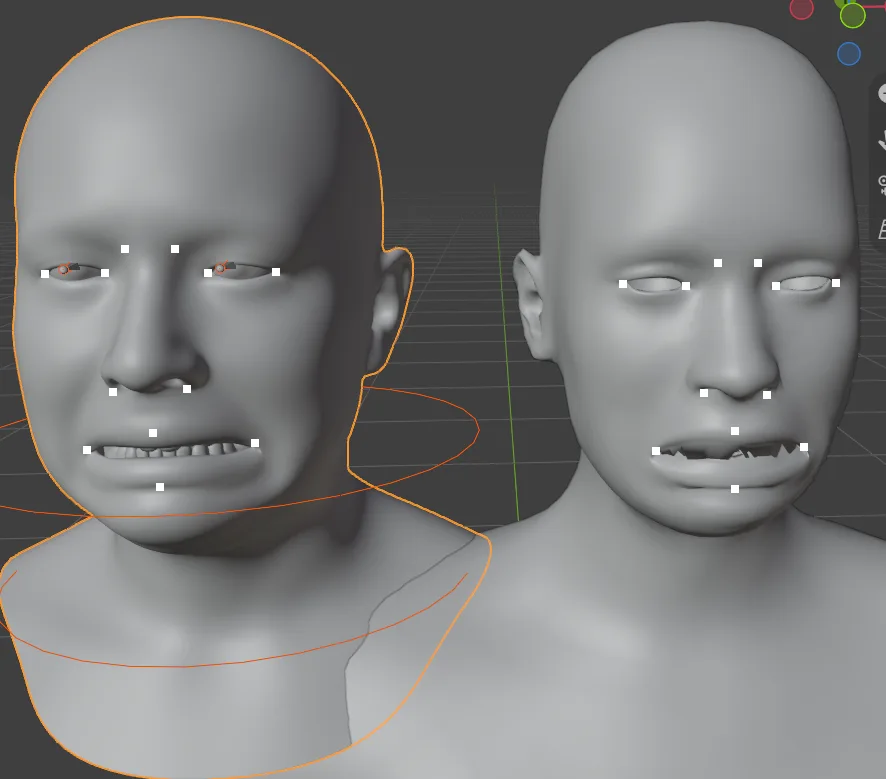
Mesh Expression Retargeter transfers shape keys and mesh deformations between Blender meshes with different topology. It helps when a source character and a target character have different vertex layouts but need to share an expression, a sculpted shape key, or a corrective sculpt.
Choose a mapping method
Use Manual Correspondences to pair landmarks on unrelated meshes. You can save and reuse a mapping for characters that share those topologies. If the meshes are already spatially aligned, use Overlapping Surfaces instead.
After a transfer, the result is a native Blender shape key on the target. The add-on is intended for tasks such as moving facial expressions between character systems, transferring corrective sculpts to a lower-poly animation mesh, and carrying deformations between proxy, high-resolution, and low-resolution meshes.
Check close surfaces around the mouth
Inner and outer lip surfaces can sit close together at rest. A nearest-surface bind may attach one sheet to the other and distort the mouth edge. The add-on's Match Inner Mouth, Relax Mapped Motion, and Prefer Same-Facing Bindings options are enabled by default to reduce these cross-surface bindings; Match Inner Mouth activates only when the source has an inner-mouth group and the target is an MPFB basemesh. They are heuristics, so some meshes may still need a small manual touch-up.
For MPFB characters, the add-on distinguishes transferred expression keys from identity morphs. Its Reset Target to Neutral control clears applied expressions and transferred keys while preserving identity morphs and the Basis shape.
The Blender Extensions entry has the current release notes, compatibility details, and permission information.