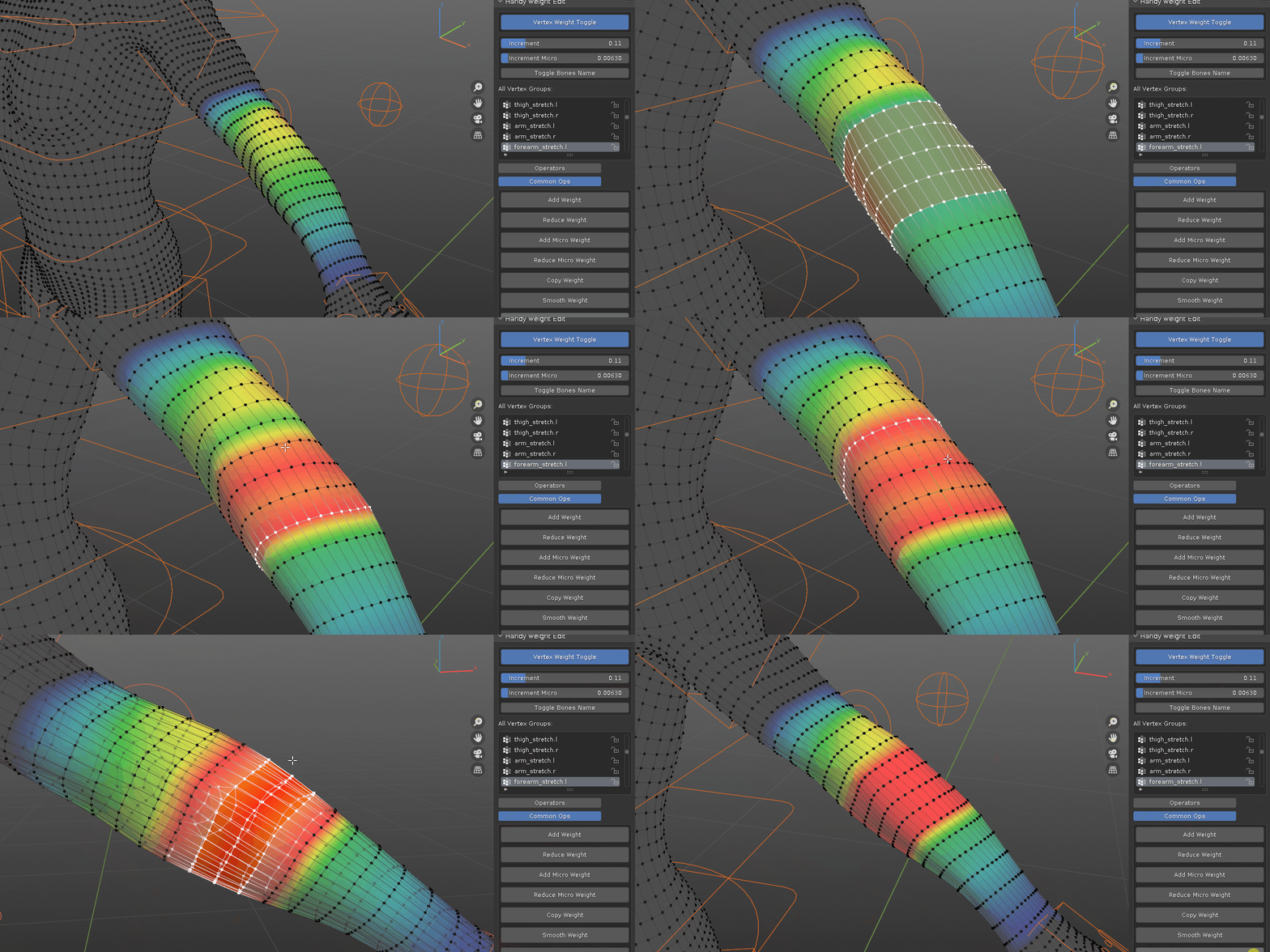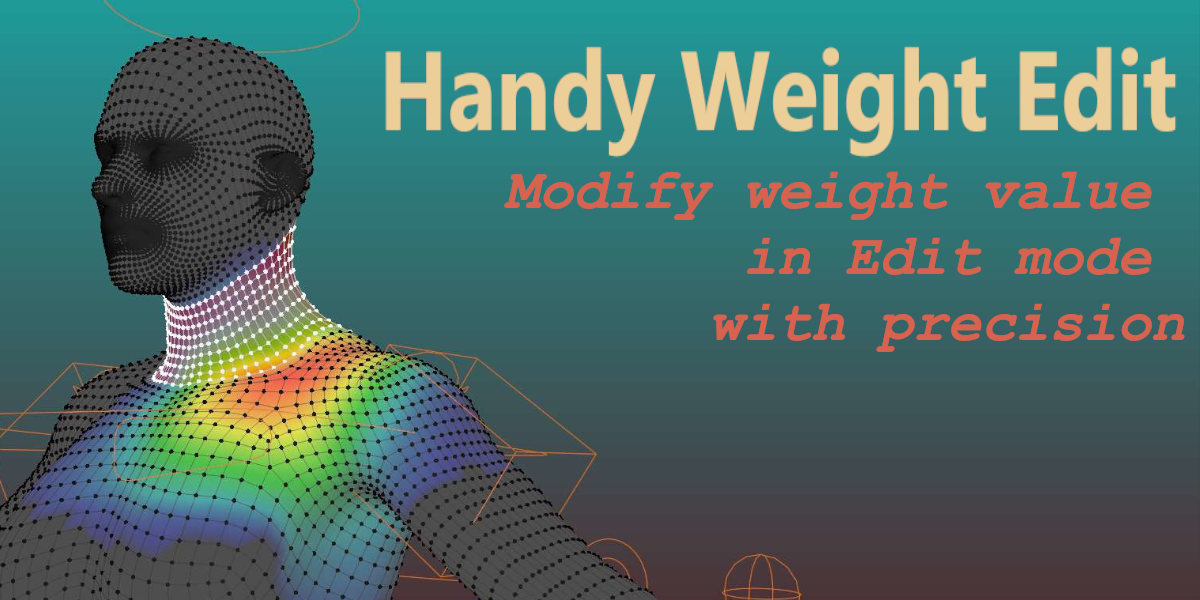
Handy Weight Edit is a Blender add-on by young for adjusting skinning weights on selected vertices in Edit mode. After binding a mesh to an armature, select one mesh object and enter Edit mode. You can then use familiar selection tools, including loop select, X-ray and lasso, to reach vertices that can be awkward to paint with a brush.
Adjust weights on selected vertices
Increase or decrease weights with the mouse wheel, using customizable hotkeys. A uniform method applies the same value across the selection. A per-vertex method changes values in a gradient, which can help refine borders where several bone influence groups meet. The add-on also includes smoothing, copying the weight from the last selected vertex, and a basic Normalize operator for selected vertices.
When symmetry is enabled in Blender, it can affect the other side of the mesh as well. The product documentation cautions that this is often unintended during weight editing, so check the symmetry setting before changing a selection.
Switch and mirror bone influences
Switch Bone Influenced Groups behaves differently depending on the selection. With one vertex selected, it cycles through the groups influencing that vertex. With multiple vertices selected, or with no selection, it switches to the bone influence under the mouse cursor. When a mesh is bound with empty groups, it can choose the active bone by its distance from the cursor.
For mirroring, the symmetric operator works on symmetrical mesh parts and can use corresponding mirrored bones. The asymmetric operator transfers weights from one side of the mesh to the other, either for all groups or only the active bone. A centered pivot and a proportionally symmetrical mesh are needed for this workflow. Custom prefix and suffix settings can help when a rig uses bone-pair names Blender does not recognize.
Isolate Active Bone can show only the corresponding bone while you edit its vertex group. The listing says Blender's in-front effect does not display properly with the vertex weight overlay enabled, starting with Blender 4.4.1. If it affects your setup, the add-on's custom highlight can show the active bone instead.
Check weights for a target workflow
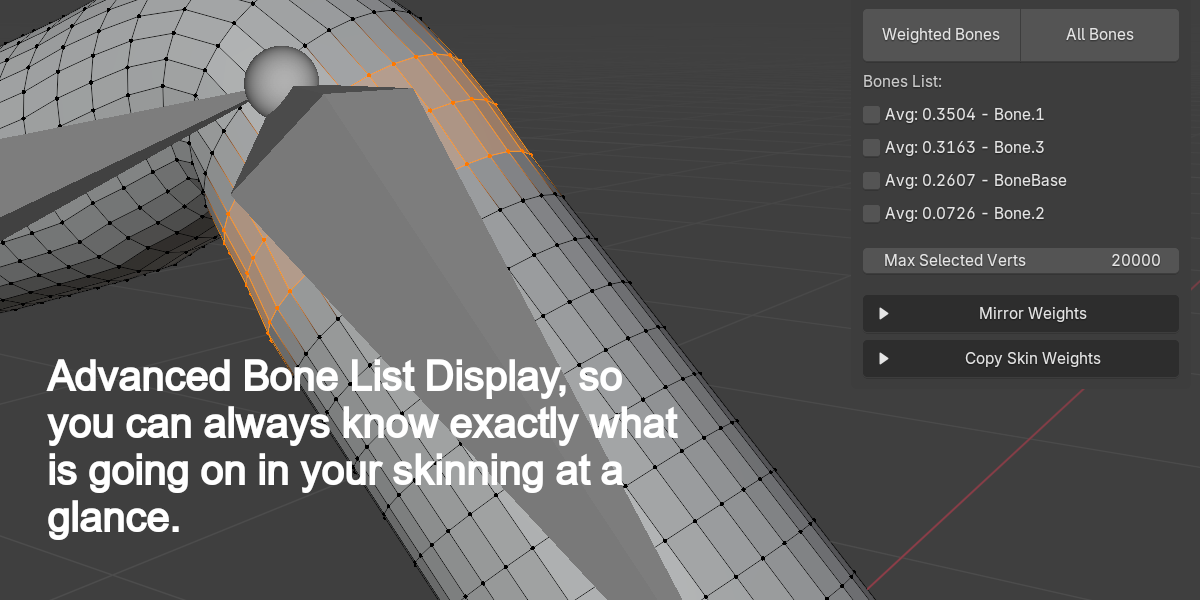
Handy Weight Edit can limit the number of weight groups per vertex, remove weights below a chosen threshold, and identify vertices whose total weight is not one. It can also flag vertices above a chosen influence-group limit. These checks help inspect constraints used by some game engine workflows; the appropriate total and group limit depend on the target. Import and Export Weight is available for backing up skinning data.
Timeline shortcut and compatibility
The Scrub Timeline operator uses a configurable hotkey. With the default J key held down, moving the mouse left or right in the X, Y or Z zones rotates the active bone; outside those zones, the same mouse movement scrubs the timeline. In Blender's default keymap, J is also assigned to Connect Vertex Path. Unbind that command or choose a different scrub shortcut in the add-on preferences. After changing the shortcut, save the preference and restart Blender so the key can activate and release correctly.
The Superhive listing identifies Blender versions 3.6-5.3 and marks the add-on as Blender Extension Compatible. Check the product documentation and listing for current setup and compatibility details.