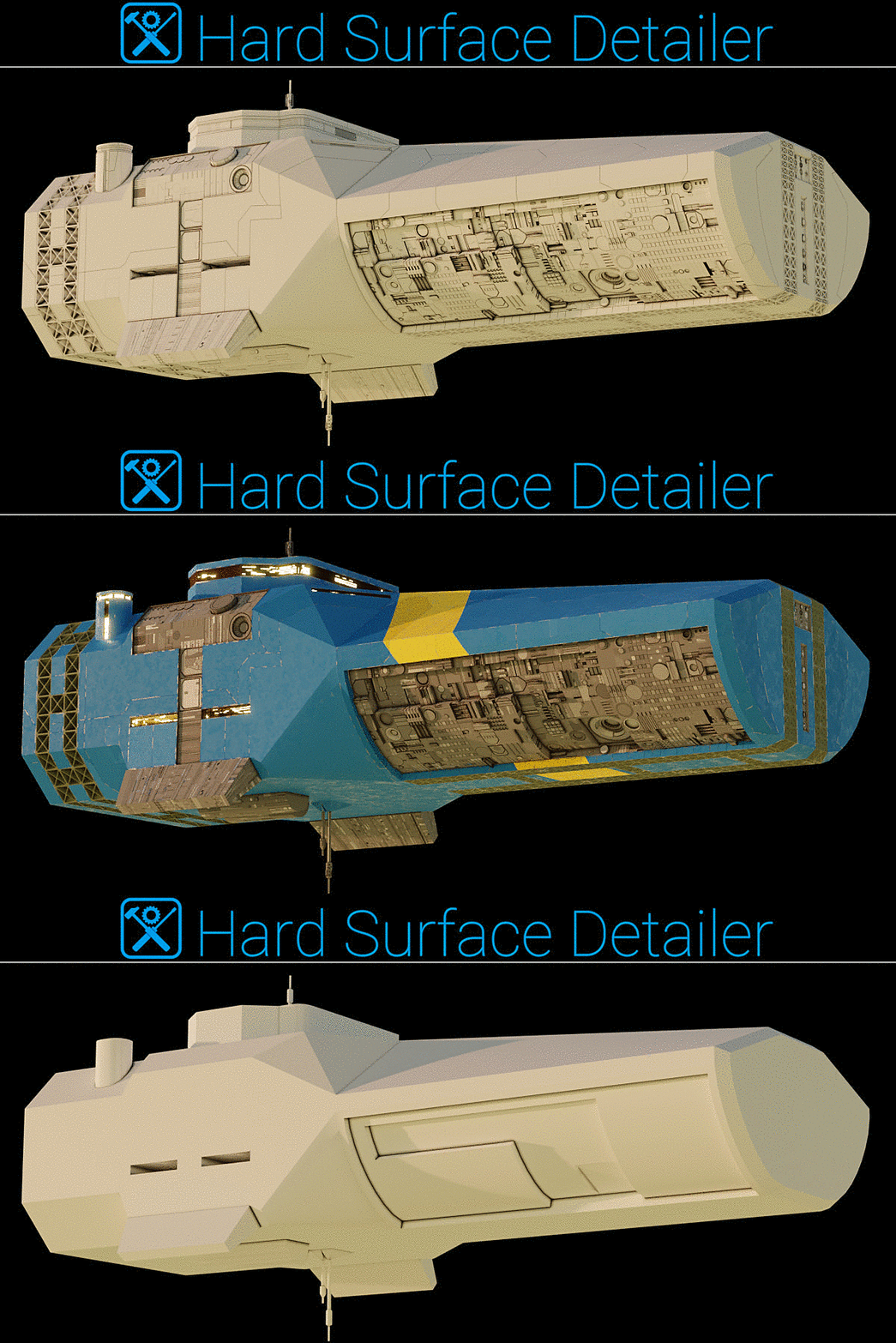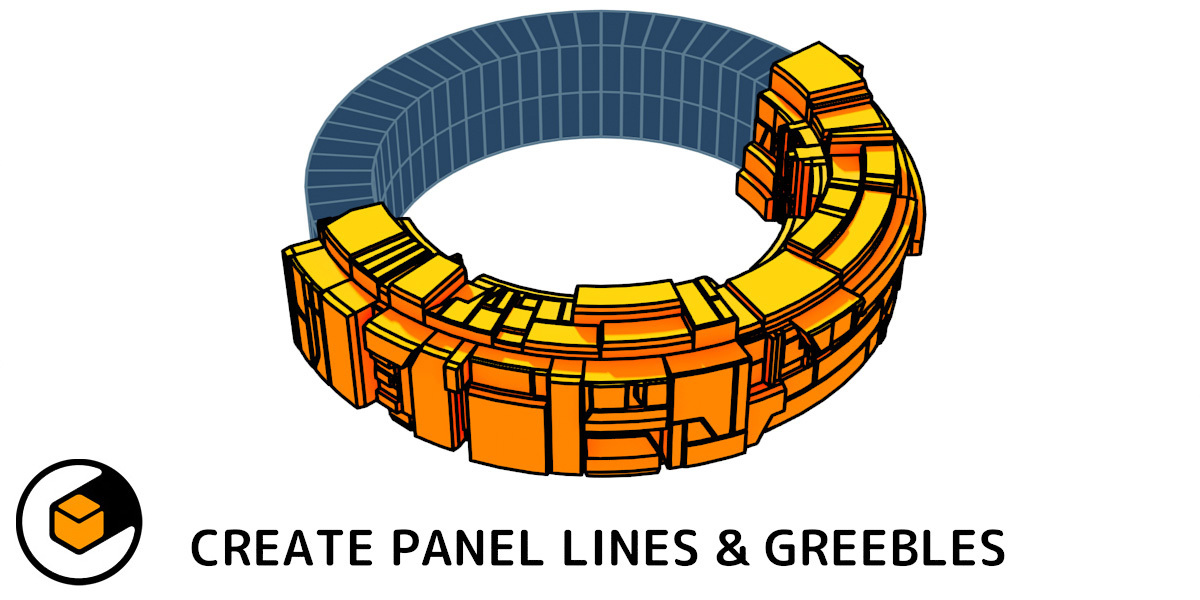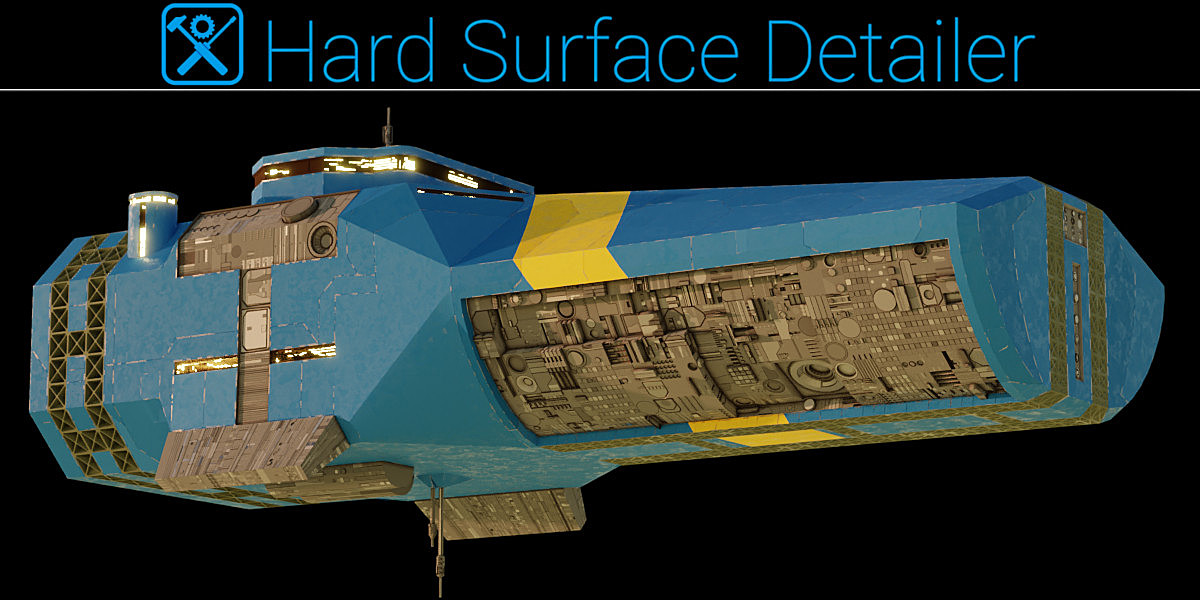
Hard Surface Detailer is a Blender add-on that generates sci-fi details on selected quad faces. It can add detail to a finished model or help you compare different surface designs while developing a shape. You choose which faces to process, select a style, and adjust its parameters.
Three styles for sci-fi geometry
- Hull divides faces into metal plates. Settings control the plate shapes, with room for more abstract results.
- High frequency creates small, greeble-like details. Recursive depth and repetition settings change their pattern.
- Structure adds customisable X-shaped support beams.
The styles suit subjects such as spaceships, futuristic buildings, and robots. They can help refine a model with smaller details, test a concept with more developed geometry, or explore different visual patterns across an existing shape.
How the detailing workflow works
- In Blender Edit mode, select the quad faces you want to detail.
- Open the Detailer panel beside the 3D view, choose a style and its settings, then confirm generation.
- Adjust the result from the mirrored menu at the lower left of the 3D view. Changing a parameter triggers a new generation so you can see its effect on the geometry.
The panel name can be changed in the add-on preferences. A user-defined random seed controls generation: changing the seed produces another variation, while reusing a seed can recreate an earlier result. Settings for how repetition diverges let you keep a broader pattern while varying smaller details.
Materials, UVs, and normals
Hard Surface Detailer can assign a material to the generated part and create UV sets. The UV coordinates distinguish hull plates, high-frequency subdivisions, and rivet parts, which can help when setting up materials. The generated geometry also has flat and smooth normals defined.
Check Blender compatibility
The Superhive product listing identifies the add-on's license as GPL and names Blender 2.82, 2.83, 2.9, 2.91, 2.92, 2.93, 3.0, and 3.1. That list does not confirm compatibility with newer Blender releases, so check the current product documentation before installing.