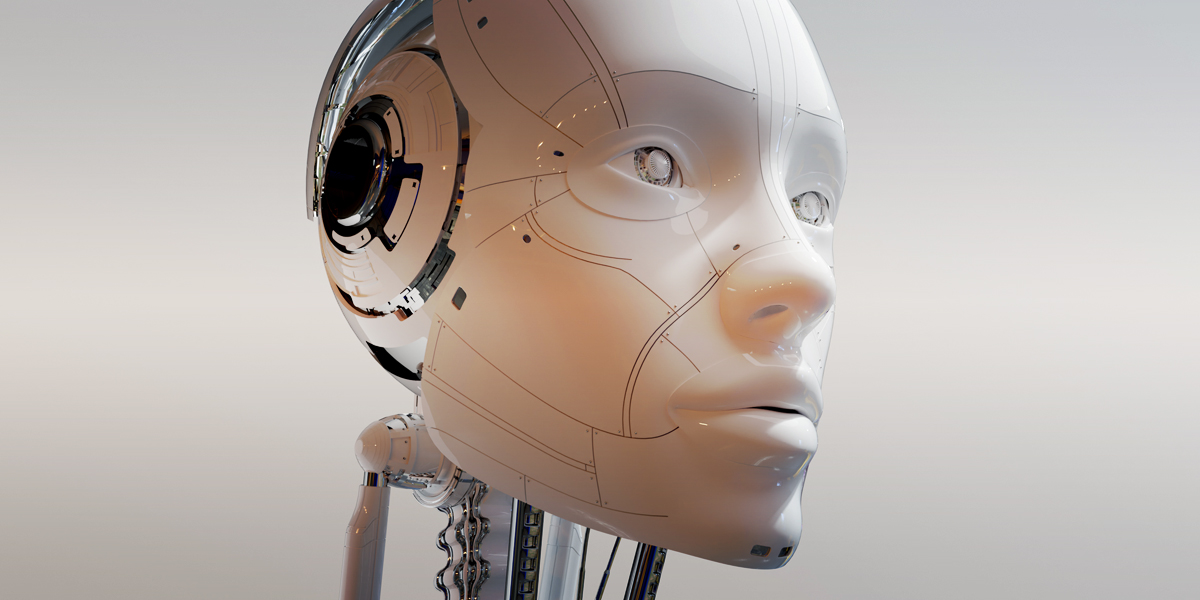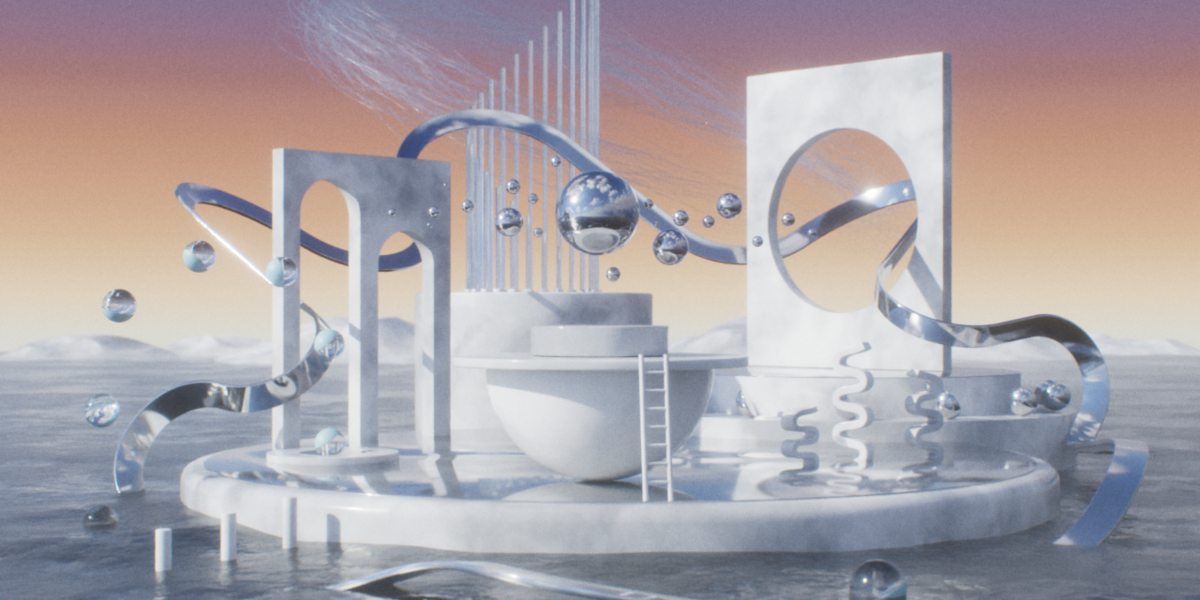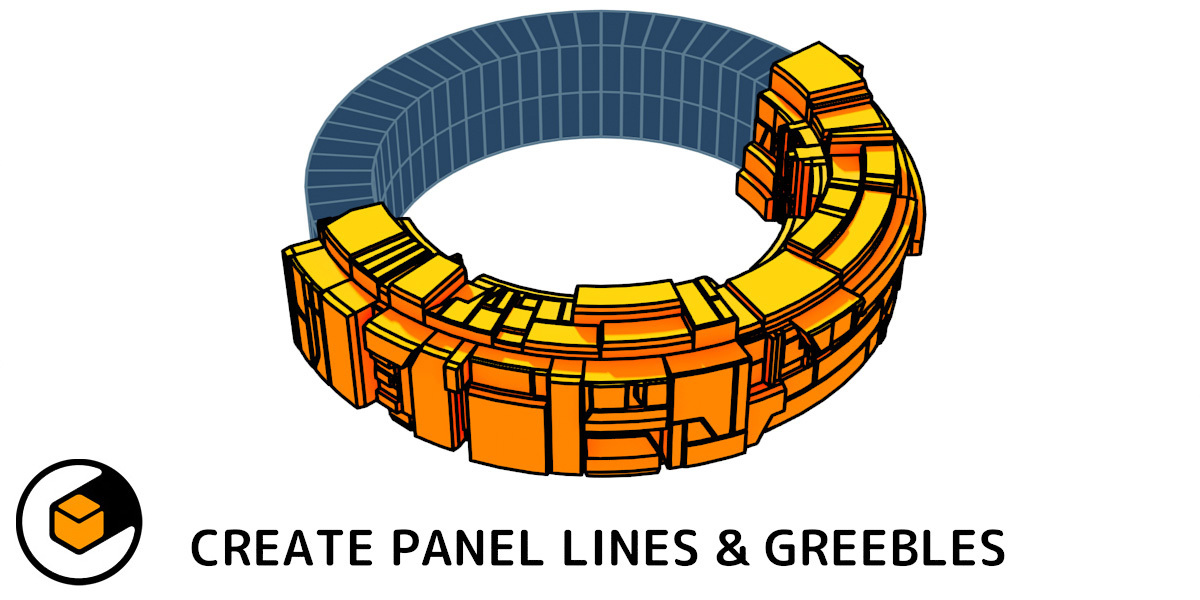
Plating Generator And Greebles is a Blender add-on by Mark Kingsnorth for 3D modelers and concept artists who want panel detail or scattered objects on a mesh. It applies patterns to selected faces on flat or curved surfaces. The developer describes using a whole quad-based mesh or a selection of quad faces, so you can work on a specific area.
Generate adjustable paneling
Choose a customizable plating pattern and use a random seed to generate panel lines. Adjust groove depth, panel height, and groove thickness, then add rounded corners or bevels. You can remove grooves to leave the plates intact, assign your own materials, and vary plate color through vertex colors. Presets can be saved, reused, and shared, or you can start with the bundled configurations.
Scatter and manage greebles
Greebles can come from the default library or a library you create. Set them to overlap or remain separate, and choose whether they conform to each face or keep their proportions. The add-on can place them as separate objects or integrate them into the base object. When you create them separately, a fixed control panel lets you revisit the pattern and greeble settings.
Use the version 2.1 modifiers
Version 2.1 adds reusable modifiers for extruded paneling. They use Geometry Nodes behind the scenes, fit into Blender's modifier stack, and let you change parameters later. The developer says the modifiers can operate at higher face counts depending on your machine, while the Python core add-on slows as face counts rise. The Superhive product page links to the modifier video and documentation.
Check the mesh and expected workload
The developer's FAQ says the add-on works best with quad faces. You can select quad faces on a mixed-topology mesh; other topologies may work, but are untested. The product page warns that the Python core add-on slows on higher face counts, giving a 64x128 sphere as an example. The newer modifiers can handle higher counts depending on your machine, so test them on a representative mesh if you plan to detail dense geometry. For usage details, see the modifier documentation and the developer's product FAQ.