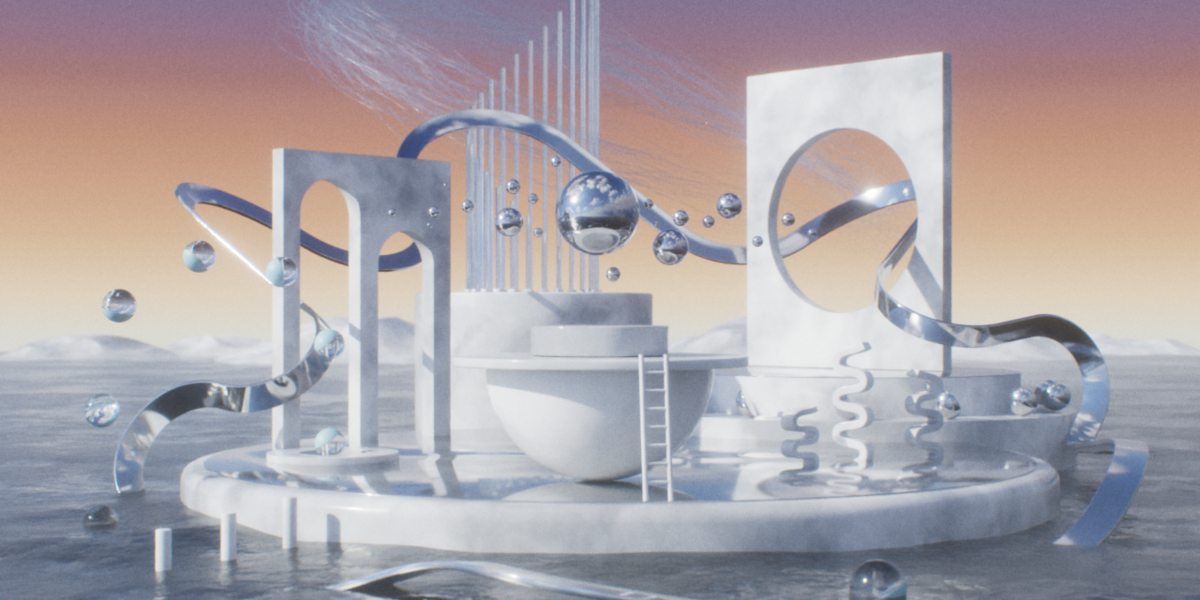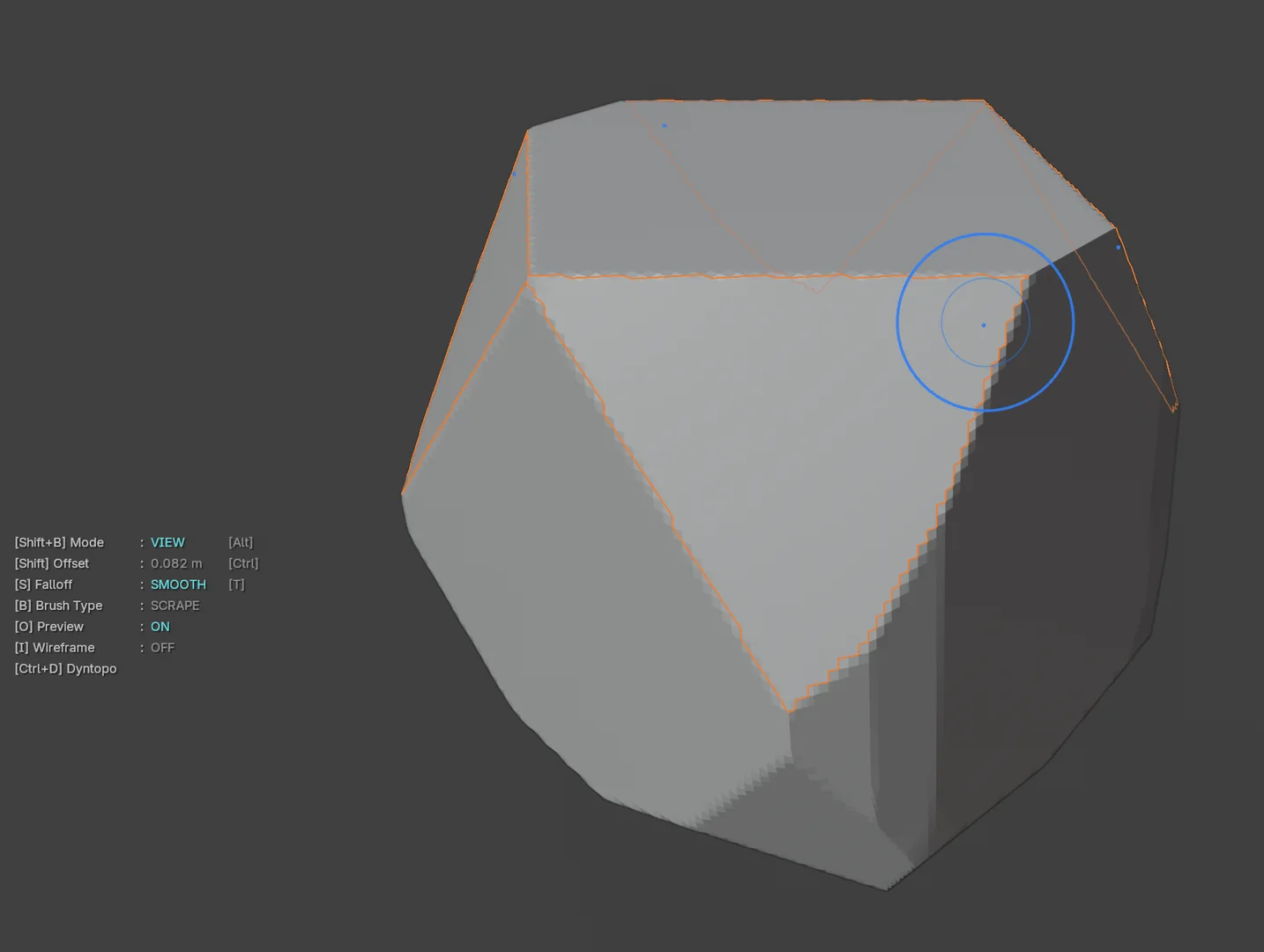
Deformer by EBTRR is a Blender add-on for deforming, sculpting, or carving a mesh through another object's influence radius. It uses Geometry Nodes and updates the shape as you move a Deformer Object, so a separate mesh controls how the Main Object changes.
How Deformer shapes a mesh
Select a Mesh Object as the Main Object, then add a mesh Deformer Object by choosing a type and pressing Add. Standard uses the vector from the deforming face to the deformed face. Its Normalize Mode uses normalized vectors for that face-to-face vector. Normal uses the normal of the deformed face.
Move the Deformer Object to change the shape. Remap adjusts its influence field or range. The documented values of 2.0 and -2.0 are soft limits, so you can go beyond them. Strength Multiplier and Strength Adder change the amount of deformation. You can add up to 20 Deformer Objects to a Main Object.
Object requirements and setup
Select a Mesh Object as the Main Object and use a mesh Deformer Object. Empty Objects and Text Objects may not work correctly because the add-on uses vertices. To use text, convert it to a mesh with Blender's Convert to Mesh command before adding it as a Deformer Object.
An optional setup process adds a Subdivision Surface Modifier that you can control through the add-on interface. The supplied documentation describes installing the downloaded ZIP through Preferences, Add-ons, and Install, then selecting and activating it.
Shape and limitations
Deformer works better with rounder, smoother objects than with angular ones. The smoothness of the Deformer Object also affects the result; the developer suggests using Catmull-Clark subdivision to smooth it. In Standard mode, the Deformer Object's center cannot pass over the Main Object's mesh. The documentation also warns that Standard and Standard Simplified can jump outward when the Deformer Object gets too close to the mesh surface.
Normal mode can produce artifacts at sharp edges or where the normals differ substantially from those of the faces being deformed. The product notes also state that upper faces bend down rather than up. For Normal mode, check Remap Input Factor Min carefully: a negative or very low value can invert the inner wave when the Deformer Object is near the Main Object.
Subdivision and compatibility
A Geometry Nodes result may differ from the expected shape when a Subdivision Surface Modifier is last in the stack and GPU Subdivision is enabled. In that case, Geometry Nodes may receive the original data or data from before the modifier. The developer's documented workarounds are to disable GPU Subdivision in Preferences under Viewport and Subdivision, or to apply the modifier when appropriate.
The package includes a Blend file with its Geometry Nodes presets and a reduced version of the Standard Setup. The product listing identifies a GPL license and lists Blender 3.1, 3.2, 3.3, and 3.4. It does not establish compatibility with later releases, so check the developer's product page for current details.