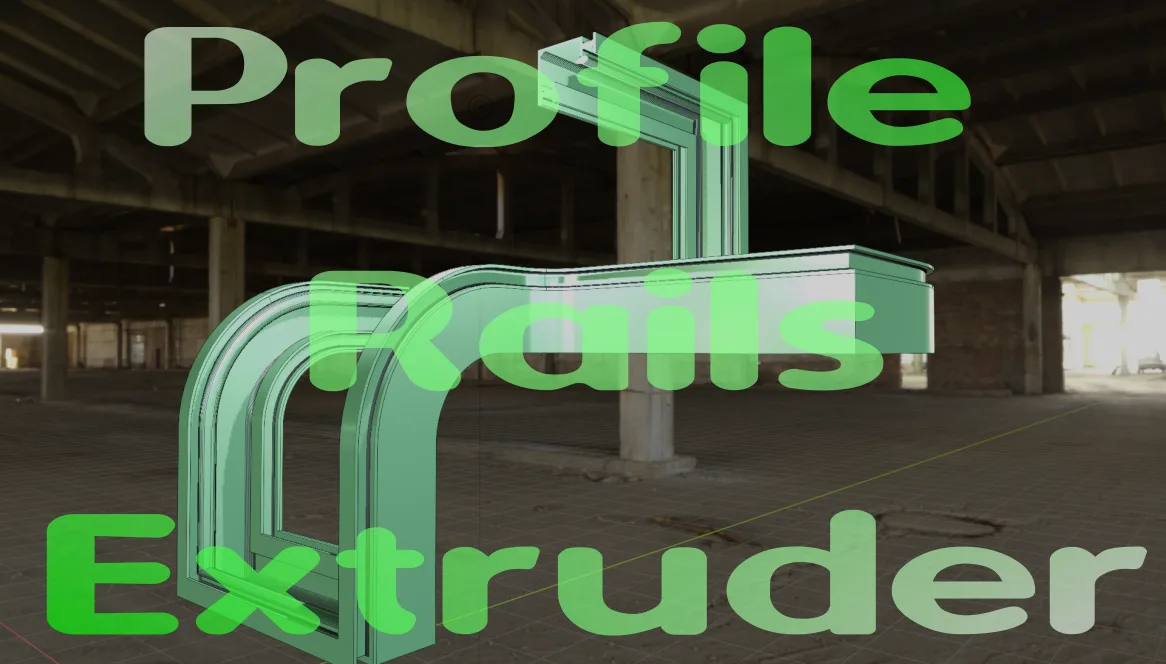
Profile Rails Extruder extrudes a flat face profile along a rail in Blender. The product listing describes an original edge-based workflow and a newer Geometry Nodes add-on. Both are intended for rail-guided extrusion; follow the instructions for the package you install.
How the rail guides the profile
The rail can run in different directions while the extruded profile keeps its shape. Blender's usual curve bevel method can taper the result; the product listing shows the two approaches side by side.
Original edge-based workflow
- In Edit Mode, select edges and choose Make Rail. A colored guide marks the rail. The version 0.0.4 description marks its start with a green circle and says it can be changed in the popup menu; an update dated 11 February 2022 says a cross marks the start and the start and end can be swapped.
- Select a face to use as the profile and choose Select. The add-on places a copy at the beginning of the rail.
- Choose Extrude to create the extrusion.
The original workflow stores extrusion objects and rail helpers in separate Outliner collections. The rail helper can be selected and reused. The Remove helper control removes the colored guide; the listing says the rail information remains.
Geometry Nodes version
A July 2025 update describes a newer add-on based on Geometry Nodes, installed from railfollower_geo.zip. Its rail must be a mesh object with a continuous chain of edges, and it must not form a closed loop. Choose Make Object Rail to create an extrusion with a circle as the default profile. A modifier menu lets you choose another shape, while Add Shapes imports example profiles.
The Geometry Nodes controls include projection plane size, a checkbox to show the projection planes, reverse curve to start from the opposite end, and amount of points to set how many points are used. The listing says shift planes can help produce a clean result when the curve is too tight.
Version notes
The product listing's Blender Version field names versions 3.0 through 4.0. A July 5, 2025 update says the original add-on was working and tested with Blender 4.4. The newer Geometry Nodes add-on is described in a July 2025 update, but the supplied listing does not give it a separate compatibility range. Check the product listing for package and compatibility details before installing.