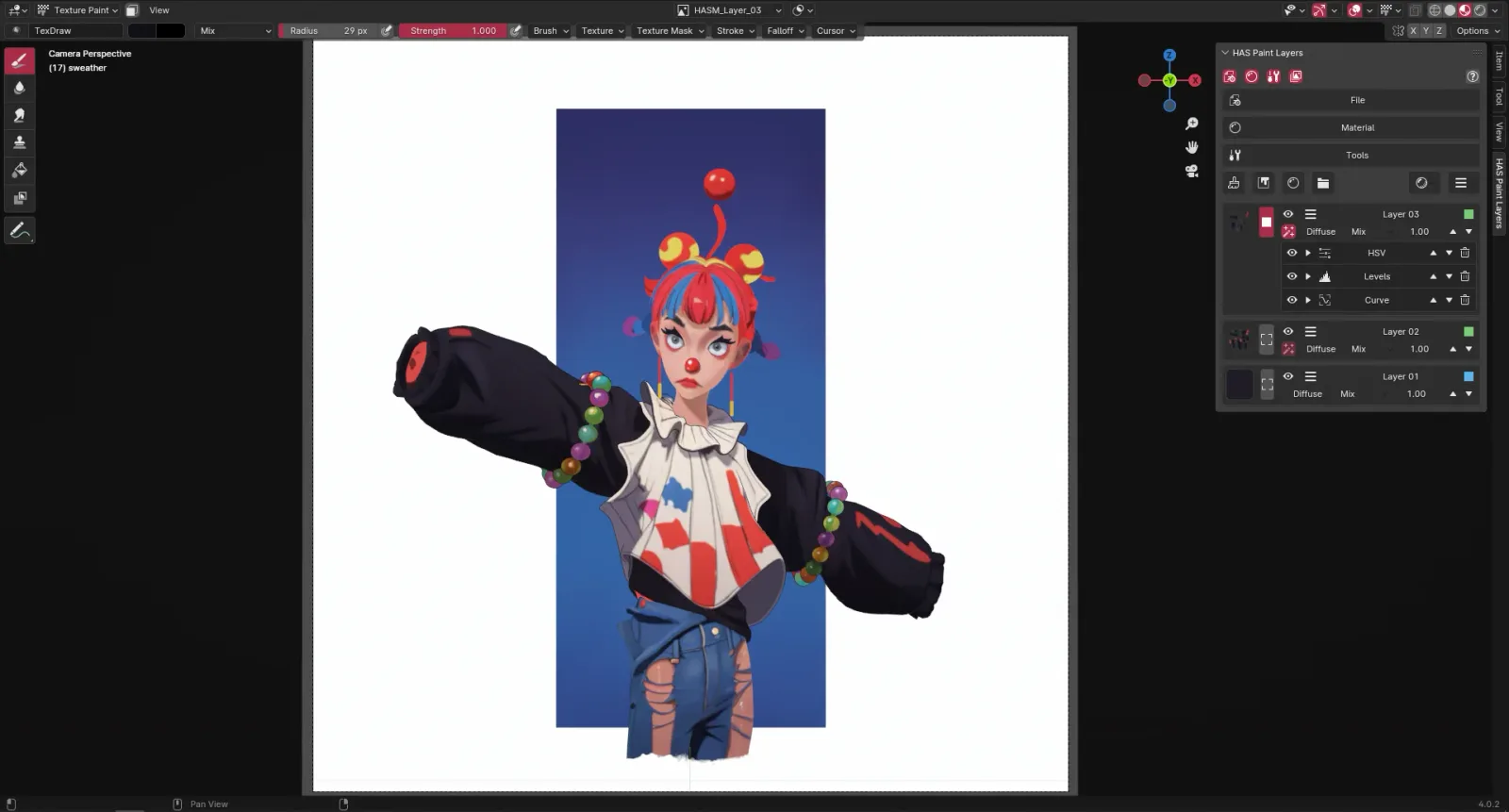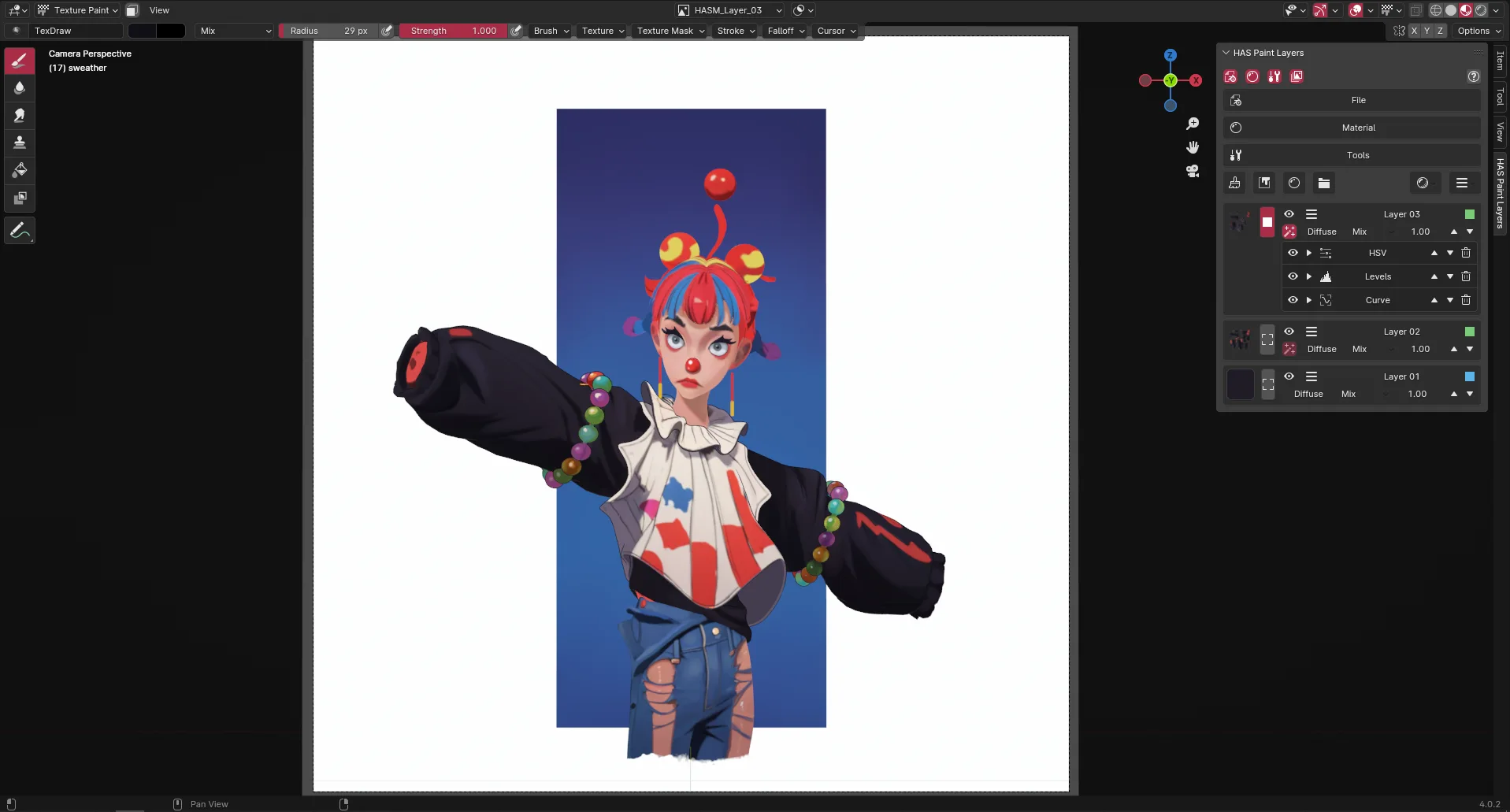
HAS Paint Layers is a Blender add-on for texture painting with multiple paint layers. Its layer-based workflow supports filters, masks and blending modes, so you can organize paint work without relying on one flat image. The add-on also includes PBR painting and baking tools.
The Blender Extensions catalog lists version 0.8.93, maintained by Hirourk, with Blender 4.2.0 as its minimum version. Each paint layer can hold an unlimited number of filters and masks .
Painting and texture tools
- Organize texture paint across layers, with filters and masks on layers.
- Paint PBR channels, use blending modes, and preview layer colors and images.
- Create custom node groups to use as filters, combine layers, apply filters and resize textures.
- Paint and bake tools, texture export including ORA, and autosave.
These tools suit artists who want to revise texture-paint work in layers or handle PBR painting in Blender.
Getting started
Select a UV-unwrapped mesh, open the add-on panel in the 3D View sidebar, and use Setup Material and Setup Scene. Then add a paint layer with the brush control. The developer's wiki is linked from the Blender Extensions listing.
Compatibility and permissions
The Blender Extensions catalog record lists version 0.8.93, a Blender minimum of 4.2.0, and the GPL-3.0-or-later license. It also lists Files permission for storing temporary images.
A user review on the extension listing reports an issue in Blender 5.2 and says the add-on worked on Blender 4.2. That is one user's report, not a general compatibility finding. Check the listing for current release information before relying on it in a project.