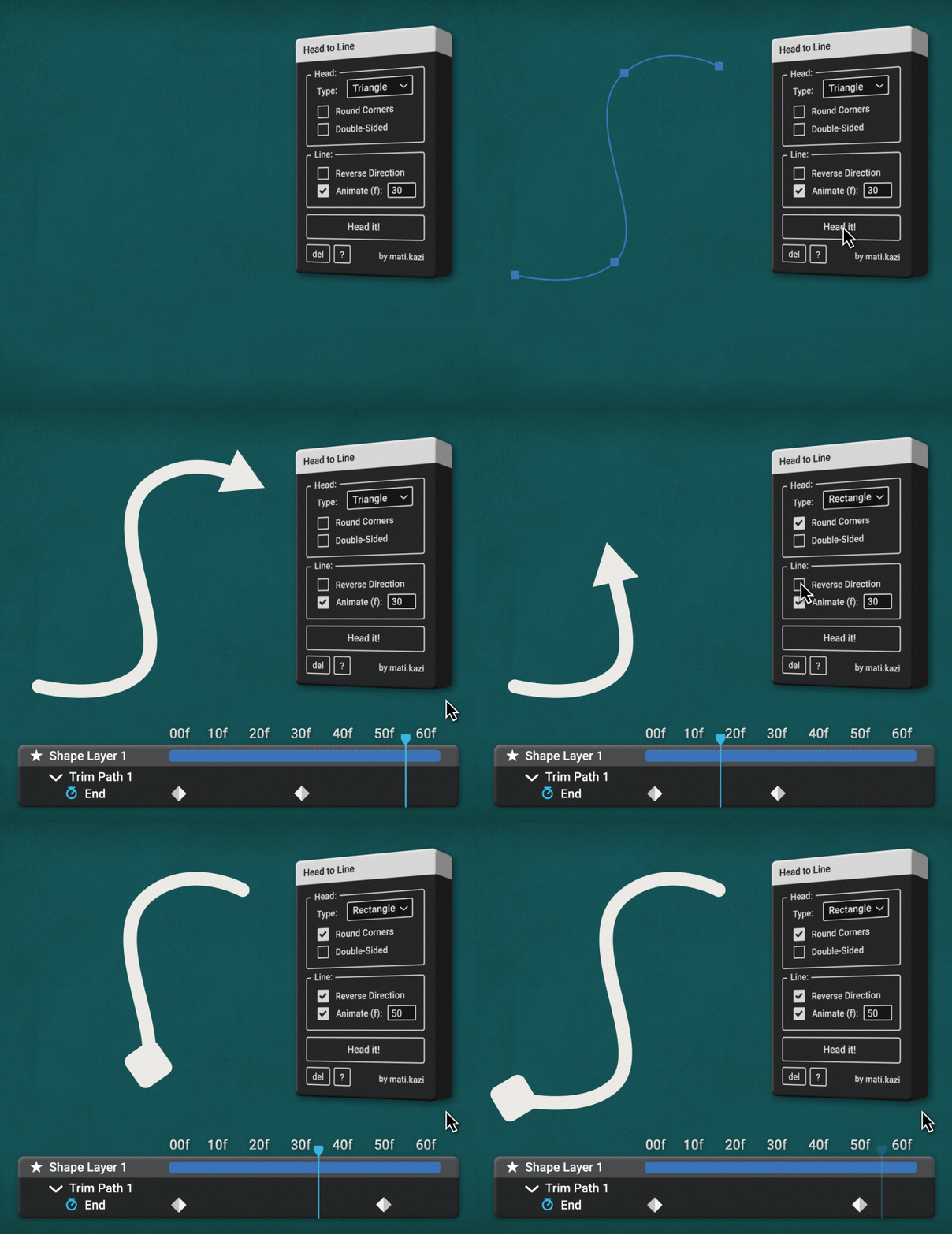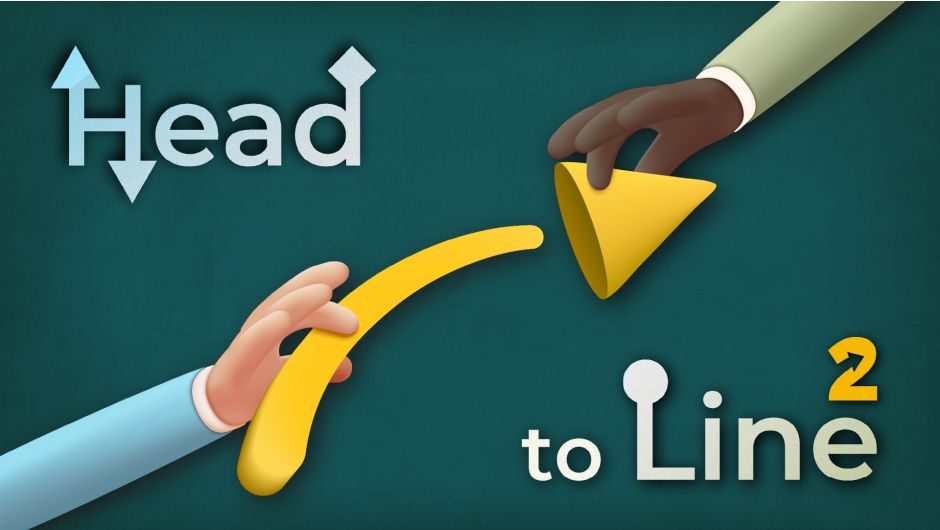
Head to Line 2 is an After Effects script for turning a line or path into an animated arrow. It suits motion designers who need directional lines in a composition and want control over arrowhead shape and motion.
Build and animate an arrow
Run the script on a line to add a built-in arrowhead, such as a triangle, circle, rectangle or star, or use a custom head. For a custom design, name the head layer so it begins with head, select it with the line layer, and run the script. Use the controls to reverse direction, change the head type and animation duration, and adjust head size, angle and roundness. You can animate those head properties, and a checkbox creates a double-sided arrow.
The del button removes Head to Line from a layer. To keep the head without the line, turn off the line shape's visibility.
Compatibility and license
The listed compatibility covers After Effects 2020 through 2025. The posted EULA permits one copy on one computer at a time, plus one archival copy on a storage medium other than a hard drive. Additional users or computers require appropriately licensed copies.