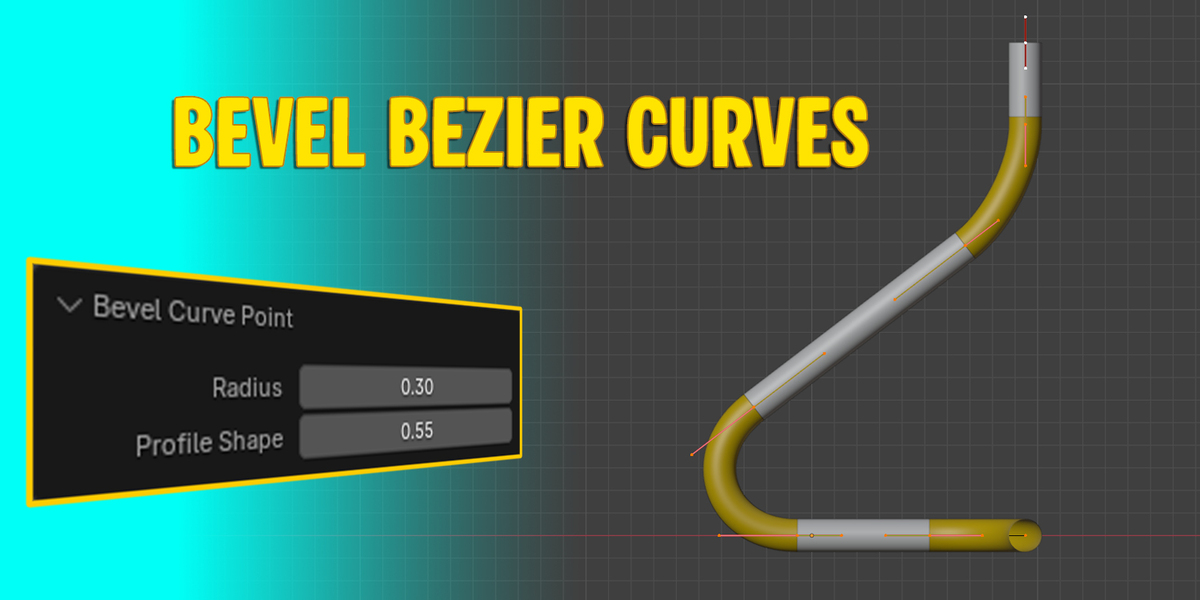
Helix Generator is a Blender add-on from Pixel Egg Studio for creating helixes around a line or Bezier curves. Its product listing also describes modeling ropes and braids. Its changelog includes version 1.0.8 and records updates to curve handling, presets, and earlier fixes. Read the product listing and changelog.
Create a helix from a curve
The published guide describes a curve-based workflow: add a Bezier Curve with Blender's built-in tool, select it, open the Helix Generator tab in the 3D View, adjust the settings, then choose Generate Helix. See the Helix Generator documentation for the documented steps.
Curve options and presets
The version 1.0.8 changelog says the add-on can generate a closed curve when the original curve is closed. Version 1.0.7 made solidifying Bezier curves conditional on a checkbox. The changelog also records saving settings as presets in version 1.0.1 and an option to customize the add-on tab name in version 1.0.2. These controls help when you need to reuse settings or choose how a curve is handled.
Installation and Blender compatibility
The documentation describes installing the downloaded ZIP through Blender's add-on preferences, enabling the add-on, and saving preferences. Menu labels can vary by Blender release, so check the guide for your version. The Superhive listing names the GPL license and lists Blender versions from 2.8 through 4.3. That list does not confirm compatibility with later Blender releases; check the current listing before installing on a newer version.
When it may fit
Helix Generator is suited to Blender projects that need helix forms around lines or curves, or modeled ropes and braids. Review the product page's demo video and try the documented workflow on a sample curve to see whether its controls fit your project.