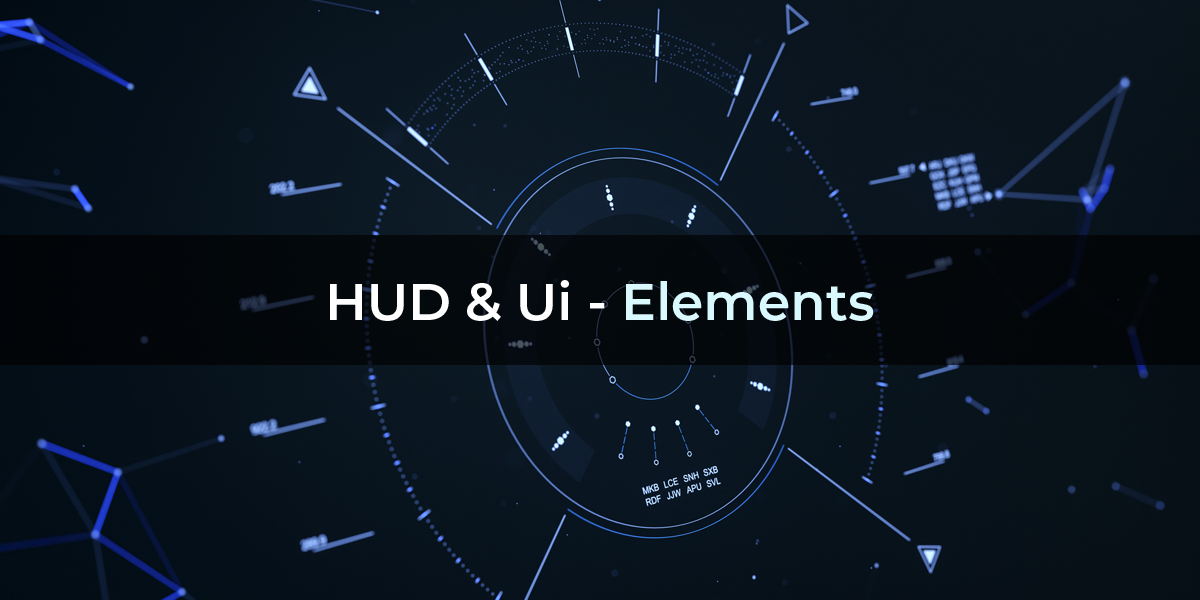
HUD & UI Elements is a Blender add-on by Efeitos Pro for building futuristic interface graphics, including FUI screens, high-tech dashboards, and sci-fi displays; the add-on also suits broadcast design, sci-fi films, and creative data displays.
Build interfaces from customizable elements
The add-on includes 30+ customizable UI elements. Build designs from basic shapes such as triangles, rectangles, hexagons, and n-gons, then add radial or matrix components. Mathematical animation options include sine waves, Perlin noise lines, and Plexus animations. Elements can be combined and adjusted to fit a scene.
Animate with parameters
HUD & UI Elements uses a parameter-based, keyframe-less animation system. Adjust the available values to animate elements without setting keyframes manually. Tools also help manage large scenes, play back restricted elements, and copy full or partial settings between elements.
Install and add an element
In Blender, open Edit > Preferences, select the Add-ons section, and click Install. Choose the add-on file, install it, and activate it if Blender has not enabled it automatically. In the 3D Viewport, choose Add > HUD & UI Elements and select an element. To adjust it, select the object, then open its HUD & UI controls in Object Properties.
The catalog identifies version 1.16.1. The Superhive listing identifies the license as MIT and links to the developer's documentation, gallery, and tutorials. Check the product listing for current package details.