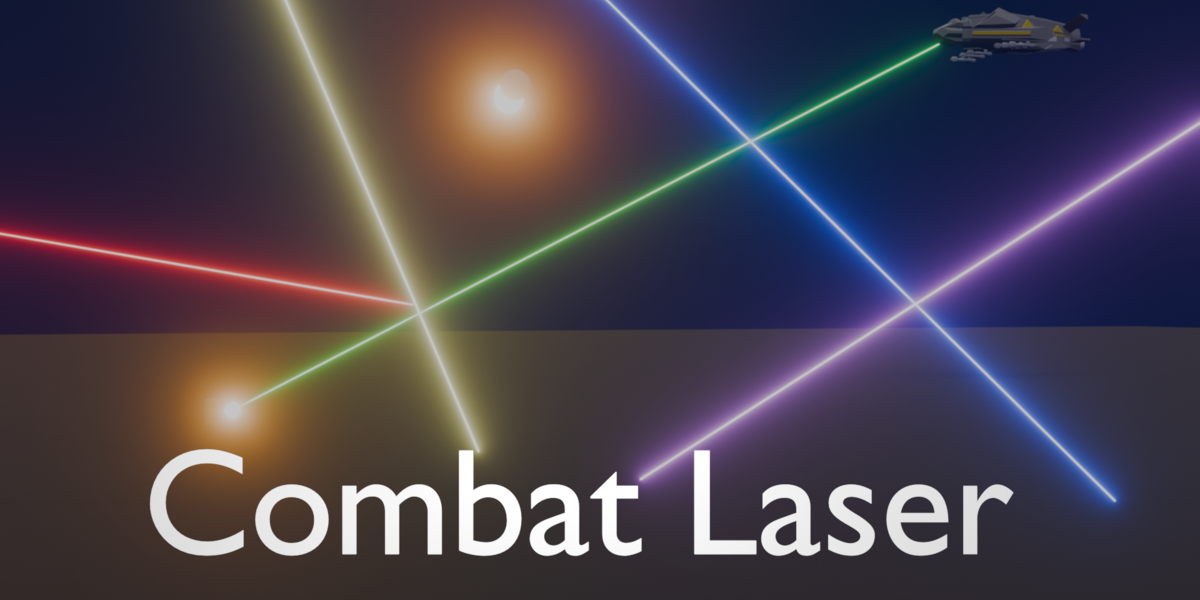
Combat Laser is a Blender add-on by studioromanrec for animating laser beams and impact explosions in a scene. It places a beam on a chosen timeline frame, can aim at a scene object automatically, and animates an explosion when the beam hits. You can adjust the look and timing of both effects.
Place and aim shots
Place an emitter, aim, and fire to create a beam on the frame you choose. The add-on handles the beam animation without requiring manual keyframing. For targeting, point the emitter at an object and use the auto-aim control; Combat Laser calculates the direction and locks onto the target. A live aiming preview in Blender's 3D viewport shows where the beam will land before you fire.
Shape the beam and impact
Beam settings include color, brightness, radius, length, duration, and fade speed. For the impact explosion, you can adjust color, brightness, size, and duration. The product listing says each hit triggers an animated explosion that tracks moving objects and follows the struck surface frame by frame. Animation timing is described as frame-accurate at any frame rate.
Reuse presets and revise a shot
Combat Laser includes 15 presets, with examples such as Sci-Fi Blue, Rail Gun, Death Star, and Plasma Cannon. You can also save configurations and reuse them across projects. If a shot needs revision, the add-on can delete the last shot with one click without changing the rest of the animation.
Compatibility and license
The Superhive product listing identifies Combat Laser as compatible with Blender 3.2 through 5.1 and with both Cycles and Eevee. It is listed as Blender Extension-compatible, has no external dependencies, and uses the GPL license. Check the product listing for current compatibility details before installing it with a newer Blender release.
Intended projects
The publisher lists action scenes, sci-fi films, game cinematics, motion graphics, VFX breakdowns, and product visualizations as intended uses. Its adjustable beam and impact settings let artists tune the effect for different shots, while the preview and frame-based placement help position and time each shot in the scene.