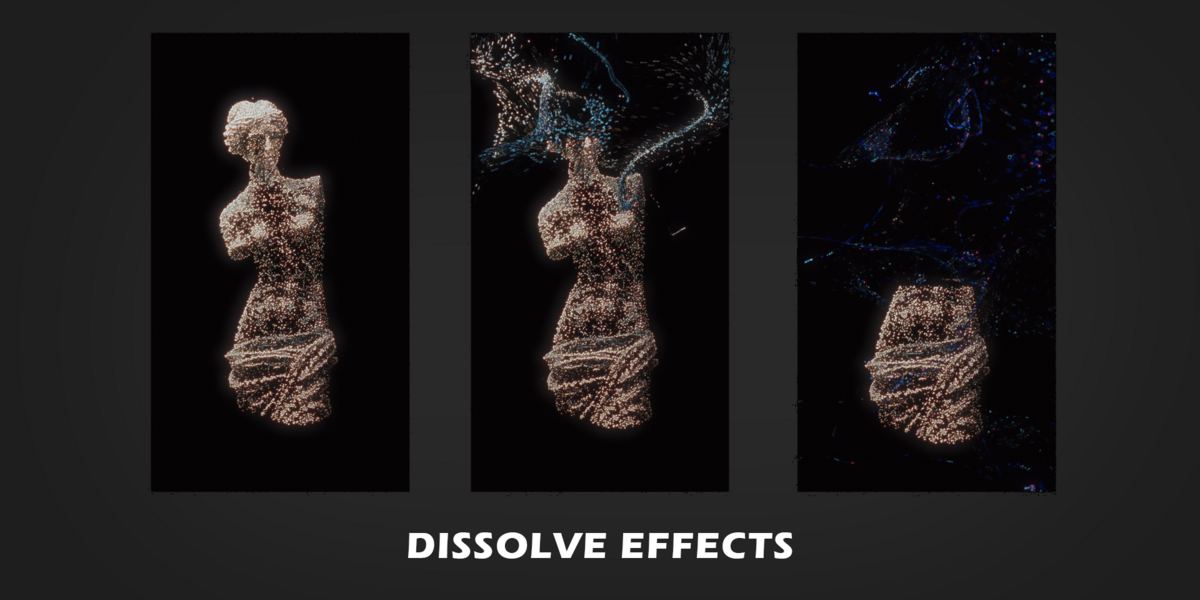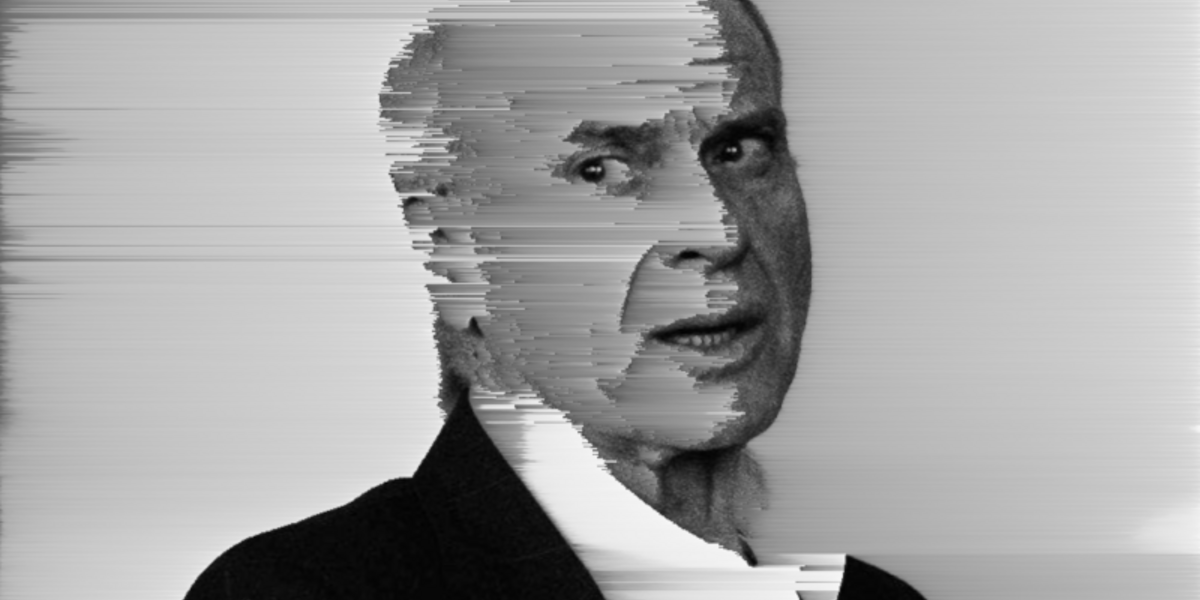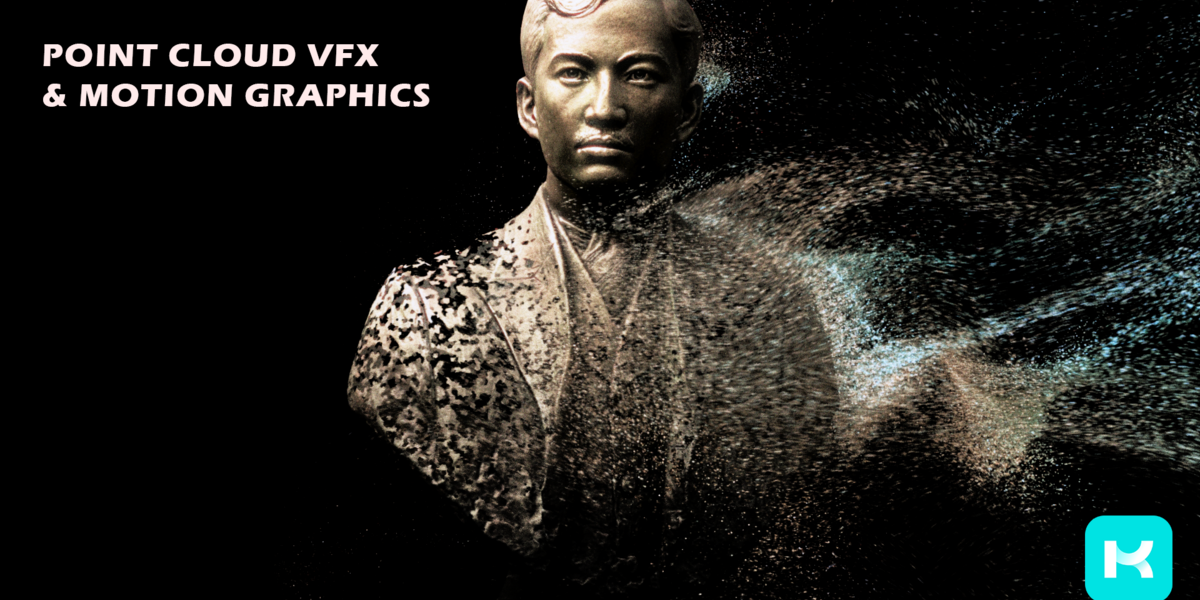
Point Animate by KIRI Engine is a Blender add-on from 3D Tools by KIRI Engine for creating point cloud animations from 3D models. You can make a point cloud-based animation or include the input mesh. The add-on works with mesh and point cloud objects without requiring conversion.
For source models, the Superhive product listing recommends high-quality mesh models or .ply files. It also points to the KIRI Engine app homepage for free models and model creation.
Presets and animation controls
The listing says users can add animations in fewer than five clicks and notes that Quick Presets are available to get started. Its list of included presets and tools names Decimate, Crop Box, Morph, Wind, Noise, Snap To Shape and Wireframe.
For more control, modifiers have expanded settings. They can be driven by attributes, masked by objects and stacked. Animations can also be masked to create layered effects, and bake functions are available. This gives artists a choice between starting from a preset and building a more customized modifier stack.
An appended shader comes with useful attributes already loaded, so point appearance can be adjusted without setting up complex nodes.
Blender versions and documentation
The Superhive listing marks the add-on as Blender Extension Compatible. Its details name Blender 4.2 and 4.3, and its compatibility summary says Blender 4.2+. AnyPlugins lists version 1.0.3 and shows July 16, 2026 as the record's update date. Check the product listing for current compatibility and release details, especially when using a later Blender version. Superhive identifies the license as GPL.
The listing's documentation section links to KIRI 3D Tools for written documentation and to the KIRI Engine tools YouTube channel for tutorials.