HyperImport is an After Effects script for importing assets and running project or layer commands from a link and command field. It suits motion graphics artists who regularly bring files into projects, switch existing assets, or repeat editing and organization tasks.
Import assets and reduce projects
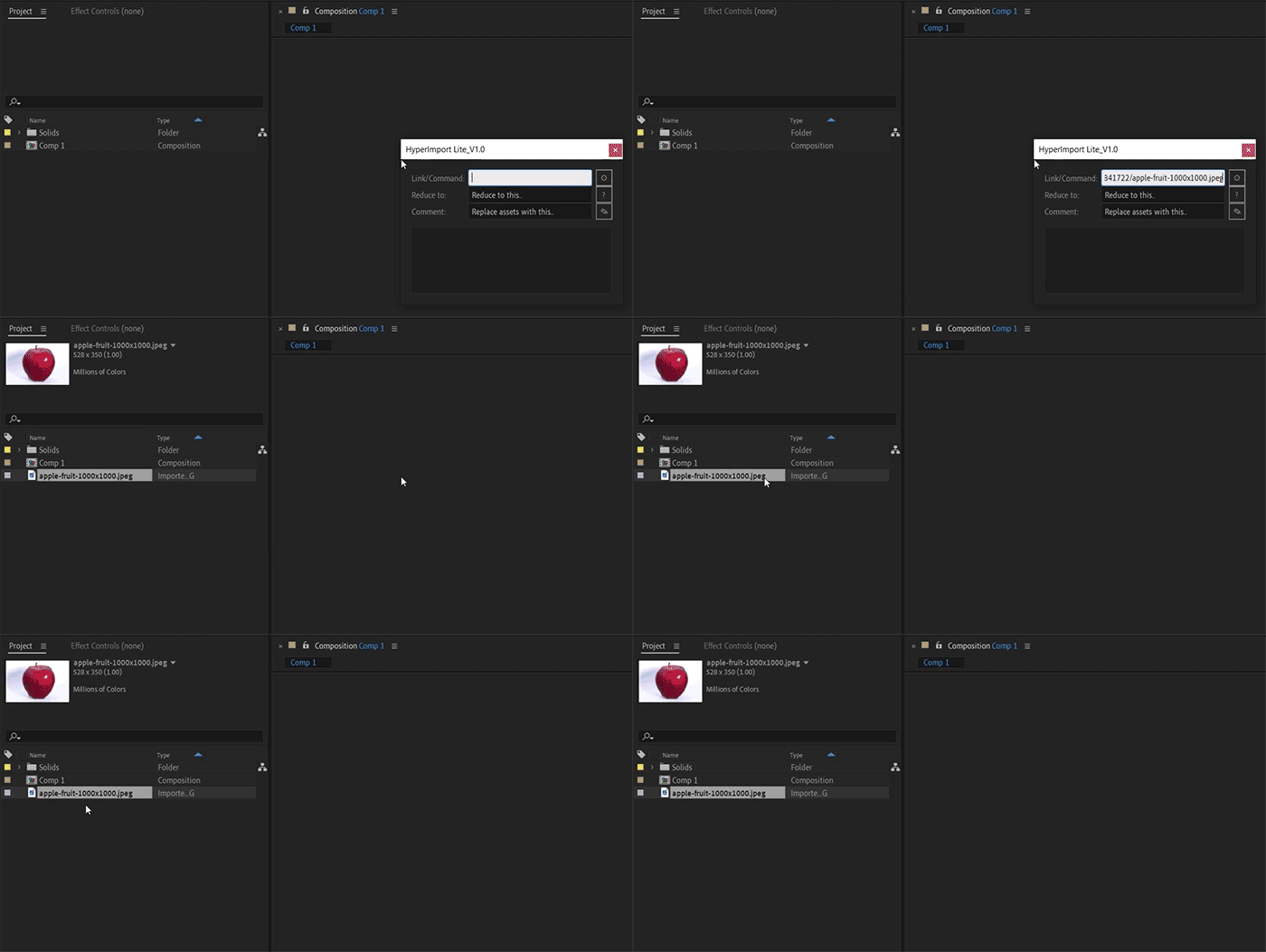
For cloud assets, enter a direct download link or save multiple links in a CSV file and run the dlall command. Cloud ZIP files are unpacked automatically, and After Effects projects or supported asset files can be imported into After Effects. For local files, open the file picker or enter the full path. Local ZIP files are not supported.
After import, HyperReduce can keep project items matching a name or partial name entered in the Reduce to field. Downloads are stored in a HyperImport-DL folder alongside the saved AEP project. The developer guide specifies curl 7.73.0 or later for Google Drive downloads.
Replace assets by comment
Comments can link incoming assets to items in an existing project. For an imported AEP file, preferences can enable bulk replacement of project items, layers, or both when their comments match. For a single imported asset, SingleHyperReplace uses a comment entered in the comment field and replaces the matching item in the base project.
Run common tasks from shortcuts
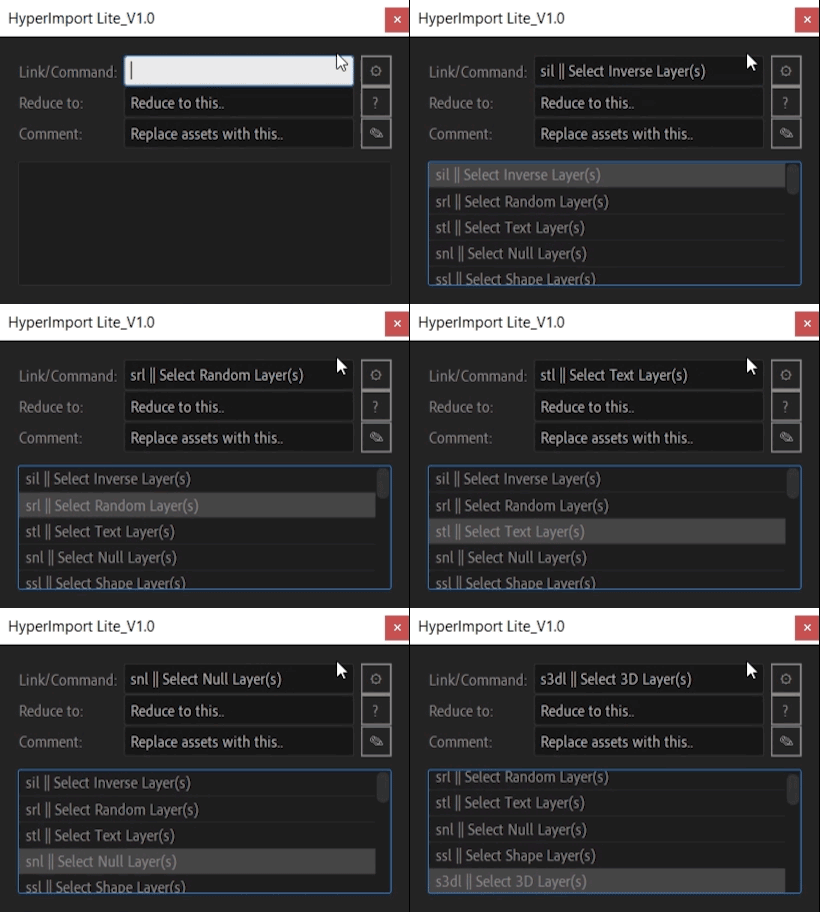
Typing in the command field filters the available moves; choose a command and press Enter, or type its shortcut directly. Built-in moves include selecting layer types, revealing or organizing project assets, trimming and parenting layers, setting markers or track mattes, and collecting or reducing project files. Some commands accept parameters. For example, ol 4 offsets selected layers by four frames.
You can add custom functions and expressions to HyperImport's library folders. Files in the functions folder appear as Execute commands, while expressions appear as Apply commands. HyperImport is intended to be launched as a script with a keyboard shortcut, not used as a dockable window. The developer guide describes installation and command setup.
Compatibility and licensing
The aescripts listing names After Effects 2024, 2023, 2022, 2021, 2020, CC 2019, and CC 2018. The developer guide notes that some default special moves do not work on older After Effects versions. The listing includes a free trial.
The EULA grants use of one copy on one computer at a time. Additional copies or users require an appropriate license for each. Review the current terms on the HyperImport listing before installing.