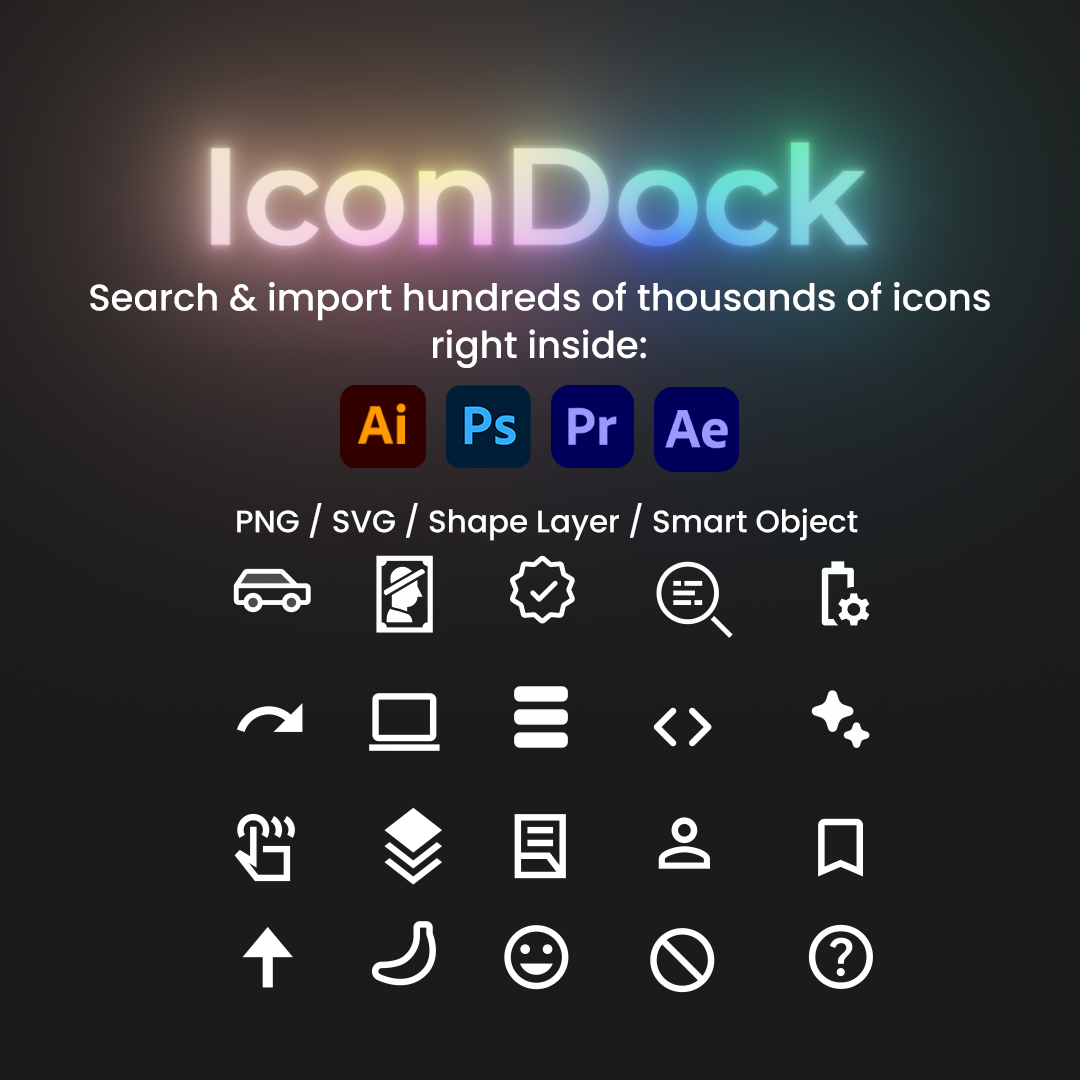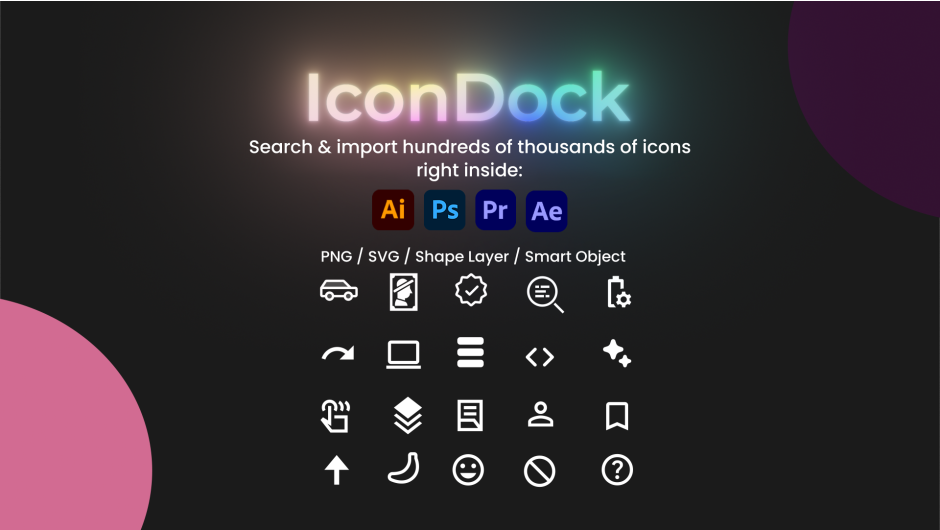
IconDock brings keyword search for icons and emoji into After Effects; users can preview icons, adjust icon colors, and import icons as PNG, SVG, or editable shape layers. It suits motion designers and video editors working on animations, explainers, infographics, or social videos, and avoids manual asset downloads.
After Effects import formats and sizes
After Effects imports icons as PNG, SVG, or editable shape layers. Version 1.2 added PNG sizes up to 2048 px; version 1.3 extended custom sizes up to 2048 px to SVG and After Effects shape-layer imports.
Find and reuse icons
Search by keyword inside After Effects, preview icons, and save favorites. Recent Used lets you return to icons imported earlier. Version 1.3 syncs favorites and recently used icons across After Effects, Illustrator, Photoshop, and Premiere Pro on the same computer.
Version 1.3 adds combined icon-and-emoji search and batch imports: select multiple icons and set a row and column count. Premiere Pro can place the batch in a timeline grid when Import to Timeline is enabled; the listing does not describe this workflow for After Effects.
Compatibility and licensing
The product page lists support for After Effects 2020 through 2027, Illustrator 2021 through 2027, Photoshop 2025 through 2027, and Premiere Pro 2027.
IconDock searches open-source collections, but the icon licenses can differ by collection. Version 1.3 adds See License Info: right-click an icon to view its collection, license, source, and any available attribution. Check those terms for the specific icon before using it in a project.
The product's EULA grants one copy and restricts installation or use on multiple computers at the same time or on shared and multi-user systems. It says multiple copies or users require an appropriate license for each. The product page lists a free trial and a paid purchase option.