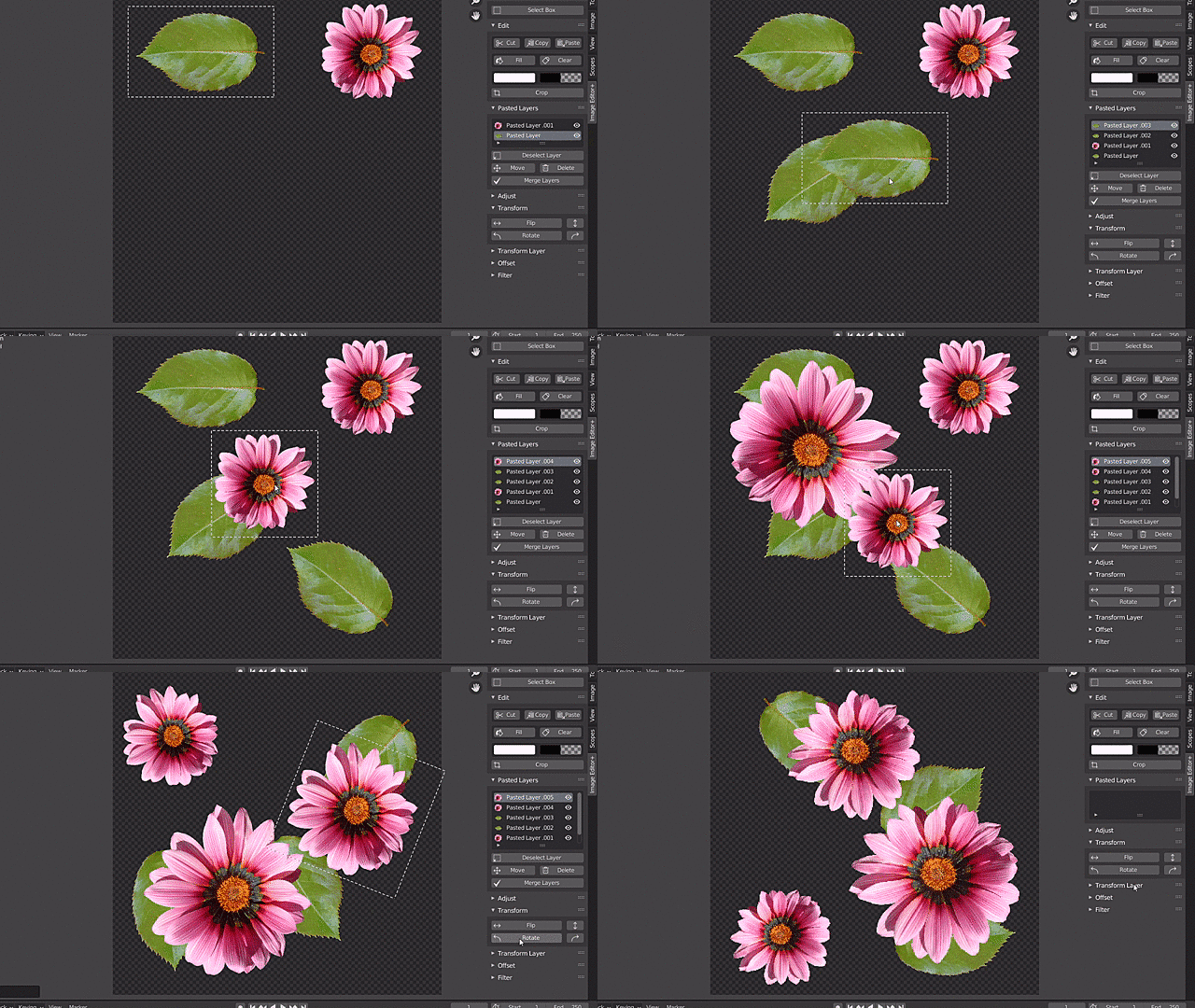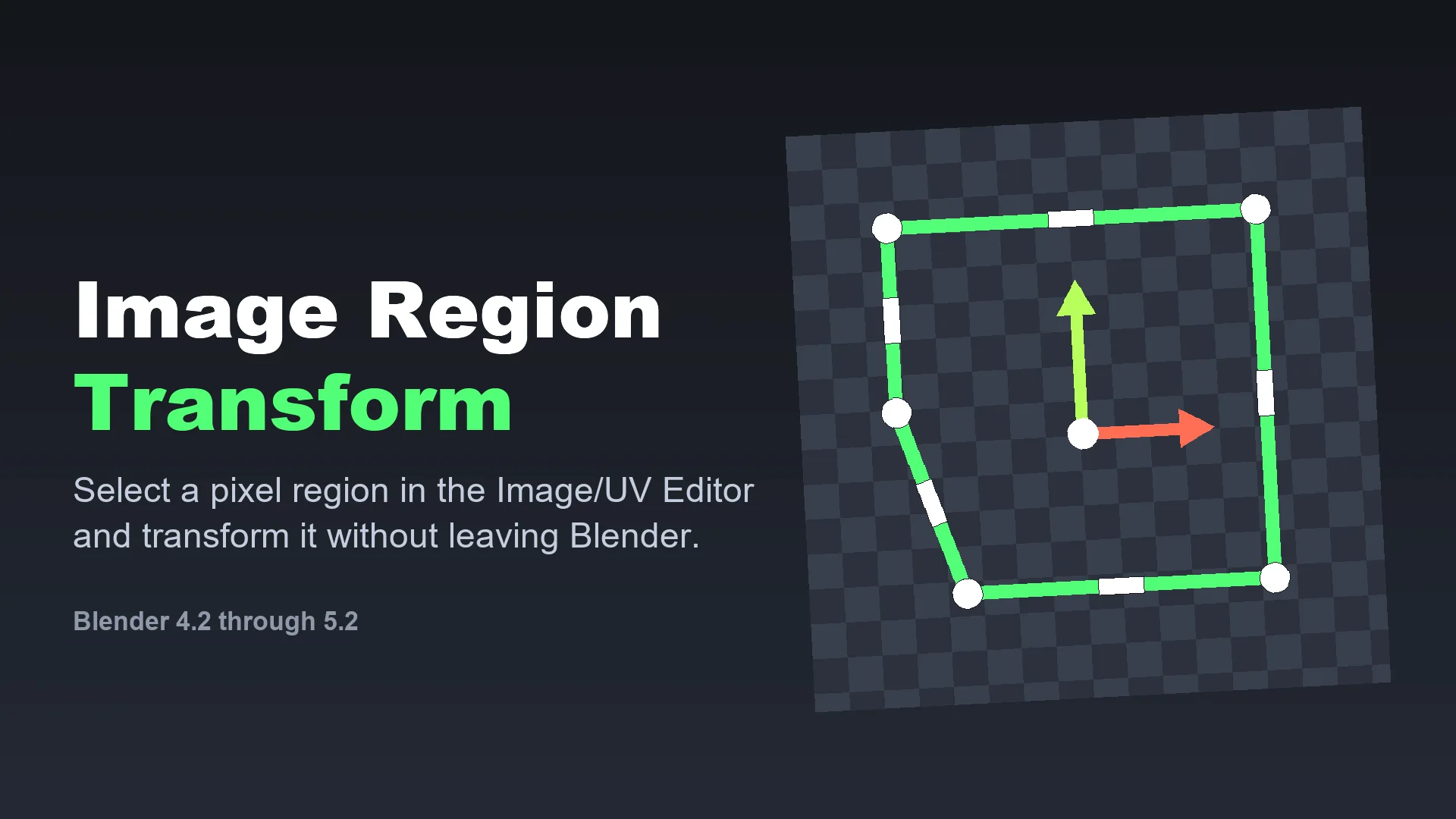
Image Region Transform is a Blender add-on for editing selected pixel areas in the Image/UV Editor. Select a box or draw a pencil polyline around a region, then move, rotate, scale, stretch, or warp it in place. The add-on edits image pixels; it does not change UVs or mesh geometry.
Select and transform image regions
Use the box or polygonal region tool to choose the area you want to change. Snapping can align the selection with UV vertices or image borders. Move, rotate, and scale with X and Y axis locks, or use step snapping. Frame handles stretch a selection, while dragging its vertices bends the region.
For tileable textures, the wrap option lets the region continue across an image edge. You can also fill or erase the selection footprint.
Preview, paste, and undo
A translucent live preview shows the changes as you work. Multiple steps can accumulate in the preview and be applied together as one operation, and the add-on records its steps in Blender's native undo history.
Copy and paste regions between textures with Ctrl+C and Ctrl+V. On Windows, you can also paste an image copied from another program, such as a screenshot or PNG. The wrap shortcut is W, and Del fills or erases the selection footprint.
Resampling and preview settings
For scaling and warping, the add-on includes Catmull-Rom, Lanczos-3, and Mitchell-Netravali resampling kernels. It also has edge softening and adjustable preview and outline opacity.
Blender compatibility and version 1.0.6
The listing specifies Blender 4.2 or later, including Blender 5.2. Supported builds are listed for Windows x64 and macOS on Intel or Apple Silicon. The license is GNU GPL version 3.0 or later. The add-on requests file access to open its bundled Guide-Free.html instructions and clipboard access to paste images copied from another program.
Version 1.0.6 is a performance update dated November 4, 2026, with no new features. Its version notes say contour dragging and applying transforms are faster, and longer chains of preview steps stay responsive. The notes report the same result quality and accuracy as the previous version.
The Blender Extensions listing offers drag-and-drop installation or a download for installation from disk. See Blender's installation instructions for the current steps.