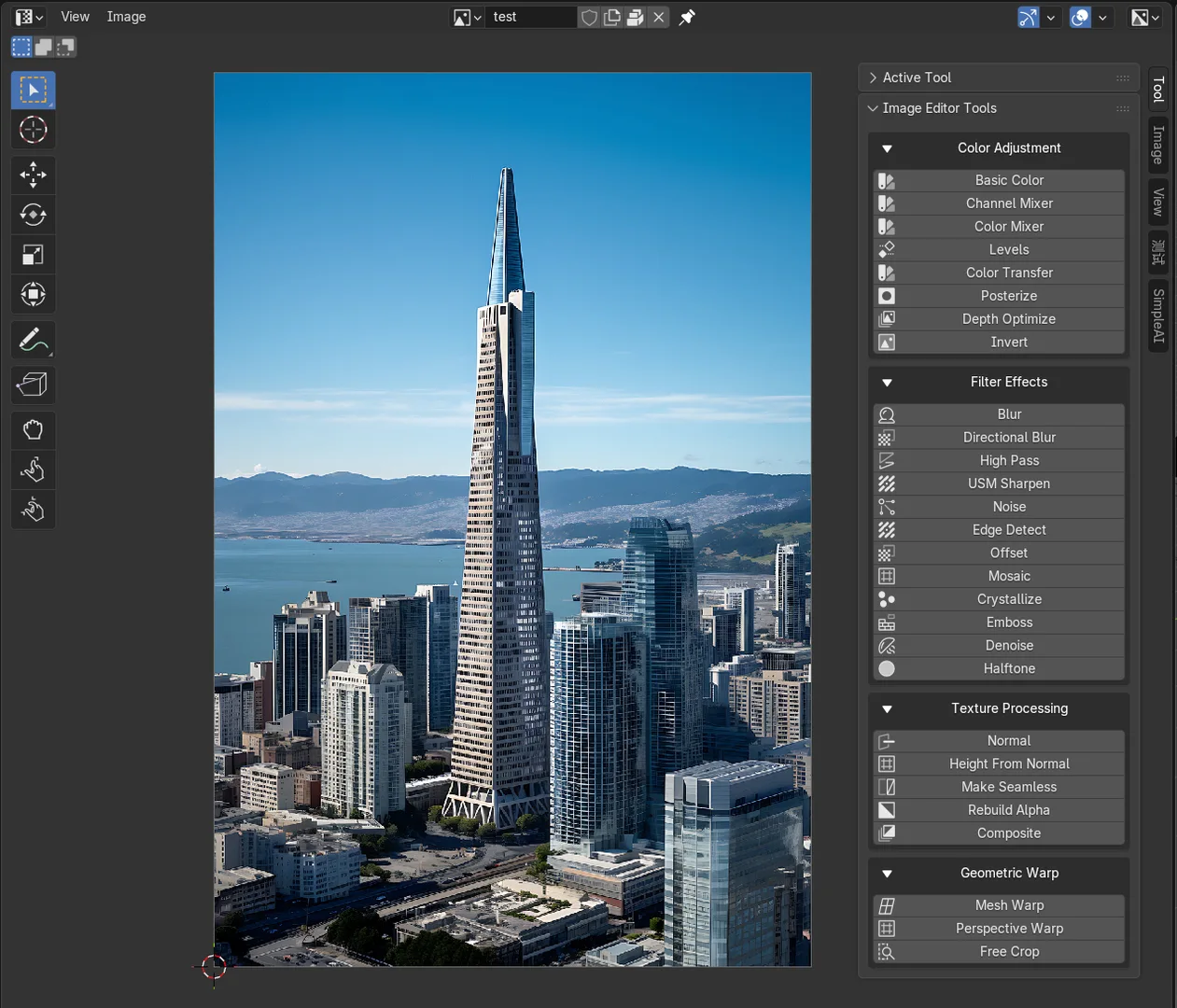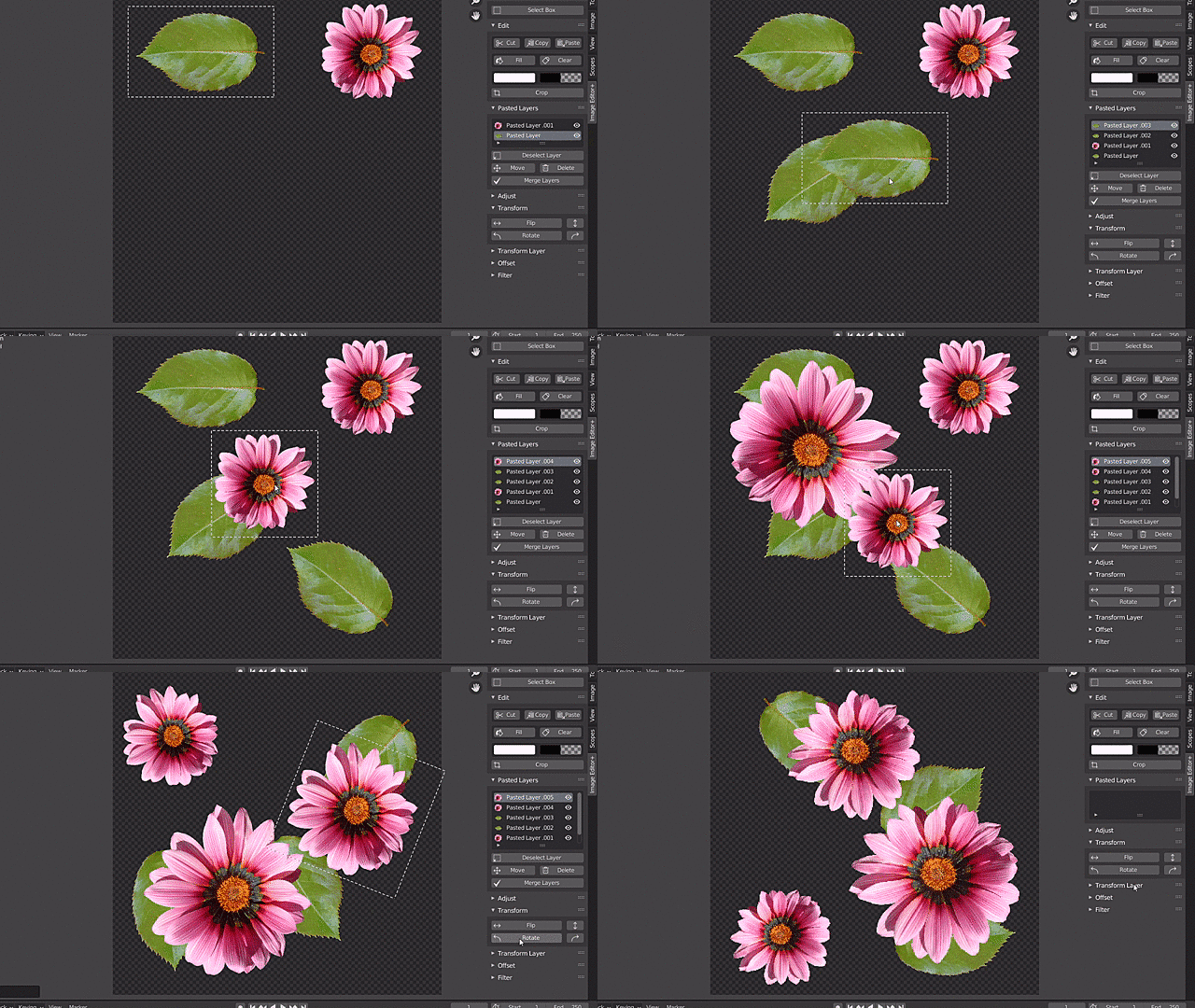
Image Editor Plus extends Blender's UV/Image Editor with tools for editing images and textures in place. It works with packed and unpacked images, and changes are reflected in the 3D model view immediately. That keeps many routine texture edits in Blender instead of moving images to an external editor.
Adjust image areas and color
Image Editor Plus can clear or fill an image, crop it, flip or rotate it, and change canvas size or offset. Color controls include hue and saturation, brightness and contrast, gamma, color curves, and replace color. A rectangle selection lets you apply edits to a chosen area.
Copy and paste image layers
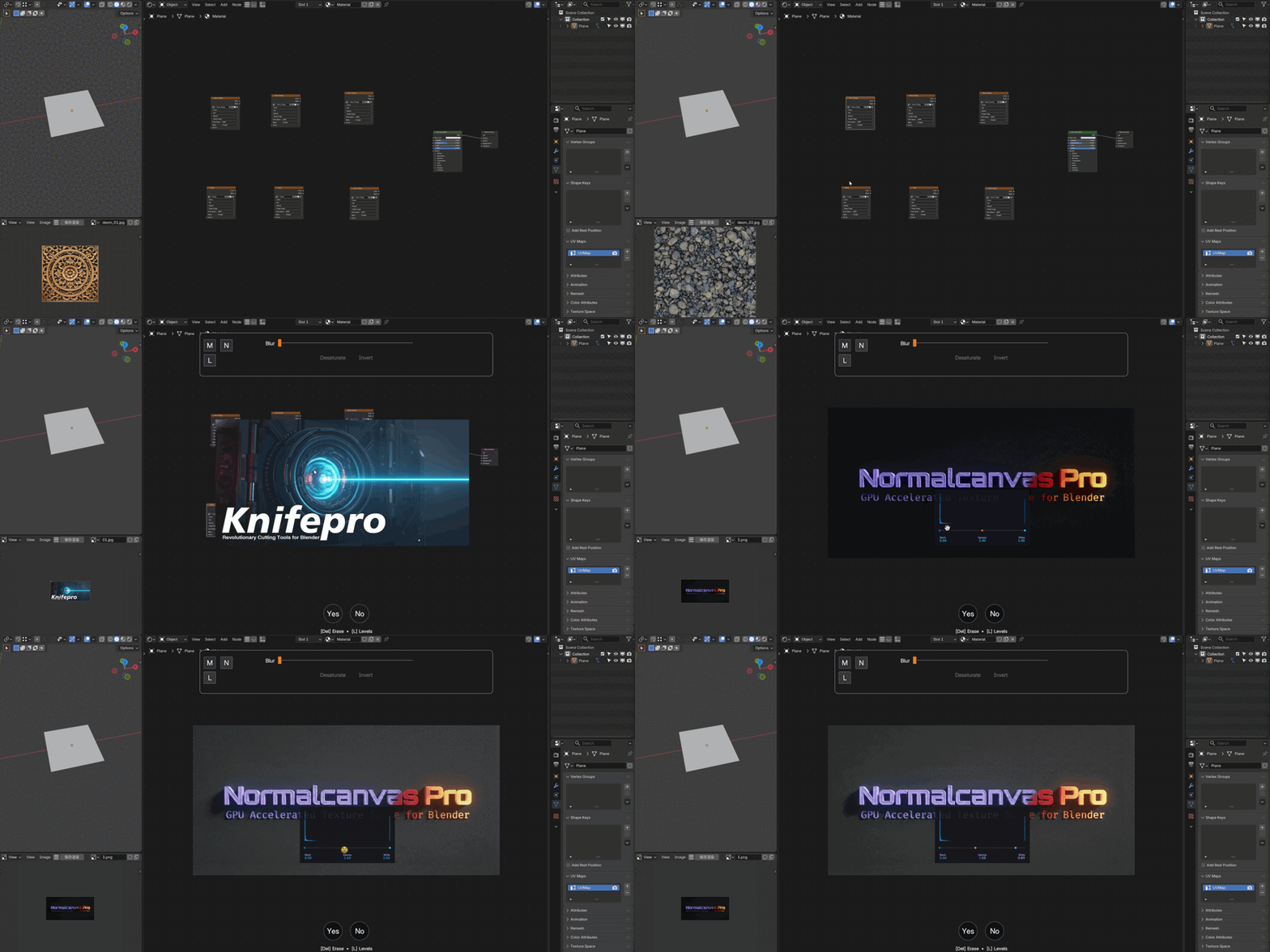
You can copy and paste a selection or an entire image. Pasted images appear as layers that can be moved, rotated, or scaled. To display these pasted layers in the 3D View, use an Image Layers Node instead of Blender's built-in Texture Node. The product documentation also says to merge layers to finish pasting.
Filters for texture work
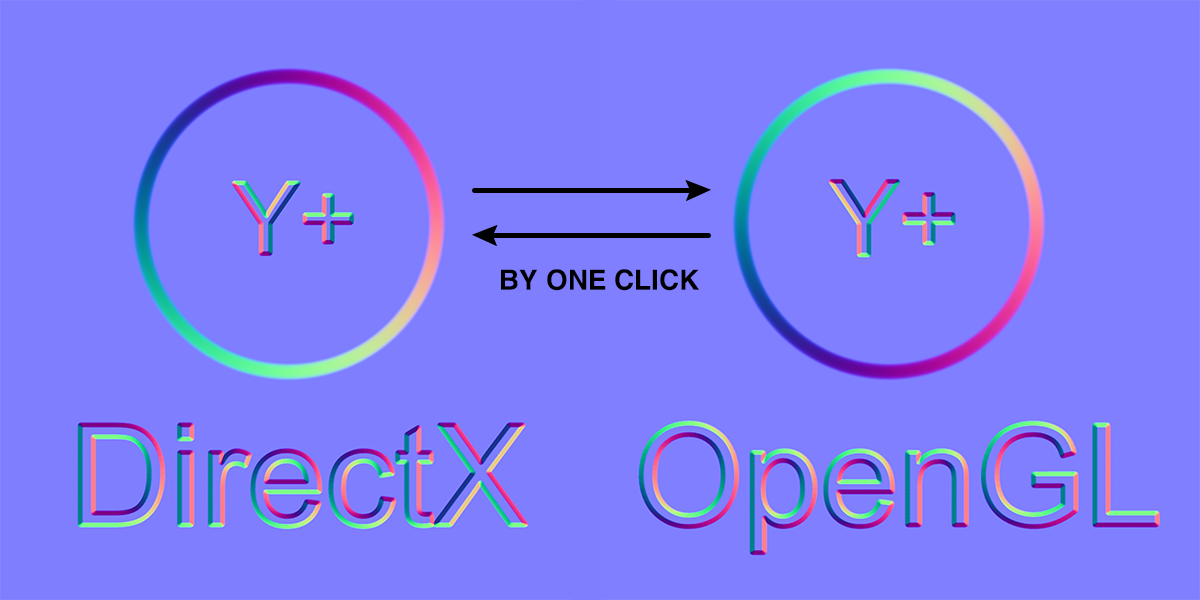
The filters include blur, sharpen, noise, pixelize (mosaic), make seamless, and normal map. Make seamless helps prepare an image for tileable textures. The normal map generator converts a height map into a normal map, with black representing low areas and white representing high areas.
Limits to consider
- Selections are rectangular; circle and lasso selections are not supported.
- The product FAQ reports that undo does not work correctly in some situations.
- UDIM images are not supported. The FAQ warns that processing textures at 4K by 4K or higher may take a long time.
- Pasted layers are temporary. Merge pasted layers to finish pasting; their layer or link data may be lost or accidentally deleted if they are kept in a Blend file.
Image Editor Plus suits Blender workflows that need quick texture crops, color changes, filters, seamless tiling, or a height-map normal map. Its documented limits matter for work that depends on lasso selection, UDIM, reliable undo, or persistent pasted layers. See the product documentation, the product FAQ, or the developer's source code repository for details.