NormalCanvas Pro is a GPU-accelerated texture processing suite that runs in Blender's Shader Editor. It lets you edit images connected to an Image Node and prepare PBR materials without exporting textures to a separate editor. Its tools are aimed at artists who want texture editing and map generation in their Blender workflow.
Texture editing in the Shader Editor
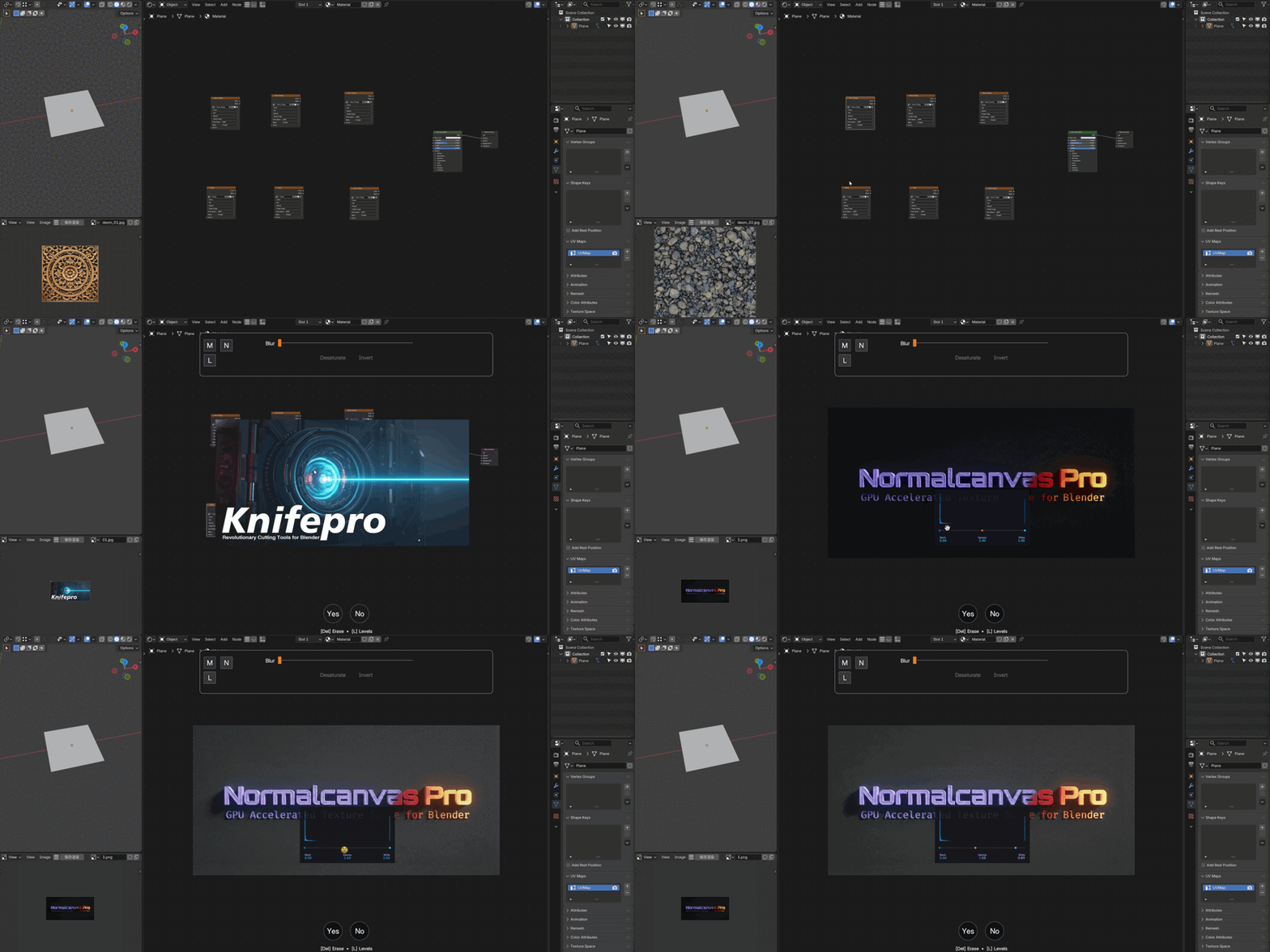
Select an Image Node and press Y, the default shortcut, to open the workflow. Rectangle and Circle selections cover simple areas, while Polygon Lasso can outline irregular shapes. Clone & Heal copies a selected area when you Ctrl-drag it. For image adjustments, the suite includes non-destructive, real-time Gaussian Blur, Levels with a histogram, and Feathering.
Normal maps and depth estimation
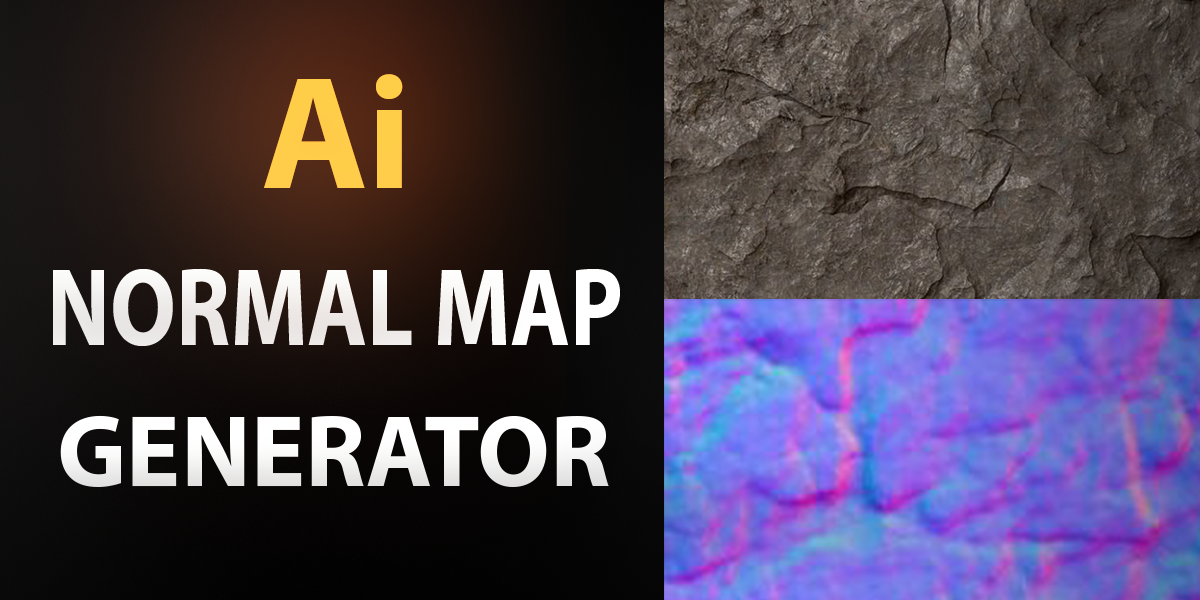
The normal-map generator includes Bevel Simulation with Bevel and Profile sliders. Intensity, Edge Sharpening, and Micro-details have separate controls, and a toggle switches between OpenGL and DirectX output.
The integrated AI Depth Engine uses the Depth Anything V2 model locally. Smart Tiling handles large images with overlap blending to save VRAM. Choose Fast, Balanced, or High quality mode; the preferences include a one-click installer for the AI environment.
Mesh preview and node setup
One-Click Mesh Preview creates a subdivided plane with a Displacement Modifier and matches its aspect ratio to the image. Smart Node Workflow imports and connects optimized node groups, with controls for normal strength and displacement height available directly.
Blender and platform compatibility
The product listing shows Blender 4.5 through 5.0 support. Version 1.0.3 added Apple macOS and Linux support, while expanded support for both platforms is marked beta. Check the Superhive product listing for current version, compatibility, and installation details.