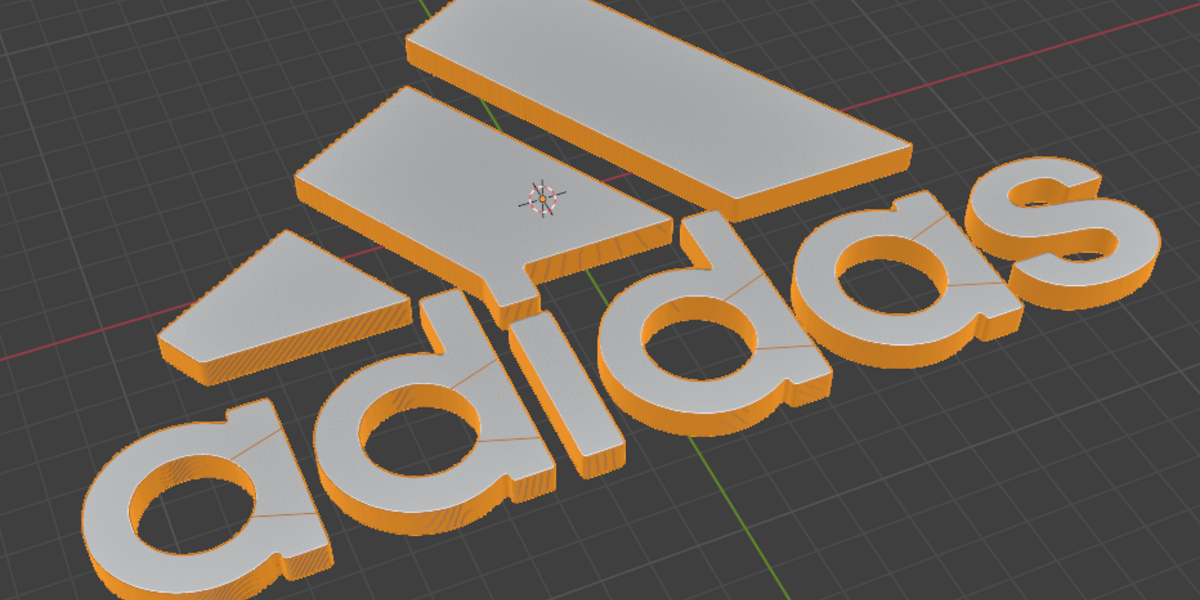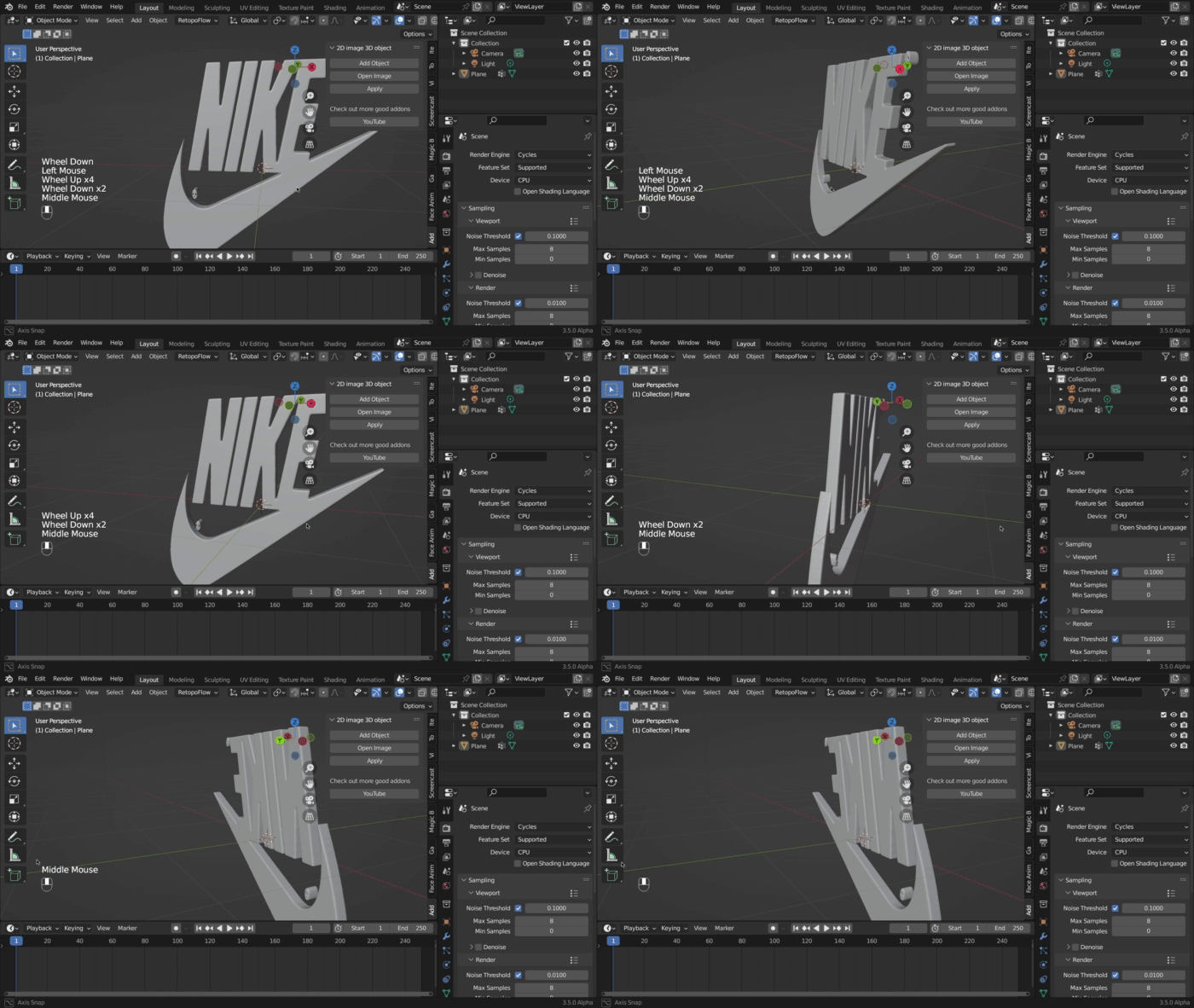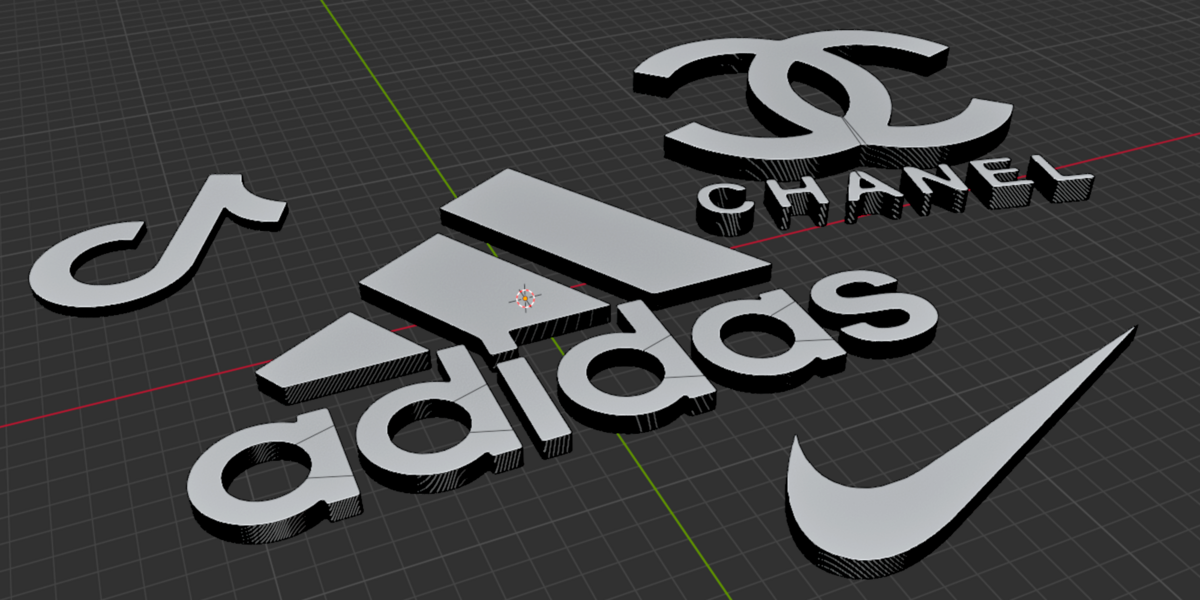
Image To 3D is a Blender add-on by CGMatter that traces an image’s outlines to create a 3D model. It works from an image in your .blend file, so you do not need to prepare an SVG. You can adjust the settings after conversion and apply the modifier when the result is ready.
How it reads an image
The add-on uses a simple rule: black is kept and white is discarded. For a clear result, set up the image so the shape you want to retain is black against a white background. The product documentation says contours are best approximated when the image is crisp, high resolution, and has bold details. Inspect the generated result before applying the modifier, especially when the source has fine detail.
Basic Blender workflow
- Install the add-on using the ZIP drag-in method described on the product listing.
- Enable Developer Extras under Edit > Preferences > Interface.
- Select an object and run the Image To 3D operator.
- Choose an image from the current .blend file, then adjust the settings.
- Apply the modifier when you are satisfied with the result.
Compatibility and license
The Superhive listing identifies Image To 3D as a Blender add-on under the GPL license and lists Blender versions 5.0 to 5.2. Its documentation says it is designed for Blender 4.2 and later. Those version statements differ, so check the current listing or ask CGMatter about your Blender version before installing.
Who it suits
Image To 3D is intended for Blender users who want to turn clear image contours into a 3D model and tune the result inside Blender.