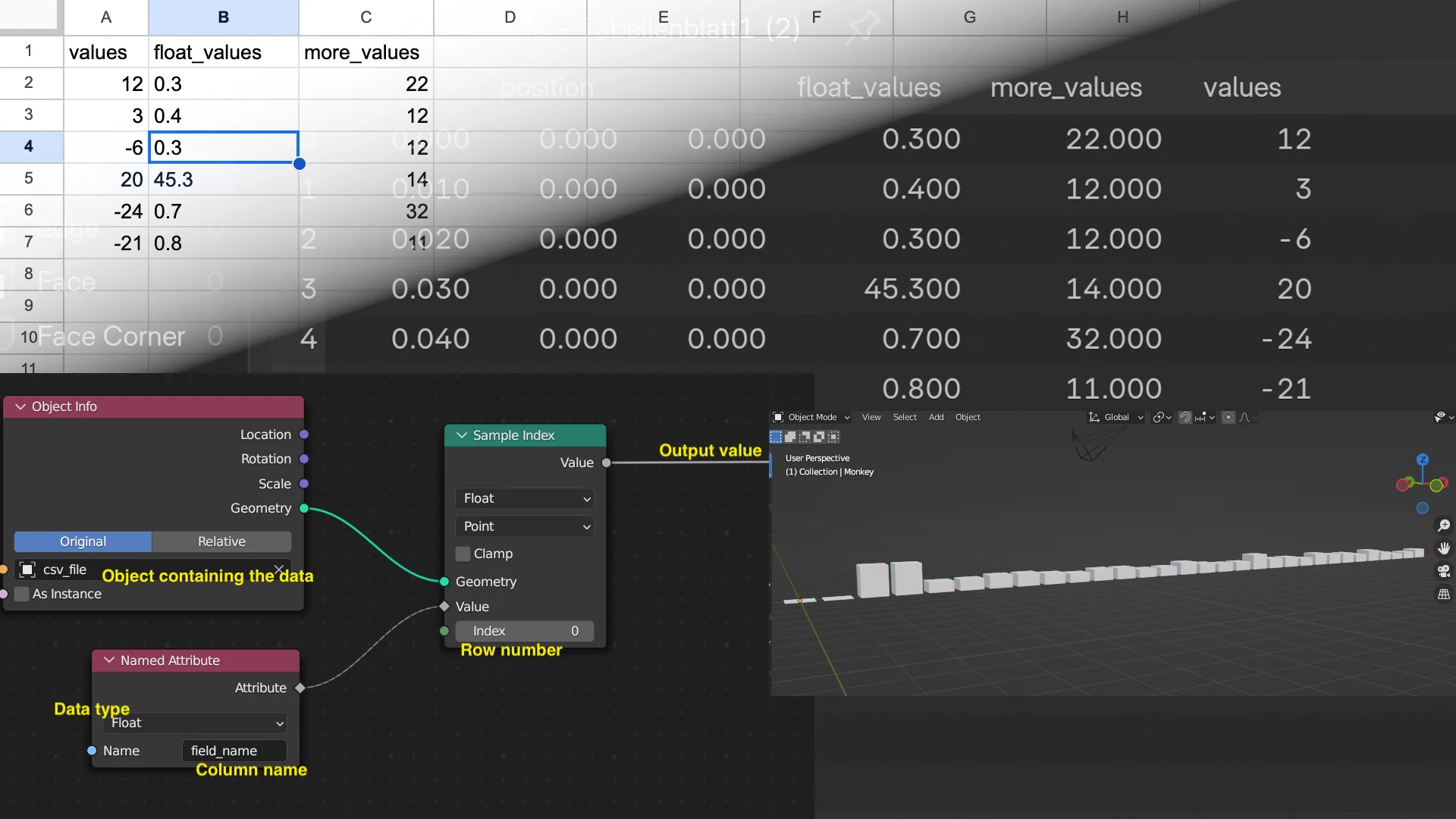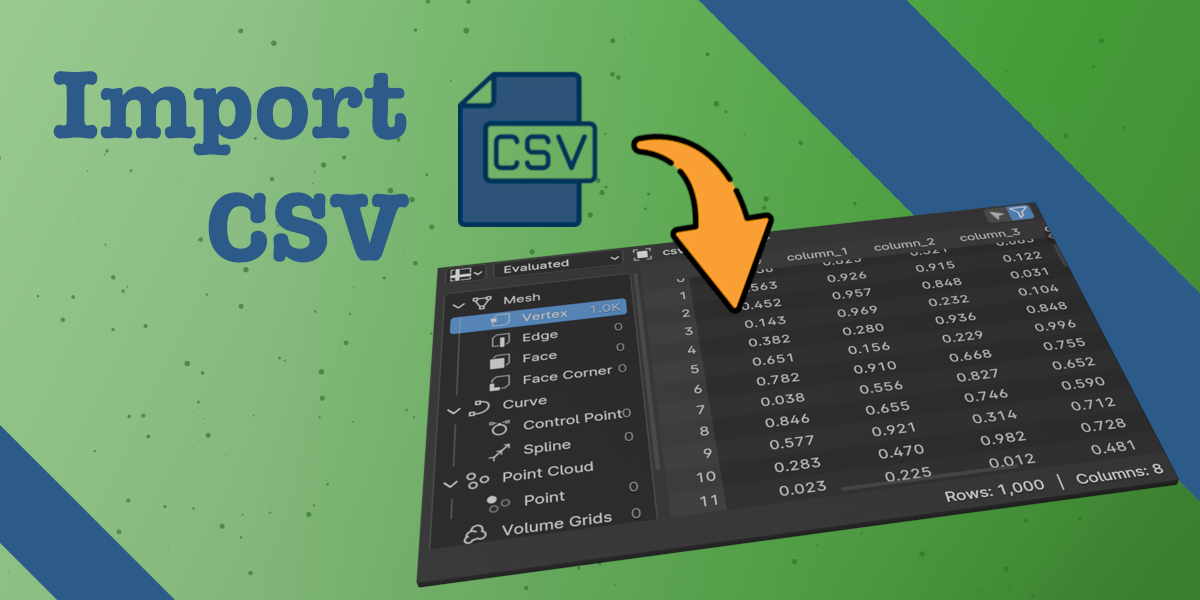
Import Csv is a Blender add-on that brings numeric CSV data into a new mesh for use with Geometry Nodes or shader development. Each CSV row creates one vertex, and every vertex starts at [0, 0, 0]. Each column becomes a Named Attribute with the same name as the CSV column. The add-on also adds a csv_data_row_index attribute for the original row index.
How the CSV import works
Imported values are stored as floats on the mesh's Point Domain. Since all vertices share the same position at first, the add-on provides row data as mesh attributes; it does not place rows at different coordinates during import. This suits workflows that use those attributes in Geometry Nodes or shader development. The source columns need to contain values that can be interpreted as floats.
Import a file or make a sample
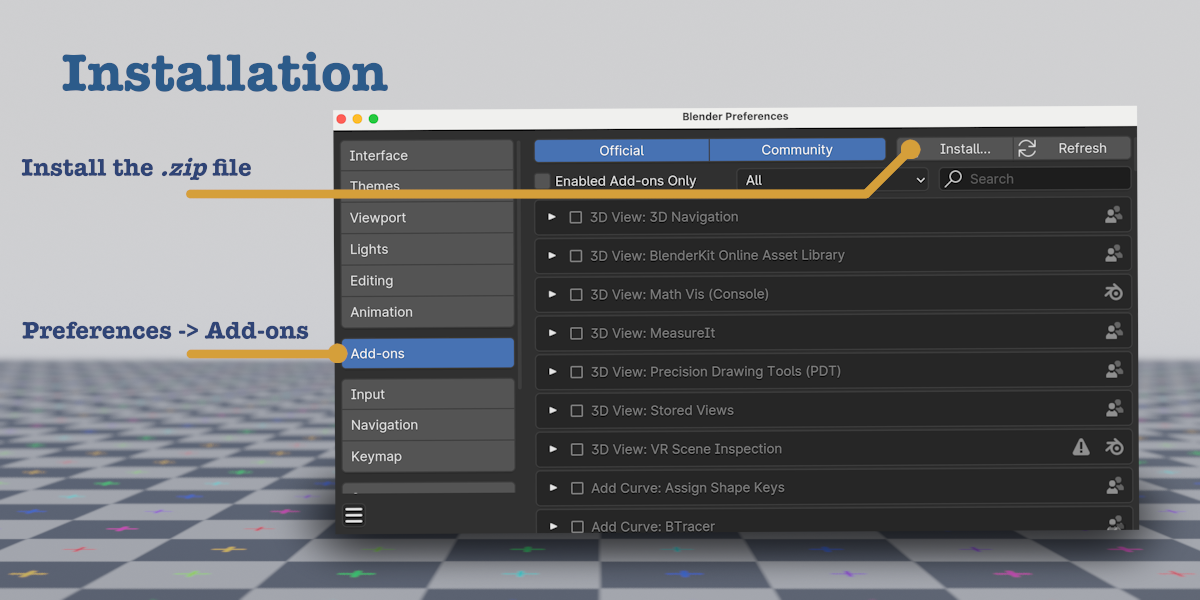
- Install the downloaded ZIP from Blender Preferences under Add-ons, using Install, then enable the add-on.
- In the 3D Viewport's right sidebar, open the new CSV category and choose Import CSV.
- Select a valid CSV file and set the delimiter that matches the file.
The same panel has an Export Random CSV button. It creates a sample file with 6 columns and 1,000 rows for prototyping or checking the expected format.
Version notes
The product listing names Blender 4.1, 4.0, and 3.6. It also says the add-on becomes unnecessary from Blender 4.5, which adds Geometry Nodes import nodes that can read CSV data. If you use Blender 4.5, the built-in nodes may cover this task; check the Superhive product listing for current product details and version information.