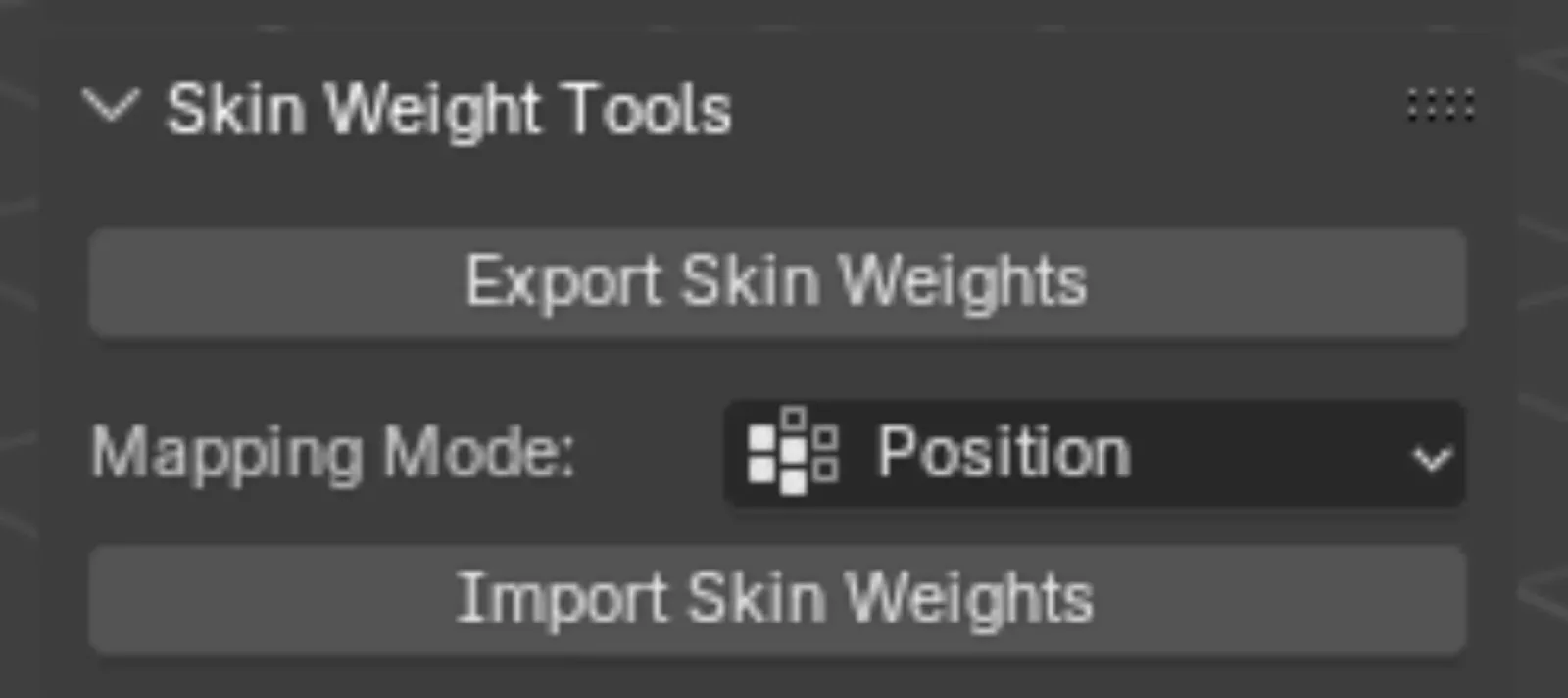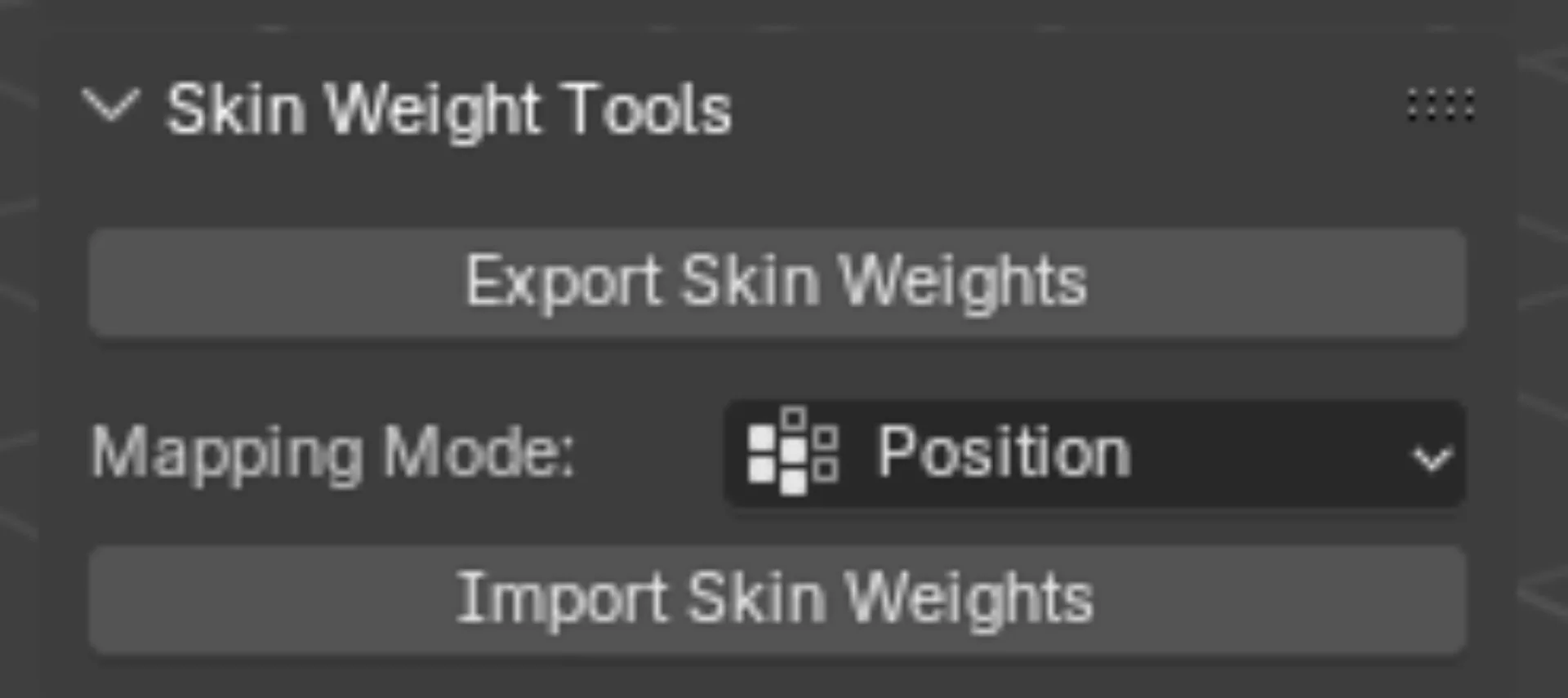
Import Export Skin Weights is a Blender add-on for transferring skin weights between meshes through a JSON file. It exports vertex groups, UV positions, and vertex influences from the selected mesh. You can then import that data onto a target mesh using Position or UV mapping.
For rigging, the JSON file carries weights from an existing mesh to a second mesh. The Blender Extensions listing identifies version 1.0.1 and a minimum Blender version of 4.2.0.
How the transfer works
- Before exporting, use a target mesh that shares the source mesh's hierarchy skeleton; matching topology or UV layout gives the best results. Select the source mesh and export its skin-weight data to JSON.
- Select the target mesh and choose Position mapping for closest-position matching or UV mapping for vertex UV coordinates.
- Import the JSON file to transfer the weights.
The add-on's product overview describes the exported data as the source mesh's vertex groups, UV positions, and vertex influences.
Choose Position or UV mapping
Position mapping matches vertices by their closest positions. UV mapping uses vertex UV coordinates. Choose the method that matches the correspondence between the source and target meshes.
Check mesh compatibility
The product overview says the target should share the source mesh's hierarchy skeleton. It also says the add-on works best when the meshes have the same topology or the same UV layout.
Blender version, installation, and license
Blender Extensions lists version 1.0.1 with Blender 4.2.0 as the minimum version and GPL-3.0-or-later as its license. The listing links to the add-on download and to Blender's Install from Disk instructions. Nguyen-Phuc-Nguyen is listed as the maintainer; the developer repository provides the project source.