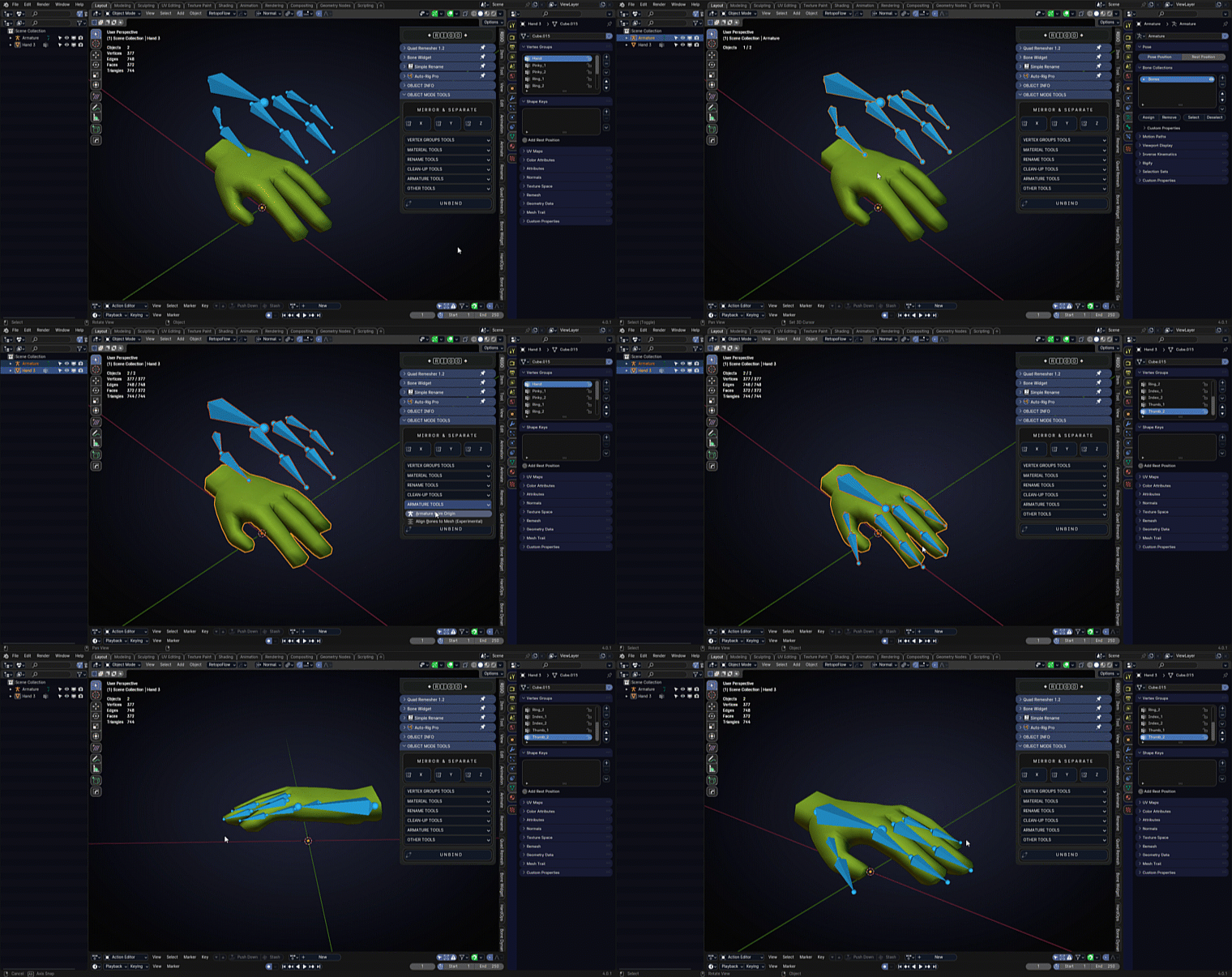
Rigo is a Blender add-on by Bosun Omoloso for recurring rigging operations and related mesh work. It combines bone arrangement, armature setup, weight transfer, mirroring and vertex-group management. The Superhive listing identifies version 2.0.0 and Blender compatibility from 4.0 to 5.0.
Rigging tasks in Rigo
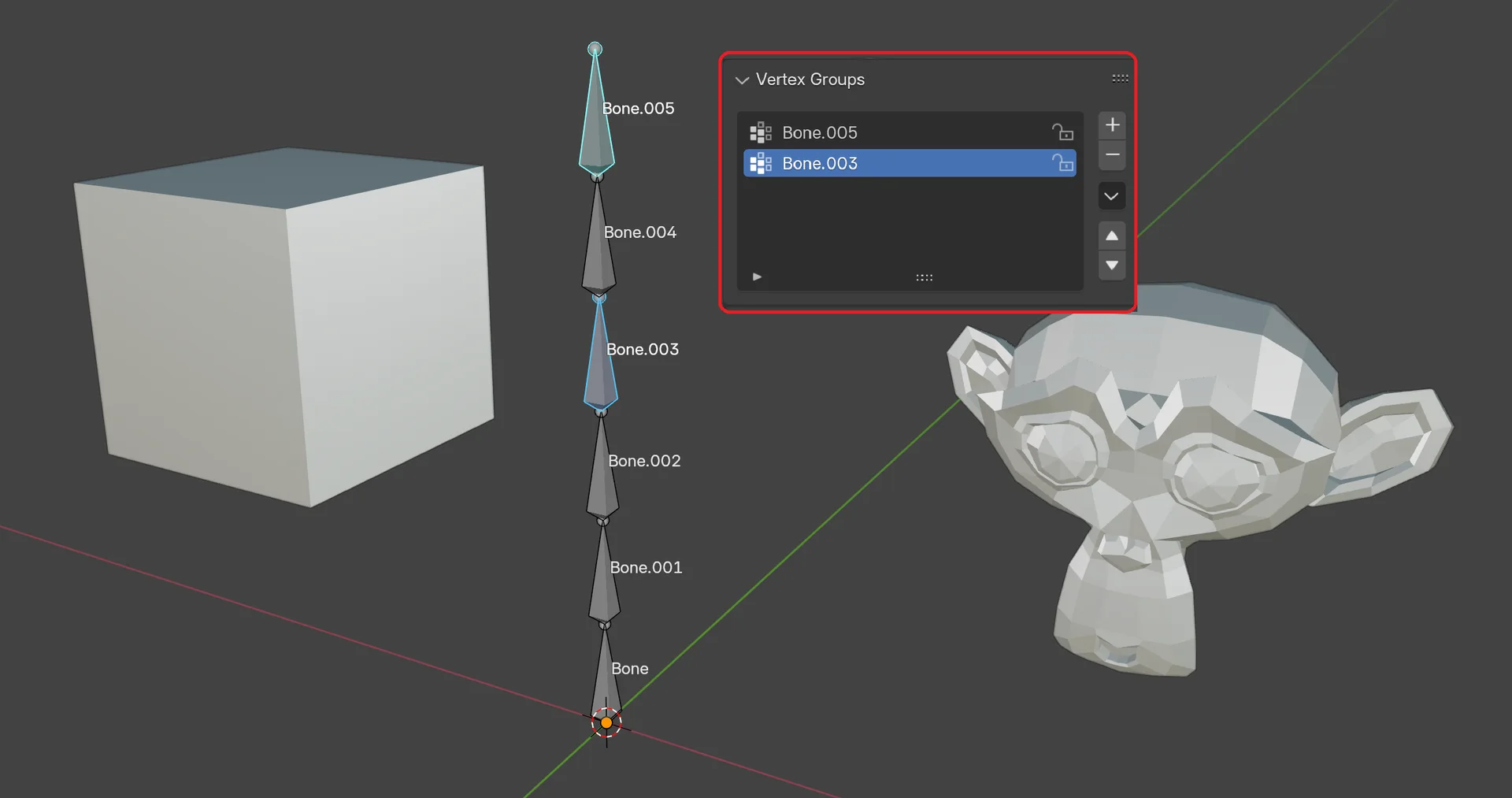
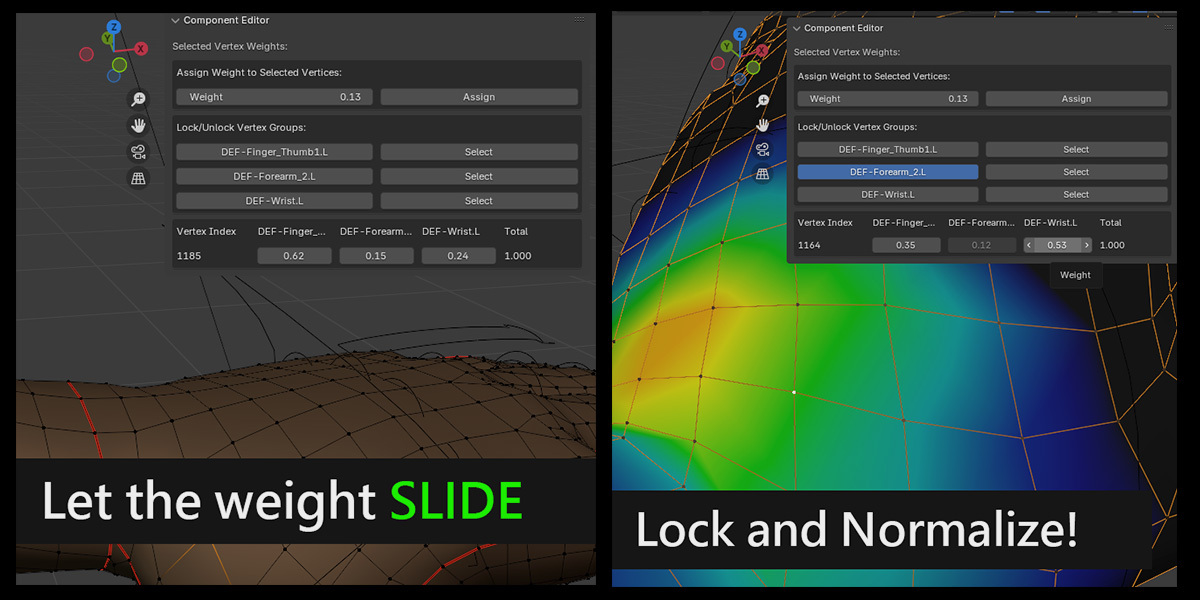
The Auto-Bone Arranger places bones on a model using mesh vertex groups with matching bone names. Rigo can also create an armature from object origins and assign custom bone shapes. Its weight transfer tool moves weights from an existing rigged object to another through Blender's Data Transfer modifier.
- Mirror selected objects, then separate and rename them in one operation.
- Rename bones to match the selected mesh.
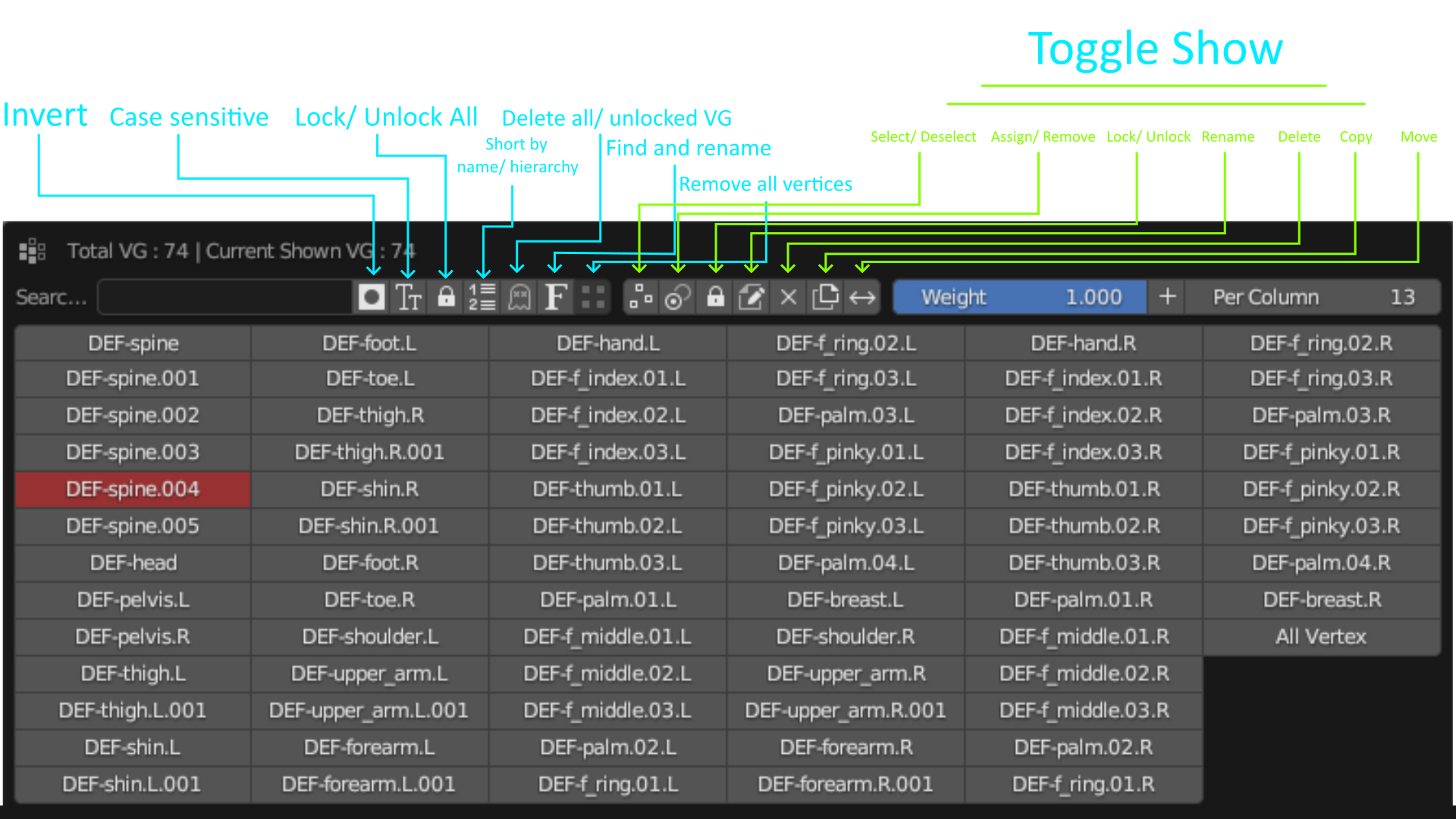
- Create, delete and manage vertex groups.
- Find and select the child bones of a selected bone.
Release notes
The Rigo 2.0.0 notes list bug fixes, subtle interface changes, Damped Track tools, Bone Utilities and other additions. Version 1.5.0 notes B-bone tools, shape-key-to-weights and additional snapping tools. The release notes give feature names rather than step-by-step instructions, so check the creator's documentation videos for details on a specific operation.
License and documentation
Superhive lists Rigo under the GPL license. Its product page has the current listing details, and the Documentation section links to a video playlist. The product FAQ says bug reports, questions and feature suggestions can be sent by email.