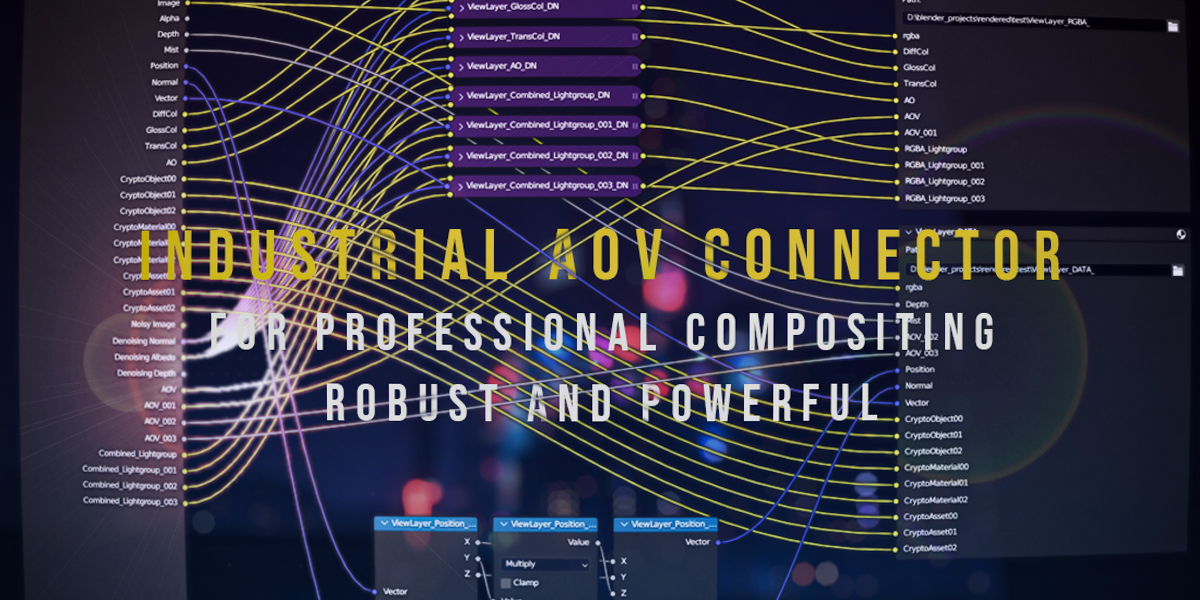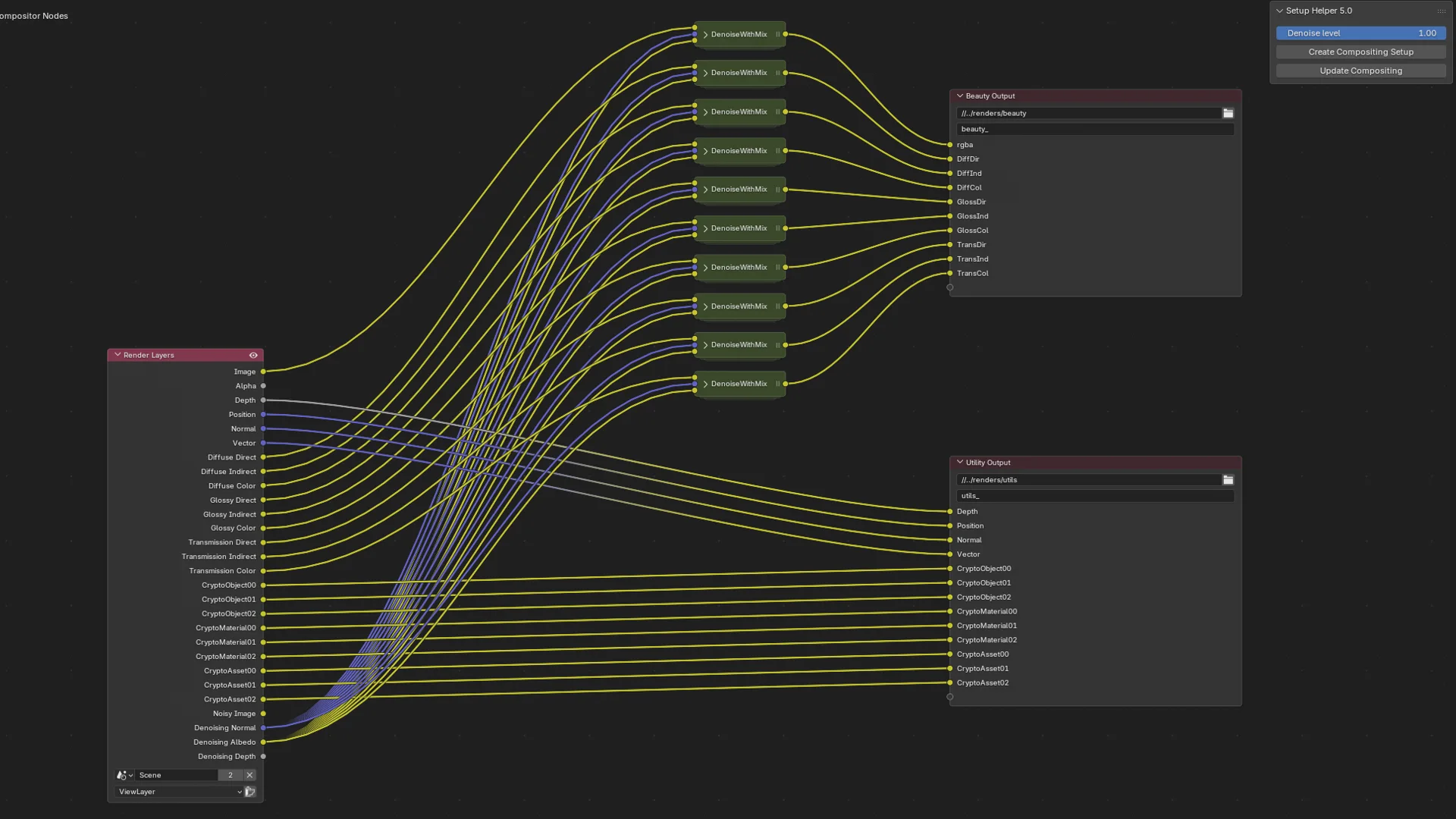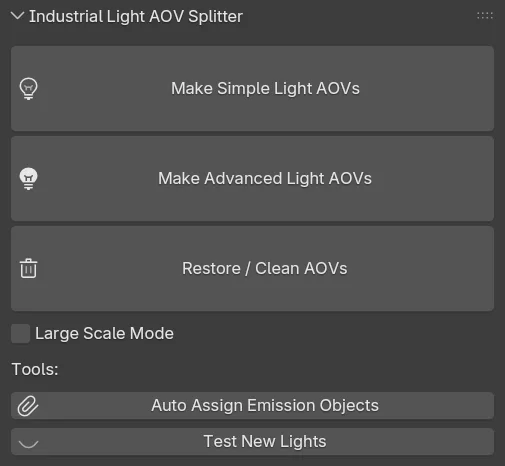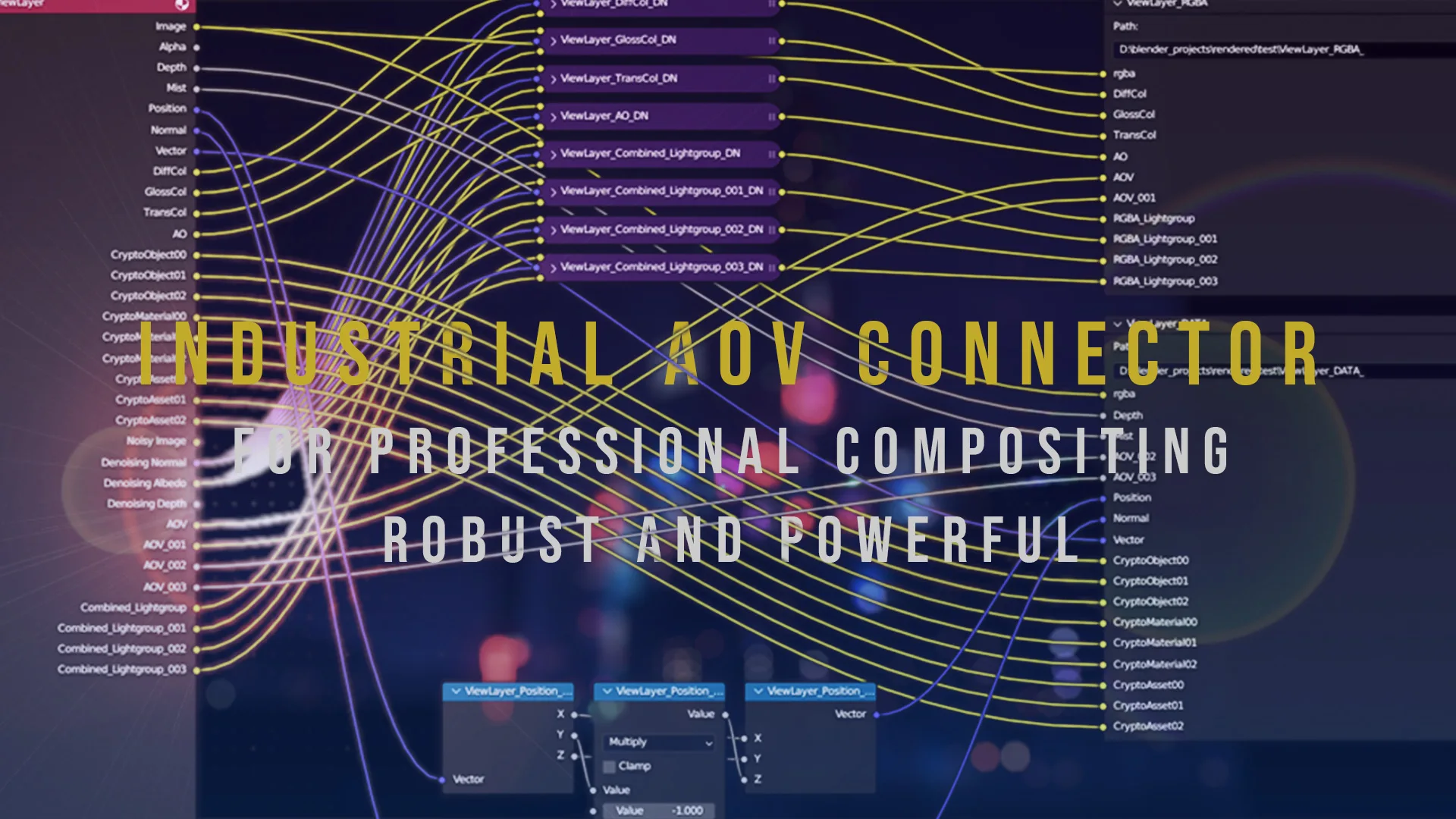
Industrial AOV Connector is a Blender add-on for generating compositor output nodes for render passes. Version 5.3.0 is listed for Blender 4.2.0 and later. It supports material-based, light-group and hybrid AOV setups across one or several View Layers. See the Blender Extensions listing and the developer’s repository and release notes for current details.
What it handles
The add-on can build outputs for every View Layer at once or create or update the current View Layer’s node tree. It arranges generated compositor nodes and lets you choose whether to use denoise nodes. Position and normal data passes can be converted to Nuke-standard passes.
File output is EXR only. The project describes options to combine passes in one file or split color and data into separate files, with a further split for Cryptomatte. When color and data are separate, color output can use 16-bit or 32-bit EXR. Files can go to Blender’s render path or into output-specific subfolders.
Other listed outputs include a normalized artistic depth channel, Depth and Pworld/Pref passes matched to RGBA, and a modified Z channel for Nuke’s Deep From Image node. The project calls that last option “Fake DEEP.”
What changed in version 5.3.0
Version 5.3.0 adds Automatically Disable Default Render Output under Preferences → Core Function, enabled by default. After creating or updating the node tree, the add-on disables the scene’s Save Output setting to avoid generating extra default render files. This option requires Blender 5.2 or a build that supports the relevant API. On unsupported versions, the add-on skips the behavior and shows the preference as unavailable.
Compatibility and permissions
The Blender Extensions record lists Roland-Vyens as maintainer, GPL-3.0-or-later as the license, and a minimum Blender version of 4.2.0. It also declares a Files permission for the Delete Useless Default Renders button. The repository notes compatibility problems with custom path tags and Blender’s official variable format, so check its current documentation before relying on those tags.
Who it suits
This add-on fits Blender artists who prepare layered EXR outputs for compositing and want node setup across multiple View Layers handled in one workflow. Check that EXR output fits your pipeline and that your Blender version supports any version-specific option you plan to use.