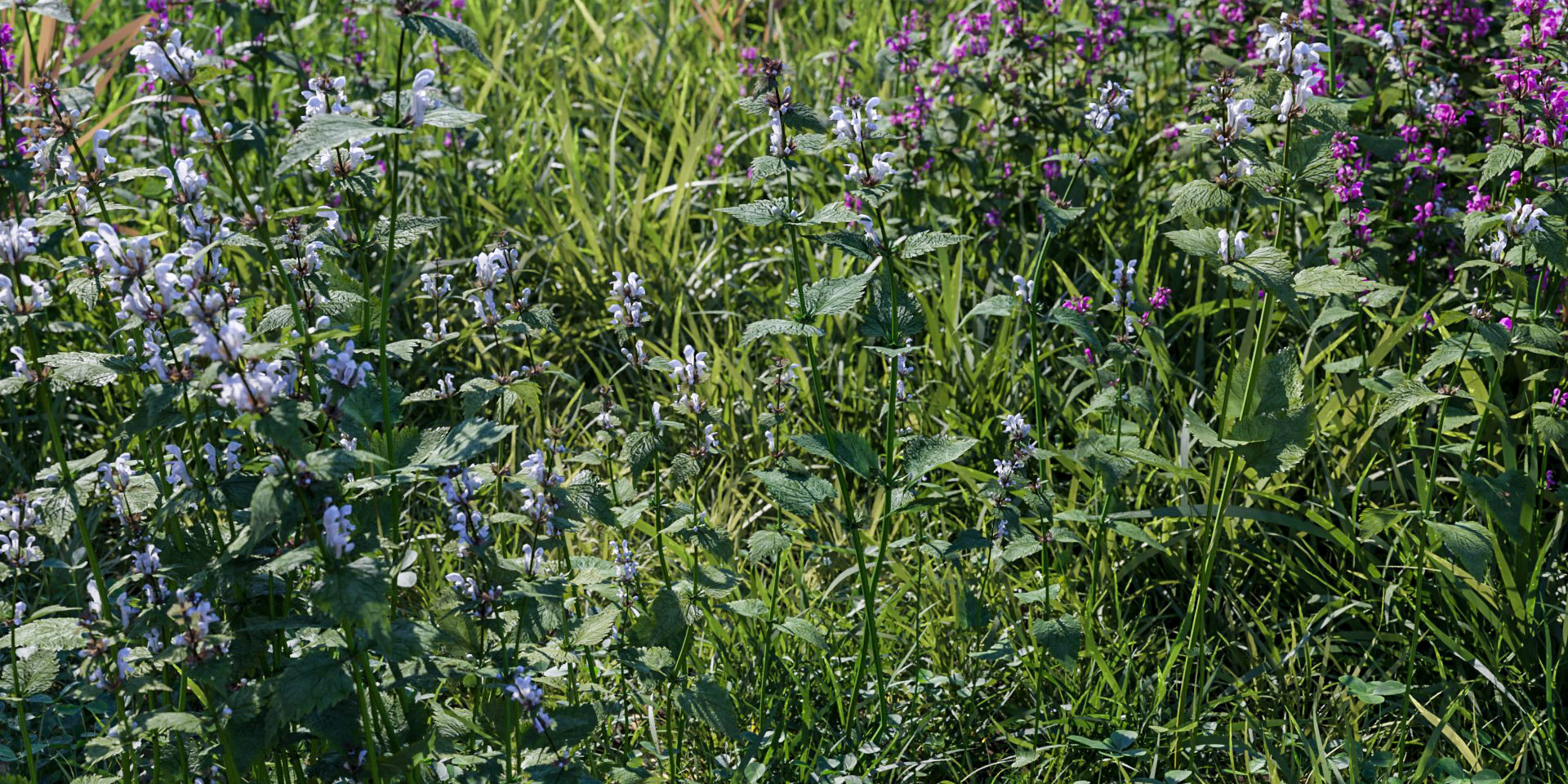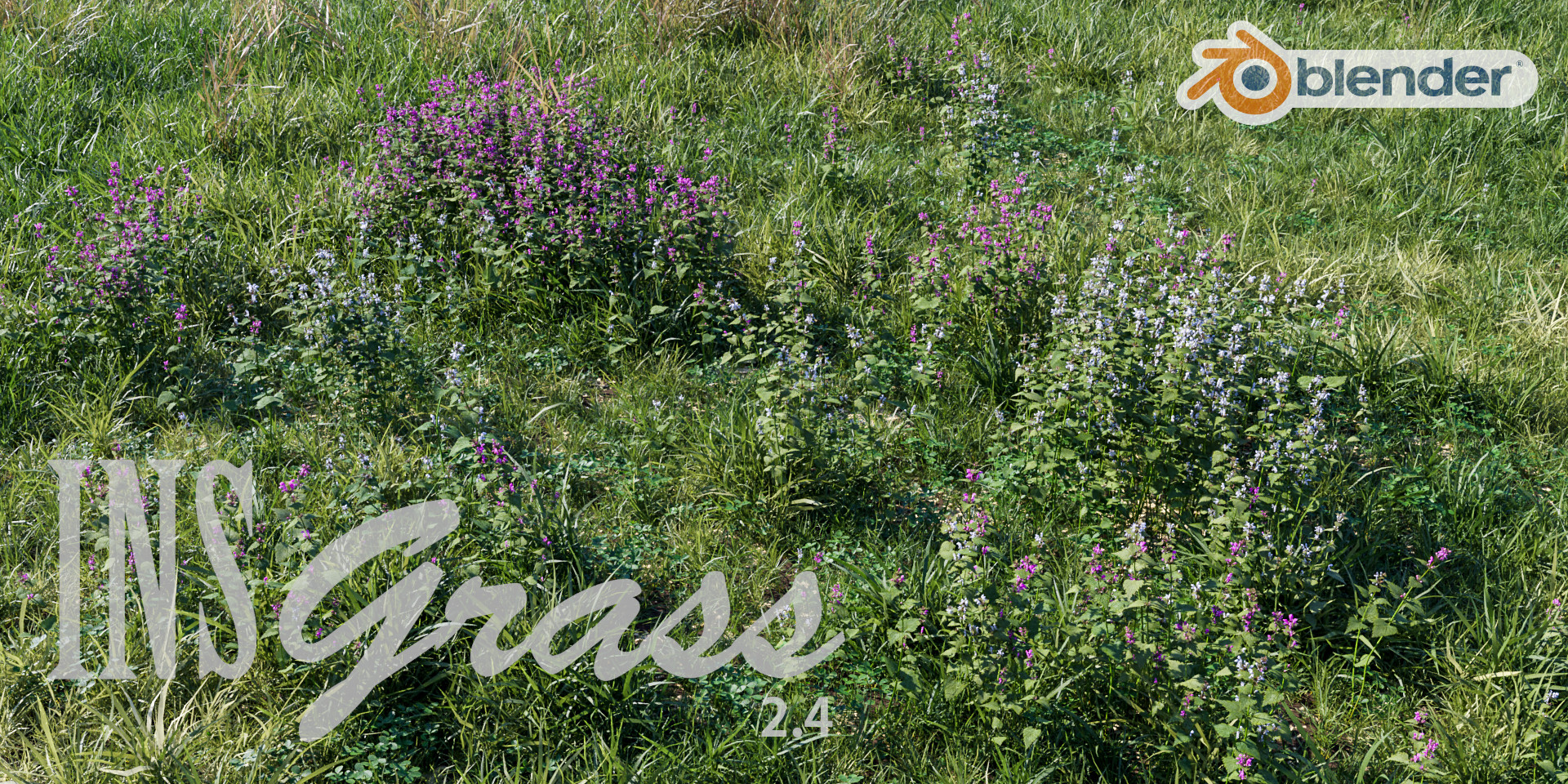
Ins Grass 2.4 Scatter Add-On is a Blender tool for scattering grass and other vegetation across surfaces. It combines area selection, color and rotation controls, camera culling, and level of detail (LOD) settings. Version 2.4 adds Hide All and Multiselect controls, along with Barley and Ripe Barley presets.
Shape and color vegetation scatters
Color can vary with density and scale patterns. For example, the product description says taller grass can appear greener while shorter grass looks drier; artists can invert or remove that relationship. Custom textures, color ramps, and controllers shape the patterns. Rotation masks and curves can guide local orientation or create mowing patterns, while repulsion can adjust instance rotation around selected objects.
Selection can use emitter vertex groups, texture paint, curves, pathway curves, slope, occlusion proximity, and emitter edge offsets. The product page says these methods can work together. Scenes can also use multiple emitters and occlusion objects, and artists can edit selected asset transforms, convert instances to meshes, or save custom presets.
Manage detail around the camera
The culling system follows the active camera and responds to image resolution and camera settings such as focal length, shift, and sensor size. LOD changes can be based on instance screen size or distance. The hybrid approach uses smaller, regular instances near the camera, then larger clumps at reduced density farther away.
For animation, a distance setting can transition from bending to rotation animation, with a separate transition distance. The placeholder system can replace instances with simplified meshes in the viewport, which the product description says makes rotation, shape, and animation adjustments easier.
Assets and changes in version 2.4
The Superhive product description reports 860 models across 11 asset types, with four LODs each. The listed library includes several grass forms, clover leaves, clover flowers, and daisies. Version 2.4 adds Barley and Ripe Barley as single plants and clumps; each new asset has 24 models per LOD.
Hide All manages modifier visibility at once, and Multiselect manages multiple plant-type modifiers together. The product details list Blender 3.4 through 4.2, while the installation guide distinguishes archives for Blender 3.x and 4.x. The INS Grass 2.4 update notes warn that old files will not work in the new version. If no custom folder is set for user-created presets, they will be deleted during reinstall, so back up saved presets before updating. See the Superhive product page and changelog for the current package details.