Make foliage meshes from opacity maps
Foliagelab - Cutter is a Blender add-on for creating foliage meshes from opacity maps. It can read an external file or an image already loaded in Blender, including render results and procedural textures. Choose the Mask, Alpha, R, G or B channel as the opacity source. Working resolution goes up to 8K, and a PBR viewport preview shows the material while you work. The add-on detects holes and transparent regions inside a silhouette and excludes them from the mesh, reducing the need for manual cleanup in those areas.
Control hulls and levels of detail
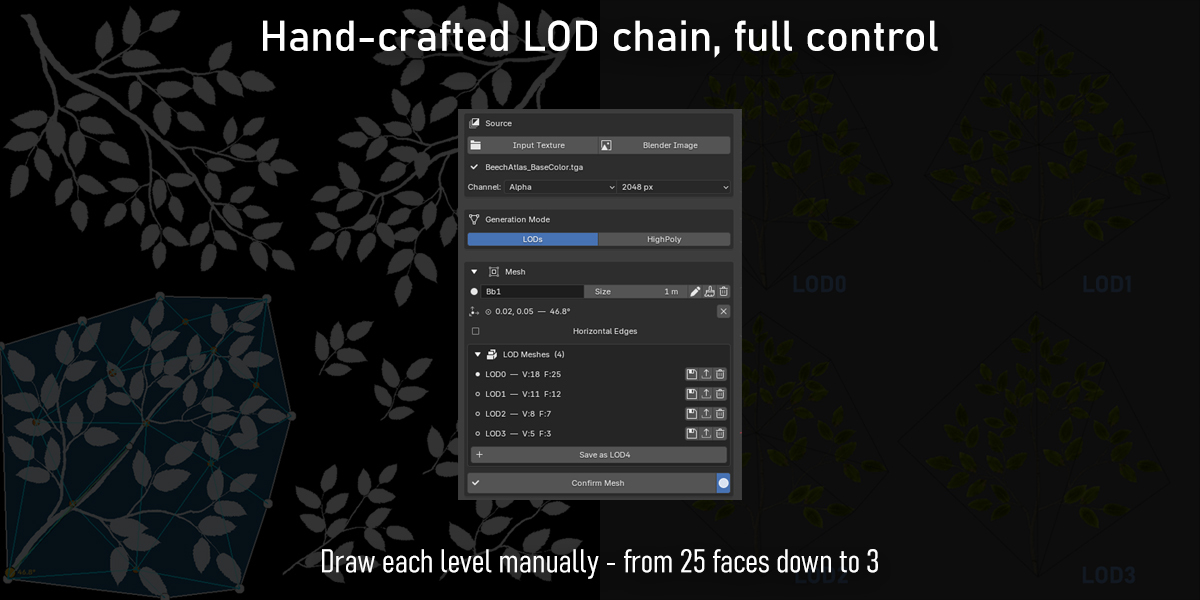
Draw a hull polygon for each actor in Blender's Image Editor. Inner Steiner points guide triangulation, while each hull can use a Vertical edge direction for straight branches or Horizontal for bending geometry. Pivot, angle and vertex count are configurable per actor.
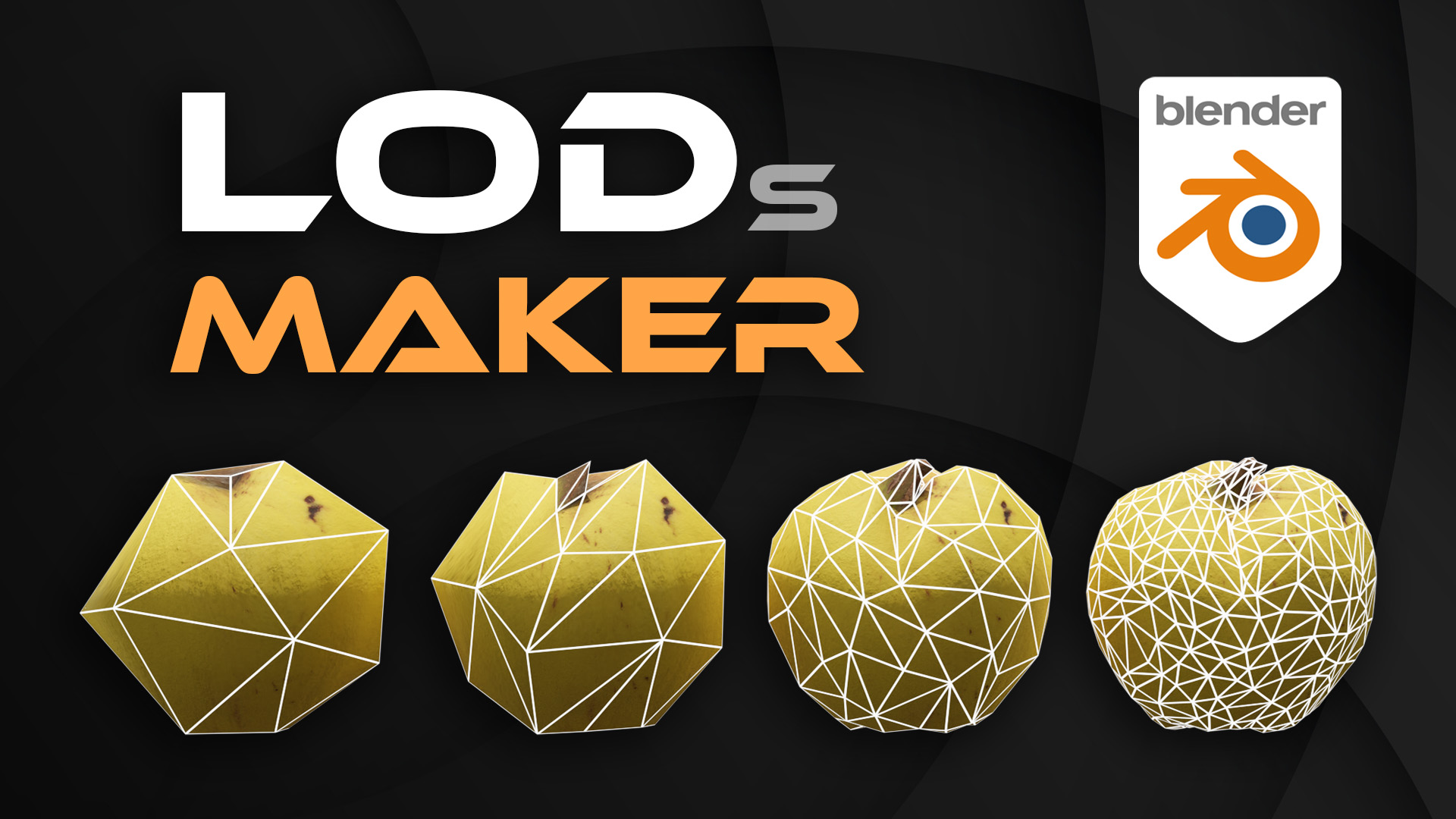
For level-of-detail work, save manual LOD snapshots or generate a chain from a saved hull. Set the number of levels and the reduction percentage for each step. After building LOD0, Build Other LODs can create the remaining saved levels in one operation. An exploded view spreads the levels along the Z axis or across a 2D grid for inspection.
Choose a cutter for the mesh you have
Texture Cutter traces the opacity map's outline with Marching Squares. It includes Draft, Standard and Cinematic quality presets, with controls for outline precision and cleanup. Separation controls how distinct elements are detected as islands. Edge Smoothing simplifies the traced contour before triangulation, while Tris Density and Vtx Limit control mesh density and cap vertices per island.
Mesh Cutter works on existing card or plane meshes in the viewport and cuts them to follow the opacity silhouette. Choose it when you want to cut existing geometry; Texture Cutter traces the outline from the opacity map.
Build crossed meshes and review cut results
Cross Meshes duplicate an LOD mesh and rotate the copy 90 degrees to create billboard-style crossed geometry. Consolidate Meshes merges each LOD with its cross companion into a single object, organized into per-actor collections.
Consolidation keeps the cut parts hidden. Remove Cut Parts deletes them after confirmation, so review the merged result first. A general cut replaces the meshes; to cut again with different settings, run Initialize Mesh.
Blender requirements
The product requirements state Blender 4.2 or newer, while the compatibility field lists Blender 4.2 to 4.5. Check the Superhive product page for current compatibility details, especially when using a later Blender version.