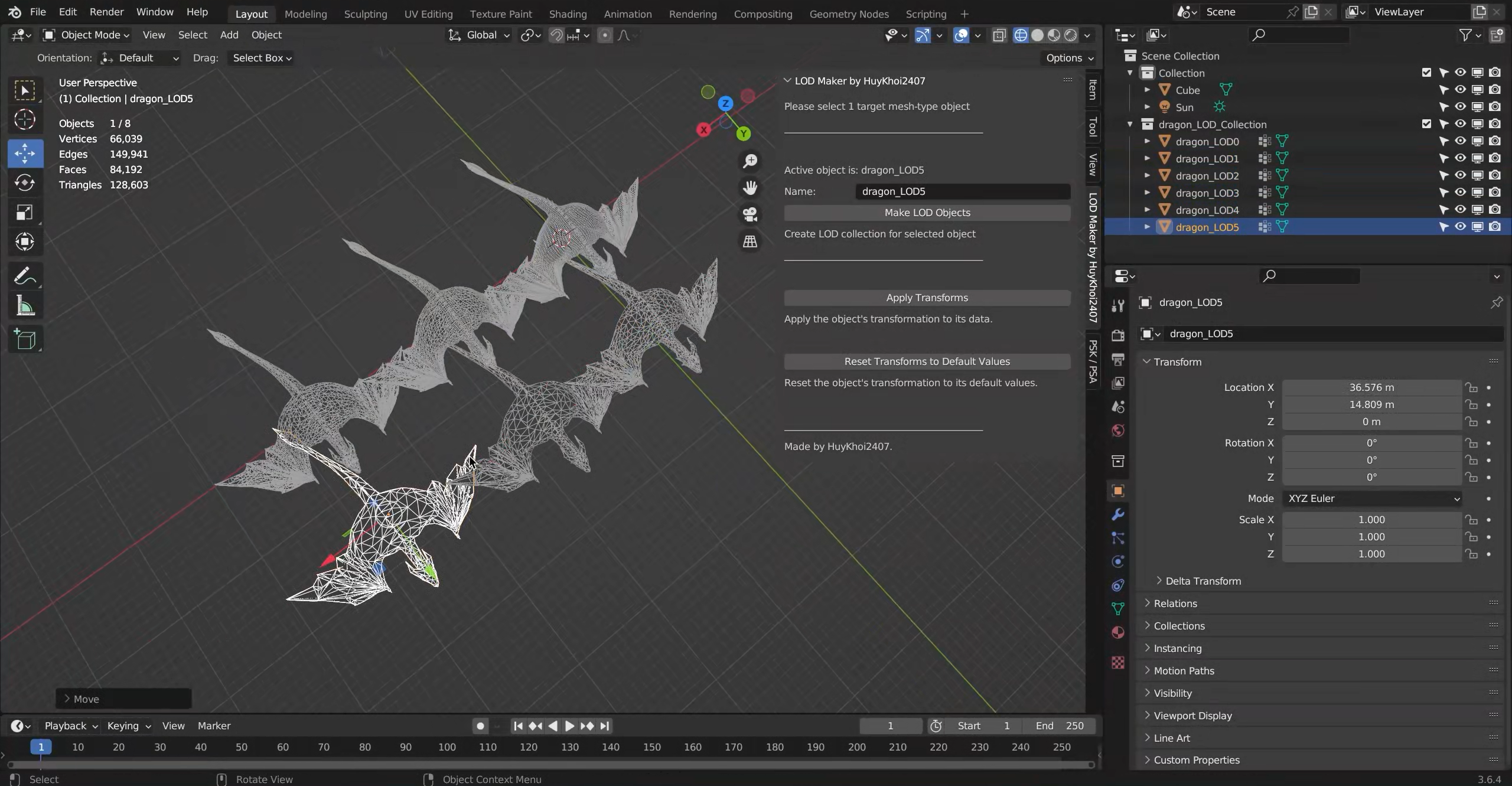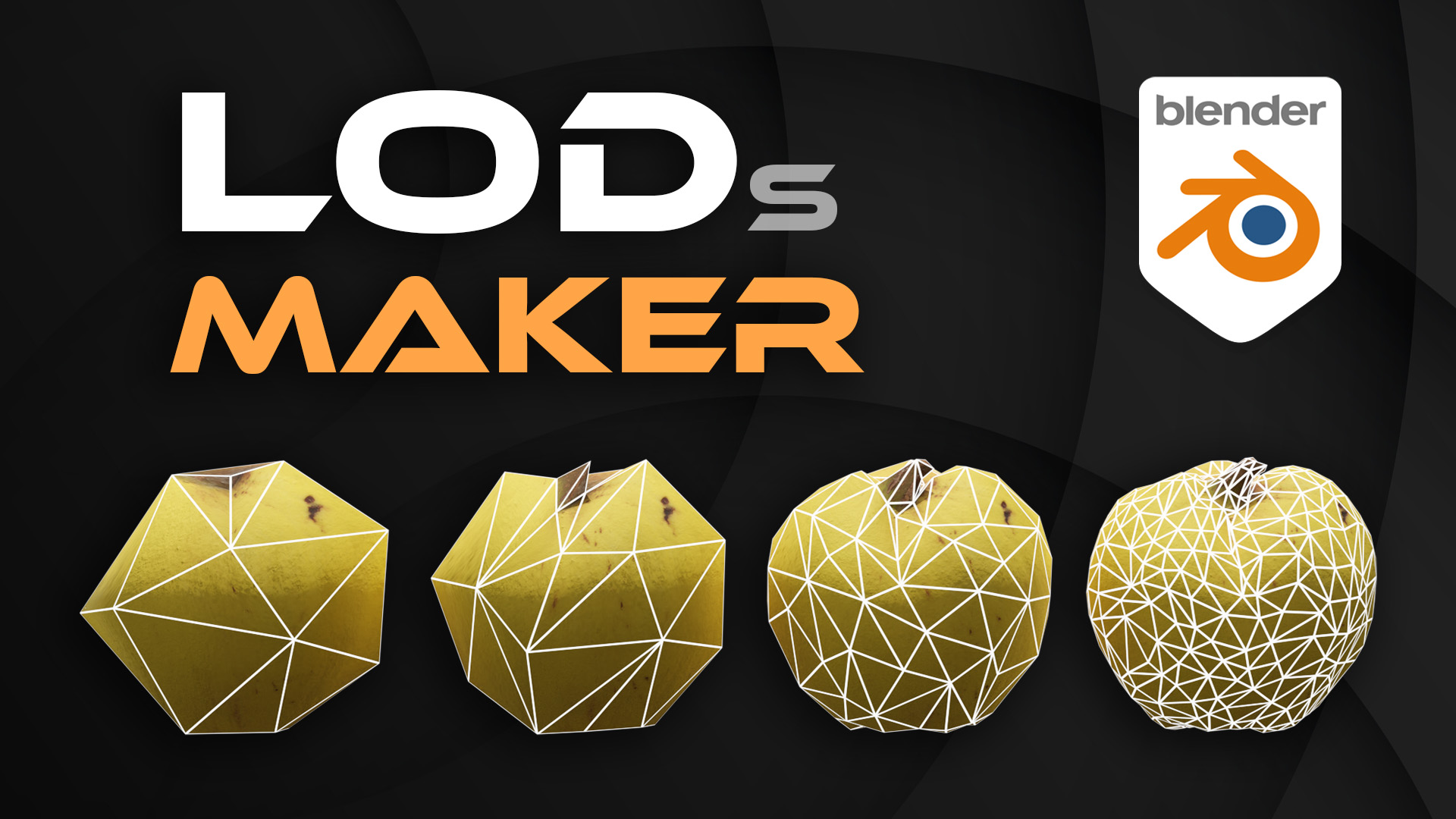
Level Of Detail Generator, also listed as LODs Maker, is a Blender add-on by HuyKhoi2407 for creating levels of detail (LODs) in one click. It also includes Reset transform and Apply transform controls in the viewport sidebar. See the AnyPlugins entry for features and supported Blender versions.
What LODs do
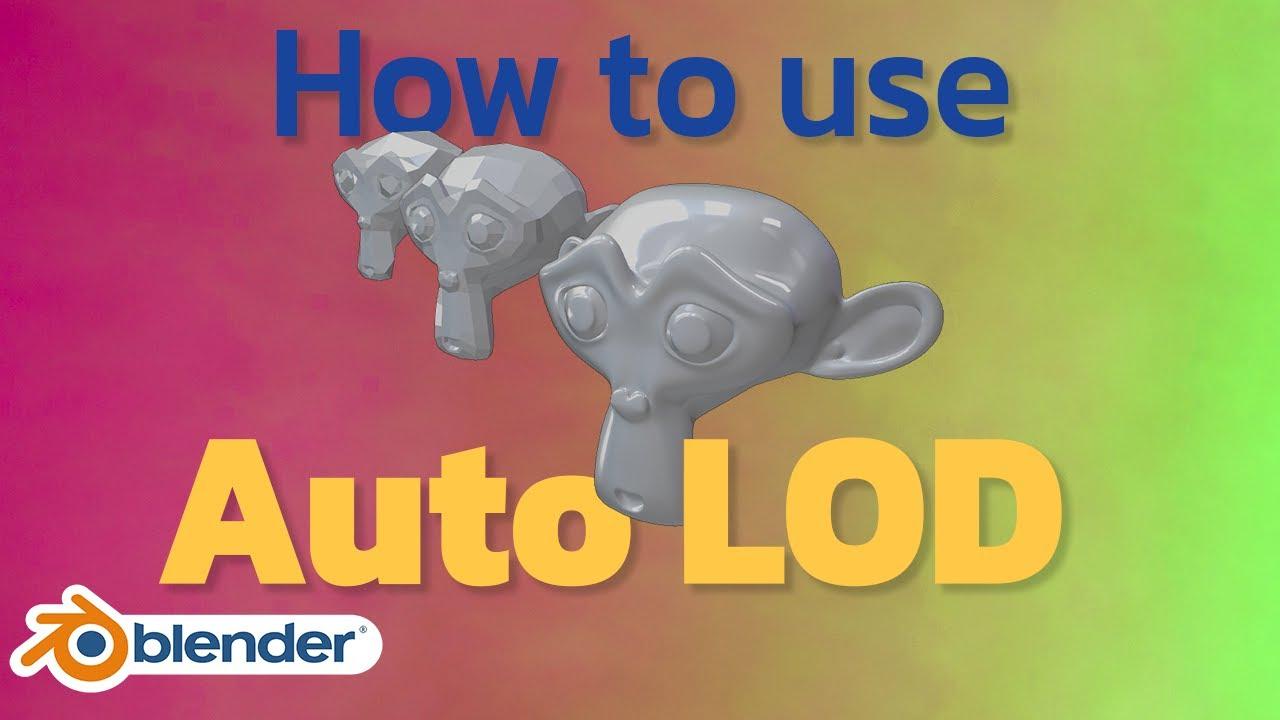
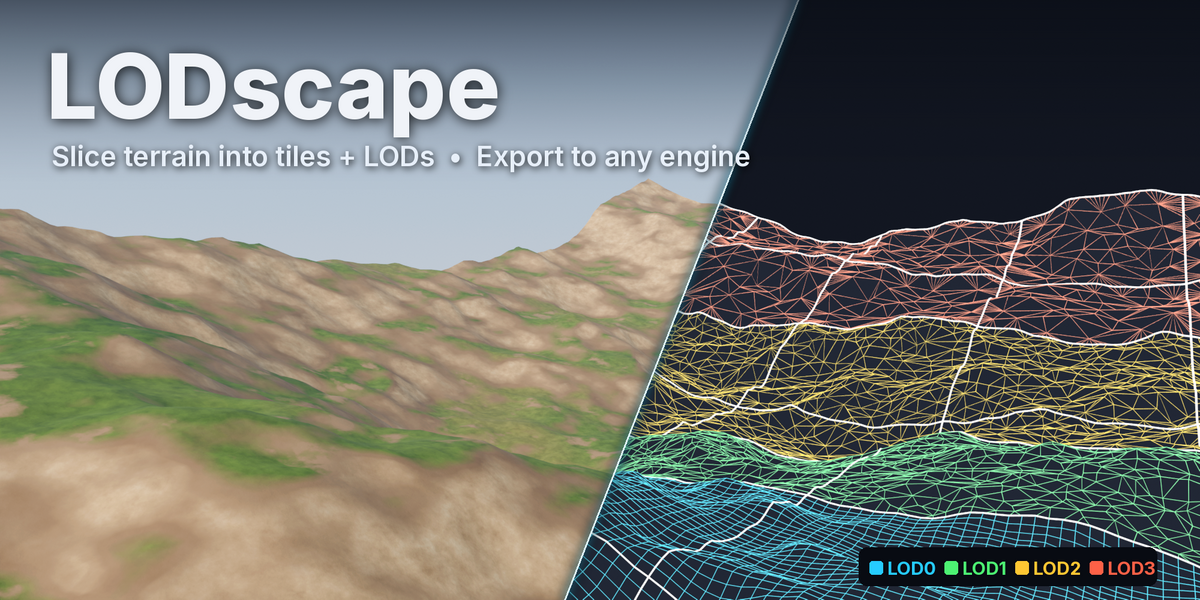
In computer graphics, level of detail (LOD) describes the complexity of a 3D model representation. A scene can use less detailed representations as objects move farther from the viewer or according to other metrics, such as object importance, viewpoint-relative speed, or position. This reduces work for rendering pipeline stages such as vertex transformations. The visual difference may be difficult to notice when an object is distant or moving quickly.
Reset and apply transforms
Reset transform returns an object's transform values to their original values. The listing gives an object's location returning to coordinates 0, 0, 0 as an example. Apply transform applies the object's current transformation to its underlying data, making that transformation the default when its transform values are reset to zero.
Installation and controls
Download the add-on ZIP, open Blender's Edit menu, go to Preferences and Add-ons, choose Install, select the ZIP file, and activate the add-on. After activation, its controls appear in the viewport sidebar, which opens with the N shortcut. Product documentation is linked from the listing.
Supported Blender versions and availability
The seller lists Blender 3.6, 4.0, 4.1, 4.2, and 4.3. Compatibility with other versions is not specified in that listing. AnyPlugins' July 15, 2026 page lists the add-on as free, while Superhive identifies its license as Royalty Free. Check the seller's page for current availability and terms.