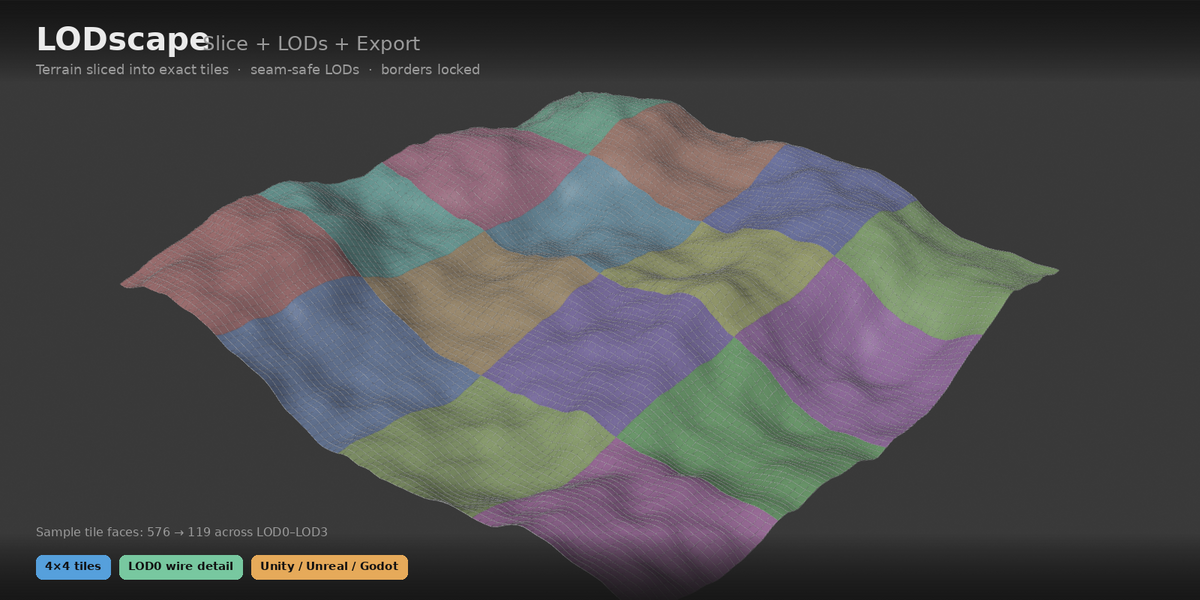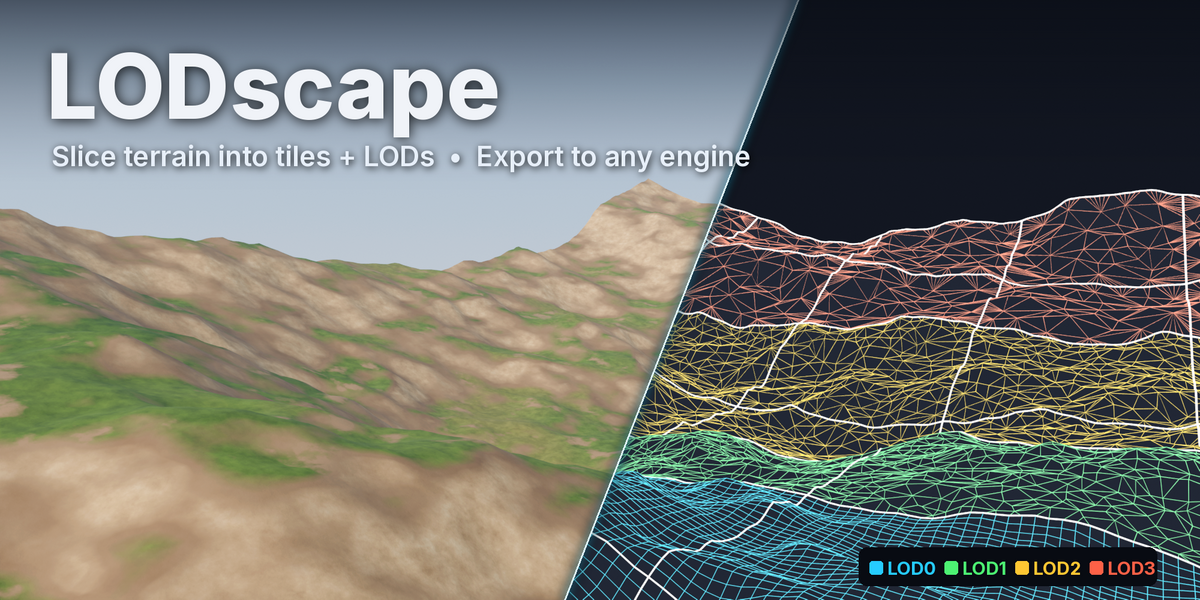
Lodscape - Lod Tools is a Blender add-on for dividing terrain into tiles, building Levels of Detail (LODs), and exporting assets for game engines. You can set a tile grid by count or by size in metres. The grid follows the terrain's existing face layout, so tile borders can align with whole faces. The documentation covers the controls and export setup.
Slice terrain into aligned tiles
Before slicing, LODscape previews the tile count and size, along with the faces and vertices per tile. Snap suggests divisions that fit the terrain's face grid. If a proposed grid would cut faces, LODscape reports that and suggests a size; enabling Allow Face Cuts lets tile borders cross faces.
Slicing creates named tiles in a new collection and places each tile's origin at its geometry centre. Slicing hides the original terrain while leaving it unchanged, and Ctrl+Z undoes the operation. UVs, materials, vertex colours, vertex groups, attributes, modifiers, and physics settings are kept on the tiles. Optional Z layers split tall terrain vertically.
Build LODs for tiles and other meshes
Build one to seven extra LOD levels for selected tiles or other meshes, such as rocks, buildings, and props. For terrain tiles, locked borders keep neighbouring edges aligned across LOD levels. Optional skirts can cover gaps an engine may introduce if it processes the meshes again. LOD switch distances are measured in metres from each tile's centre, and you can preview levels in Blender or switch them by camera distance.
LODscape uses Blender's Decimate modifier to reduce mesh detail. The product listing says this suits most game props and environment assets, but is not intended for hero characters or hand-tuned topology.
Export for a game engine
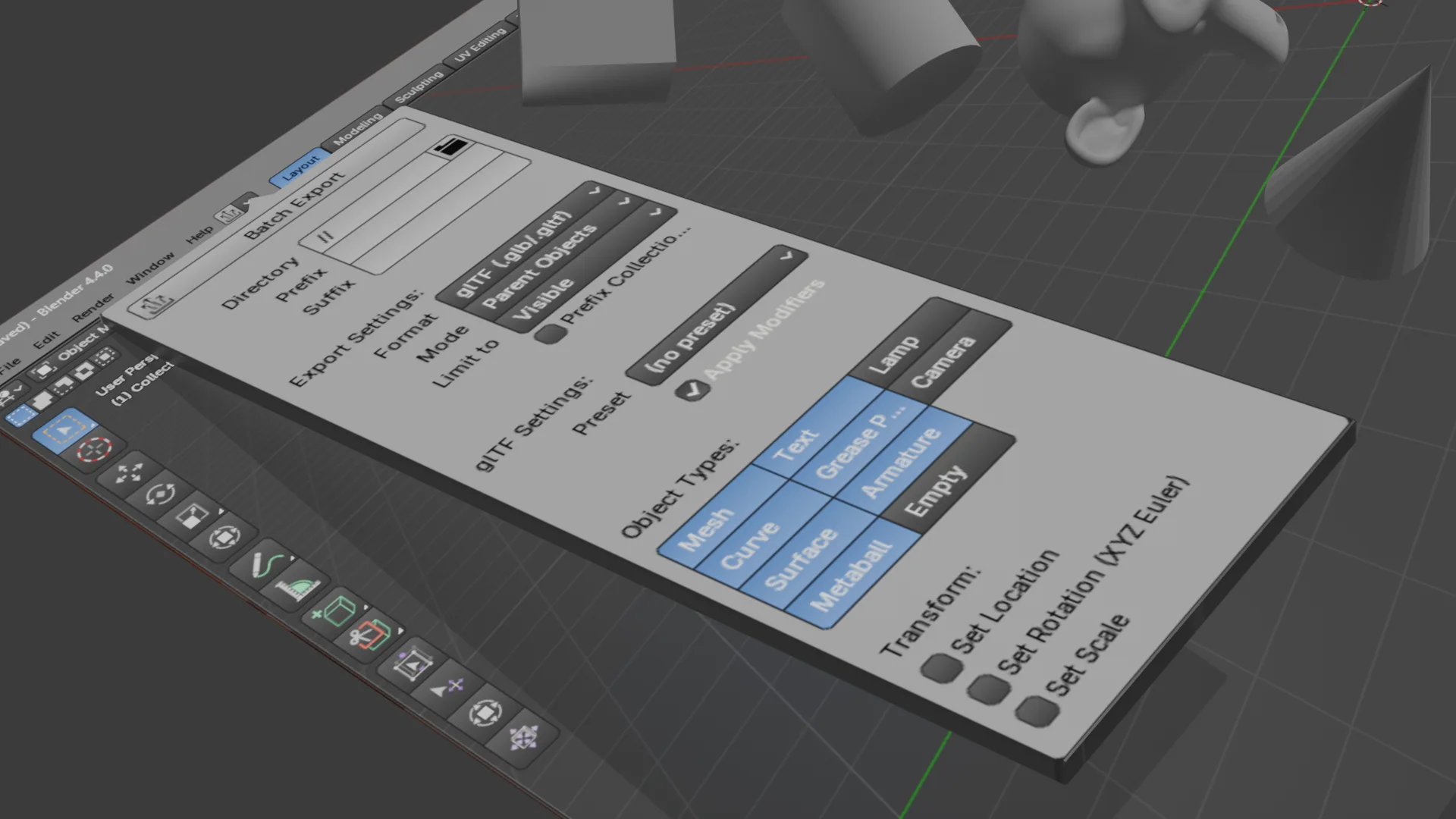
Export one FBX or glTF (.glb) file per tile or LOD group. Auto selects glTF for Godot and FBX for other targets. Engine-oriented naming and properties include LOD names for Unity, an FBX LodGroup for Unreal, and switch distances for Godot. A relative export folder such as //tiles/ requires a saved Blender file.
Godot 4 needs LODscape's import script to apply the exported switch distances. The script is included in the add-on zip at extras/godot/lodscape_import.gd. Set it as the Import Script for the tile files and reimport them; also turn off Godot's Meshes > Generate LODs setting. Use .glb for this workflow because FBX does not carry the distances. The product page lists the current details and version history.
Compatibility and limits
The current 1.x extension supports Blender 4.2 through 5.2. The product page lists tests on Blender 5.0.1 and 5.2.2 LTS. The older 0.2.0 release is for Blender 2.79 and is unsupported; 1.x does not run on 2.79. A slice can contain up to 4,096 tiles, with a time warning from 1,024. Slice, LOD, and Export work in UPBGE 0.50 and 0.53. Setting UPBGE's own LOD lists remains experimental: 0.50 applies them only while the game runs, and 0.53 can crash when the game starts with a LOD tile selected or when the embedded game ends.