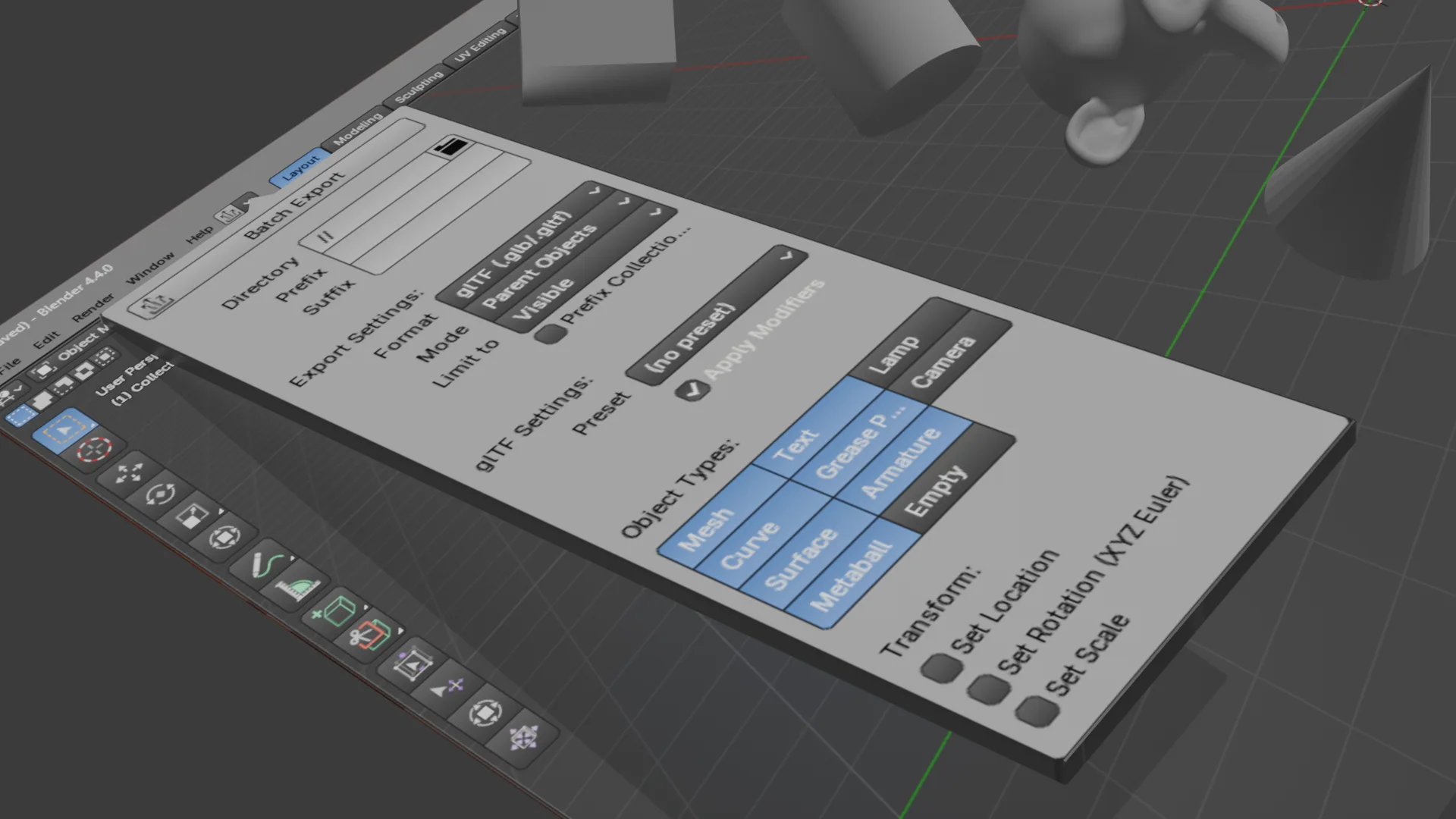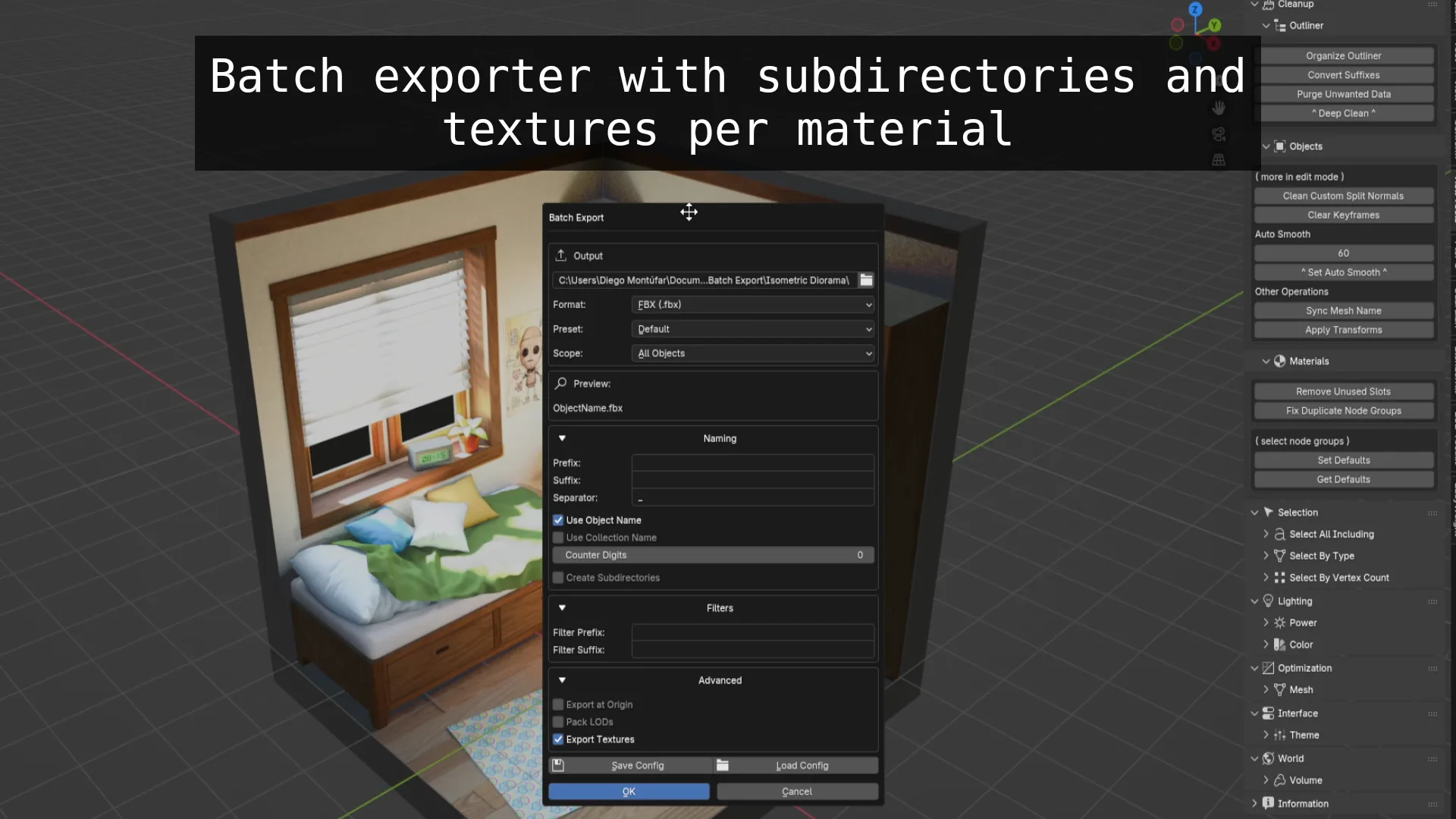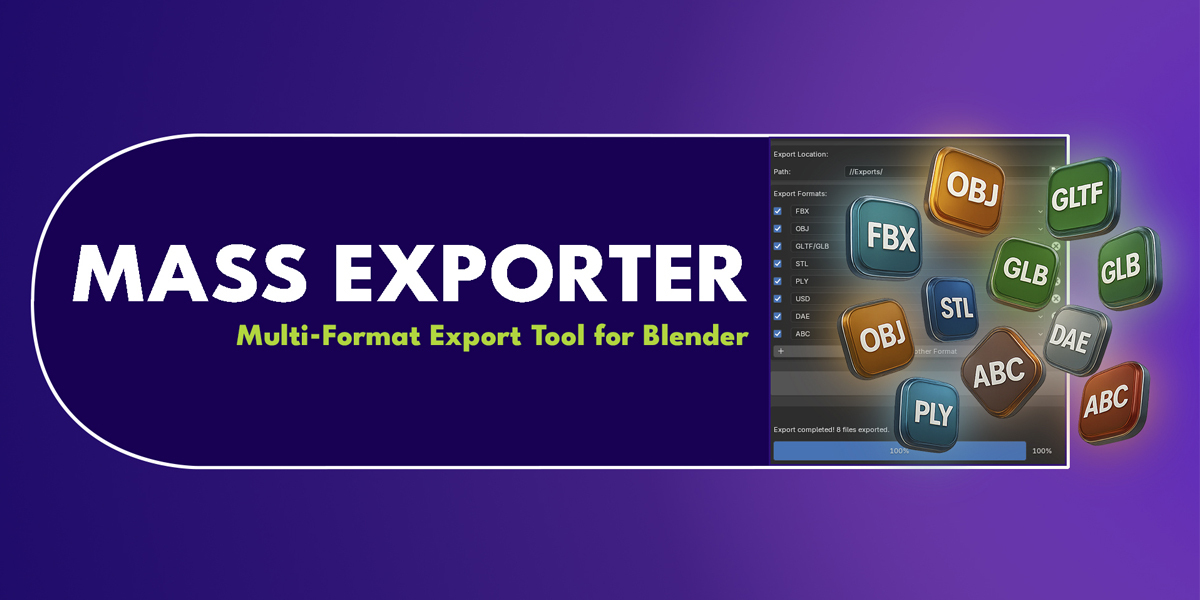
Mass Exporter is a Blender add-on for writing several formats in one export operation. Version 1.0.0 lists FBX, glTF/GLB, OBJ, STL, PLY, USD, Collada (DAE) and Alembic (ABC). Its product listing and documentation describe export scopes, per-format settings and presets for Blender projects.
Choose formats and export scope
The six scopes control how objects are grouped into files: export selected objects together, export each selected object separately, combine all collections, export each collection separately, export the entire scene, or export only visible objects. These options suit different handoffs. For example, separate-object exports can keep a prop library divided into individual assets, while a combined selection can keep a character and its accessories together.
Format settings vary. The documentation lists FBX options for versions, scale, modifiers and animation baking; glTF options for separate files or GLB, Draco compression and PBR materials; and OBJ settings for material files, UV coordinates and normals. STL supports ASCII or Binary output, USD includes USD, USDA and USDC variants, and Alembic settings cover animation caches, deformations and particles. Texture handling also varies by format: for example, GLB embeds textures and glTF writes separate texture files; FBX copies textures when "Pack Textures to Folder" is enabled, and OBJ copies textures when "Write Material File" is enabled. Check the settings for the format and destination application you plan to use.
Name and repeat exports
File patterns can use tokens such as {object}, {collection}, {parent}, {index}, {format}, {date} and {time}. The listing also describes automatic format-specific subfolders. Presets let you save, load and share export configurations, which can help keep recurring deliveries consistent. A progress bar, timestamped logs and export statistics show the status and results of a run.
Version 1.0 limits to check
The listing advertises batch processing and parallel export. The version 1.0 documentation says both are disabled and describes batch export as sequential. Plan for sequential exports unless the developer confirms a later release changes this. The documentation also describes Mass Exporter as a Blender UI add-on; it does not provide a current command-line workflow.
Compatibility wording differs between the supplied sources: the marketplace details list Blender 3.0–5.2, while the documentation says Blender 3.0 or higher. Confirm support for your specific Blender release on the developer's listing before installing. The listing identifies the license as GPL-3.0-or-later.
Install and make an export
- Download the add-on ZIP package and use Blender's Preferences > Add-ons > Install control to select it, following the installation guide.
- Enable the add-on, then open the Mass Exporter panel in the 3D Viewport sidebar. Press N in the viewport if the sidebar is hidden.
- Choose the objects or scope, set an output folder, add and enable the formats you need, then start the export. Review the progress and log for the result.