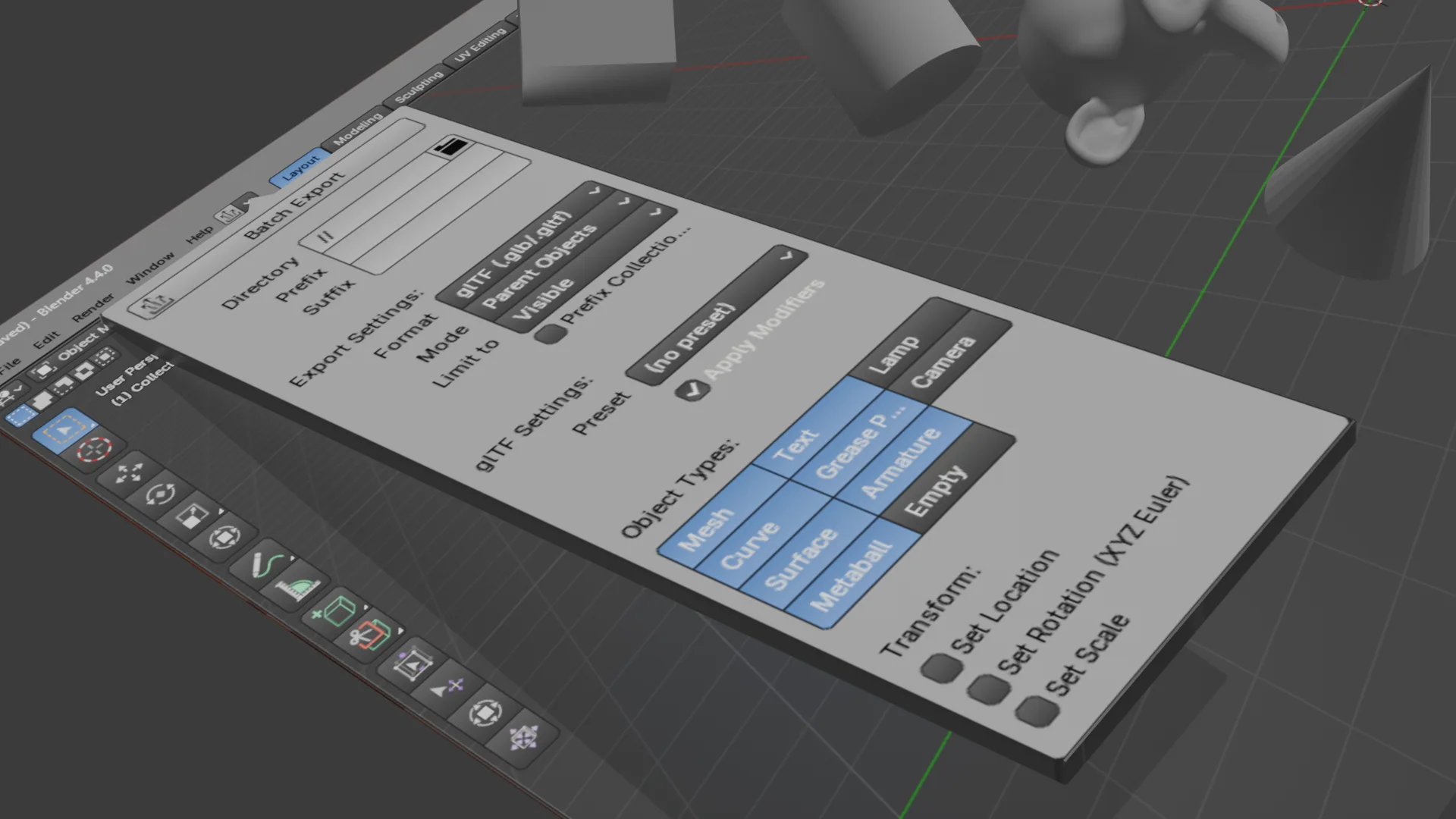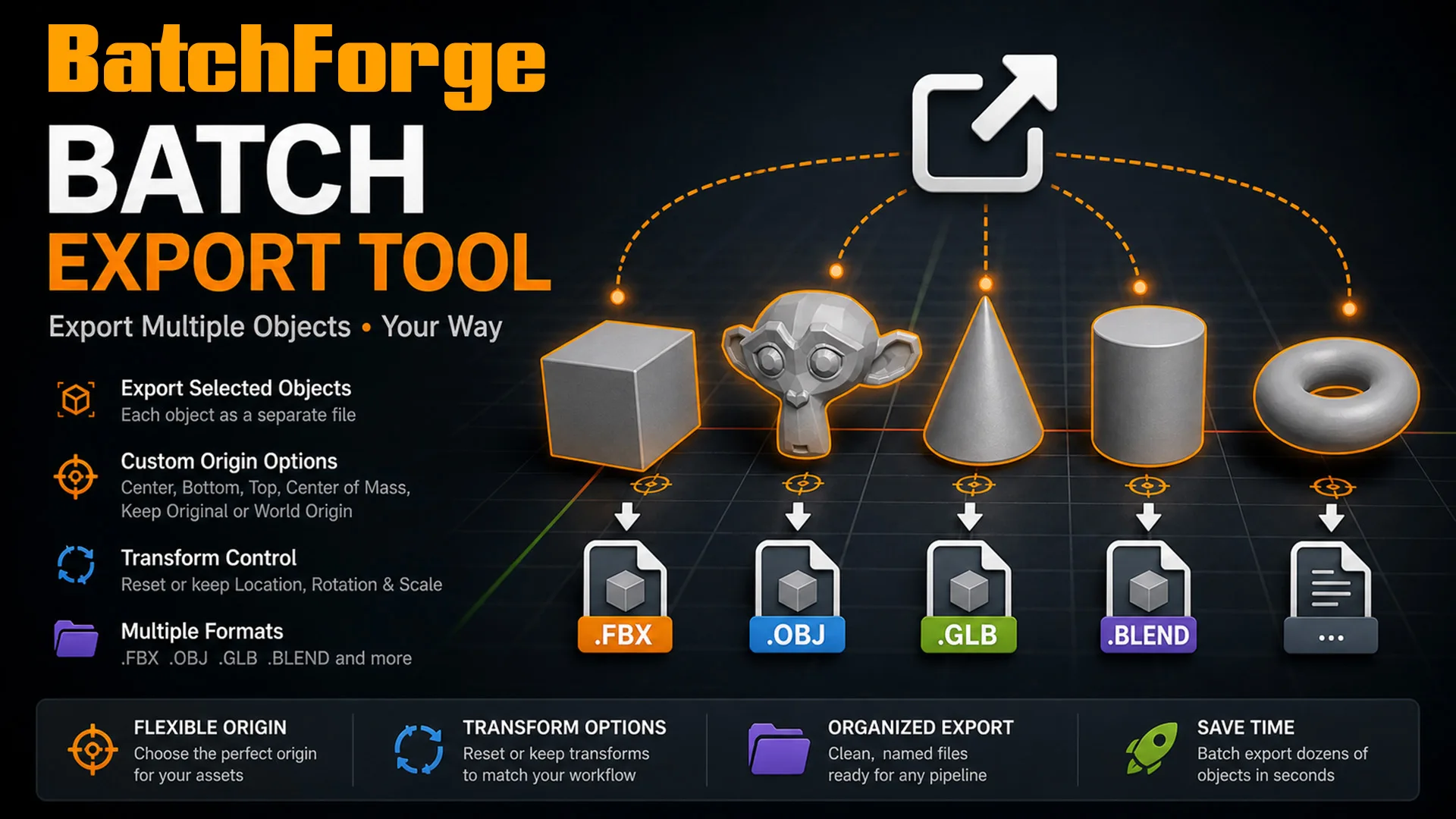
Monty Batch Exporter batch-exports selected objects, the active collection, all scenes, or all mesh objects across scenes as individual files in eight formats: FBX, glTF/GLB, OBJ, USD, Alembic, STL, PLY, and Collada (DAE). Blender 4.2 or later is the minimum supported version.
Set export scope and file names
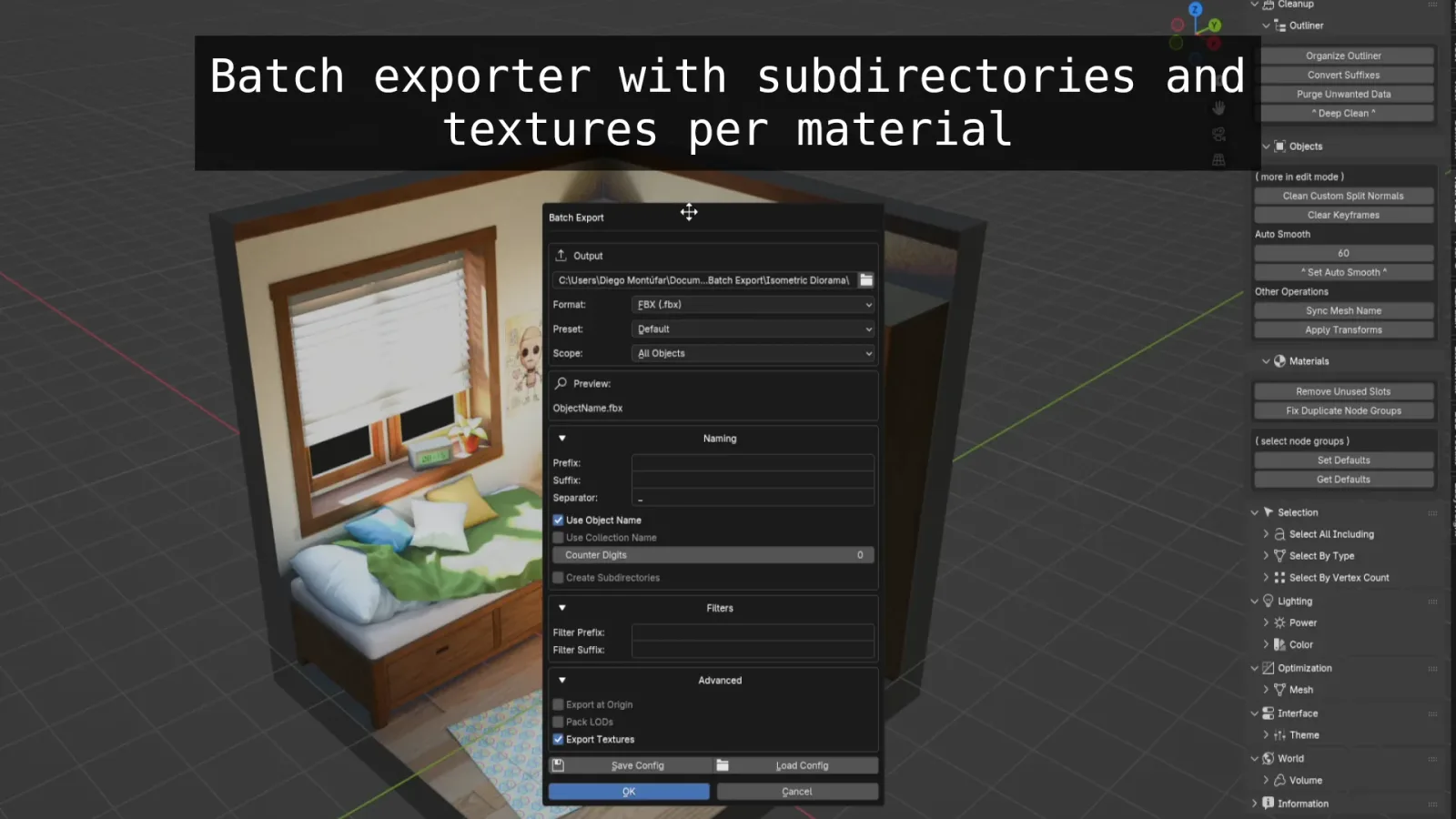
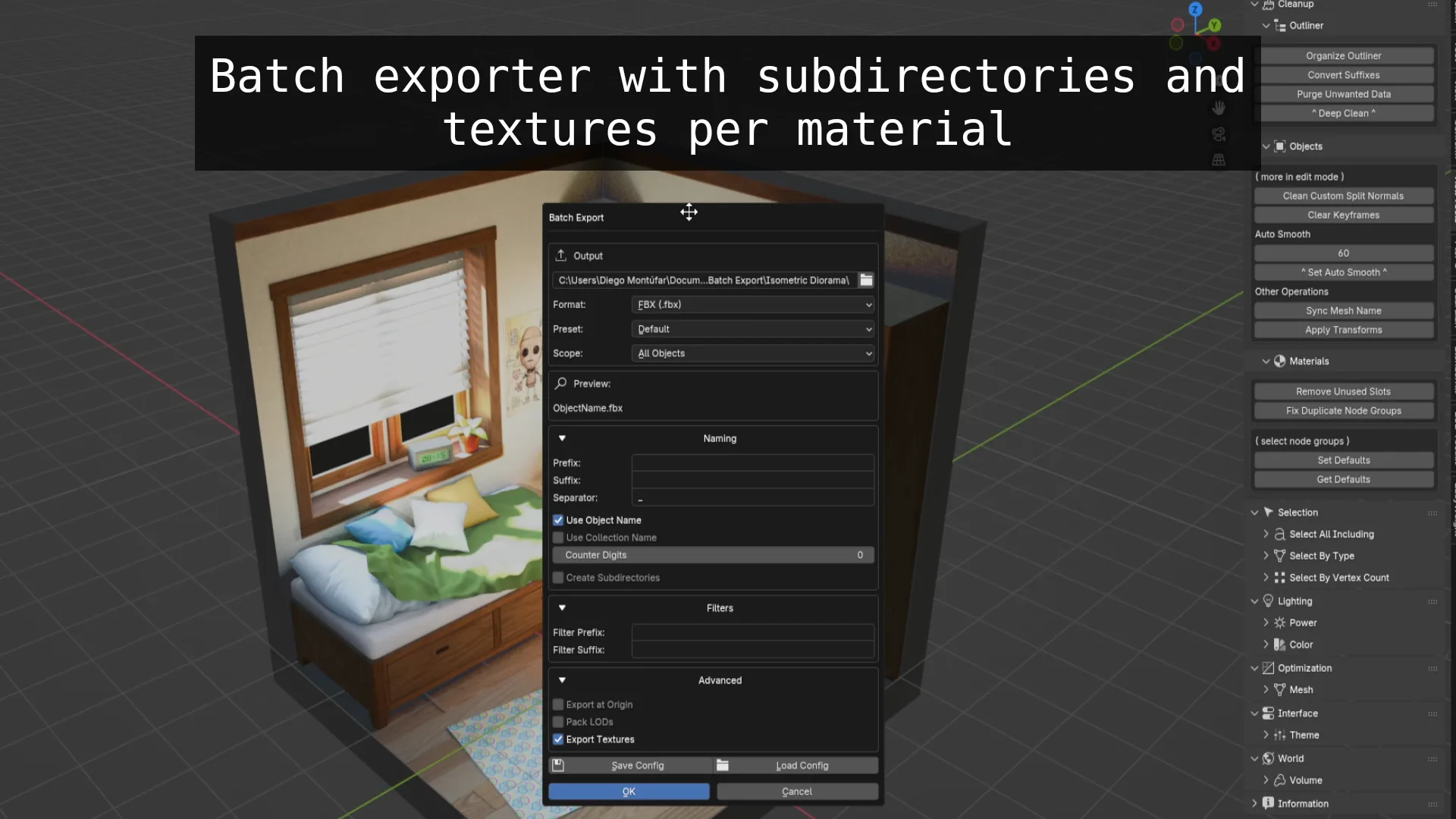
Open File > Export > Batch Export… to choose the scope, format, naming rules, and advanced options. The naming controls support prefixes, suffixes, separators, object and collection name tokens, and zero-padded counters. A live preview shows the resulting filename as you adjust the rules.
Group output into subdirectories by collection or prefix. Name filters can limit the export to items whose names match a chosen prefix or suffix. These controls help keep a large export set organized and avoid sending unrelated items through the same operation.
Use export options for assets and pipelines
Export at Origin temporarily moves object transforms to the world origin for export and restores them afterward. LOD packing groups variants such as Cube_LOD0 and Cube_LOD1 into one file. Texture export copies referenced textures into a subfolder for each material.
The add-on can load Blender's existing FBX, glTF, and OBJ export presets, including settings such as scale, axis, and mesh options. You can save and load the batch configuration as JSON, then use that configuration in a headless Blender command-line run. This supports repeatable export jobs without configuring each run through the dialog.
Compatibility and source
Monty Batch Exporter is released under the GNU General Public License v3.0 or later. The extension requests permission to write files to disk for exporting. Cross-scene export has a view-layer requirement: all target scenes must share the same active view-layer configuration. The listing identifies Diego-Montufar-Perez as its developer and links to the project repository.