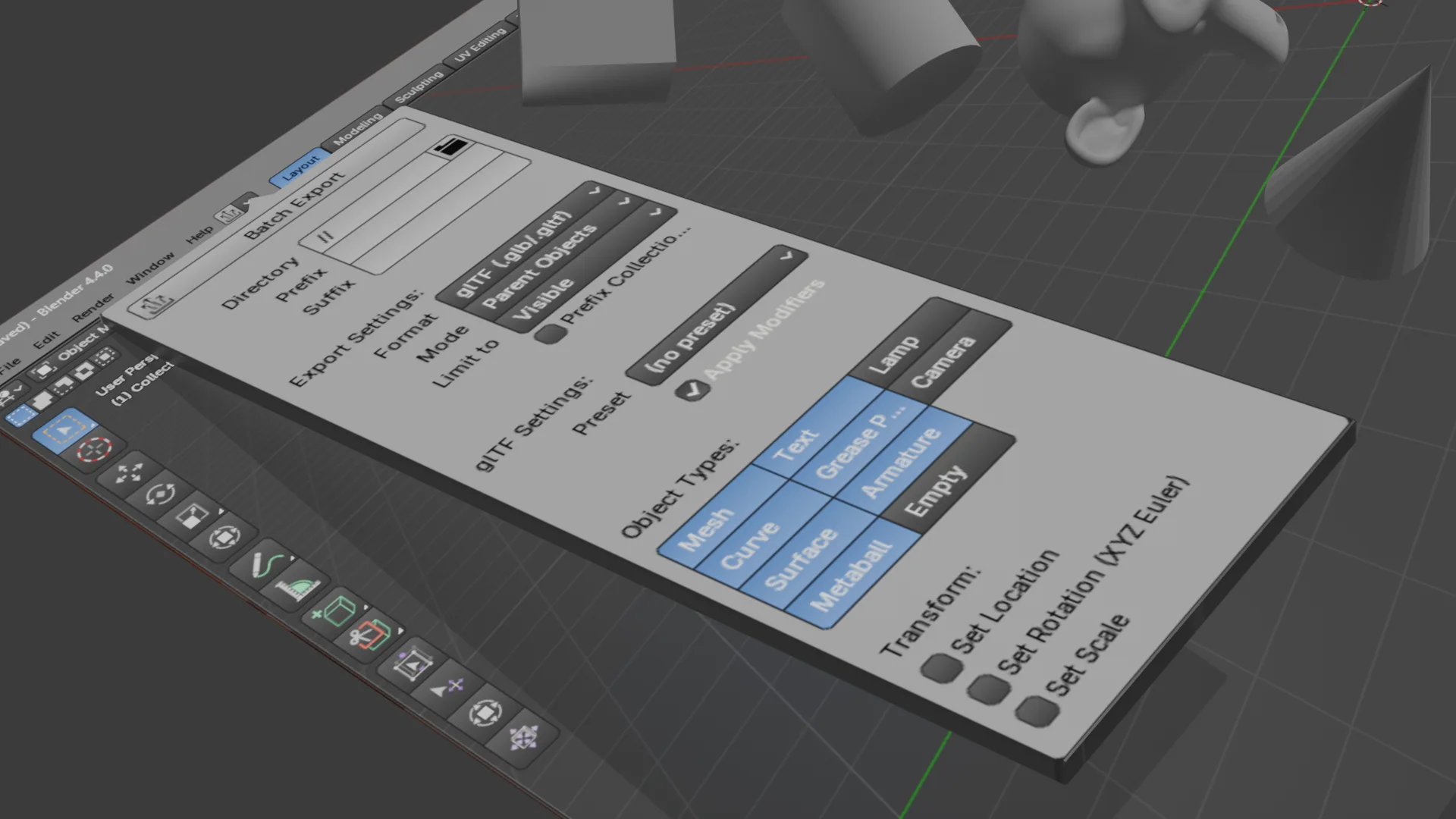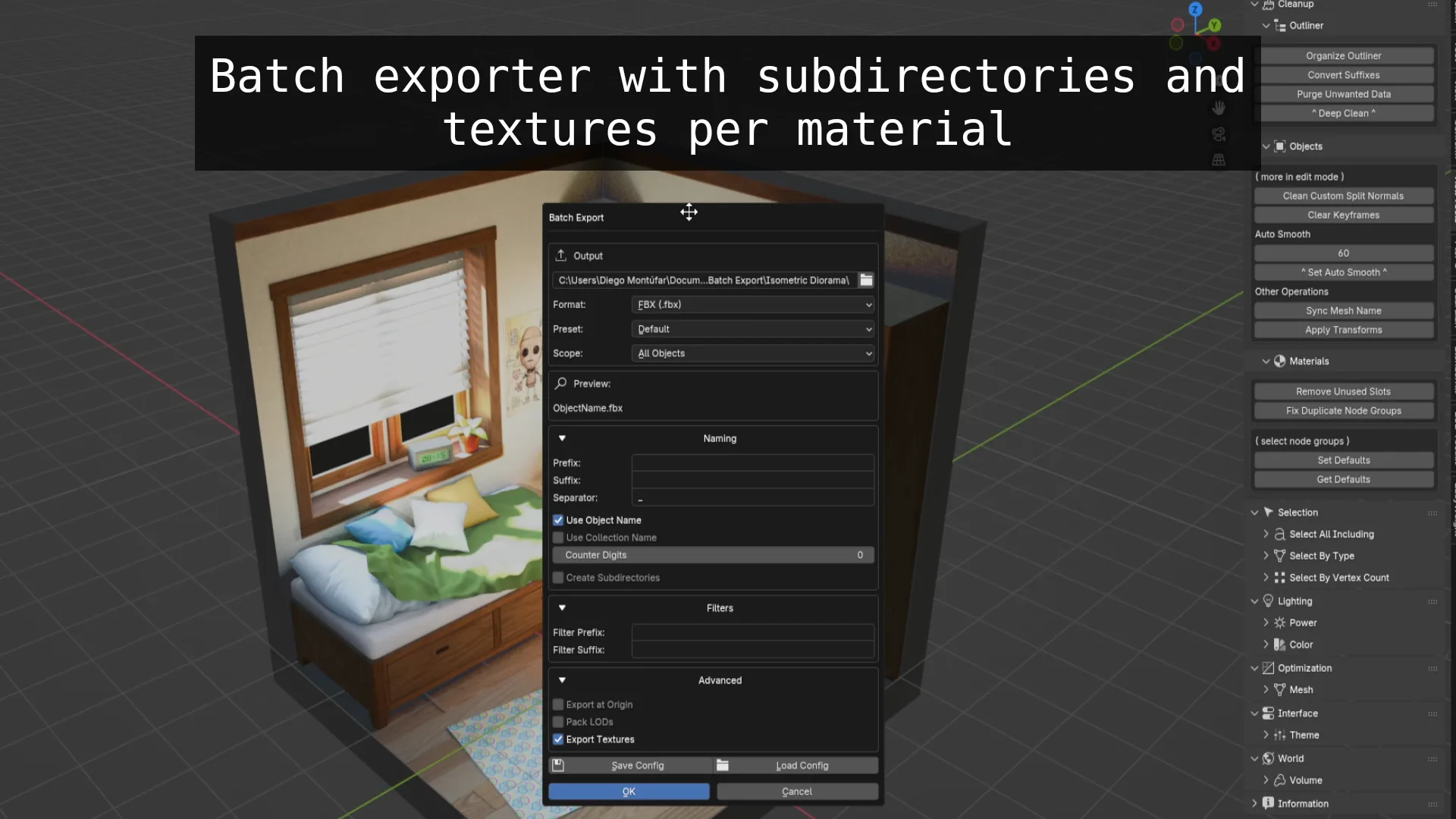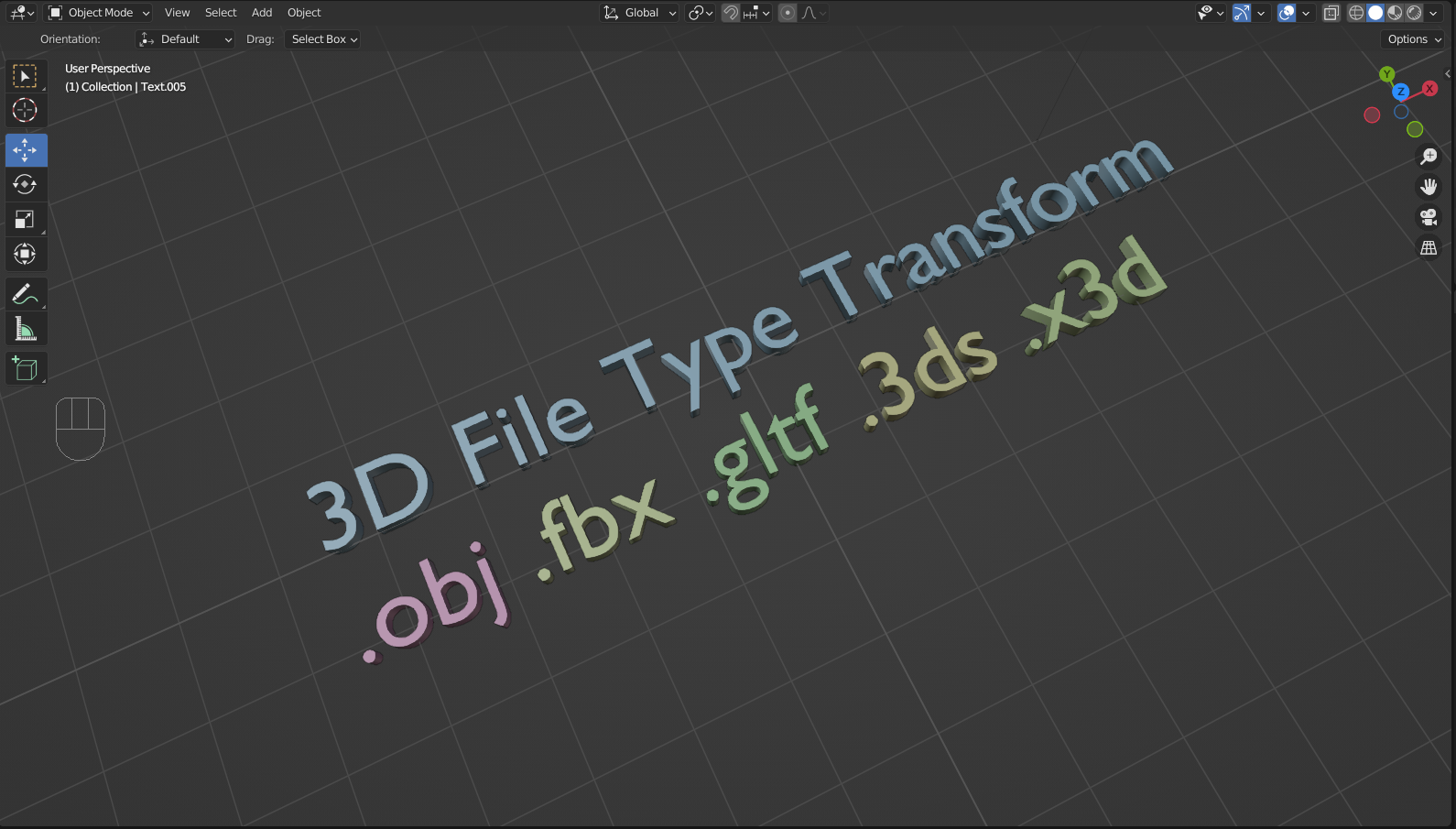
NebulaLink I/O is a Blender add-on for importing and exporting OBJ, FBX, and glTF/GLB files through preset-driven workflows. It combines format detection, import cleanup, object filters, and pre-export checks for artists preparing assets for Unity, Unreal, WebGL, and other pipelines.
Use presets for common targets
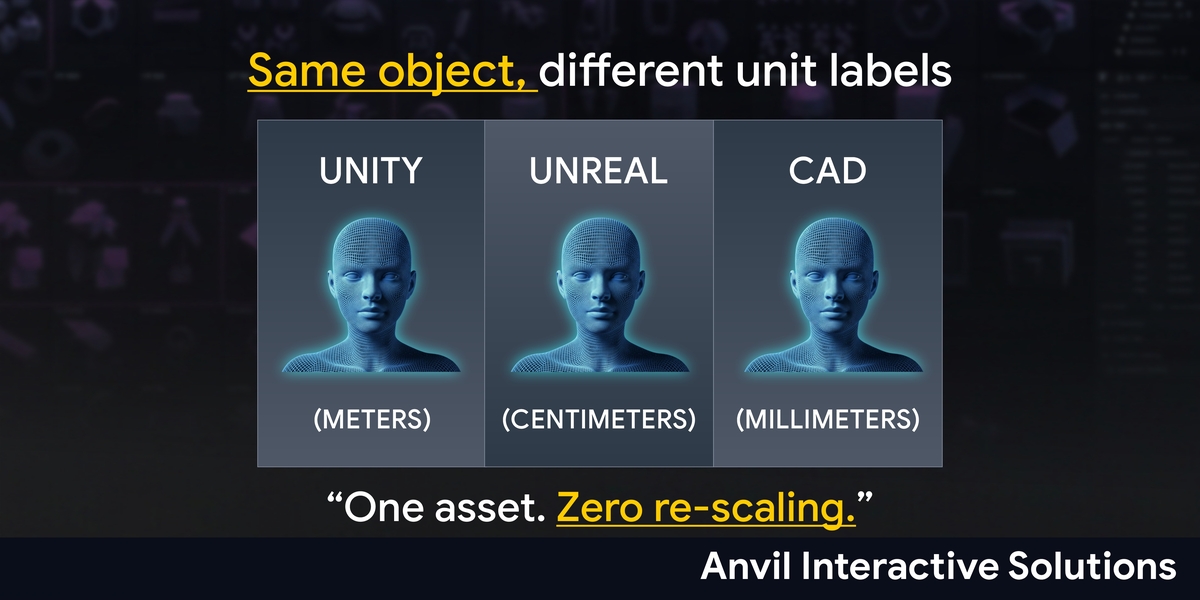
The add-on provides Import (Auto) and Export (Auto) operators that select a handler based on the file format. Presets control settings such as unit scale, normal and tangent recalculation, bone roll, material normalization, and format-specific export options. The documentation names General, Unreal Character, Unity Static Mesh, and WebGL Low Poly presets.
Filter imports and clean assets
During import, you can choose which object types to keep: meshes, armatures, cameras, lights, empties, or other types. This is useful when a source file includes scene objects you do not need.
NebulaLink I/O's Fixer Stack covers normal cleanup, bone roll recalculation for Unreal-compatible rigs after import when enabled by the preset, material graph normalization, and checks for UVs, transforms, scale, and rotation. Material normalization depends on the selected preset.
Run checks before export
The product listing describes warnings for non-uniform scale, unapplied rotation, and missing UVs; the documentation describes the rotation warning as non-identity rotation. Preset-based fixes can be applied when enabled. The export workflow supports OBJ, FBX, and glTF/GLB, with settings such as unit scale and material handling controlled by the active preset.
Keep JSON diagnostics
When report writing is enabled, an import or export can produce a timestamped JSON file with the operation, source or target file information, Blender and NebulaLink versions, preset, and warning or error messages. The reports can help teams document asset changes and investigate pipeline issues. Both import and export operators can be called from scripts.
Check Blender compatibility
The product listing shows Blender versions 4.4–5.0. The Blender compatibility documentation identifies version 1.0.0 and says Blender 3.0+ is supported, with optimization for 4.x and 5.x. Because those details differ, confirm compatibility with the developer for your Blender version before installing.
Install the add-on
To install, open Blender's Edit → Preferences → Add-ons → Install menu, select the add-on ZIP, and enable NebulaLink I/O in the add-on list. The add-on preferences let you set the default preset, JSON reports, preflight warnings, and export paths.