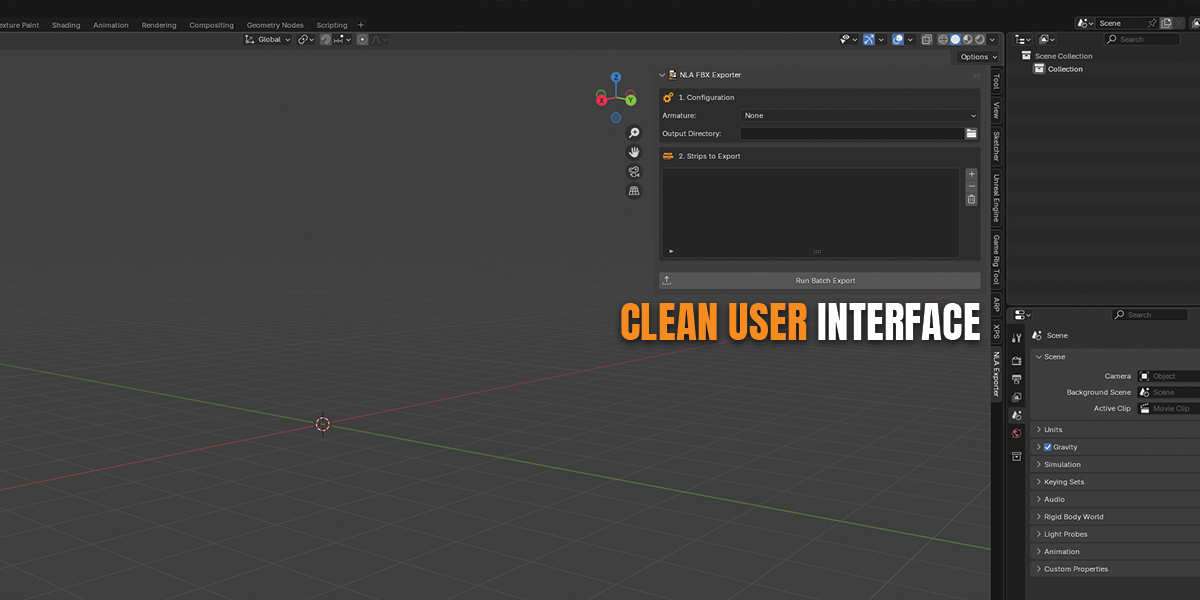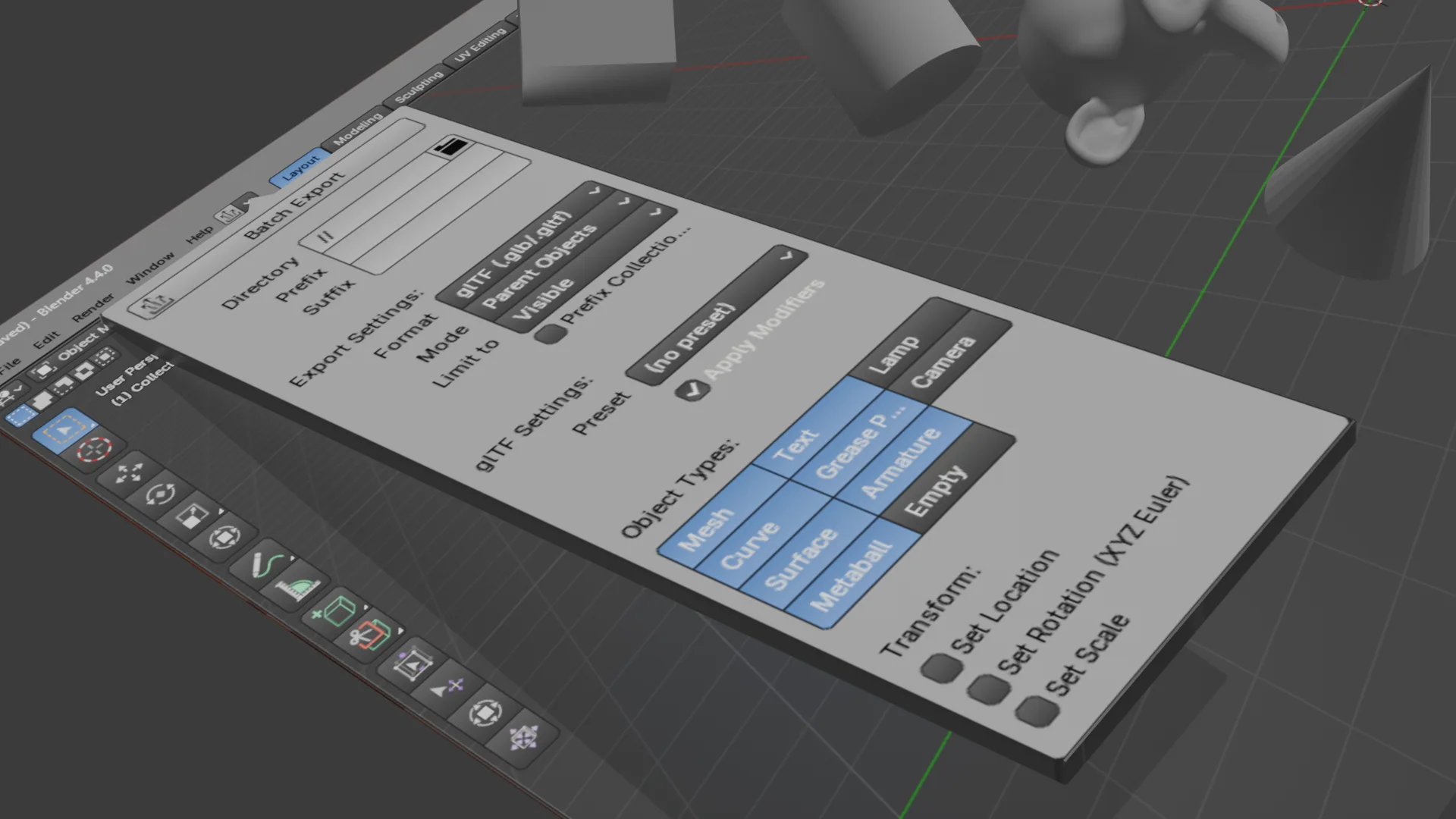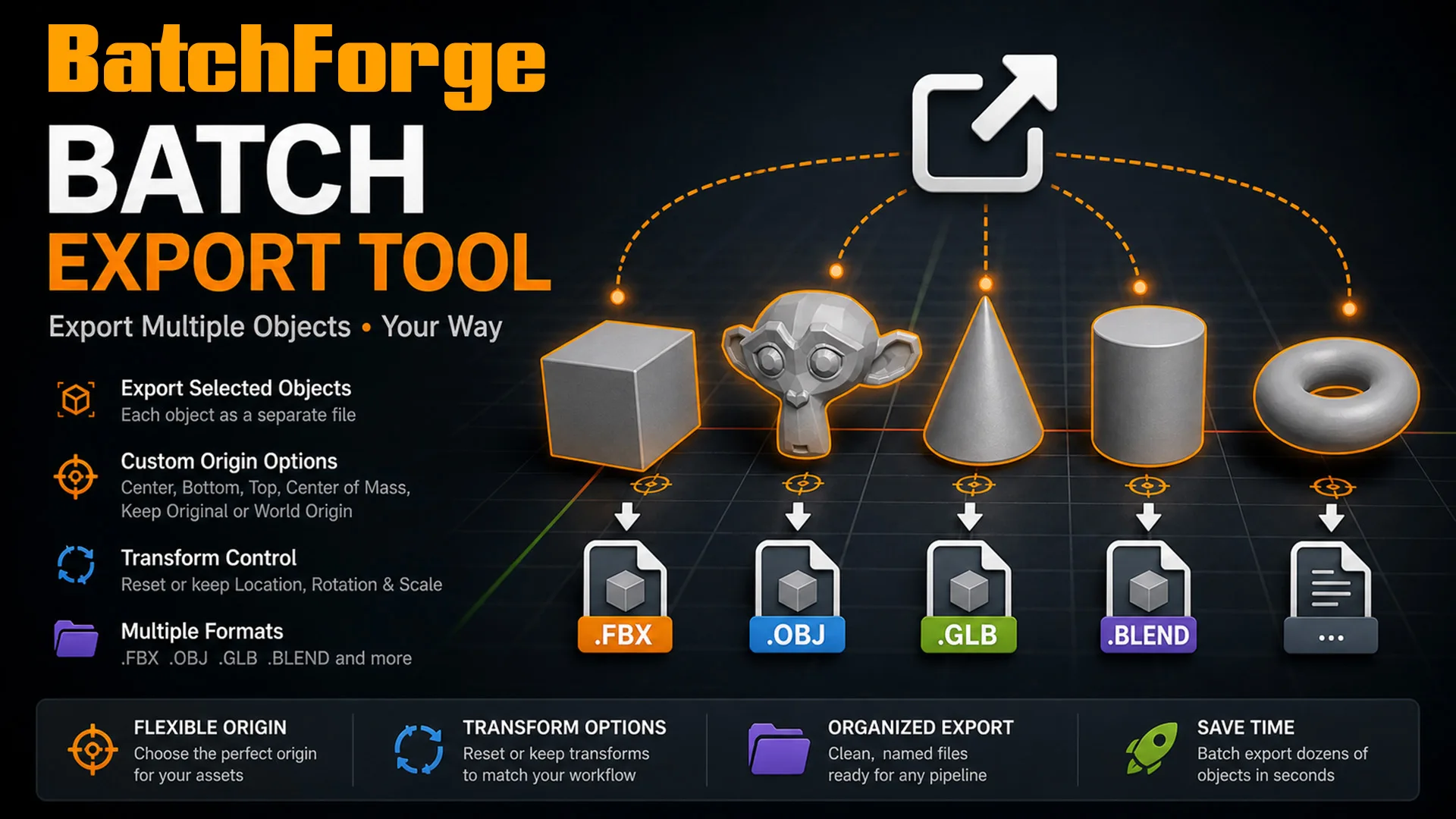
BatchForge: Batch Export Tool is a Blender add-on for exporting selected objects, all meshes, or objects from a chosen collection one at a time. You can set how exported objects are named, choose their origin and transforms, select file formats, and configure an output folder. The Blender Extensions listing identifies version 2.8.0 and Blender 4.2.0 or newer as the compatibility range.
Choose objects and set their names
Use Selection to export the objects you have selected, All Meshes to include every mesh in the scene, or Collection to choose a specific collection. For filenames, BatchForge can use each mesh's object name or a custom name with a prefix and suffix. Auto numbering is available for the custom naming option.
Control origins, transforms, and formats
BatchForge provides six origin modes: Center, Bottom Center, Top Center, Center of Mass, Keep Original, and World Origin. Transform options let you reset location, rotation, or scale with custom values, apply scale to the mesh while preserving its visual dimensions, or use the current transform for workflows that depend on scene position and rotation.
Choose among Blend, FBX, GLB/GLTF, OBJ, STL, and USD/USDC formats. For FBX exports, select the Unity preset, the Unreal preset, or Custom axis settings. The listing specifies automatic axis conversion for Unity, including Forward -Z and Up Y with a baked space transform; Custom allows manual axis settings.
Review per-object export reports
When Create Log is enabled, BatchForge writes timestamped text reports in the export directory. Reports can include vertex, edge, face, and triangle counts; processed transforms; dimensions in meters and centimeters; assigned materials and slots; the selected origin mode; and the active export settings.
The logger can also flag N-gons and report face-orientation information. These details help you inspect geometry and export settings as part of your handoff to a game engine, another 3D application, or a 3D-printing workflow.
Install and check compatibility
The Blender Extensions listing offers the add-on archive for Blender 4.2.0 and newer, under the GNU General Public License v3.0 or later. Install it by dragging the archive into Blender or using Blender's Install from Disk instructions. Check the listing for the current release and compatibility details before installing.