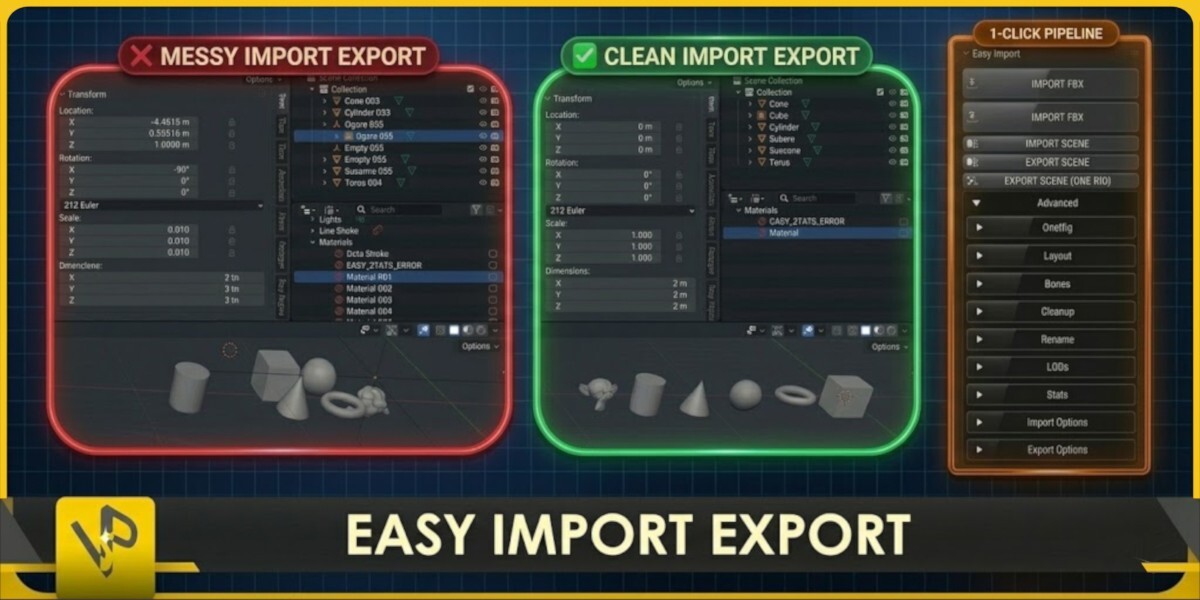
Easy Import Export is a Blender add-on by VP Studio 3D for preparing 3D assets for game engine workflows. It covers FBX import and export, scene cleanup, LOD generation, collision meshes, rig merging and texture packing. The product documentation describes controls for handling assets in batches as well as working with a whole scene.
Import and organize FBX assets
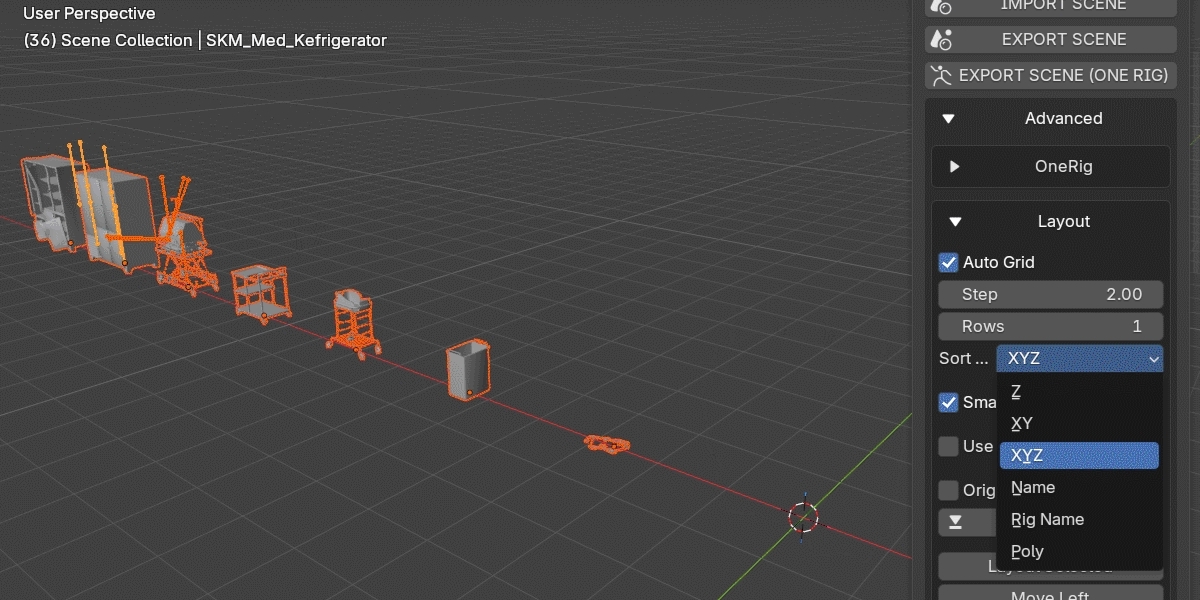
When importing selected FBX files, the add-on can place them in a new Import_X collection, address common 0.01 scale problems, remove dummy leaf bones and arrange objects in a grid. You can sort objects by height, footprint, volume, name or polygon count. Smart Shift can move new imports aside when the current 3D cursor area is already occupied.
Clean scenes and rename objects
Cleanup options remove .001 suffixes, merge duplicate materials and purge unused data blocks. Other controls delete redundant empty objects and loose or degenerate mesh geometry. A batch renaming tool can add or remove prefixes and suffixes, or replace text across selected objects. Since cleanup can change or delete scene data, review the settings and try them on a saved copy of a project first.
Prepare LODs, collisions and character rigs
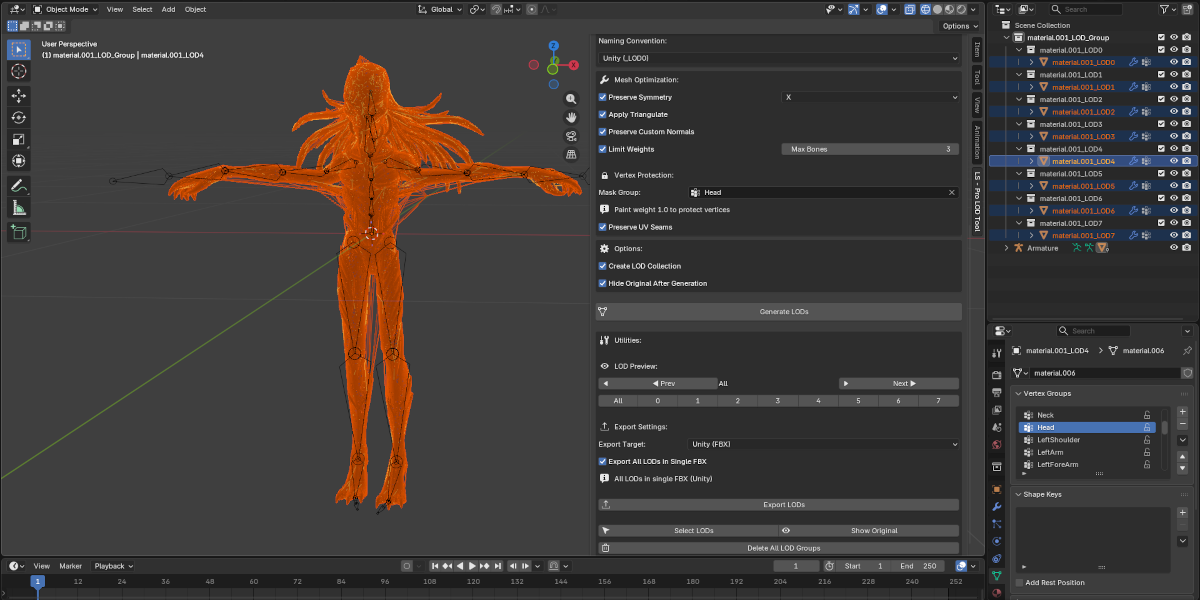
The add-on can generate between one and six LOD levels, with adjustable polygon reduction aggressiveness. It can also create UCX convex hull collision meshes for Unreal Engine and name them using the UCX_ prefix. For modular characters, OneRig Merge combines selected armatures into a master rig and transfers animation data and vertex weights. The viewport HUD can show polygon, edge, vertex, bone and UV map counts, texel density, UV overlap and geometry issues.
Batch export and texture options
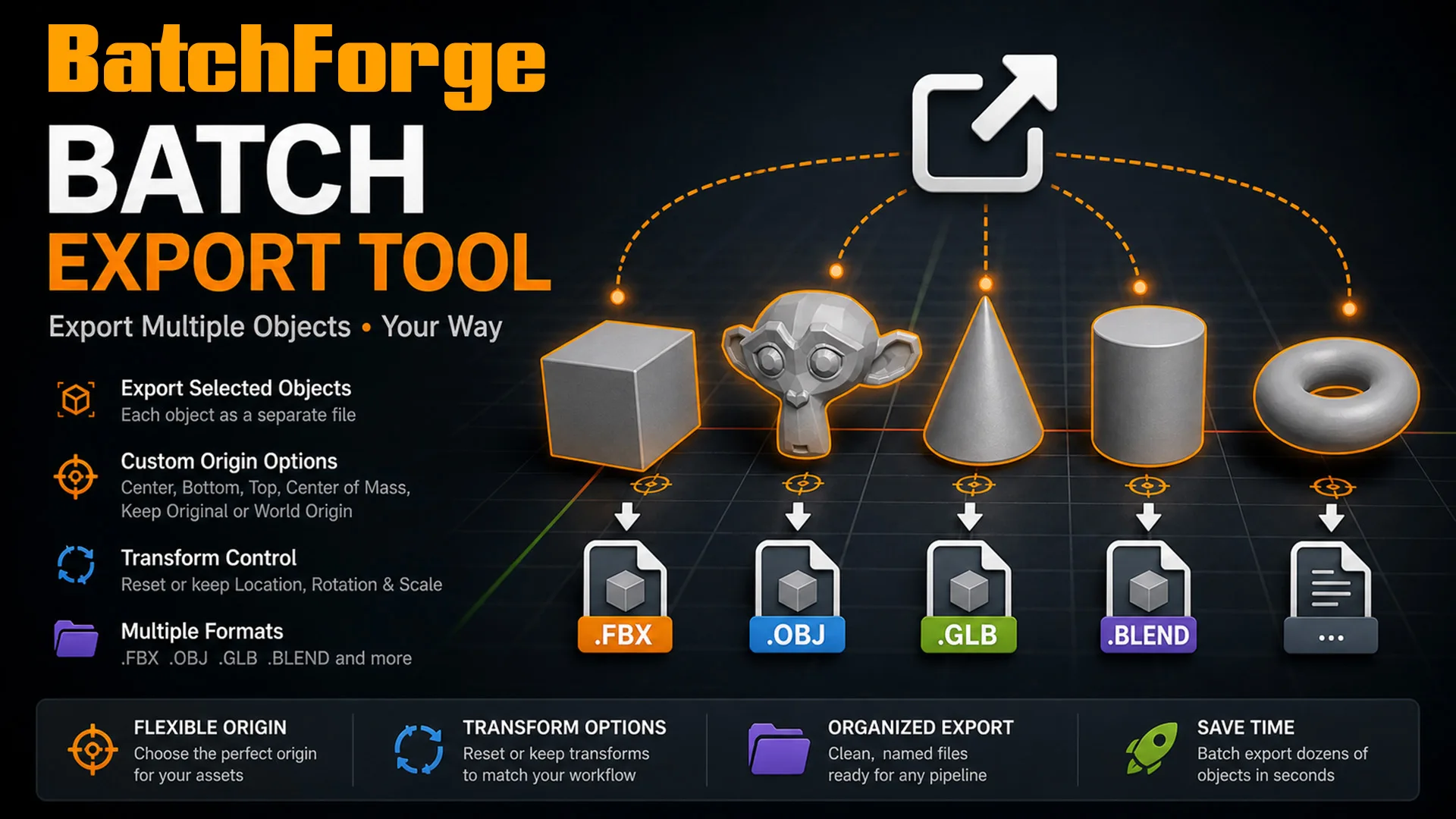
Batch export can write selected root objects to separate FBX files. Export settings include SM_ or SKM_ prefixes, an _anim suffix when animation tracks are present, triangulation and an option to generate a secondary lightmap UV map. For Unreal Engine, Smart Scale & Axis applies x100 scaling and adjusts transforms and forward/up axes. The export controls can also embed textures, pack ambient occlusion, roughness and metallic channels, invert a normal map's green channel, or downscale textures. A separate scene mode handles the full scene as one FBX without the batch layout.
Check Blender compatibility before installing
The documentation says the add-on supports Blender 5.1 and newer, while the product details list Blender versions 5.0 to 5.1. Those statements differ, so confirm support for your exact Blender release on the product page before installing. The listing identifies the license as GPL and the add-on as Blender Extension compatible.