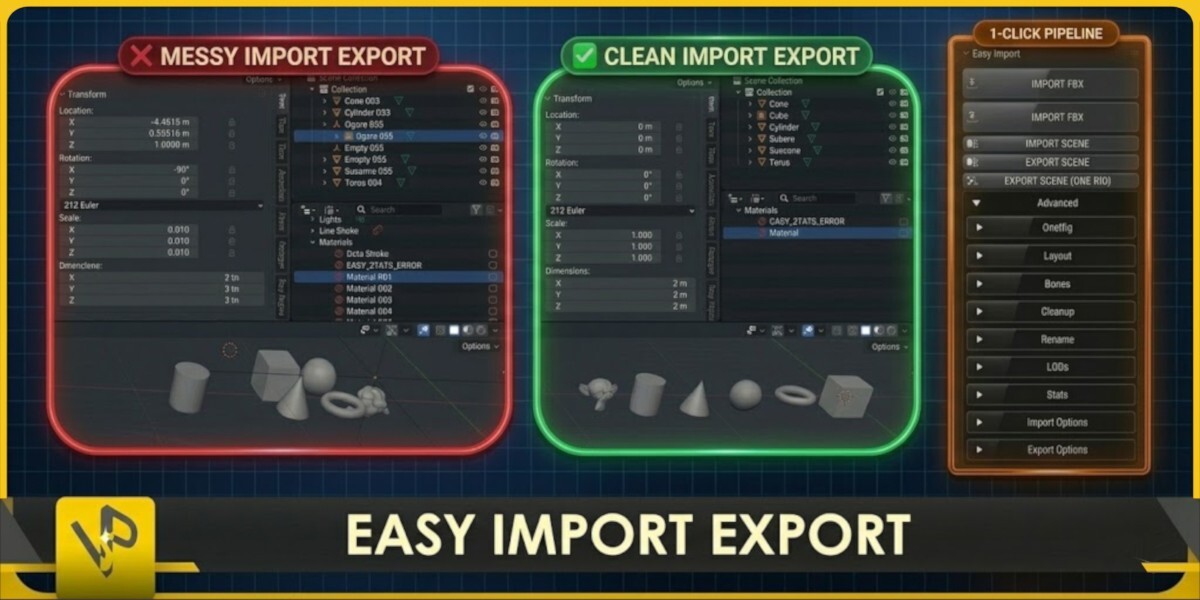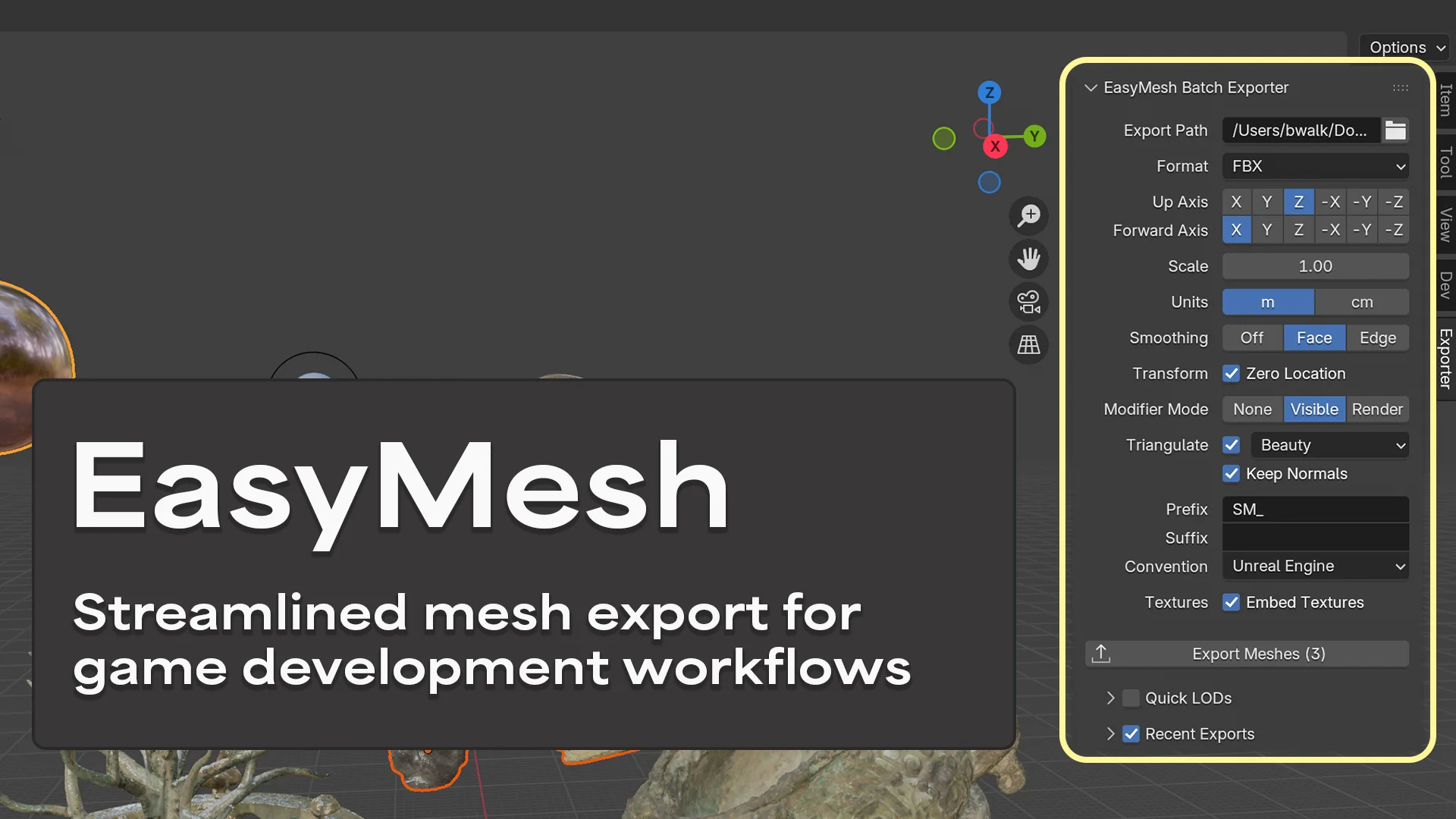
EasyMesh Batch Exporter is a Blender extension for exporting multiple scene assets into files used in game pipelines. It accepts meshes, curves, and metaballs; curves and metaballs are converted to meshes during export. Supported formats include FBX, OBJ, glTF/GLB, USD, and STL. The export options cover game-engine naming, LOD export, and mesh processing.
Choose a format and naming convention
Set an output folder, format, coordinate axes, scale, and smoothing options. Enable the Naming Convention sub-panel to add prefixes or suffixes and apply Godot’s snake_case, Unity’s capitalized words with underscores, or Unreal Engine’s PascalCase convention. With the sub-panel disabled, filenames are only sanitized. For glTF exports, batch mode can combine selected meshes into one file using the collection name, or the first object’s name as a fallback. Turn that option off to export separate files.
Generate LODs for game assets
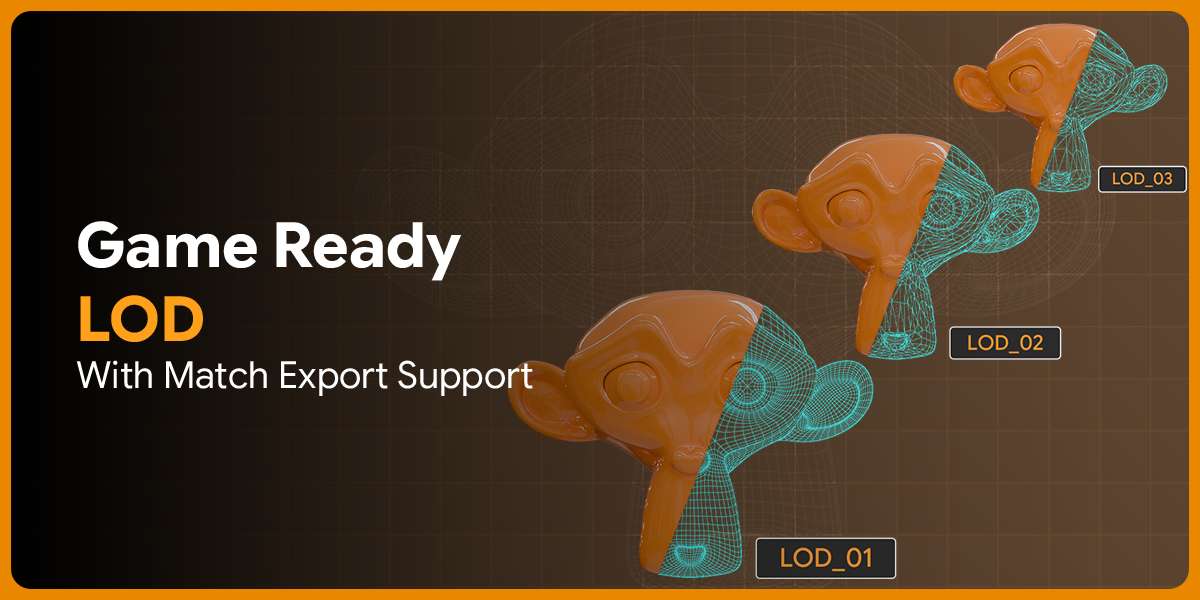
The optional LOD tools generate up to four levels using Blender’s Decimate modifier, with a separate ratio for each level and an option to preserve symmetry. LOD hierarchy export creates structured FBX files for Unity and Unreal workflows; this hierarchy option is FBX-only. Texture settings can resize images for each LOD while preserving aspect ratio and format, keeping normal maps at higher resolution, and adjusting compression for lossy formats.
Control mesh processing
Choose whether export skips modifiers, applies viewport-visible modifiers, or applies render-enabled modifiers. Triangulation offers several methods, including options that preserve normals, plus a fast method that leaves triangulation to the format exporter. Other controls can zero an object’s location before export, set forward and up axes, adjust global scale, and convert between metres and centimetres.
Include collision and attachment data
For FBX and glTF exports, collision meshes parented to a render mesh can be included in the same file with engine-specific names. Unreal uses the UCX_, UBX_, USP_, and UCP_ prefixes; Godot uses the -convcolonly and -convcol node suffixes, and custom prefixes or suffixes are supported. For FBX and glTF exports, the add-on can include empties parented to a render mesh in the same file to mark sockets and other attachment points; it can also create slot empties at child-mesh positions for that export.
Install and check compatibility
The Blender Extensions listing identifies spec-arte as the developer and lists version 1.6.2, Blender 4.2.0 or later, and the GNU GPL v3.0-or-later license. Install it from Blender’s Get Extensions preferences, or use a release ZIP with Blender’s Install from Disk instructions. Check the listing for the current release details before installing.