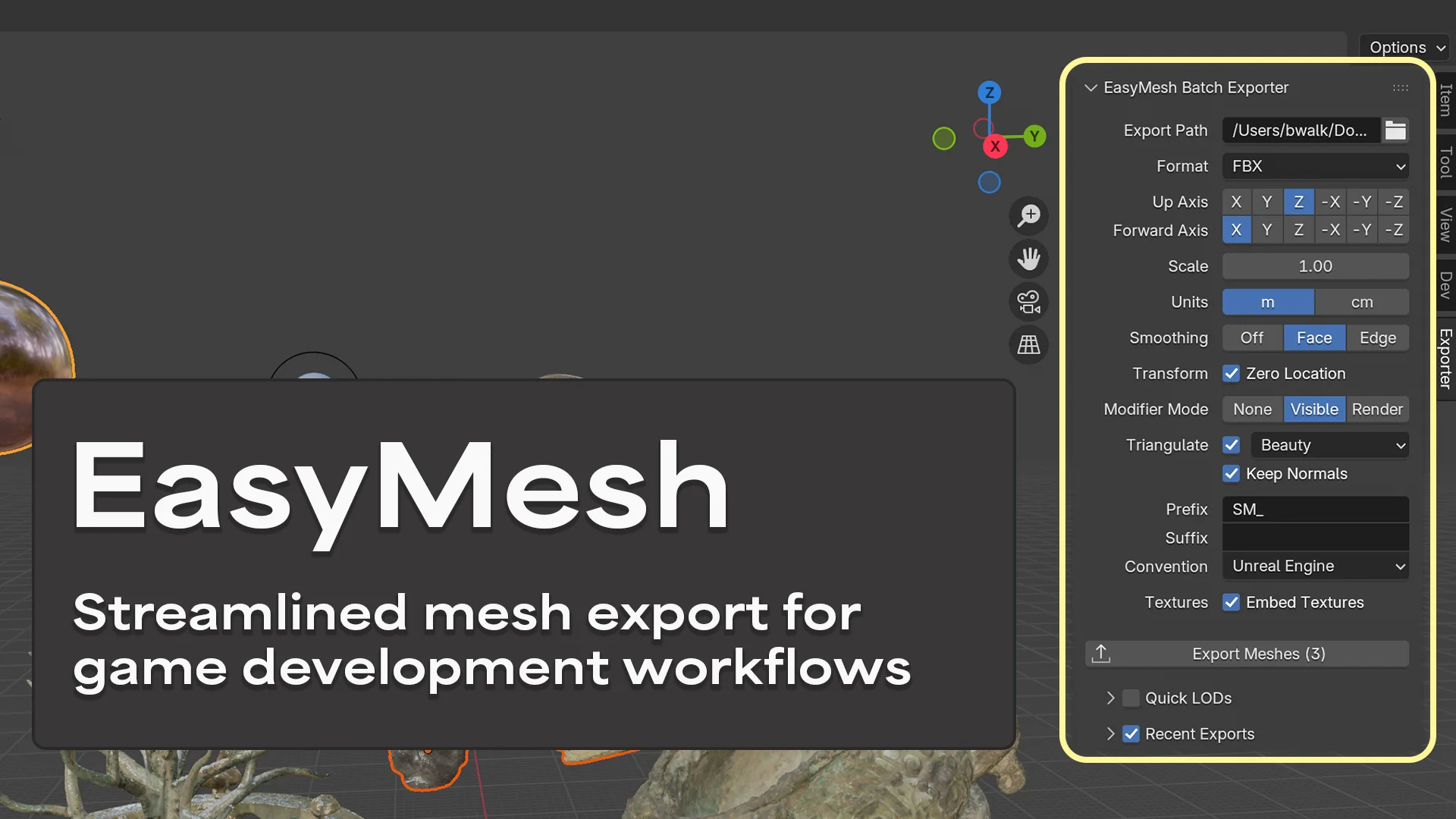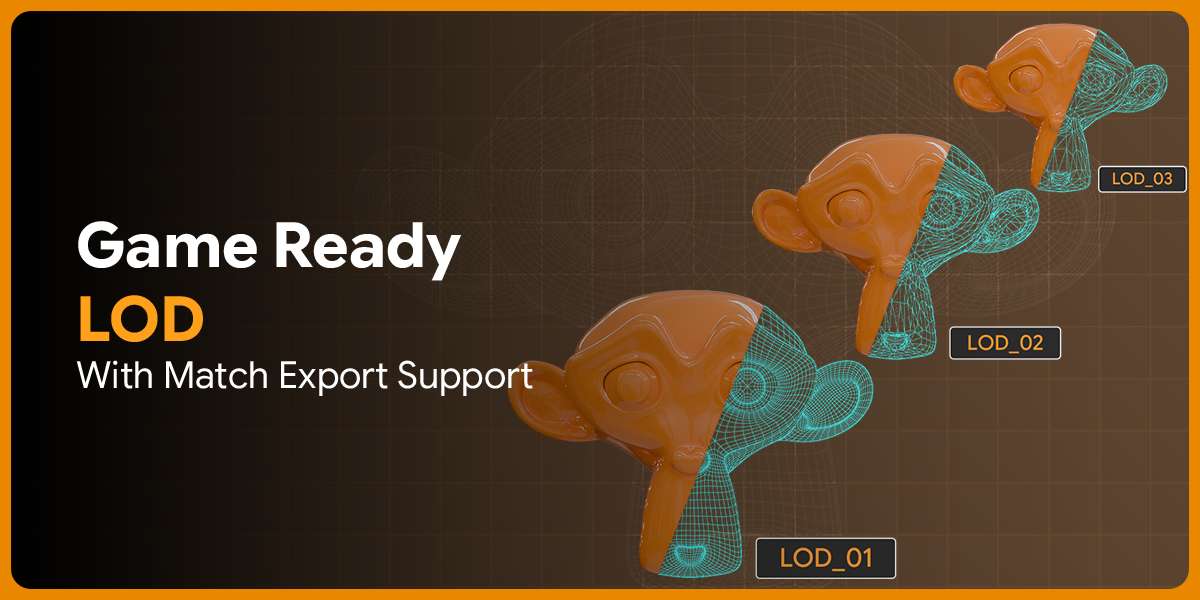
Eksporteur - Batch Exporter is a Blender add-on for game developers managing assets and their LODs in one scene. It groups scene objects into Assets and LODs, then lets you export one LOD or all LODs for an asset. The product listing describes the add-on, and its documentation covers export settings.
Set up an asset and its LODs
Install the add-on from its ZIP file using Blender's Install Addon from File option. Then open the Exporteur panel in the Scene tab, create an Asset, and add a Collection or object to LOD0. Use the export button for an individual LOD or the full Asset. Collections and linked collections are supported.
The Folder Per Asset setting creates a folder for each asset, with LOD folders beneath it, such as ContentPath/Asset/LOD0 and ContentPath/Asset/LOD1.
Export settings and version 1.1.0
Version 1.1.0 made the export path optional; by default, it uses the saved location of the Blender scene. The release also introduced Empty mode in place of collections, which offsets assets and places them at the world origin during export. It added curve export without conversion to mesh, an export modal opened with F7, and the option to name LOD0 after the asset without a postfix.
The Ignore hidden objects setting excludes objects whose eye is disabled in the Outliner, such as supporting booleans or parent objects. Ignore hidden collections checks only the hidden-in-viewport state, not hidden-render or other Outliner modes.
Check compatibility before installing
The product listing names Blender 2.8, 2.81, 2.82, 2.83, 2.9, 2.91, 2.92, and 2.93. Check the listing for current compatibility if you use a newer release. Other file format support appears on the product roadmap, so the available sources do not confirm which additional formats, if any, are currently supported. The listing identifies the license as GPL.