Prolod is a Blender add-on by Arcaneforge for generating levels of detail (LODs) from organic meshes. Select a mesh, choose the maximum LOD level and a reduction type, then create the set. The catalog describes the generated LOD meshes as grouped under an empty parent, while the base asset remains untouched.
How Prolod creates mesh LODs
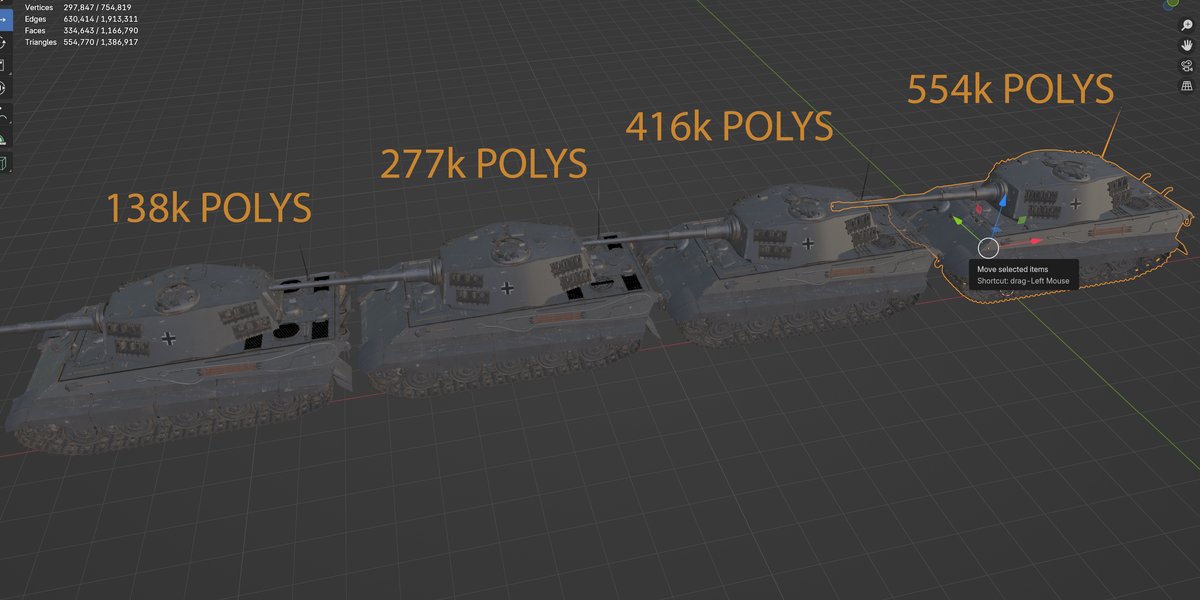
The workflow starts with selecting or grabbing a mesh. Choose the maximum LOD level, select a reduction type and preset, then click “Make LODs.” Prolod creates the set beneath an empty parent. This keeps the original mesh in place while giving you separate levels to inspect.
Reduction presets and custom values
Prolod’s named presets follow different reduction patterns:
- PrZ -50% halves the polygon count exponentially.
- 10 Step creates a linear fade down to 20%.
- Aggressive Dive aims for a low polygon count directly.
- Smooth Glide follows a balanced reduction curve.
A Custom option lets you adjust the reduction values and is listed as the default. Named presets provide a starting curve. The preset descriptions give no per-preset polygon counts or visual quality results, so inspect the generated levels against your project’s needs.
Preview each level
A sidebar lists the LOD groups and provides a preview for each level. Use it to review how the mesh changes as detail is reduced before relying on the set in a scene.
Compatibility and availability
The catalog record, updated July 15, 2026, lists Blender versions 4.2 through 4.5. The Superhive product page says the product is no longer available for purchase. Check the developer’s listing for current download and compatibility information before installing.