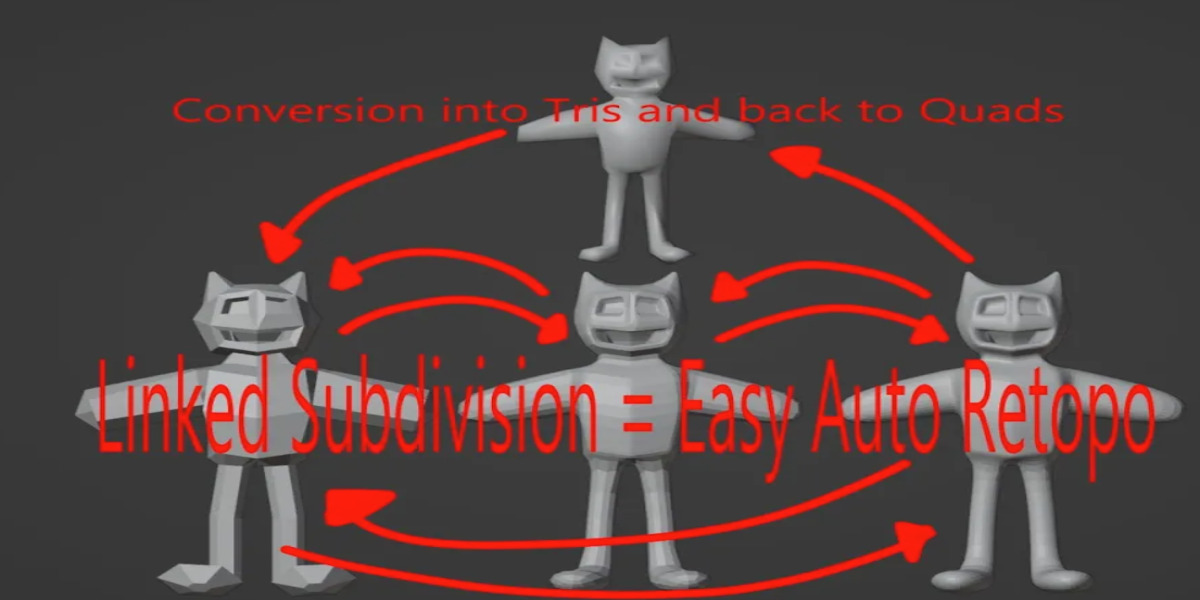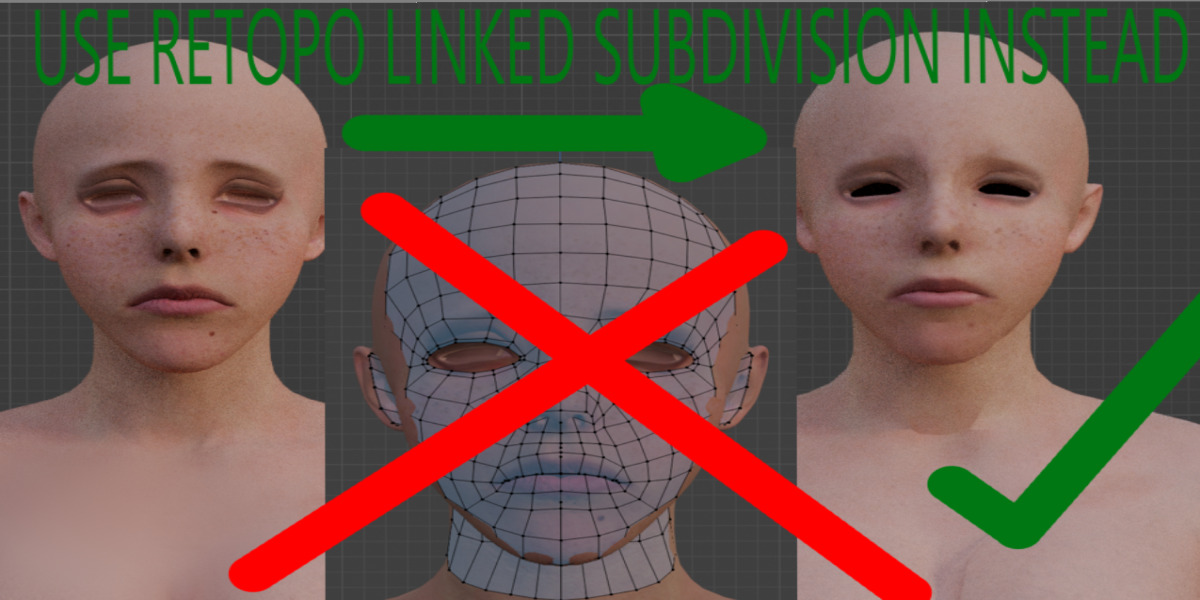
Retopo Linked Subdivision is a Blender add-on for sculpting across linked subdivision levels. It stores those levels as linked layers instead of applying them directly to the mesh. Changes made on one level propagate to the higher and lower levels in real time, while each level keeps its polygon count. The Original Object remains unchanged.
How linked subdivision works
The add-on keeps the Original Object separate from Level 0 and the linked levels above it. The levels adapt to the shape of the highest subdivision, so edits can move between levels without changing the original object. A face count for each level appears in the 3D Viewport sidebar.
Existing meshes can be used, but their current topology is subdivided and linked rather than fully rebuilt. If you are starting from scratch, the developer recommends choosing a base mesh whose topology already matches the form you want in the final model.
Creating levels and preparing meshes
- Select a mesh. The add-on detects the selected object.
- Click Add Subdivision in the 3D Viewport sidebar, then sculpt on a level. Edits propagate across the linked levels.
- Use Duplicate to apply a level and create a mesh for baking or LOD work.
- Use Delete to remove the current level and higher levels, or Clear All to remove every subdivision level.
The add-on can triangulate a mesh with Convert to Tris; Add Subdivision converts tris back to quads when creating a level. The listing describes duplication as preparation for baking or LODs; it does not describe an automatic baking step.
Compatibility and fit
The workflow is aimed at organic sculpting and game development, including work that needs linked low and high polygon levels. Retopo Linked Subdivision is labeled as a Windows-only beta, and its developer listing specifies Blender 3.6 to 4.5. Check the developer listing for current compatibility details before installing.