Speedtimize is a Blender add-on that groups mesh inspection, scene setup and rendering utilities in one toolset. It can help you find meshes that may need optimization, check UV maps, prepare a scene for presentation and render single frames or ranges. The Superhive listing describes the current release as version 1.5.
Check meshes and UV maps
For mesh review, Speedtimize can color objects according to face or vertex counts, select edge loops similar to the current selection up to a chosen number, and report quads, triangles, ngons, face normals, vertices and faces. You can also display only a selected mesh's vertices or edges. For UV inspection, the add-on assigns a checker material to selected meshes.
These tools help locate areas to inspect or optimize. The listing describes selection, visualization and checks; it does not describe automatic mesh repair.
Prepare a scene for rendering
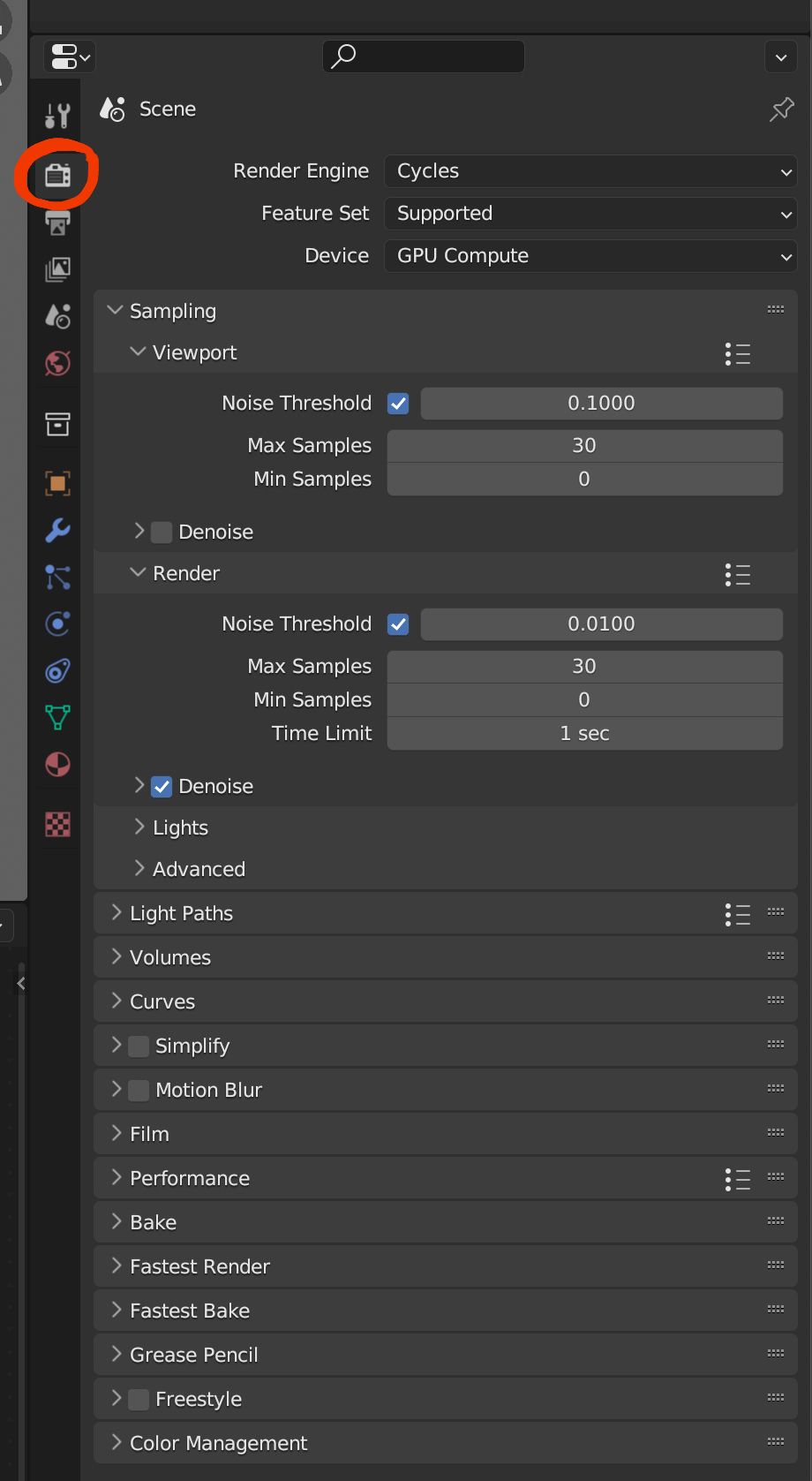
Speedtimize includes resolution presets and controls for render frame ranges, steps, transparency, motion blur and persistent data. Presentation tools include a colored backdrop in a flat or rounded style, neutral lights and a camera rig that sets keyframes for a 360-degree animation based on the chosen start and end frames.
For preview and presentation work, the add-on can configure clay override and wireframe renders, including a Matcap option for wireframes, hide viewport overlays and start a viewport render. It also generates custom color palettes. You can render a single frame or a range of frames, and the v1.1 notes say the output folder opens automatically after rendering.
Use the included LowHigh Renamer
The package includes the LowHigh Renamer add-on. It can add _low and _high suffixes to selected mesh names, then filter or select objects by those suffixes. Later renamer updates added options to unhide matching meshes and remove the suffixes from selected names.
Version compatibility
The product details list Blender versions 4.2–5.2, while the version 1.5 notes say compatibility with Blender 5.1 and later. Those entries describe different ranges, so check the updated documentation and current product listing before installing. The listing identifies Speedtimize as a Blender extension-compatible add-on and gives its license as GPL.
Who may find it useful
Speedtimize may suit Blender artists who want mesh checks and basic scene-preparation tools alongside their render controls. Its feature set covers several stages, from reviewing geometry and UVs to setting up backdrops, lighting and turnaround animation. Check the individual tools against your workflow and Blender version before relying on them for a specific project.