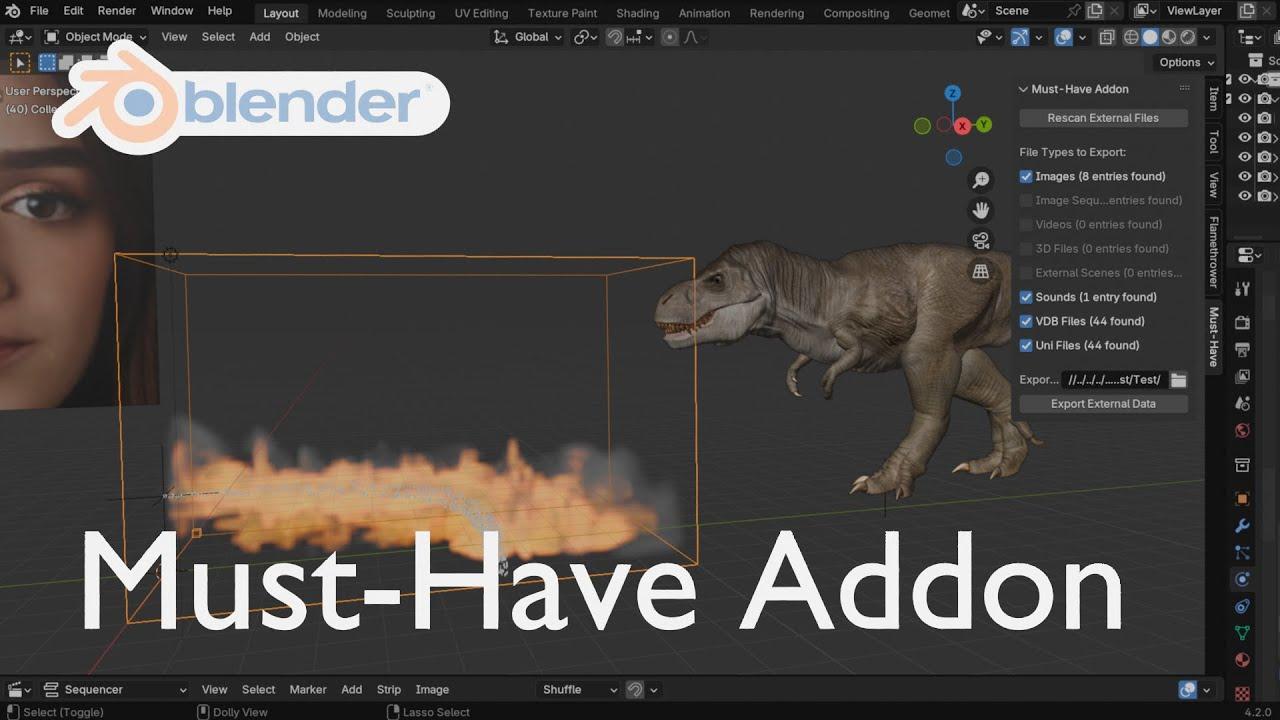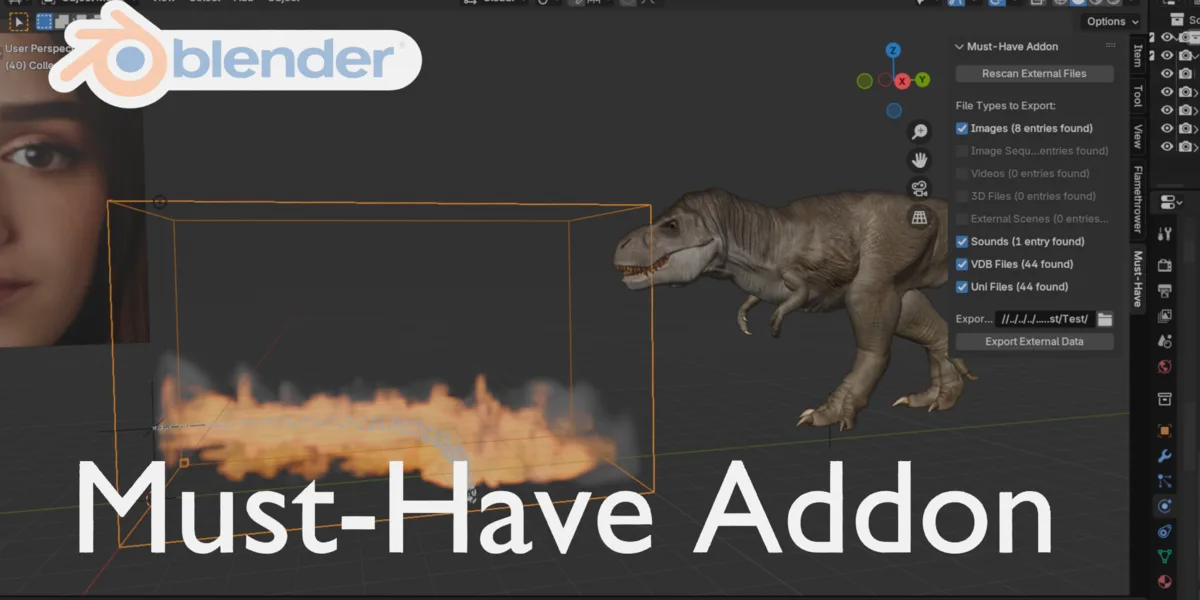
Must-Have Addon by studioromanrec gathers the external files used by a Blender scene and prepares them for moving, rendering on another computer, or archiving. It saves the collected files in one folder alongside a new blend file, then updates paths in that copy. A text file in the folder records where the files came from on your computer. See the Superhive listing and its documentation.
What it does
A Blender project can refer to files stored outside its blend file. The product listing names materials, textures, assets, VDB files, sound effects, and other external files. Must-Have Addon collects these into a single folder and creates a blend file there. The new file's name has _copy appended to the original name, and the add-on updates its paths to the collected files.
Keeping the copied blend file and its external files together makes the project easier to hand off. The product listing describes sending a project for rendering, opening it on another computer, or saving it in an archive. The result is a folder of separate files with a blend file that points to them, rather than a single blend file described as containing every asset.
What you get in the folder
- The external files gathered from the scene, including the listed materials, textures, assets, VDB files, and sound effects.
- A new blend file with
_copyadded to its original filename and updated file paths. - A text file showing where the collected files came from on your computer.
Keep the folder together when transferring or archiving the project. The text file can help you trace a collected file back to its original location. Before sending the folder, check that it contains the files you expect and open the copied blend file to review the project.
Compatibility and license
Superhive lists Blender version compatibility from 4.0 through 5.0 and marks the add-on as Extension Compatible. Its documentation includes an entry titled must_have_addon for Blender 4.2. The listing identifies the license as GPL. Check the current documentation and product listing for compatibility with your Blender release before installing.