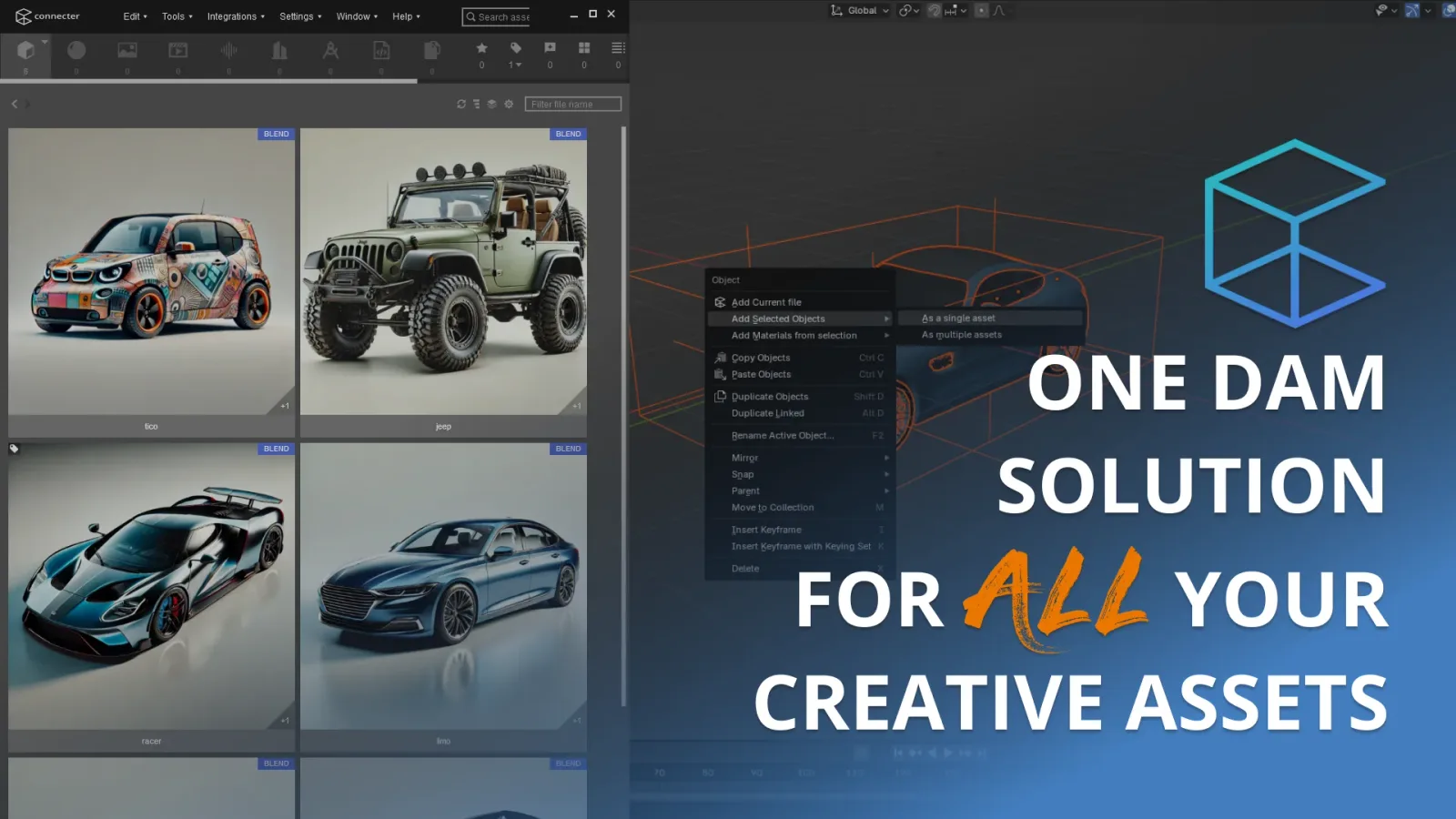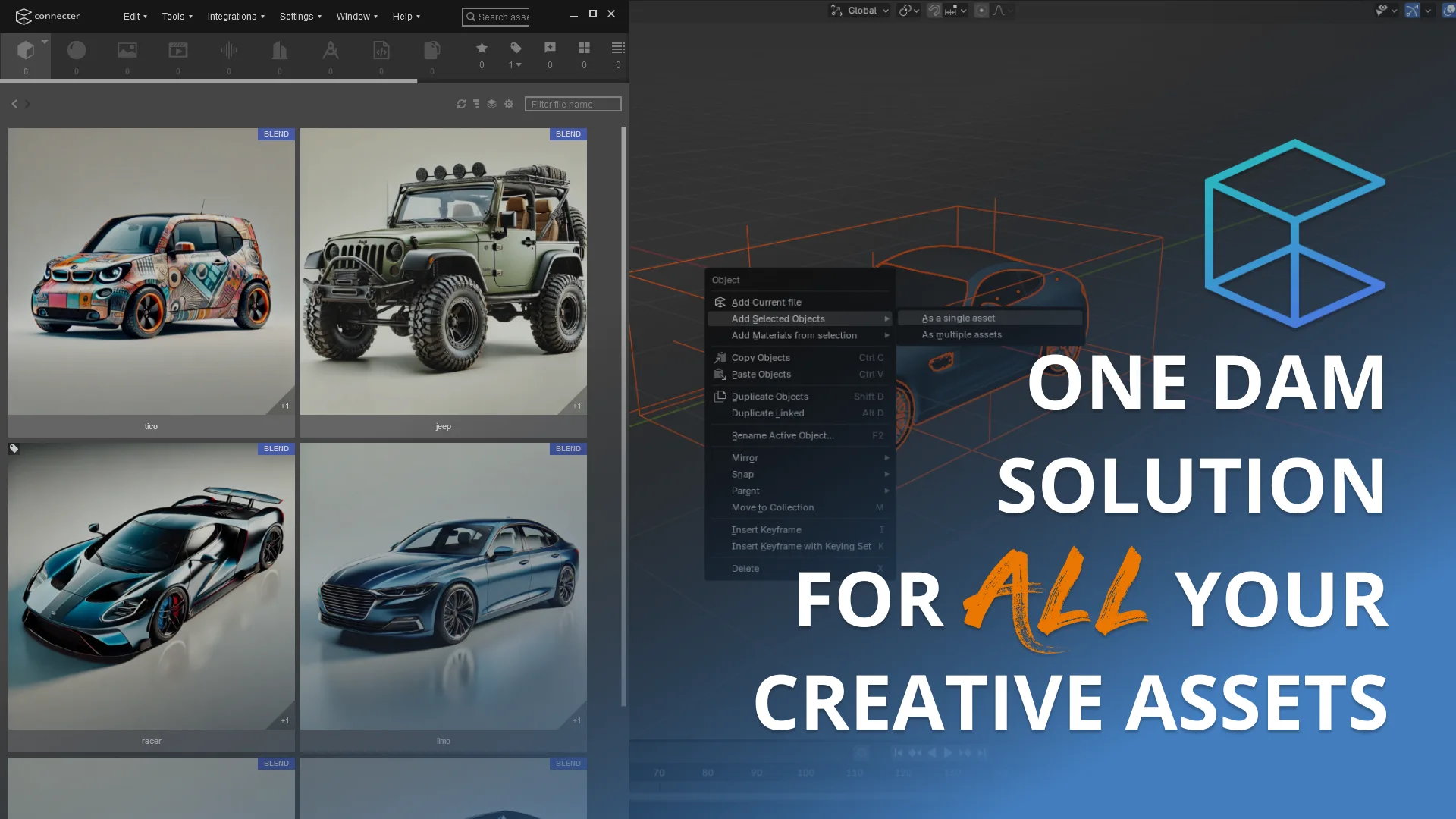
Connecter is a Blender add-on that links Blender to DesignConnected’s standalone digital asset management application. It lets you bring .blend objects, materials and collections into a scene, then save Blender assets back to the Connecter library. The Blender Extensions listing identifies DesignConnected as the maintainer and lists version 0.6.20 with Blender 4.2.0 as the minimum version.
Place .blend assets in a scene
Drag a .blend asset from Connecter into Blender’s viewport to access Link & Place and Append & Place. These actions can place objects with their materials, apply a material from an asset to an existing object, or place a collection. The Connecter-specific placement options are documented for .blend assets; they do not provide the same workflow for .FBX or .OBJ files. See the Connecter feature overview for the listed operations.
Save assets from Blender
You can save a collection from Blender’s Outliner as a .blend file, specify its name and filter by object type. Add Current File saves assets from the open project, while selected objects can be saved as separate or grouped files. Materials can also be saved with previews to create a gallery in Connecter. The preview workflow uses Cycles or EEVEE, with Cycles.blend and Eevee.blend files in the integration’s Thumbnails folder available for customization.
Features in version 0.6.20
Version 0.6.20 separates Object and Material libraries. Its Populate mode offers free, 45-degree and 90-degree rotation options, can align objects to surface normals, and packs external references inside the .blend asset.
Compatibility and licensing
The official extension record lists Blender 4.2.0 as the minimum version and Windows x64 and Windows ARM64 as the package platforms. It lists the add-on under GNU GPL-3.0-or-later and declares file permission for importing and exporting .blend files to disk. These details apply to the Blender extension. For the standalone application’s terms and platform details, check DesignConnected’s Connecter page.