Batch Rename Pro is a Blender add-on from Momentum Creative Technology Inc. It combines naming rules across Blender data and previews proposed changes before they are committed. The Superhive listing identifies it as a GPL add-on for Blender 4.4 to 5.1 on Windows 11 (64-bit).
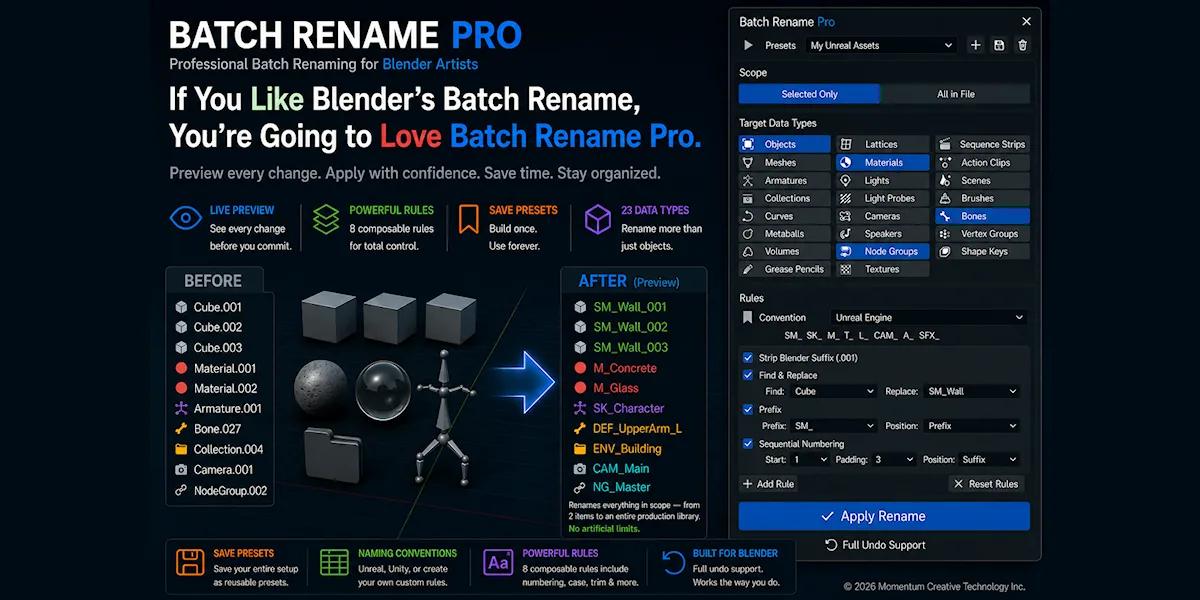
You can use it to clean up a few assets or apply a repeatable naming setup across a Blender file. Its supported data types include objects, collections, meshes, curves, materials, textures, node groups, armatures, bones (bone renaming requires an armature to be selected), vertex groups, shape keys, actions, cameras, lights, scenes and sequence strips.
Choose a scope and data types
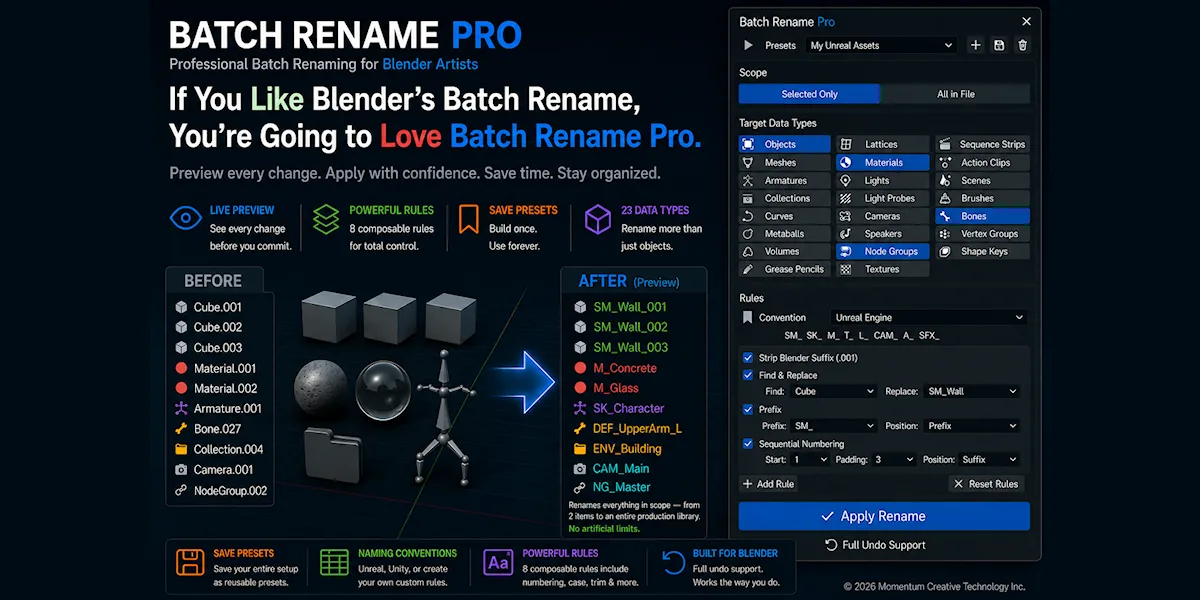
Batch Rename Pro has two scopes. Selected Only processes data associated with currently selected objects. All in File processes every supported data block of the chosen types throughout the Blender file. Enable the data types you want to affect, then choose one or more rename rules.
- Choose Selected Only or All in File.
- Enable the target data types and the rules to apply.
- Adjust rule settings and check the preview.
- Apply the changes when the proposed names look right.
Combine rules and save presets
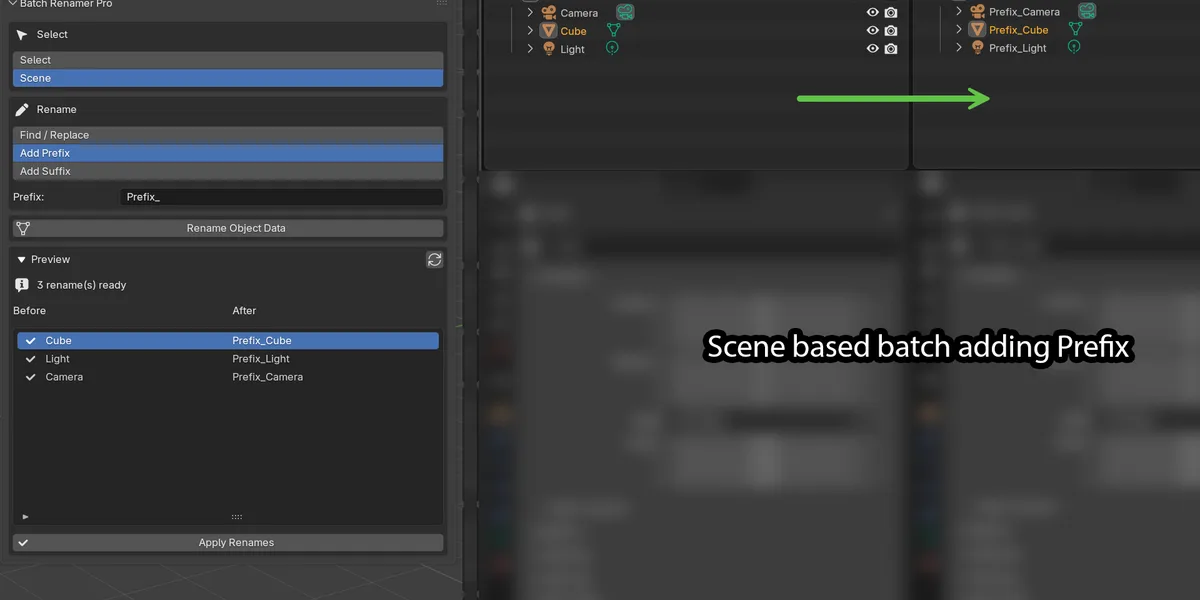
The rules include removing Blender duplicate suffixes, setting the entire name to a specified value, finding and replacing text, adding a prefix or suffix, trimming characters, changing case and adding sequential numbers. You can change the order of the rules, and the preview updates as you edit them. For example, removing a Blender suffix, adding the prefix SM_ and numbering can turn Cube.001 into SM_Cube_001.
Presets save rule settings, numbering configuration, scope and naming convention choices for later use. The add-on includes naming conventions for Unreal Engine and Unity. You can also define custom prefixes by data type, such as PROP_ for objects and MAT_ for materials. The product documentation describes how to configure rules and presets.
Review the preview and handle duplicate names
The preview shows each affected item’s original name, proposed name and rename status. Blender requires names within each data type to be unique. If a rename creates a duplicate, Blender appends a suffix when the change is applied; the preview shows the intended name before that suffix is added.
Each rename operation is one Blender undo step. Press Ctrl+Z to revert the operation. For a simple rename, Blender’s built-in Batch Rename may be enough; Batch Rename Pro adds reusable presets and rule combinations across more data types.