Optimesh Pro is a Blender add-on from DC Labs for preparing game assets. It brings mesh optimization, LOD generation, UV tools, texture baking, collider creation, asset analysis, and export presets into Blender. Its listed export targets include Unity, Unreal Engine, Godot 4, Sketchfab, and Fab.
Optimize meshes and generate LODs
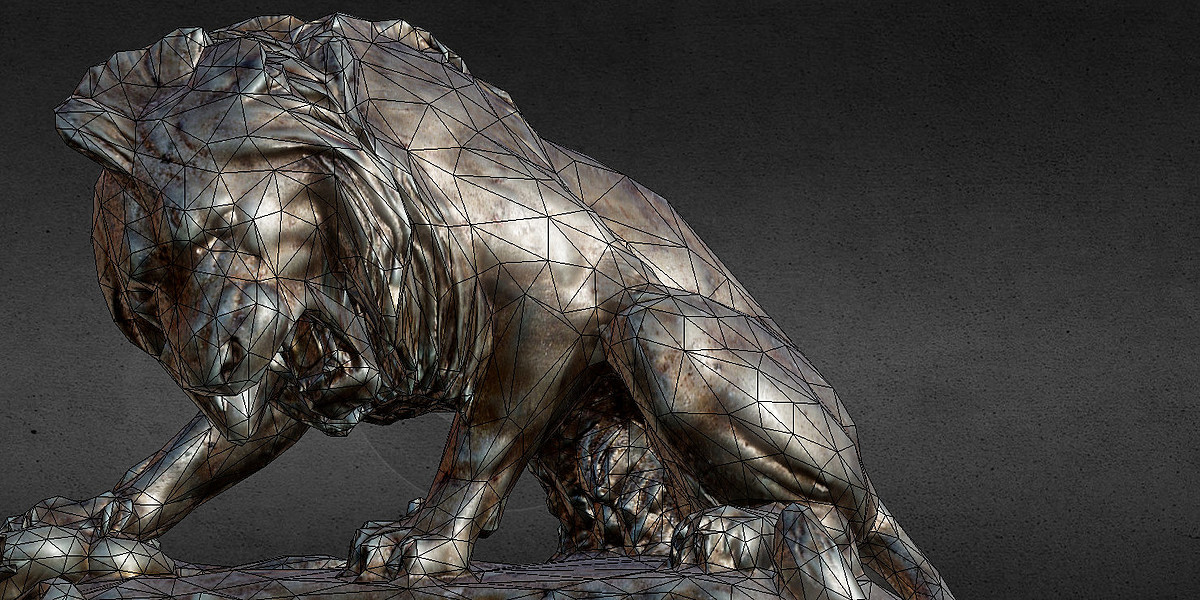
You can reduce geometry by decimation ratio or target polygon count, with options to preserve sharp edges and UV seams. Mobile, Indie, AA, and Hero presets provide named starting points for mesh optimization. A live poly budget monitor and before-and-after snapshots help you inspect changes.
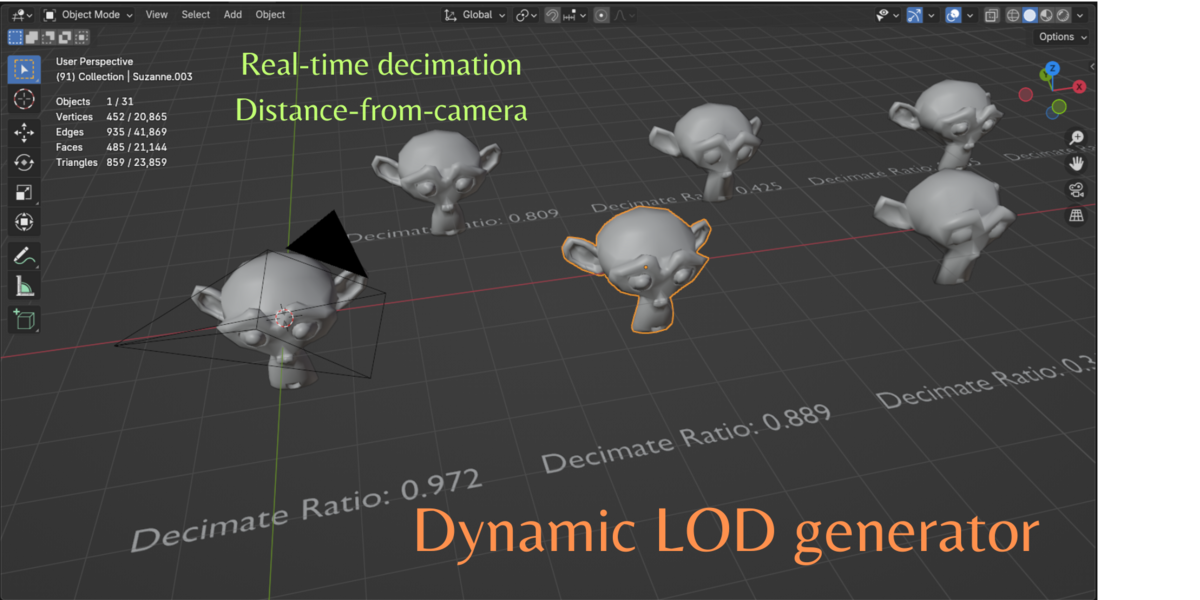
The LOD generator creates levels from LOD0 to LOD3 with configurable reduction ratios. It can organize generated meshes into collections, process objects in batches, and remove generated LODs when you want to rebuild them.
Clean geometry and prepare UVs
Mesh cleanup tools merge duplicate vertices, remove loose geometry, recalculate normals, triangulate meshes, apply modifiers, and purge orphan data. UV tools include Smart UV Project, lightmap UV generation, texel density analysis, and UV channel cleanup. These tools cover common preparation steps before baking or export.
Create colliders and bake textures
Optimesh Pro can generate box, convex hull, sphere, and capsule colliders. Collider generation includes automatic naming conventions for Unity and Unreal Engine. The texture baker supports Diffuse, Roughness, Normal, Ambient Occlusion, and Emission passes, with output resolutions of 512 px, 1K, 2K, and 4K. Cycles is required for texture baking.
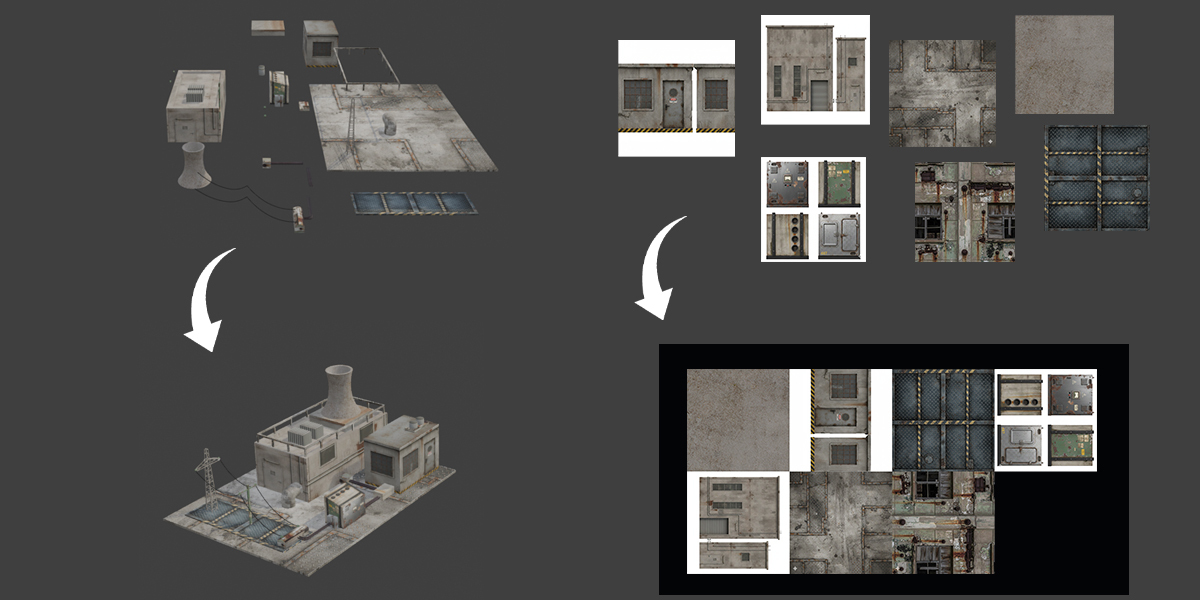
Texture utilities can resize oversized images, force power-of-two dimensions, audit texture sizes, and pack or unpack textures. These controls are useful when preparing assets for engine import or managing a larger Blender project.
Batch tools and export presets
Batch production features include renaming, find and replace, material consolidation, origin correction, and transform application. Export presets create FBX files for Unity and Unreal Engine, GLTF or GLB files for Godot 4, and GLB files for Sketchfab or Fab. Generic GLTF export supports embedded textures and Draco compression, and Export All handles all configured formats in one operation.
Marketplace media tools can render thumbnails and turntable animations. For asset review, the analysis panel reports polygon and triangle counts, vertices, UV channels, materials, and texture usage.
Compatibility and workflow notes
The product overview and FAQ state Blender 3.6 or newer, while the listing details panel shows Blender versions 4.4 to 5.0. Confirm compatibility with DC Labs for your Blender build before installing. The listing names Windows, macOS, and Linux as supported operating systems.
Optimization operations work directly on selected objects. Save a backup before major processing. For installation steps and the documented workflow, see the Optimesh Pro documentation and product listing.