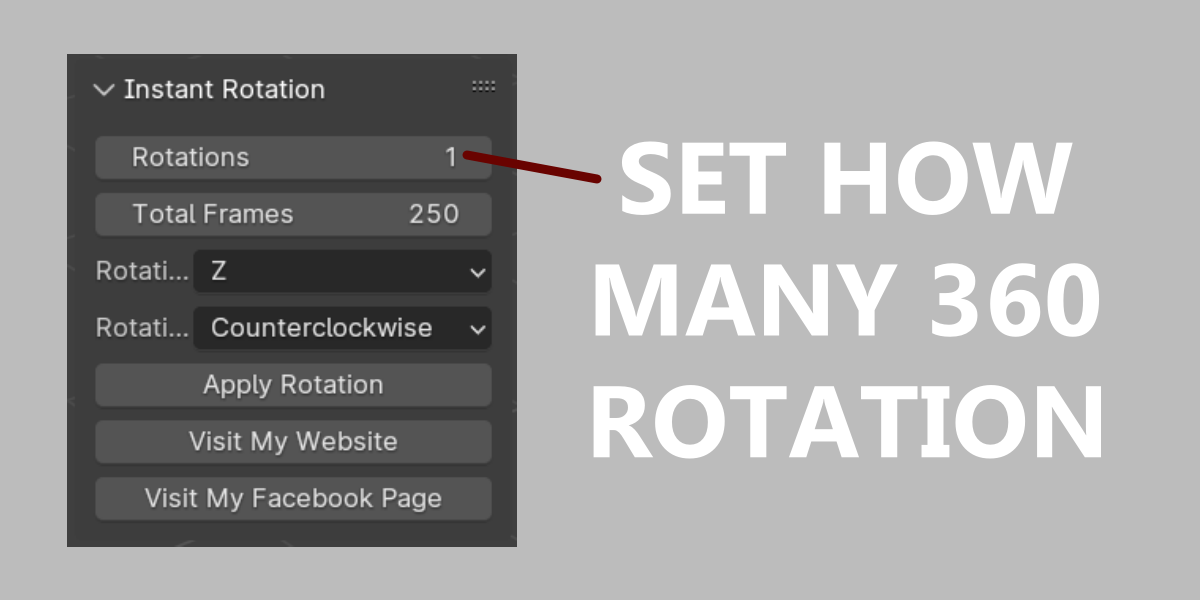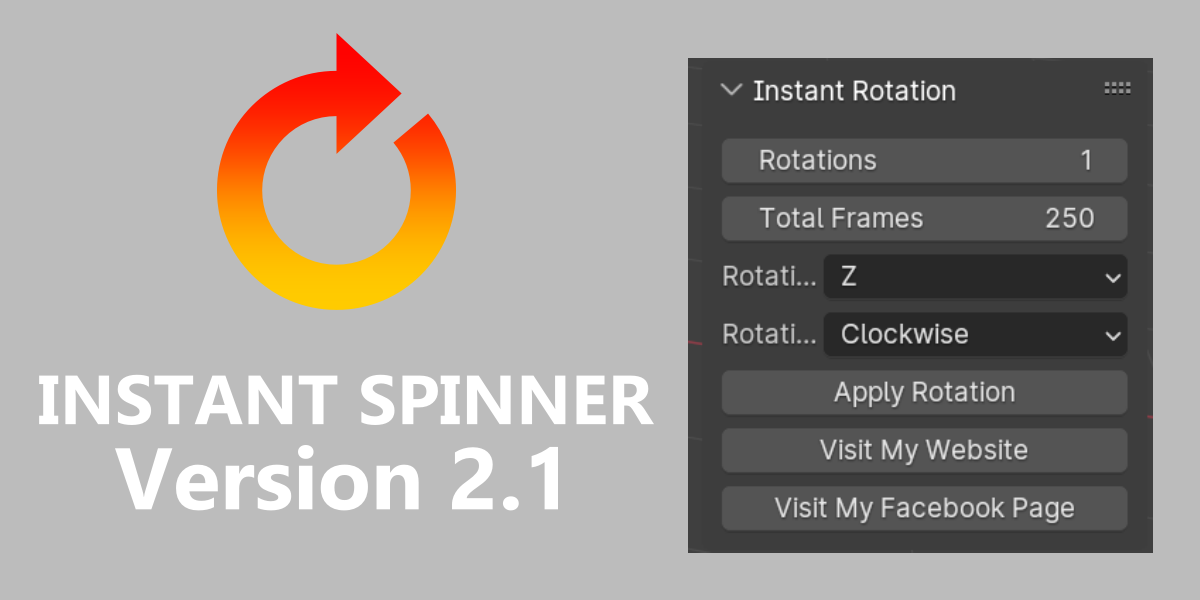
Instant Spinner Pro is a Blender add-on from KING ZEN STUDIOS for creating rotating animations on 3D meshes. Set the number of full rotations and the total frame range, then choose an axis and spin direction. The add-on creates keyframes with linear interpolation, so the rotation moves at a consistent speed across that range.
Set rotation, frames, and direction
The rotation control accepts one or more complete 360-degree turns. The frame setting determines how many frames the animation spans. With those values set, choose X, Y, or Z as the rotation axis. Version 1.2 also lets you choose clockwise or counterclockwise rotation.
For a product turntable, for example, you can set a full rotation across the chosen frame range. For a design review, you can choose an axis that makes the model easier to inspect.
Where the controls appear
The add-on’s controls are available in a panel in Blender’s 3D View. Its Add-ons Preferences panel provides additional settings and a button to visit the developer’s website.
Compatibility and license
The Superhive product listing identifies Instant Spinner Pro as version 1.2, lists Blender 4.0 and 4.1, and specifies an MIT license. If you use another Blender version, check the developer’s listing for current compatibility details.